ആമുഖം
The Ring Chime Pro is a versatile plug-in device designed to enhance your Ring home security system. It functions as a Wi-Fi extender for your Ring cameras and doorbells, a customizable chime for notifications, and a built-in nightlight, providing increased flexibility, convenience, and peace of mind.
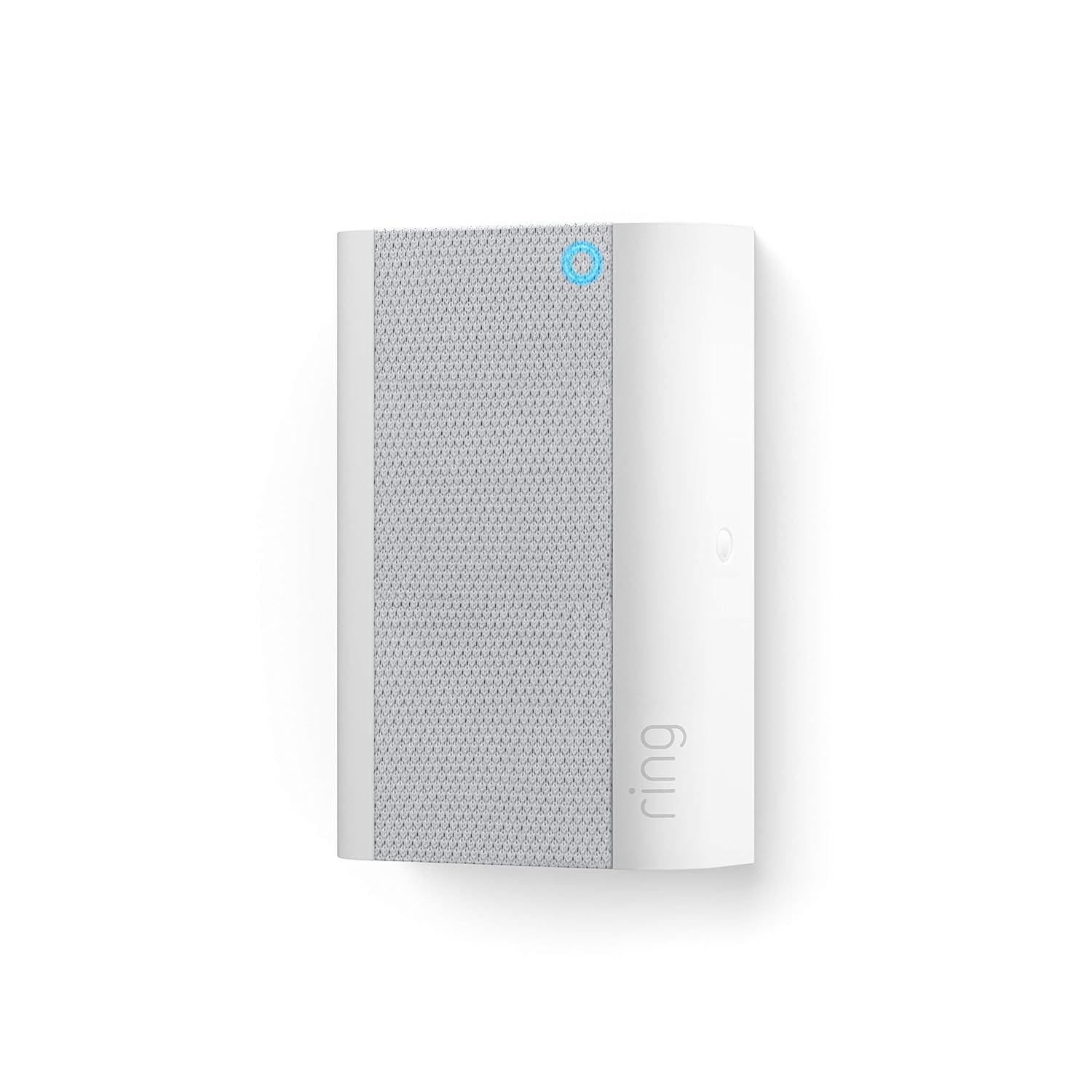
Image: The Ring Chime Pro plugged into a standard wall outlet, illustrating its primary function as a Wi-Fi amplifier for Ring devices.
പ്രധാന സവിശേഷതകൾ
- Wi-Fi എക്സ്റ്റെൻഡർ: Extends your Wi-Fi signal up to 2000 sq. ft to boost the network for all your Ring doorbells and cameras, ensuring reliable connectivity.
- തത്സമയ അറിയിപ്പുകൾ: Hear instant alerts when your connected cameras and doorbells detect motion, or when someone rings your doorbell.
- അന്തർനിർമ്മിത രാത്രി വെളിച്ചം: Features an integrated nightlight that automatically turns on, providing subtle illumination.
- Customizable Tones: Choose from a variety of chime tones and adjust the volume directly from the Ring app.
- എളുപ്പമുള്ള സജ്ജീകരണം: Simple plug-and-play installation with guided setup via the Ring app.
സജ്ജീകരണ ഗൈഡ്
- Plug In Your Chime Pro: Select a standard indoor electrical outlet that is centrally located between your Wi-Fi router and your Ring devices (doorbell/camera). Plug the Chime Pro into the outlet.
- റിംഗ് ആപ്പ് ഡൗൺലോഡ് ചെയ്യുക: If you haven't already, download the Ring app from your mobile device's app store (App Store for iOS, Google Play Store for Android).
- ആപ്പിൽ ഉപകരണം ചേർക്കുക: Open the Ring app, tap the menu icon (three lines) in the top left corner, and select "Set Up a Device."
- QR കോഡ് സ്കാൻ ചെയ്യുക: Follow the in-app instructions to scan the QR code located on your Chime Pro or its packaging.
- വൈഫൈയിലേക്ക് കണക്റ്റുചെയ്യുക: The app will guide you through connecting your Chime Pro to your home Wi-Fi network (2.4 GHz or 5.0 GHz).
- Link Ring Devices: Once connected, the app will prompt you to link your existing Ring doorbells and cameras to the Chime Pro's extended network. This will improve their signal strength.

Image: A smartphone screen showing the Ring app, demonstrating how users can control the Chime Pro's settings.
Operating Your Chime Pro
The Ring Chime Pro operates primarily through the Ring app, allowing you to customize its functions.
- Chime Tones: In the Ring app, navigate to your Chime Pro settings. You can select from various chime tones for doorbell presses and motion alerts.
- വോളിയം നിയന്ത്രണം: Adjust the volume of the chime alerts to your preferred level within the app.
- Snooze Alerts: Temporarily disable alerts for a set period directly from the Ring app, useful during quiet times.
- നൈറ്റ്ലൈറ്റ് നിയന്ത്രണം: The built-in nightlight can be configured to turn on automatically in low light conditions. Settings for the nightlight are available in the app.
- Wi-Fi നെറ്റ്വർക്ക് മാനേജ്മെൻ്റ്: The Chime Pro creates a dedicated network for your Ring devices. You can monitor the signal strength of your connected devices through the "Device Health" section in the Ring app.

Image: The Ring Chime Pro with its integrated nightlight active, providing ambient illumination.
മെയിൻ്റനൻസ്
The Ring Chime Pro requires minimal maintenance to ensure optimal performance.
- വൃത്തിയാക്കൽ: Periodically wipe the exterior of the device with a soft, dry cloth. Do not use liquid cleaners or abrasive materials.
- പ്ലേസ്മെൻ്റ്: Ensure the Chime Pro is plugged into a well-ventilated outlet and not obstructed by furniture or other objects that could impede air circulation.
- സോഫ്റ്റ്വെയർ അപ്ഡേറ്റുകൾ: Keep your Ring app updated to the latest version to ensure your Chime Pro receives necessary firmware updates automatically.
ട്രബിൾഷൂട്ടിംഗ്
| പ്രശ്നം | സാധ്യമായ പരിഹാരം |
|---|---|
| Chime Pro not connecting to Wi-Fi. |
|
| Ring devices still have poor signal. |
|
| No chime sound. |
|
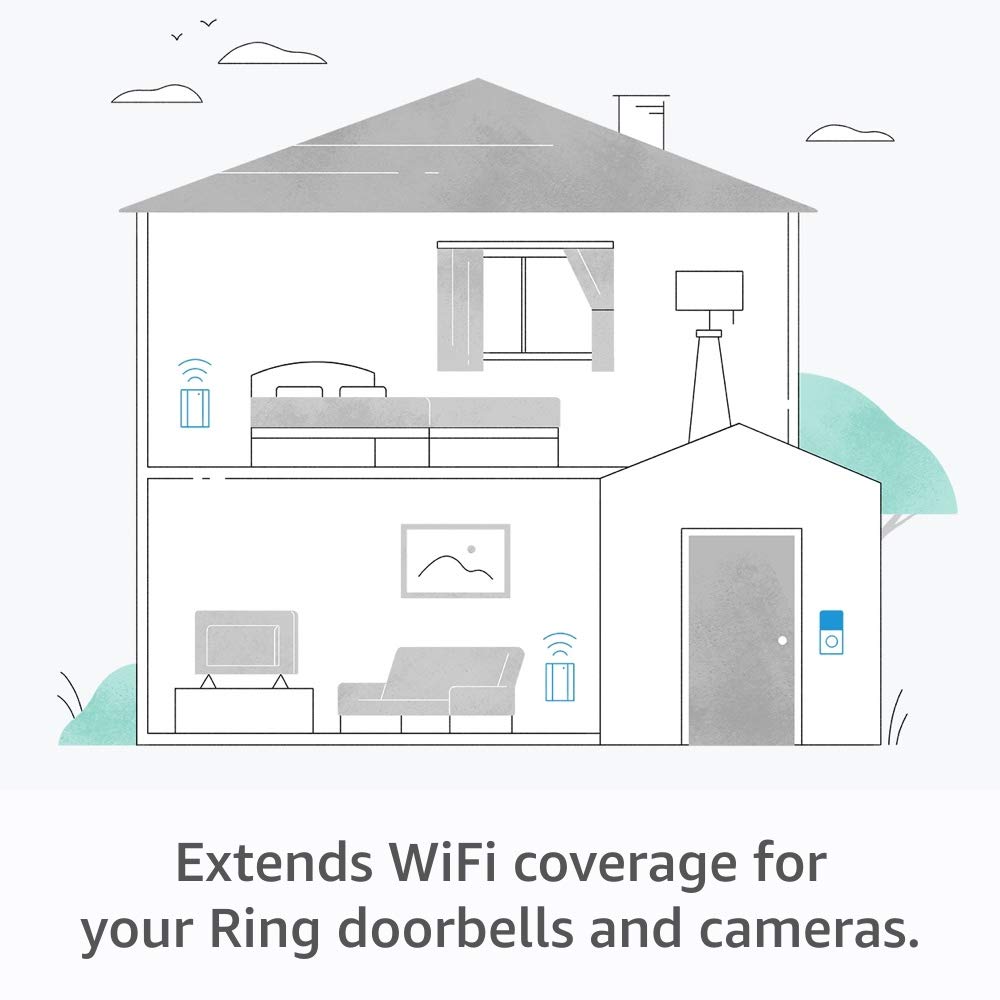
Image: An illustration depicting how the Ring Chime Pro extends Wi-Fi coverage throughout a home for Ring doorbells and cameras.
സ്പെസിഫിക്കേഷനുകൾ
- മോഡൽ: റിംഗ് ചൈം പ്രോ
- കണക്റ്റിവിറ്റി: 802.11 b/g/n Wi-Fi connection, 2.4 GHz or 5.0 GHz
- Wi-Fi Extension Range: Up to 2000 sq. ft (approximate, depends on environment)
- ശക്തി: Plugs into standard indoor electrical outlet
- ഫീച്ചറുകൾ: Wi-Fi extender, customizable chime, built-in nightlight
വാറൻ്റിയും പിന്തുണയും
For warranty information, technical support, or further assistance, please visit the official Ring support website or contact Ring customer service. Details can typically be found on the Ring website or within the Ring app's help section.
റിംഗ് സപ്പോർട്ട് Webസൈറ്റ്: support.ring.com


