ആമുഖം
This manual provides detailed instructions for the proper use and maintenance of your Hytera PNC550 Dual-SIM Rugged IP68 Push-to-Talk Smartphone. Please read this manual thoroughly before operating the device to ensure optimal performance and longevity. The Hytera PNC550 is designed for robust communication in challenging environments, featuring IP68 water and dust resistance and MIL-STD-810G durability.

സജ്ജമാക്കുക
1. പാക്കേജ് ഉള്ളടക്കം
തുടരുന്നതിന് മുമ്പ്, പാക്കേജിൽ എല്ലാ ഇനങ്ങളും ഉണ്ടെന്ന് ഉറപ്പാക്കുക:
- Hytera PNC550 Smartphone
- ബാറ്ററി
- USB കേബിൾ
- പവർ അഡാപ്റ്റർ
- ദ്രുത ആരംഭ ഗൈഡ്

2. സിം കാർഡും ബാറ്ററി ഇൻസ്റ്റാളേഷനും
The Hytera PNC550 supports Dual SIM cards. To install the SIM cards and battery:
- Locate the SIM card and battery compartment on the device. This is typically on the back, under a protective cover.
- സംരക്ഷണ കവർ ശ്രദ്ധാപൂർവ്വം തുറക്കുക.
- Insert your GSM SIM cards into the designated slots. Ensure the gold contacts face downwards and the notched corner aligns correctly.
- Insert the battery into its compartment, ensuring the contacts align with those on the phone.
- Close the protective cover securely to maintain the device's IP68 rating.
Note: This smartphone is compatible with GSM networks only. It will not work with CDMA networks (e.g., Verizon, Sprint, US Cellular).

3. പ്രാരംഭ ചാർജിംഗും പവർ ഓണും
Before first use, fully charge the device. Connect the USB cable to the phone and the power adapter, then plug it into a power outlet.
To power on the device, press and hold the Power button (usually on the side) until the Hytera logo appears on the screen.
പ്രവർത്തന നിർദ്ദേശങ്ങൾ
1. അടിസ്ഥാന നാവിഗേഷൻ
The PNC550 runs on Android 8.1. Navigate using the touchscreen and the standard Android navigation buttons (Back, Home, Recent Apps) located at the bottom of the screen.

2. പുഷ്-ടു-ടോക്ക് (PTT) പ്രവർത്തനം
The PNC550 is designed for Push-to-Talk (PTT) communication. The dedicated PTT button is typically located on the side of the device. Consult your network provider or PTT application guide for specific usage instructions related to your service.

3. ക്യാമറ ഉപയോഗം
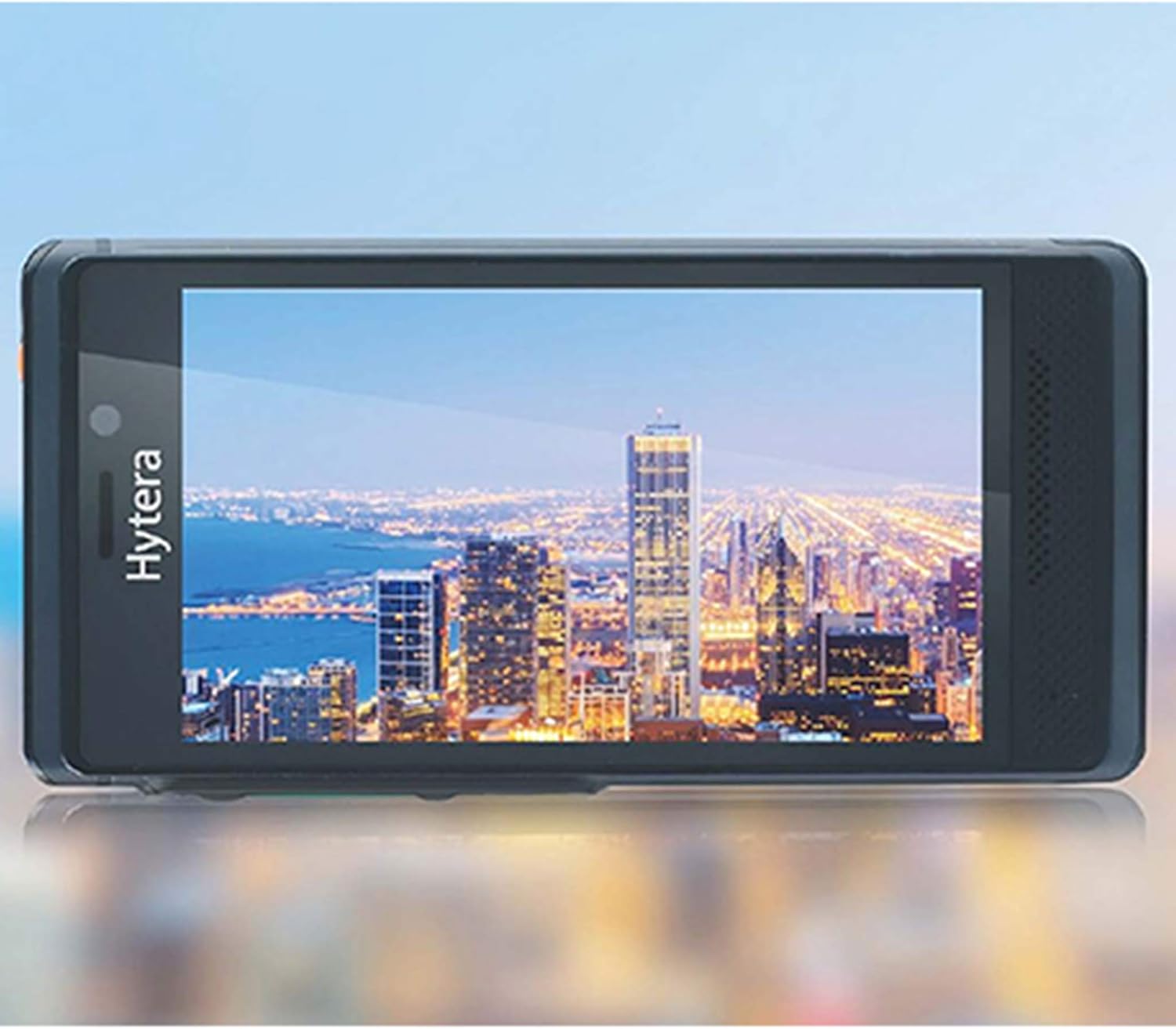
The device features a 13MP main camera and an 8MP front camera. Open the Camera application from the home screen or app drawer. Tap to focus, and press the shutter button to capture photos or videos.
4. കണക്റ്റിവിറ്റി
The PNC550 supports Wi-Fi and Bluetooth connectivity. Access these settings via the Quick Settings panel (swipe down from the top of the screen) or through the main Settings app.
- വൈഫൈ: ഇന്റർനെറ്റ് ആക്സസിനായി ലഭ്യമായ വൈഫൈ നെറ്റ്വർക്കുകളിലേക്ക് കണക്റ്റുചെയ്യുക.
- ബ്ലൂടൂത്ത്: Pair with Bluetooth headsets, speakers, or other compatible devices.
5. റഗ്ഗഡ് സവിശേഷതകൾ
The Hytera PNC550 is built to withstand harsh conditions:
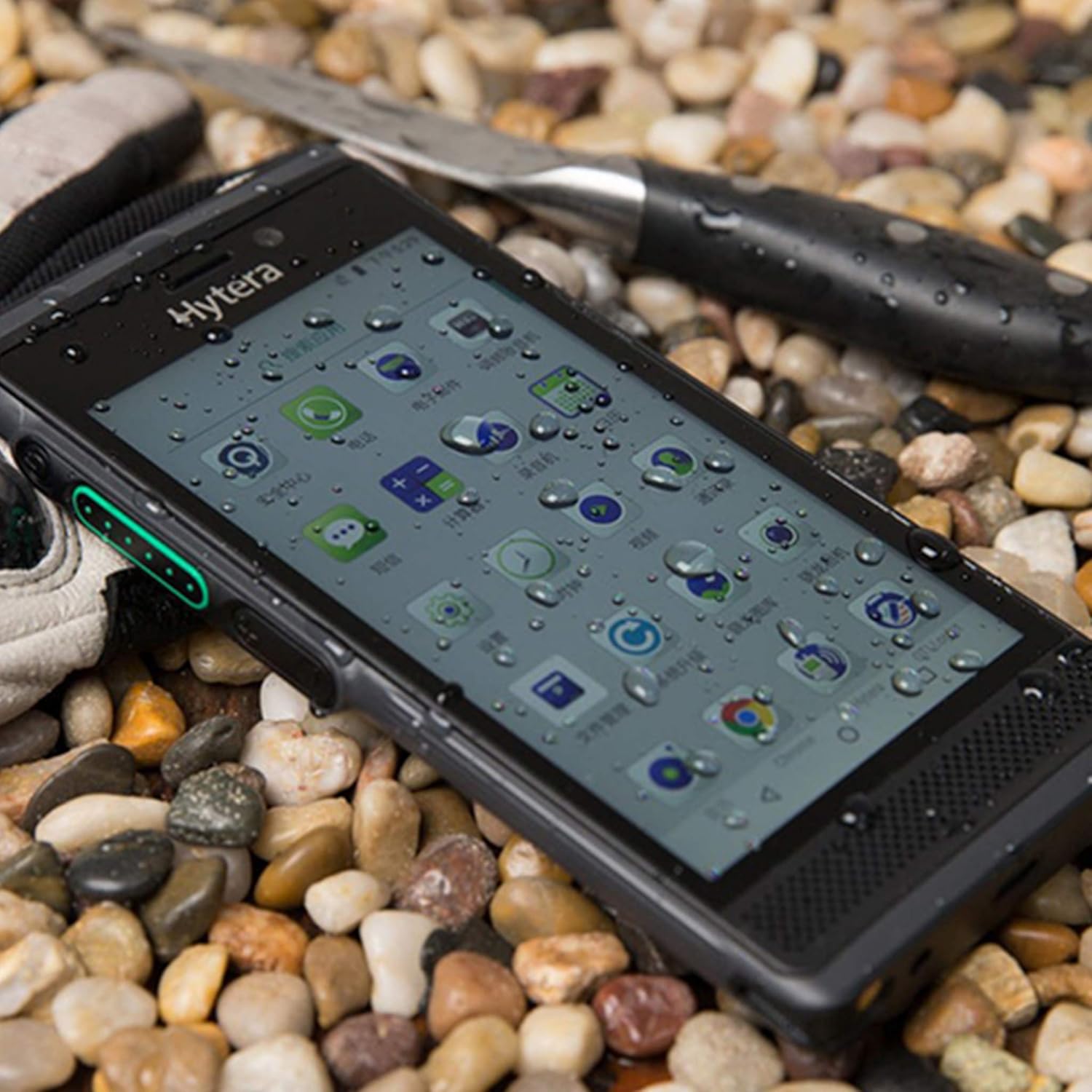
- IP68 റേറ്റിംഗ്: പൊടി കയറുന്നതിൽ നിന്നും 1.5 മീറ്റർ വരെ 30 മിനിറ്റ് വെള്ളത്തിൽ മുങ്ങുന്നതിൽ നിന്നും സംരക്ഷണം നൽകുന്നു.
- MIL-STD-810G: Complies with military standard for durability, including resistance to drops from 1.2 meters.
മെയിൻ്റനൻസ്
1. ഉപകരണം വൃത്തിയാക്കൽ
Use a soft, lint-free cloth to clean the screen and body of the device. For stubborn dirt, slightly dampതുണിയിൽ വെള്ളം ഒഴിക്കുക. കഠിനമായ രാസവസ്തുക്കളോ ഉരച്ചിലുകളോ ഉള്ള വസ്തുക്കൾ ഉപയോഗിക്കുന്നത് ഒഴിവാക്കുക.
2. ബാറ്ററി പരിചരണം
ബാറ്ററി ആയുസ്സ് വർദ്ധിപ്പിക്കാൻ:
- തീവ്രമായ താപനില ഒഴിവാക്കുക.
- ബാറ്ററി ഇടയ്ക്കിടെ പൂർണ്ണമായും ഡിസ്ചാർജ് ചെയ്യാൻ അനുവദിക്കരുത്.
- ഒറിജിനൽ ചാർജറും കേബിളും മാത്രം ഉപയോഗിക്കുക.
3. സോഫ്റ്റ്വെയർ അപ്ഡേറ്റുകൾ
മികച്ച പ്രകടനം, സുരക്ഷ, പുതിയ സവിശേഷതകളിലേക്കുള്ള ആക്സസ് എന്നിവ ഉറപ്പാക്കാൻ സോഫ്റ്റ്വെയർ അപ്ഡേറ്റുകൾ പതിവായി പരിശോധിച്ച് ഇൻസ്റ്റാൾ ചെയ്യുക. പോകുക ക്രമീകരണങ്ങൾ > സിസ്റ്റം > സിസ്റ്റം അപ്ഡേറ്റ് അപ്ഡേറ്റുകൾ പരിശോധിക്കാൻ.
ട്രബിൾഷൂട്ടിംഗ്
1. ഉപകരണം ഓണാക്കുന്നില്ല
- ബാറ്ററി ശരിയായി ഇൻസ്റ്റാൾ ചെയ്തിട്ടുണ്ടെന്നും ചാർജ്ജ് ചെയ്തിട്ടുണ്ടെന്നും ഉറപ്പാക്കുക.
- Connect the device to the charger and wait a few minutes before attempting to power on again.
- If the issue persists, perform a forced restart by holding the Power button for 10-15 seconds.
2. നെറ്റ്വർക്ക് കണക്റ്റിവിറ്റി പ്രശ്നങ്ങൾ
- Check if your SIM card is correctly inserted.
- Verify that you are within a GSM network coverage area.
- ഉപകരണം പുനരാരംഭിക്കുക.
- പോകുക ക്രമീകരണം > നെറ്റ്വർക്കും ഇന്റർനെറ്റും > മൊബൈൽ നെറ്റ്വർക്ക് മൊബൈൽ ഡാറ്റ പ്രവർത്തനക്ഷമമാക്കിയിട്ടുണ്ടെന്ന് ഉറപ്പാക്കുക.
3. ആപ്പുകൾ ക്രാഷാകുകയോ മരവിപ്പിക്കുകയോ ചെയ്യുന്നു
- ആപ്പ് അടച്ച് വീണ്ടും തുറക്കുക.
- ആപ്പിന്റെ കാഷെയും ഡാറ്റയും മായ്ക്കുക (Settings > Apps & notifications > [App Name] > Storage & cache).
- ആപ്പ് അതിന്റെ ഏറ്റവും പുതിയ പതിപ്പിലേക്ക് അപ്ഡേറ്റ് ചെയ്തിട്ടുണ്ടെന്ന് ഉറപ്പാക്കുക.
- If the problem persists, consider uninstalling and reinstalling the app.
4. ചാർജിംഗ് പ്രശ്നങ്ങൾ
- Ensure the charging cable and adapter are securely connected.
- മറ്റൊരു പവർ ഔട്ട്ലെറ്റ് ഉപയോഗിക്കാൻ ശ്രമിക്കുക.
- ഏതെങ്കിലും അവശിഷ്ടങ്ങളോ കേടുപാടുകളോ ഉണ്ടോയെന്ന് ചാർജിംഗ് പോർട്ട് പരിശോധിക്കുക.
- Use only the original Hytera charger and cable.
സ്പെസിഫിക്കേഷനുകൾ
| ഫീച്ചർ | വിശദാംശങ്ങൾ |
|---|---|
| മോഡൽ | Hytera PNC550 |
| ഓപ്പറേറ്റിംഗ് സിസ്റ്റം | ആൻഡ്രോയിഡ് 8.1 |
| പ്രോസസ്സർ | 1.8 GHz Qualcomm |
| റാം | 3 ജിബി |
| ആന്തരിക സംഭരണം | 32 ജിബി |
| വികസിപ്പിക്കാവുന്ന സംഭരണം | 64 ജിബി വരെ മൈക്രോ എസ്ഡി |
| പ്രദർശിപ്പിക്കുക | 5-inch (13 cm) Multi-capacitive touch, 1080 x 720 pixels, Gorilla Glass |
| പ്രധാന ക്യാമറ | 13 എം.പി |
| മുൻ ക്യാമറ | 8 എം.പി |
| ബാറ്ററി ശേഷി | 4000 mAh |
| സിം പിന്തുണ | Dual SIM (GSM Only) |
| നെറ്റ്വർക്ക് അനുയോജ്യത | 2G GSM, 3G WCDMA, 4G FDD-LTE, 4G TD-LTE |
| ഈട് | IP68, MIL-STD-810G, 1.2m drop resistance |
| കണക്റ്റിവിറ്റി | ബ്ലൂടൂത്ത്, വൈഫൈ |
| ഇനത്തിൻ്റെ ഭാരം | 249.48 ഗ്രാം |
വാറൻ്റിയും പിന്തുണയും
The Hytera PNC550 comes with a standard manufacturer's warranty. Please refer to the warranty card included in your product packaging or visit the official Hytera webനിങ്ങളുടെ പ്രദേശത്തിന് പ്രത്യേകമായുള്ള വിശദമായ വാറന്റി നിബന്ധനകൾക്കും വ്യവസ്ഥകൾക്കും സൈറ്റ് സന്ദർശിക്കുക.
For technical support, troubleshooting assistance beyond this manual, or warranty claims, please contact your authorized Hytera dealer or Hytera customer service. Contact information can typically be found on the Hytera official webസൈറ്റ് അല്ലെങ്കിൽ നിങ്ങളുടെ ഉൽപ്പന്ന ഡോക്യുമെന്റേഷനിൽ.
പൊതുവായ അന്വേഷണങ്ങൾക്ക്, നിങ്ങൾക്ക് സന്ദർശിക്കാവുന്നതാണ് Hytera official webസൈറ്റ്.


