BSIMB Smart WiFi Digital Picture Frame User Manual
മോഡൽ: W10DB | ബ്രാൻഡ്: ബിസിംബ്
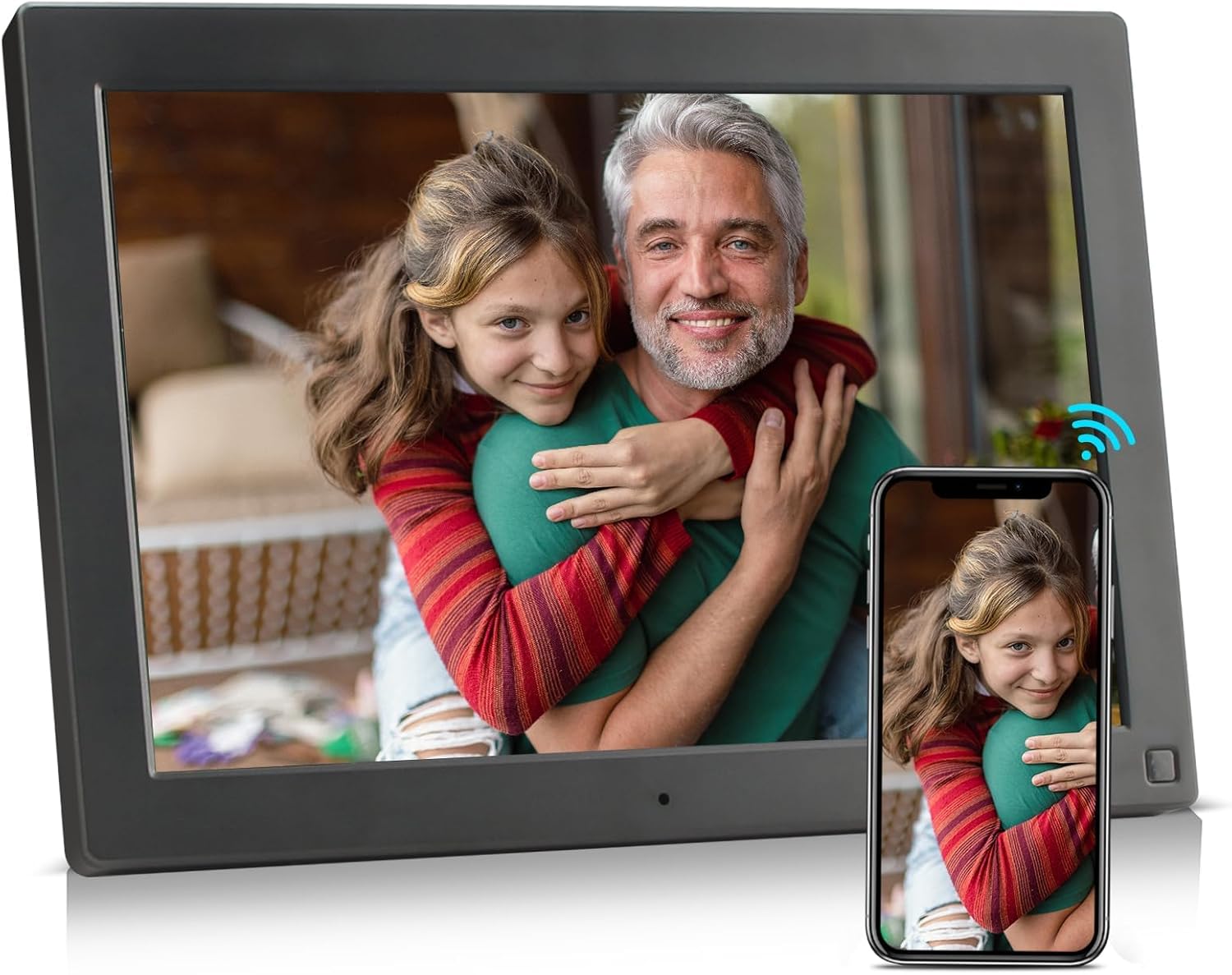
Image: The BSIMB Smart WiFi Digital Picture Frame, a 10.1-inch device with a wood-effect finish, showcasing a family photo. A smartphone next to it illustrates the wireless sharing capability.
1. ആമുഖം
This manual provides instructions for the setup, operation, and maintenance of your BSIMB Smart WiFi Digital Picture Frame. This device allows you to instantly share photos and videos with loved ones via Wi-Fi, email, and a dedicated app. It features a 10.1-inch HD IPS touch screen and an auto-rotate function for versatile display options.
2. ഉൽപ്പന്നം കഴിഞ്ഞുview
2.1 ഘടകങ്ങൾ
- 10.1-inch HD IPS Touch Screen Display
- Adjustable Back Stand
- പവർ പോർട്ട്
- USB പോർട്ട്
- മൈക്രോ എസ്ഡി കാർഡ് സ്ലോട്ട്
- പവർ ബട്ടൺ
2.2 പ്രധാന സവിശേഷതകൾ
- 10.1 Inch HD IPS Display: Provides clear and vibrant image quality with a resolution of 1280x800.
- ടച്ച് സ്ക്രീൻ ഇന്റർഫേസ്: Enables easy navigation and settings adjustment.
- വൈഫൈ കണക്റ്റിവിറ്റി: Allows for instant sharing of photos and videos from anywhere.
- ഓട്ടോ-റൊട്ടേറ്റ് ഫംഗ്ഷൻ: Automatically adjusts photo orientation for landscape or portrait display.
- മൾട്ടി-ഫങ്ഷണാലിറ്റി: Includes clock, calendar, scheduled power on/off, and picture zoom.
- ക്രമീകരിക്കാവുന്ന സ്റ്റാൻഡ്: The freely bendable back stand allows for various viewകോണുകൾ.

Image: The digital picture frame showcasing a high-resolution image, with specifications like 10.1-inch size and 1280x800 resolution overlaid.

Image: A diagram illustrating the adjustable back stand of the digital picture frame, demonstrating its flexibility to achieve various viewകോണുകൾ.
3. ബോക്സിൽ എന്താണുള്ളത്?
അൺബോക്സിംഗ് ചെയ്യുമ്പോൾ പാക്കേജ് ഉള്ളടക്കങ്ങൾ പരിശോധിക്കുക:
- BSIMB Smart WiFi Digital Picture Frame
- പവർ അഡാപ്റ്റർ
- ഉപയോക്തൃ മാനുവൽ (ഈ പ്രമാണം)
4. സജ്ജീകരണം
Follow these steps to set up your digital picture frame:
- പവർ ഓൺ: Connect the power adapter to the frame's power port and plug it into an electrical outlet. The frame will automatically power on.
- പ്രാരംഭ സജ്ജീകരണം: നിങ്ങളുടെ ഭാഷ, സമയ മേഖല എന്നിവ തിരഞ്ഞെടുത്ത് നിങ്ങളുടെ വൈഫൈ നെറ്റ്വർക്കിലേക്ക് കണക്റ്റുചെയ്യാൻ ഓൺ-സ്ക്രീൻ നിർദ്ദേശങ്ങൾ പാലിക്കുക.
- ആപ്പ് ഡൗൺലോഡ് ചെയ്യുക: Download the dedicated BSIMB app on your smartphone from your device's app store.
- Pair the Frame: Open the app and create an account. Scan the QR code displayed on your frame's screen to pair your device with the app. This unique frame ID ensures secure connection.

Image: A visual guide detailing the three simple steps to begin using the digital picture frame, from app download to content upload.
5. പ്രവർത്തന നിർദ്ദേശങ്ങൾ
5.1 ഫോട്ടോകളും വീഡിയോകളും പങ്കിടൽ
You can share media to your frame using the following methods:
- ആപ്പ് വഴി: Use the BSIMB app on your smartphone to select and send photos or videos directly to your frame.
- ഇമെയിൽ വഴി: Send photos or videos as attachments to the unique email address assigned to your frame.
- Via USB Drive/Micro SD Card: Insert a USB drive or Micro SD card (up to 32GB, not included) into the designated slot to transfer media directly to the frame's internal storage.
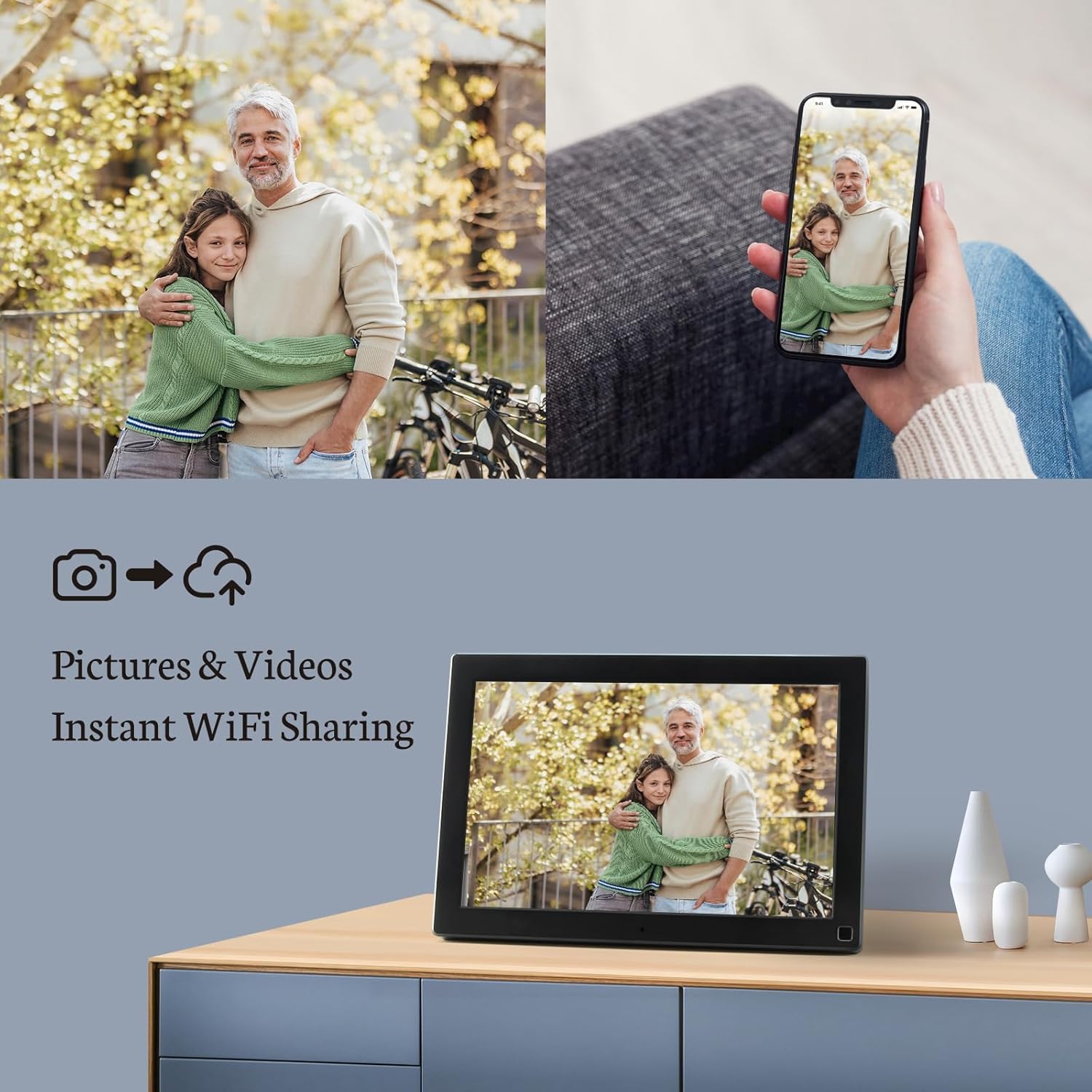
Image: The digital picture frame on a surface, with a smartphone nearby, illustrating the process of instantly sharing photos and videos wirelessly.

Image: A visual representation of how photos can be shared securely and privately to the frame from a smartphone, email, or PC, all connected via Wi-Fi.
5.2 ടച്ച് സ്ക്രീൻ നാവിഗേഷൻ
The frame's touch screen allows for intuitive control:
- സ്വൈപ്പ്: Swipe left or right to navigate through photos and videos.
- ടാപ്പ് ചെയ്യുക: Tap on the screen to access menus, settings, or pause/play media.
- പിഞ്ച്-ടു-സൂം: ഫോട്ടോകളിൽ സൂം ഇൻ അല്ലെങ്കിൽ സൂം ഔട്ട് ചെയ്യാൻ രണ്ട് വിരലുകൾ ഉപയോഗിക്കുക.
5.3 Settings and Features
Access the settings menu to customize your frame:
- സ്വയമേവ തിരിക്കുക: The frame automatically adjusts the orientation of photos to fit the screen, whether in landscape or portrait mode.
- തെളിച്ചം: Adjust the display brightness to suit your environment.
- സ്ലീപ്പ് മോഡ്: Schedule specific times for the frame to turn off and on automatically to save energy.
- പശ്ചാത്തല സംഗീതം: Enable background music playback while photos are displayed.
- ക്ലോക്കും കലണ്ടറും: നിലവിലെ സമയവും തീയതിയും പ്രദർശിപ്പിക്കുക.
- Picture Zoom: Utilize the zoom function for detailed viewചിത്രങ്ങളുടെ ing.

Image: Multiple digital picture frames arranged in a home, showcasing their ability to be placed in both landscape and portrait orientations, either free-standing or wall-mounted.
6. പരിപാലനം
നിങ്ങളുടെ ഡിജിറ്റൽ ചിത്ര ഫ്രെയിമിന്റെ ദീർഘായുസ്സും മികച്ച പ്രകടനവും ഉറപ്പാക്കാൻ, ഈ പരിപാലന മാർഗ്ഗനിർദ്ദേശങ്ങൾ പാലിക്കുക:
- സ്ക്രീൻ വൃത്തിയാക്കൽ: മൃദുവായ, ലിന്റ് രഹിത തുണി ഉപയോഗിച്ച് സ്ക്രീൻ സൌമ്യമായി തുടയ്ക്കുക. കഠിനമായ പാടുകൾക്ക്, ചെറുതായി dampതുണിയിൽ വെള്ളം അല്ലെങ്കിൽ ഇലക്ട്രോണിക് ഉപകരണങ്ങൾക്കായി പ്രത്യേകം രൂപകൽപ്പന ചെയ്ത സ്ക്രീൻ-ക്ലീനിംഗ് ലായനി ഉപയോഗിക്കുക. കഠിനമായ രാസവസ്തുക്കളോ ഉരച്ചിലുകളോ ഉള്ള വസ്തുക്കൾ ഒഴിവാക്കുക.
- പൊതു പരിചരണം: Keep the frame away from direct sunlight, extreme temperatures, and high humidity. Do not expose the device to water or other liquids.
- പൊടി നീക്കം: Use a soft brush or compressed air to remove dust from the frame's vents and ports.
7. പ്രശ്നപരിഹാരം
If you encounter issues with your BSIMB Smart WiFi Digital Picture Frame, refer to the following common problems and solutions:
- ഫ്രെയിം പവർ ചെയ്യുന്നില്ല:
Ensure the power adapter is securely connected to both the frame and a working electrical outlet. Try a different outlet if necessary. - Wi-Fi-ലേക്ക് കണക്റ്റുചെയ്യാൻ കഴിയില്ല:
Verify that your Wi-Fi network is active and within range. Double-check the Wi-Fi password. Restart your router and the digital frame. Ensure the frame is not too far from the router. - ദൃശ്യമാകാത്ത ഫോട്ടോകൾ:
Confirm that photos have been successfully uploaded via the app, email, or USB/SD card. Check the frame's internal storage or the connected external media. Ensure the file formats are supported (JPEG, PNG for images; MP4 for videos). - ടച്ച് സ്ക്രീൻ പ്രതികരിക്കുന്നില്ല:
Restart the frame by holding down the power button. Ensure the screen is clean and free of debris. - ഓട്ടോ-റൊട്ടേറ്റ് പ്രവർത്തിക്കുന്നില്ല:
Check the settings menu to ensure the auto-rotate function is enabled.
പ്രശ്നം നിലനിൽക്കുകയാണെങ്കിൽ, ദയവായി ഉപഭോക്തൃ പിന്തുണയുമായി ബന്ധപ്പെടുക.
8 സ്പെസിഫിക്കേഷനുകൾ
| ഫീച്ചർ | വിശദാംശങ്ങൾ |
|---|---|
| മോഡൽ നമ്പർ | W10DB |
| സ്ക്രീൻ വലിപ്പം | 10.1 ഇഞ്ച് |
| ഡിസ്പ്ലേ തരം | IPS Full HD Touch Screen |
| റെസലൂഷൻ | 1280x800 HD |
| ആന്തരിക സംഭരണം | 16 ജിബി |
| കണക്റ്റിവിറ്റി | വൈഫൈ |
| അനുയോജ്യമായ ഉപകരണങ്ങൾ | സ്മാർട്ട്ഫോൺ |
| നിറം | Wood Pattern |
| ഉൽപ്പന്ന അളവുകൾ | 11.26 x 8.03 x 0.99 ഇഞ്ച് |
| ഇനത്തിൻ്റെ ഭാരം | 2.38 പൗണ്ട് |
9. വാറൻ്റിയും പിന്തുണയും
Your BSIMB Smart WiFi Digital Picture Frame comes with comprehensive support:
- വാറൻ്റി: The product includes a 12-month replacement warranty from the date of purchase.
- ആജീവനാന്ത പിന്തുണ: BSIMB provides lifetime technical support for this product.
- സ്വകാര്യത: The free app utilizes Secure Device Grid technology to ensure your photos are saved locally on the frame and are not stored or accessed by the app itself.
For technical assistance or warranty claims, please refer to the contact information provided with your purchase documentation or visit the official BSIMB support webസൈറ്റ്.

Image: The digital picture frame presented with a gift-ready package, highlighting features such as privacy, lifetime support, and user-friendliness for seniors.


