1. ആമുഖം
This user manual provides detailed instructions for the installation, configuration, and operation of your Denver SHA-150 Smart Alarm System. This system is designed to enhance the security of your home or property with its comprehensive set of devices and smart features.
The Denver SHA-150 kit offers flexible options to customize your security setup. It supports integration with smart home platforms like Alexa and Google Assistant for convenient control. The dedicated Denver application for iOS and Android allows for remote access, monitoring, and management of your system, including access to video camera feeds if integrated. In emergency situations, the system features a robust notification system capable of sending emergency SMS messages or making calls to up to five pre-configured recipients.
2. ഉൽപ്പന്നം കഴിഞ്ഞുview ഘടകങ്ങളും
The Denver SHA-150 Smart Alarm System typically includes the following components:
- Main Control Panel (Hub)
- പിഐആർ മോഷൻ സെൻസർ
- Door/Window Contact Sensor
- കീപാഡ്
- റിമോട്ട് കൺട്രോൾ
- Power Adapter for Hub

ചിത്രം 2.1: ഓവർview of the Denver SHA-150 Smart Alarm System components.

ചിത്രം 2.2: മുൻഭാഗം view of the system keypad.
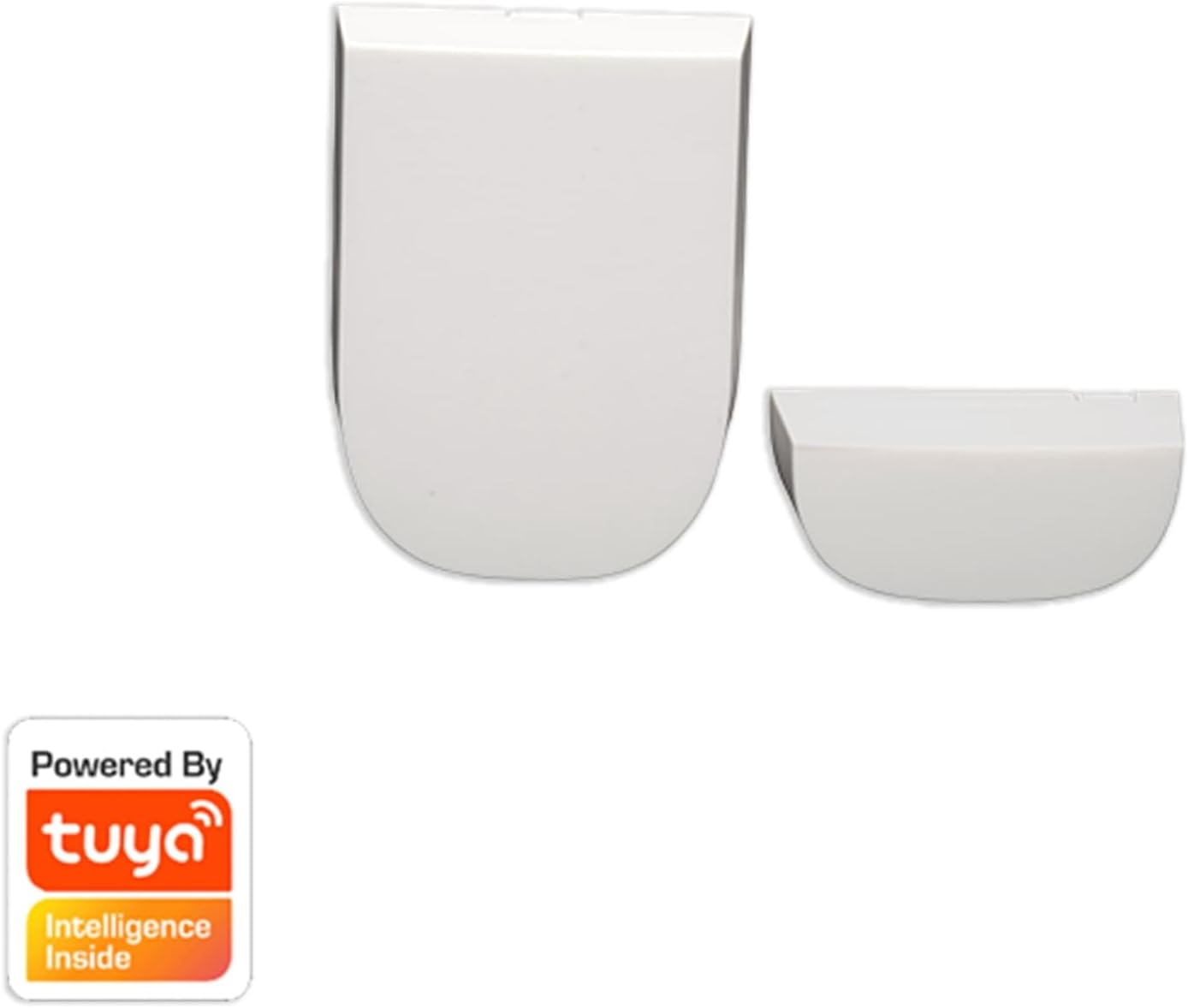
Figure 2.3: Door/Window Contact Sensor.

Figure 2.4: Remote Control for the alarm system.
3. സജ്ജീകരണ നിർദ്ദേശങ്ങൾ
- അൺബോക്സിംഗും പ്രാരംഭ പരിശോധനയും: Carefully unpack all components and verify that all items listed in the product overview നിലവിലുള്ളതും കേടുപാടുകളില്ലാത്തതുമാണ്.
- Powering the Main Control Panel: Connect the main control panel (hub) to a power outlet using the provided power adapter. Ensure it powers on correctly.
- ബാറ്ററി ഇൻസ്റ്റാളേഷൻ: Install the included AA batteries into the PIR motion sensor, keypad, and remote control as per their individual instructions. Refer to Figure 3.1 for an example of a sensor's battery compartment.

ചിത്രം 3.1: പിൻഭാഗം view of a PIR motion sensor, indicating battery placement.
- Download the Denver App: Download the official Denver application from the App Store (iOS) or Google Play Store (Android) on your smartphone or tablet.
- Account Creation and Hub Pairing: Open the app, create an account, and follow the on-screen instructions to pair your main control panel with the app. This typically involves scanning a QR code or entering a device ID.
- Adding Sensors and Accessories: Once the hub is paired, use the app to add each sensor (motion, door/window) and accessory (keypad, remote control) to the system. Follow the app's prompts for pairing each device.
- സെൻസറുകളുടെ സ്ഥാനം:
- മോഷൻ സെൻസറുകൾ: Install in corners of rooms, ensuring a clear line of sight to cover entry points and high-traffic areas. Avoid placing near heat sources or direct sunlight.
- വാതിൽ/ജനൽ സെൻസറുകൾ: Mount the two parts of the sensor on the door/window frame and the moving part of the door/window, ensuring they are aligned and within 1 cm of each other when closed.
- Smart Assistant Integration (Optional): If desired, integrate your system with Alexa or Google Assistant by following the instructions provided within the Denver app or your smart assistant's application.
4. പ്രവർത്തന നിർദ്ദേശങ്ങൾ
The Denver SHA-150 system can be operated via the mobile application, keypad, or remote control.
- സിസ്റ്റം ആയുധമാക്കുക:
- ആപ്പ് വഴി: Open the Denver app and select the "Arm" function.
- കീപാഡ് വഴി: Enter your security code and press the "Arm" button (often represented by a lock icon).
- റിമോട്ട് കൺട്രോൾ വഴി: Press the "Arm" button on the remote control.
A confirmation sound or light indicator will confirm the system is armed.
- സിസ്റ്റം നിരായുധമാക്കുന്നു:
- ആപ്പ് വഴി: Open the Denver app and select the "Disarm" function.
- കീപാഡ് വഴി: Enter your security code and press the "Disarm" button (often represented by an unlocked lock icon).
- റിമോട്ട് കൺട്രോൾ വഴി: Press the "Disarm" button on the remote control.
The system will provide a confirmation indicating it is disarmed.
- SOS പ്രവർത്തനം: In an emergency, press the "SOS" button on the keypad or remote control. This will immediately trigger the alarm and send emergency notifications to your pre-configured contacts.
- Emergency Notifications: When an alarm is triggered, the system will automatically send SMS messages or make calls to up to 5 designated phone numbers. Ensure these contacts are correctly configured in the Denver app.
- റിമോട്ട് മോണിറ്ററിംഗ്: Use the Denver app to monitor the status of your sensors, view event logs, and access any integrated video cameras remotely.
5. പരിപാലനം
- ബാറ്ററി മാറ്റിസ്ഥാപിക്കൽ:
Sensors and accessories (PIR motion sensor, keypad, remote control) are powered by AA batteries. The system will typically notify you via the app when battery levels are low. Replace batteries promptly to ensure continuous operation. Use high-quality alkaline batteries for optimal performance.
- വൃത്തിയാക്കൽ:
Wipe the surfaces of all components with a soft, dry cloth. Avoid using abrasive cleaners or solvents, which can damage the devices. Ensure sensors are free from dust and obstructions for accurate detection.
- സോഫ്റ്റ്വെയർ അപ്ഡേറ്റുകൾ:
Regularly check the Denver app for available firmware updates for your main control panel and other connected devices. Updates often include performance improvements and security enhancements. Follow the app's instructions for performing updates.
- സിസ്റ്റം ടെസ്റ്റിംഗ്:
Periodically test your alarm system to ensure all sensors are functioning correctly and emergency notifications are being sent. Inform your emergency contacts before conducting a test.
6. പ്രശ്നപരിഹാരം
- സിസ്റ്റം പ്രതികരിക്കുന്നില്ല:
Check if the main control panel is properly connected to power and its indicator lights are on. Verify your home's Wi-Fi connection if the hub relies on it for communication. Restart the main control panel by unplugging it for 30 seconds and then plugging it back in.
- Sensor Not Detecting:
Ensure the sensor's batteries are not depleted. Check for any physical obstructions blocking the sensor's field of view (for motion sensors) or preventing proper contact (for door/window sensors). Re-pair the sensor with the main control panel via the app if necessary.
- അറിയിപ്പുകൾ ലഭിച്ചിട്ടില്ല:
Verify that the emergency contact numbers are correctly entered in the Denver app. Check your phone's settings to ensure app notifications are enabled. Confirm that your main control panel has a stable network connection (Wi-Fi or cellular, depending on model capabilities).
- Keypad/Remote Not Working:
Replace the batteries in the keypad or remote control. Ensure they are within range of the main control panel. If issues persist, attempt to re-pair them with the system through the Denver app.
7 സ്പെസിഫിക്കേഷനുകൾ
| നിർമ്മാതാവ് | ഡെൻവർ |
| മോഡൽ നമ്പർ | SHA-150 |
| ഉൽപ്പന്ന അളവുകൾ (L x W x H) | 10.8 x 10.8 x 4 സെ.മീ |
| ഭാരം | 1.29 കിലോഗ്രാം |
| Batteries (for accessories) | 2 AA (ഉൾപ്പെടുന്നു) |
| നിറം | വെള്ള, കറുപ്പ് |
| Power Source (Hub) | എസി പവർ അഡാപ്റ്റർ |
| വാല്യംtage | 230 വോൾട്ട് (എസി) |
| ഇൻസ്റ്റലേഷൻ രീതി | DIY Wireless |
| അനുയോജ്യമായ ഉപകരണങ്ങൾ | സ്മാർട്ട്ഫോൺ, ടാബ്ലെറ്റ് |
| കണക്റ്റിവിറ്റി ടെക്നോളജി | വയർലെസ് |
| അലേർട്ട് തരം | ഓഡിയോ മാത്രം |
| നിയന്ത്രണ രീതി | Mobile App, Keypad, Remote Control |
8. വാറൻ്റിയും പിന്തുണയും
For warranty information, please refer to the documentation included with your purchase or contact your retailer. Denver provides customer support for product inquiries and technical assistance.
For further assistance, please visit the official Denver website or contact their customer service department. Contact details can typically be found on the product packaging or the Denver brand store page.
This manual is subject to change without notice. Please refer to the latest version available online.


