1. ആമുഖം
The AMTAST WA-60AB is a portable, high-precision water activity meter designed for quick and accurate measurement of water activity (aw) in various substances, particularly food products like jerky, freeze-dried food, and more. Understanding water activity is crucial for assessing food preservation, stability, and quality. This manual provides detailed instructions for the proper use, maintenance, and troubleshooting of your WA-60AB meter.
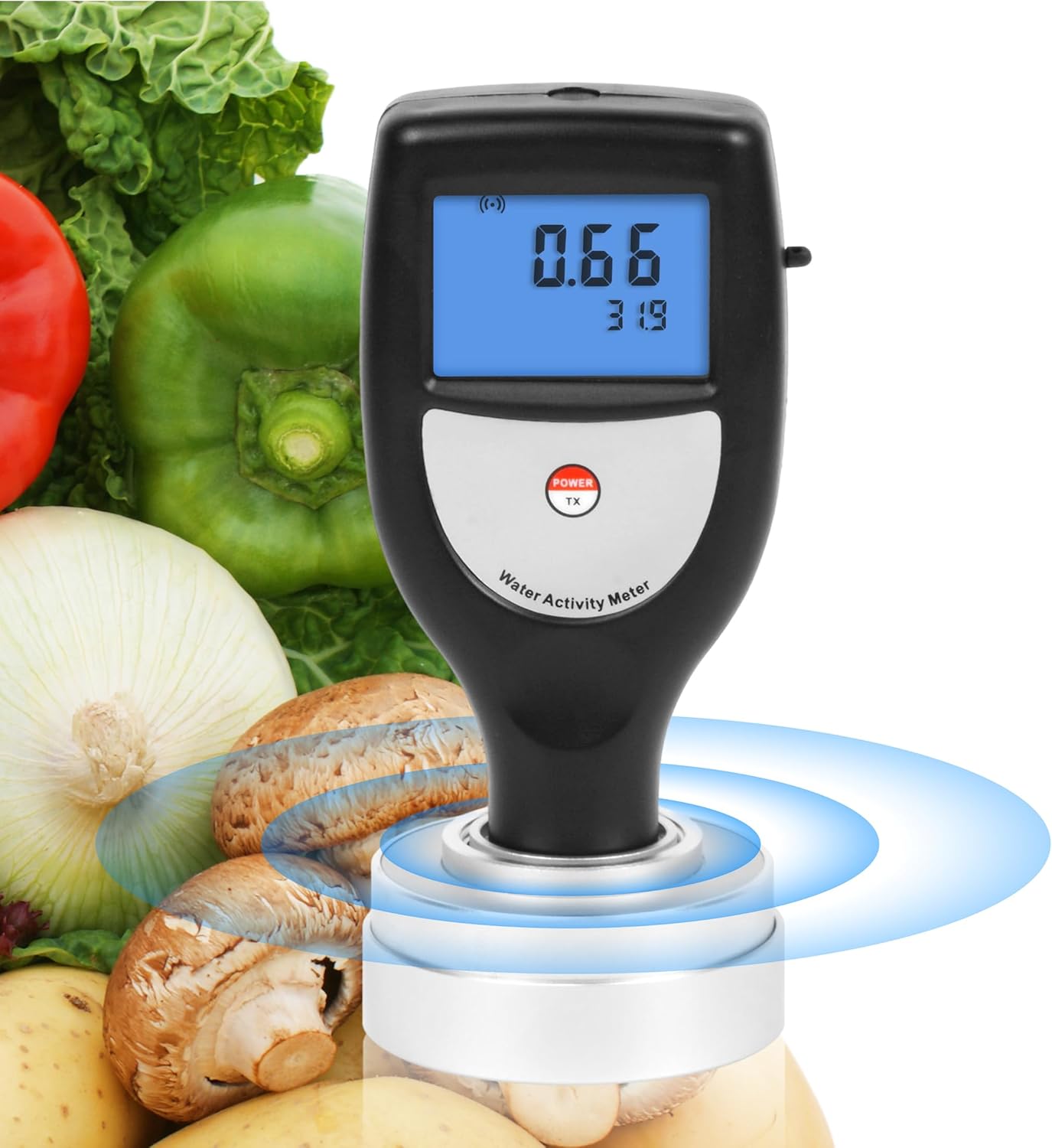
Image: The AMTAST WA-60AB Water Activity Meter, shown against a background of various fresh foods, highlighting its application in food quality control.
2. ഉൽപ്പന്നം കഴിഞ്ഞുview
2.1 പ്രധാന സവിശേഷതകൾ
- ആത്യന്തിക പോർട്ടബിലിറ്റി: Weighing approximately 100 grams, this meter is highly portable for on-the-go water activity testing.
- Accurate & Reliable Measurements: Offers a measurement range of 0-1.0aw with a resolution of ±0.01aw and accuracy of 0.02aw, ensuring precise readings.
- Integrated Sensor for Ease of Use: Features a non-conductive humidity sensor and integrated readings in a single unit, simplifying the measurement process.
- Quick & Efficient Testing: Provides rapid results, completing water activity measurements within approximately 5 minutes.
- Convenient Display & Functions: Equipped with a 6-digit backlit LCD screen displaying both water activity (aw) and temperature simultaneously. Includes automatic and manual shut-off options, and a low battery indicator.
- Seamless Data Transfer: Supports Bluetooth data transfer for convenient PC communication and software data management.
2.2 ഘടകങ്ങൾ
The AMTAST WA-60AB package typically includes:
- WA-60AB Water Activity Meter (Host Unit)
- Sample Plate(s)
- പോർട്ടബിൾ ബാഗ്
- USB Data Cable (for software connection)
- Software CD (or download link)
- ഇൻസ്ട്രക്ഷൻ മാനുവൽ

Image: The AMTAST WA-60AB meter shown with text explaining its function in assessing preservation and stability of food and medicine.

Image: A collage demonstrating various applications of the water activity meter, including dried fruit, beef jerky, cookies, and sausage, illustrating its wide utility.
3 സ്പെസിഫിക്കേഷനുകൾ
| പരാമീറ്റർ | മൂല്യം |
|---|---|
| മോഡൽ നമ്പർ | WA-60AB |
| അളക്കൽ ശ്രേണി | 0 ~ 1.0 aw |
| റെസലൂഷൻ | ±0.01 aw |
| കൃത്യത | 0.02 ഓ |
| Temperature Operation Conditions | 0-50°C |
| Humidity Operation Conditions | <95% RH |
| ഇനത്തിൻ്റെ ഭാരം | 3.53 ഔൺസ് (ഏകദേശം 100 ഗ്രാം) |
| വൈദ്യുതി വിതരണം | 2 x 1.5V AAA Size (UM-4) Battery |
| മെറ്റീരിയൽ | ABS plastic + Aluminium Alloy |
| പ്രദർശിപ്പിക്കുക | 6-digit backlit LCD (aw and temperature) |

Image: The AMTAST WA-60AB meter with its dimensions and a summary of its technical specifications.
4. സജ്ജീകരണം
4.1 ബാറ്ററി ഇൻസ്റ്റാളേഷൻ
The WA-60AB meter requires 2 x 1.5V AAA batteries (not included due to shipping regulations). To install the batteries:
- ഉപകരണത്തിന്റെ പിൻഭാഗത്ത് ബാറ്ററി കമ്പാർട്ട്മെന്റ് കവർ കണ്ടെത്തുക.
- കവർ സ്ലൈഡ് ചെയ്യുകയോ തുറക്കുകയോ ചെയ്യുക.
- കമ്പാർട്ടുമെന്റിനുള്ളിൽ സൂചിപ്പിച്ചിരിക്കുന്നതുപോലെ ശരിയായ പോളാരിറ്റി (+/-) ഉറപ്പാക്കിക്കൊണ്ട് രണ്ട് AAA ബാറ്ററികൾ ഇടുക.
- ബാറ്ററി കമ്പാർട്ട്മെൻ്റ് കവർ സുരക്ഷിതമായി അടയ്ക്കുക.

ചിത്രം: എ view of the AMTAST WA-60AB meter's battery compartment, showing where to insert the two AAA batteries.
5. പ്രവർത്തന നിർദ്ദേശങ്ങൾ
5.1 ഒരു അളവ് എടുക്കുന്നു
- Ensure the meter has sufficient battery power.
- നിങ്ങളുടെ എസ് തയ്യാറാക്കുകample. Place a small, representative amount of the sample onto the provided sample plate. Ensure the sample completely covers the sensor area without overflowing.
- Carefully place the meter onto the sample plate, ensuring the sensor makes full contact with the sample.
- അമർത്തുക പവർ/TX button to turn on the device. The backlit LCD screen will illuminate.
- The meter will begin the measurement process automatically. Readings for water activity (aw) and temperature will be displayed simultaneously.
- Allow approximately 5 minutes for the reading to stabilize and for the final accurate measurement to be displayed.
- Once the reading is stable, you can record the values.
- ഉപകരണം ഓഫാക്കാൻ, അമർത്തിപ്പിടിക്കുക പവർ/TX button, or it will automatically shut off after a period of inactivity to conserve battery life.

ചിത്രം: ഒരു ക്ലോസ്-അപ്പ് view of the AMTAST WA-60AB's backlit LCD screen, illustrating how water activity and temperature values are clearly displayed.

Image: The AMTAST WA-60AB meter with an overlay indicating its quick 5-minute measurement time, emphasizing efficiency.
5.2 Data Transfer (Bluetooth Version)
For models with Bluetooth functionality, you can transfer measurement data to a PC for analysis and record-keeping. Refer to the included software manual for detailed instructions on pairing the device and using the data transfer features.
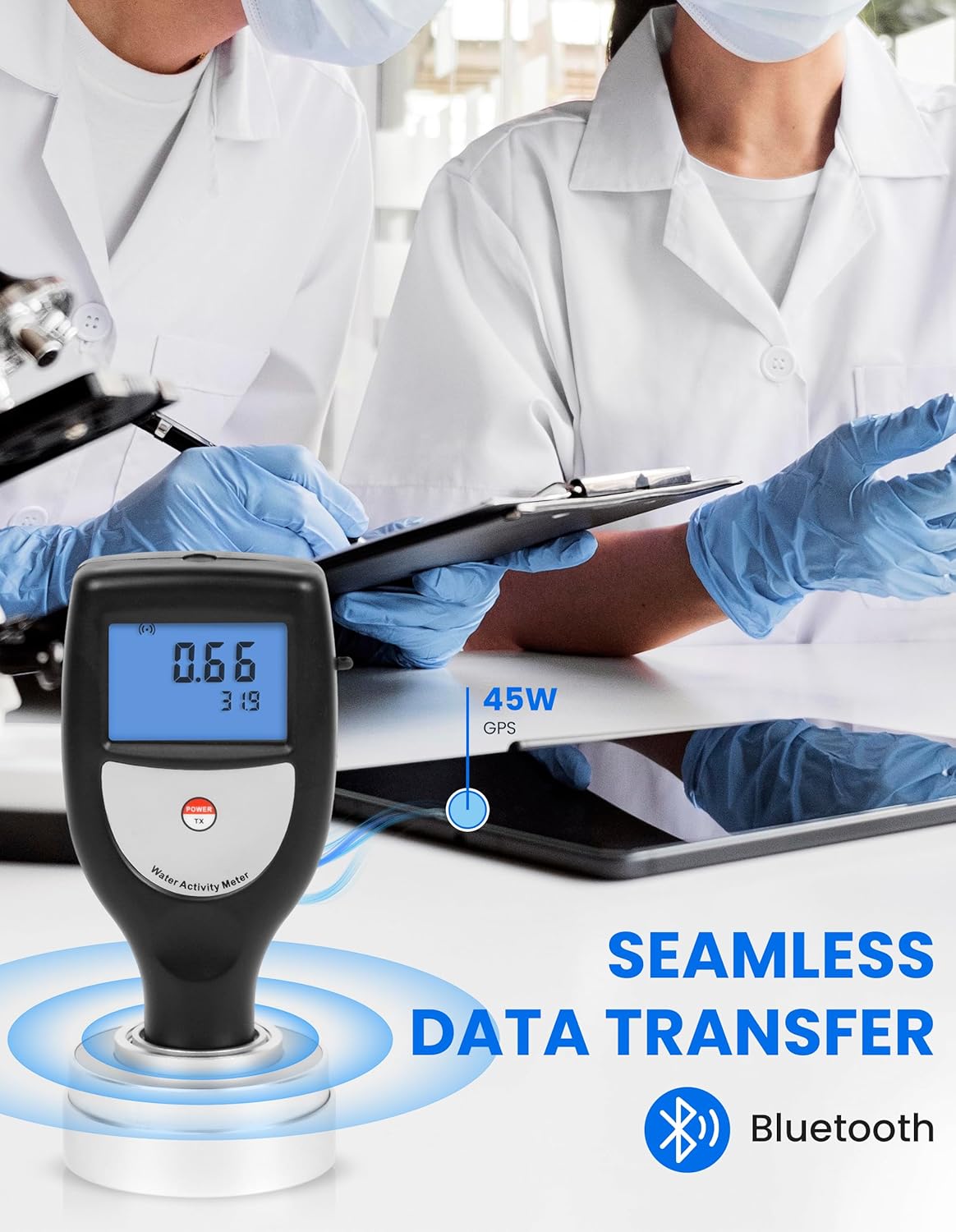
Image: The AMTAST WA-60AB meter depicted with a Bluetooth icon, signifying its capability for seamless data transfer to a computer.
5.3 നിർദ്ദേശ വീഡിയോ
Video: An official demonstration of the AMTAST Smart Water Activity Meter, showing its operation and features. This video illustrates the process of taking a measurement with the device.
6. പരിപാലനം
6.1 വൃത്തിയാക്കൽ
After each use, especially when measuring different sampലെസ്, എസ് വൃത്തിയാക്കുകample plate and the sensor area thoroughly. Use a soft, damp cloth to wipe the surfaces. Do not use abrasive cleaners or immerse the device in water. Ensure the sensor area is dry before storing or taking the next measurement.
6.2 സംഭരണം
Store the meter in a cool, dry place, away from direct sunlight and extreme temperatures. If the device will not be used for an extended period, remove the batteries to prevent leakage.
7. പ്രശ്നപരിഹാരം
| പ്രശ്നം | സാധ്യമായ കാരണം | പരിഹാരം |
|---|---|---|
| ഉപകരണം ഓണാക്കില്ല. | കുറഞ്ഞതോ ഡെഡ് ബാറ്ററികളോ; തെറ്റായ ബാറ്ററി ഇൻസ്റ്റാളേഷൻ. | ബാറ്ററികൾ പുതിയവ ഉപയോഗിച്ച് മാറ്റിസ്ഥാപിക്കുക; ശരിയായ പോളാരിറ്റി ഉറപ്പാക്കുക. |
| കൃത്യമല്ലാത്തതോ ചാഞ്ചാട്ടമുള്ളതോ ആയ വായനകൾ. | Sensor not clean; insufficient sampലെ; എസ്ample not evenly spread; environmental interference. | Clean sensor and sample plate; ensure adequate sample size and even spread; perform measurement in a stable environment. |
| ബ്ലൂടൂത്ത് കണക്ഷൻ പ്രശ്നങ്ങൾ. | Device not in pairing mode; software not installed correctly; out of range. | Refer to software manual for pairing instructions; reinstall software; ensure device is within Bluetooth range. |
| Low battery indicator appears. | ബാറ്ററികൾ കുറയുന്നു. | Replace batteries promptly. |
8. വാറൻ്റിയും പിന്തുണയും
For warranty information, technical support, or service inquiries, please contact AMTAST customer service. Refer to the product packaging or the official AMTAST webഏറ്റവും പുതിയ കോൺടാക്റ്റ് വിശദാംശങ്ങൾക്കായി സൈറ്റ്.
You can visit the AMTAST Store for more information: AMTAST Store on Amazon.


