1. ആമുഖം
This manual provides essential information for the installation, operation, and maintenance of your Intel® Core™ i5-10600 Desktop Processor. This 10th Gen Intel Core i5-10600 desktop processor is optimized for gaming, creating, and productivity, offering robust performance for a wide range of computing tasks.
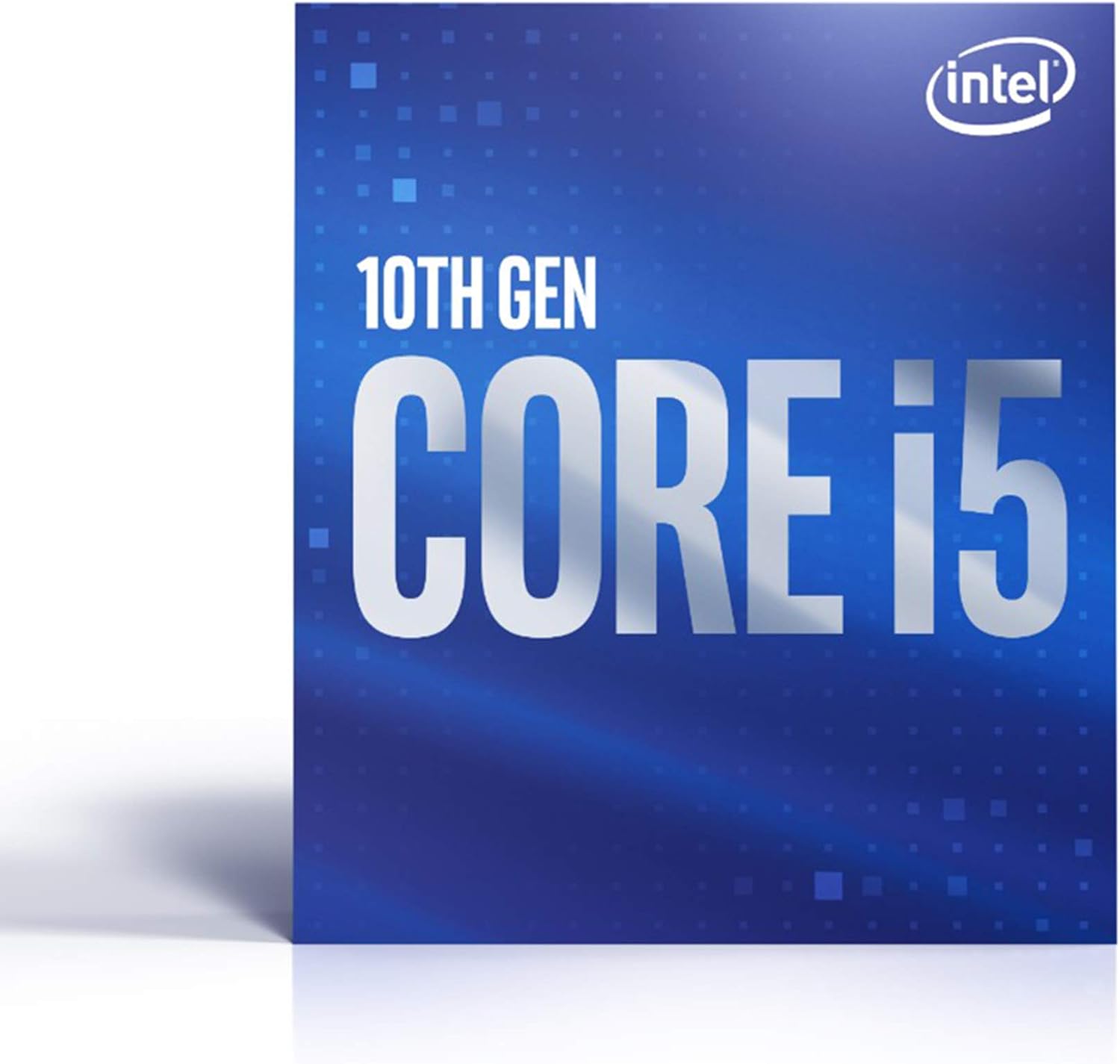
Figure 1.1: Intel Core i5-10600 Processor Retail Packaging.
പ്രധാന സവിശേഷതകൾ:
- 6 Cores / 12 Threads for efficient multitasking.
- Socket Type LGA 1200 for compatibility with modern motherboards.
- Up to 4.8 GHz Max Turbo Frequency for high-speed performance.
- Compatible with Intel 400 series chipset based motherboards.
- Intel Optane Memory Support for accelerated system responsiveness.
- Cooler Included in the box for immediate installation.
2. സജ്ജീകരണവും ഇൻസ്റ്റാളേഷനും
Proper installation is crucial for the optimal performance and longevity of your processor. Ensure your system is powered off and unplugged before beginning installation.
2.1 സിസ്റ്റം ആവശ്യകതകൾ:
- Motherboard with LGA 1200 socket.
- Motherboard with Intel 400 series chipset (e.g., Z490, H470, B460, H410).
- Compatible RAM (DDR4 recommended).
- Adequate power supply unit (PSU).
- Operating system compatible with 10th Gen Intel processors.
2.2 ഇൻസ്റ്റലേഷൻ ഘട്ടങ്ങൾ:
- മദർബോർഡ് തയ്യാറാക്കുക: Open the CPU socket retention arm and lift the load plate.
- പ്രോസസ്സർ ഇൻസ്റ്റാൾ ചെയ്യുക: Carefully align the triangular arrow on the processor with the arrow on the motherboard socket. Gently lower the processor into the socket. Do not force it.
- പ്രോസസ്സർ സുരക്ഷിതമാക്കുക: ലോഡ് പ്ലേറ്റ് അടച്ച് റിട്ടൻഷൻ ആം അതിന്റെ സ്ഥാനത്ത് ക്ലിക്ക് ആകുന്നതുവരെ താഴേക്ക് അമർത്തുക.
- തെർമൽ പേസ്റ്റ് പ്രയോഗിക്കുക (മുൻകൂട്ടി പ്രയോഗിച്ചിട്ടില്ലെങ്കിൽ): നിങ്ങളുടെ കൂളറിൽ മുൻകൂട്ടി പ്രയോഗിച്ച തെർമൽ പേസ്റ്റ് ഇല്ലെങ്കിൽ, CPU യുടെ ഇന്റഗ്രേറ്റഡ് ഹീറ്റ് സ്പ്രെഡറിന്റെ (IHS) മധ്യഭാഗത്ത് ഒരു ചെറിയ പയറുമണിയുടെ വലിപ്പത്തിലുള്ള അളവ് പുരട്ടുക.
- സിപിയു കൂളർ ഇൻസ്റ്റാൾ ചെയ്യുക: Place the included Intel cooler onto the CPU, aligning the mounting pins with the holes on the motherboard. Press down firmly on each pin until it clicks. Connect the cooler's fan cable to the "CPU_FAN" header on the motherboard.
- പവർ ബന്ധിപ്പിക്കുക: Connect the 4-pin or 8-pin CPU power cable from your PSU to the motherboard.
- ബയോസ്/യുഇഎഫ്ഐ കോൺഫിഗറേഷൻ: After initial boot, enter your motherboard's BIOS/UEFI settings to ensure the CPU is recognized correctly and to configure any necessary settings (e.g., XMP for RAM).
വിശദമായ ദൃശ്യ നിർദ്ദേശങ്ങൾക്ക്, നിങ്ങളുടെ മദർബോർഡിന്റെ ഉപയോക്തൃ മാനുവൽ അല്ലെങ്കിൽ അവരുടെ പിന്തുണയിൽ ലഭ്യമായ ഇന്റലിന്റെ ഔദ്യോഗിക ഇൻസ്റ്റാളേഷൻ ഗൈഡുകൾ പരിശോധിക്കുക. webസൈറ്റ്.
3. പ്രവർത്തന പരിഗണനകൾ
The Intel Core i5-10600 processor is designed for reliable performance under various workloads. Here are some operating considerations:
3.1 Performance and Usage:
- ഗെയിമിംഗ്: The 6 cores and 12 threads, combined with up to 4.8 GHz turbo frequency, provide excellent performance for most modern games.
- ഉള്ളടക്ക സൃഷ്ടി: Multithreaded applications for video editing, 3D rendering, and graphic design will benefit from the processor's core count and hyper-threading capabilities.
- ഉൽപ്പാദനക്ഷമത: Handle demanding office applications, web browsing with many tabs, and virtual meetings with ease.
- സംയോജിത ഗ്രാഫിക്സ്: This processor includes Intel UHD Graphics 630, allowing for display output without a dedicated graphics card. For demanding gaming or professional graphics tasks, a discrete GPU is recommended.
3.2 Thermal Management:
Maintaining proper operating temperatures is vital for processor longevity and stability. The included cooler is designed for typical usage. For sustained heavy workloads or overclocking (not officially supported for this non-K SKU), consider an aftermarket cooling solution.
- Ensure good airflow within your PC case.
- സിസ്റ്റം മോണിറ്ററിംഗ് സോഫ്റ്റ്വെയർ ഉപയോഗിച്ച് സിപിയു താപനില നിരീക്ഷിക്കുക.
- Keep CPU fan and heatsink free of dust.
4. പരിപാലനം
Processors generally require minimal maintenance. The primary focus should be on maintaining an optimal operating environment.
- പൊടി നീക്കം: Periodically clean dust from the CPU cooler's heatsink fins and fan blades using compressed air. Ensure the system is powered off and unplugged before cleaning.
- തെർമൽ പേസ്റ്റ്: The thermal paste applied during installation typically lasts for several years. If you notice consistently high temperatures, reapplying fresh thermal paste may be necessary. This requires removing the cooler, cleaning old paste, and applying new paste.
- സിസ്റ്റം അപ്ഡേറ്റുകൾ: Keep your operating system, motherboard BIOS/UEFI, and drivers updated to ensure compatibility and optimal performance.
5. പ്രശ്നപരിഹാരം
നിങ്ങളുടെ പ്രോസസ്സറിൽ പ്രശ്നങ്ങൾ നേരിടുകയാണെങ്കിൽ, ഇനിപ്പറയുന്ന പൊതുവായ ട്രബിൾഷൂട്ടിംഗ് ഘട്ടങ്ങൾ പരിഗണിക്കുക:
| പ്രശ്നം | സാധ്യമായ കാരണം | പരിഹാരം |
|---|---|---|
| System does not boot / No display. | Improper CPU installation, bent pins, incompatible motherboard, power issues. |
|
| സിസ്റ്റം ക്രാഷാകുന്നു അല്ലെങ്കിൽ ഫ്രീസുചെയ്യുന്നു. | Overheating, unstable power, faulty RAM, outdated BIOS. |
|
| മോശം പ്രകടനം. | Overheating (thermal throttling), outdated drivers, background processes, insufficient RAM. |
|
If these steps do not resolve the issue, contact Intel customer support or your system builder for further assistance.
6 സ്പെസിഫിക്കേഷനുകൾ
| ഫീച്ചർ | വിശദാംശങ്ങൾ |
|---|---|
| പ്രോസസർ മോഡൽ | Intel® Core™ i5-10600 |
| കോറുകൾ / ത്രെഡുകൾ | 6 കോറുകൾ / 12 ത്രെഡുകൾ |
| അടിസ്ഥാന ക്ലോക്ക് വേഗത | 3.3 GHz |
| പരമാവധി ടർബോ ഫ്രീക്വൻസി | 4.8 GHz വരെ |
| സോക്കറ്റ് തരം | LGA 1200 |
| ടിഡിപി (തെർമൽ ഡിസൈൻ പവർ) | 65W |
| സംയോജിത ഗ്രാഫിക്സ് | ഇന്റൽ യുഎച്ച്ഡി ഗ്രാഫിക്സ് 630 |
| ഇന്റൽ ഒപ്റ്റെയ്ൻ മെമ്മറി പിന്തുണ | അതെ |
| അനുയോജ്യമായ ചിപ്സെറ്റുകൾ | Intel 400 Series (e.g., Z490, H470, B460, H410) |
| ഉൾപ്പെടുത്തിയ കൂളർ | അതെ |
| ഇനം മോഡൽ നമ്പർ | BX8070110600 |
| ഇനത്തിൻ്റെ ഭാരം | 8.5 ഔൺസ് |
| ഉൽപ്പന്ന അളവുകൾ | 4.7 x 4.2 x 2.9 ഇഞ്ച് |
| ആദ്യ തീയതി ലഭ്യമാണ് | മെയ് 27, 2020 |
7. വാറൻ്റിയും പിന്തുണയും
Your Intel® Core™ i5-10600 Desktop Processor is covered by Intel's standard limited warranty. The duration and terms of the warranty may vary by region and retailer. Please retain your proof of purchase for warranty claims.
7.1 സാങ്കേതിക പിന്തുണ:
For technical assistance, driver downloads, and additional product information, please visit the official Intel support webസൈറ്റ്:
ഇന്റലിൽ നിങ്ങൾക്ക് സഹായകരമായ ഉറവിടങ്ങളും കമ്മ്യൂണിറ്റി ഫോറങ്ങളും കണ്ടെത്താനാകും. webസൈറ്റ്.


