ആമുഖം
വാങ്ങിയതിന് നന്ദി.asing the ABKO RGB LED Membrane Keyboard and Mouse Set, model KM110. This manual provides essential information for the proper setup, operation, and maintenance of your new peripheral set. Please read this guide thoroughly before use to ensure optimal performance and longevity of your product.
പാക്കേജ് ഉള്ളടക്കം
നിങ്ങളുടെ പാക്കേജിൽ എല്ലാ ഇനങ്ങളും ഉണ്ടെന്ന് ഉറപ്പാക്കുക:
- 1 x ABKO RGB LED Membrane Keyboard (KM110)
- 1 x ABKO RGB LED Optical Mouse
- 1 x ഉപയോക്തൃ മാനുവൽ (ഈ പ്രമാണം)
ഉൽപ്പന്നം കഴിഞ്ഞുview
The ABKO KM110 set features a membrane keyboard with vibrant RGB LED backlighting and an optical mouse with color-changing LED effects, designed for use with laptops and PCs. The keyboard includes a Korean/English layout and is designed with a waterproof structure.
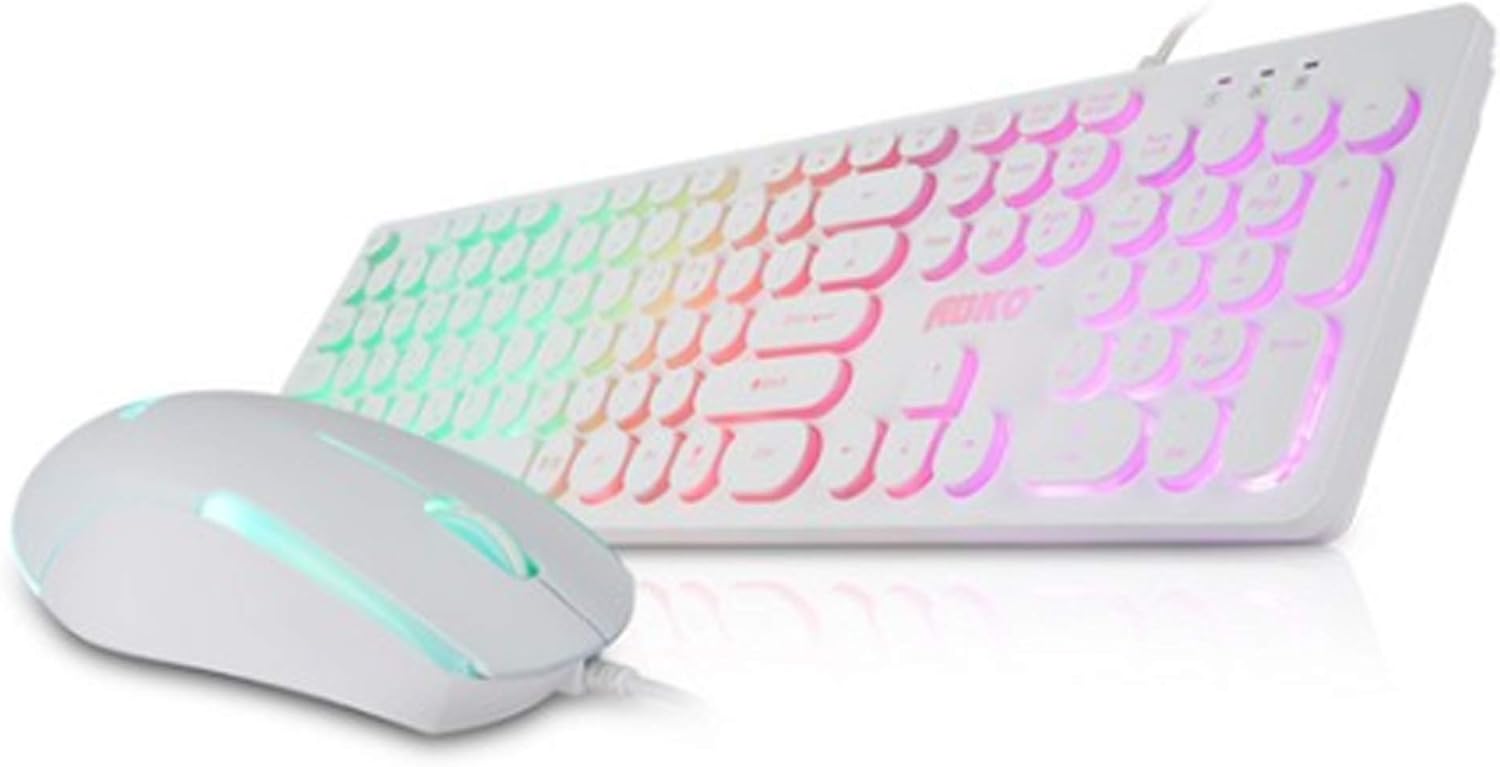
Image: The ABKO KM110 RGB LED Membrane Keyboard and Mouse Set, showcasing the white keyboard with rainbow backlighting and the matching white mouse.
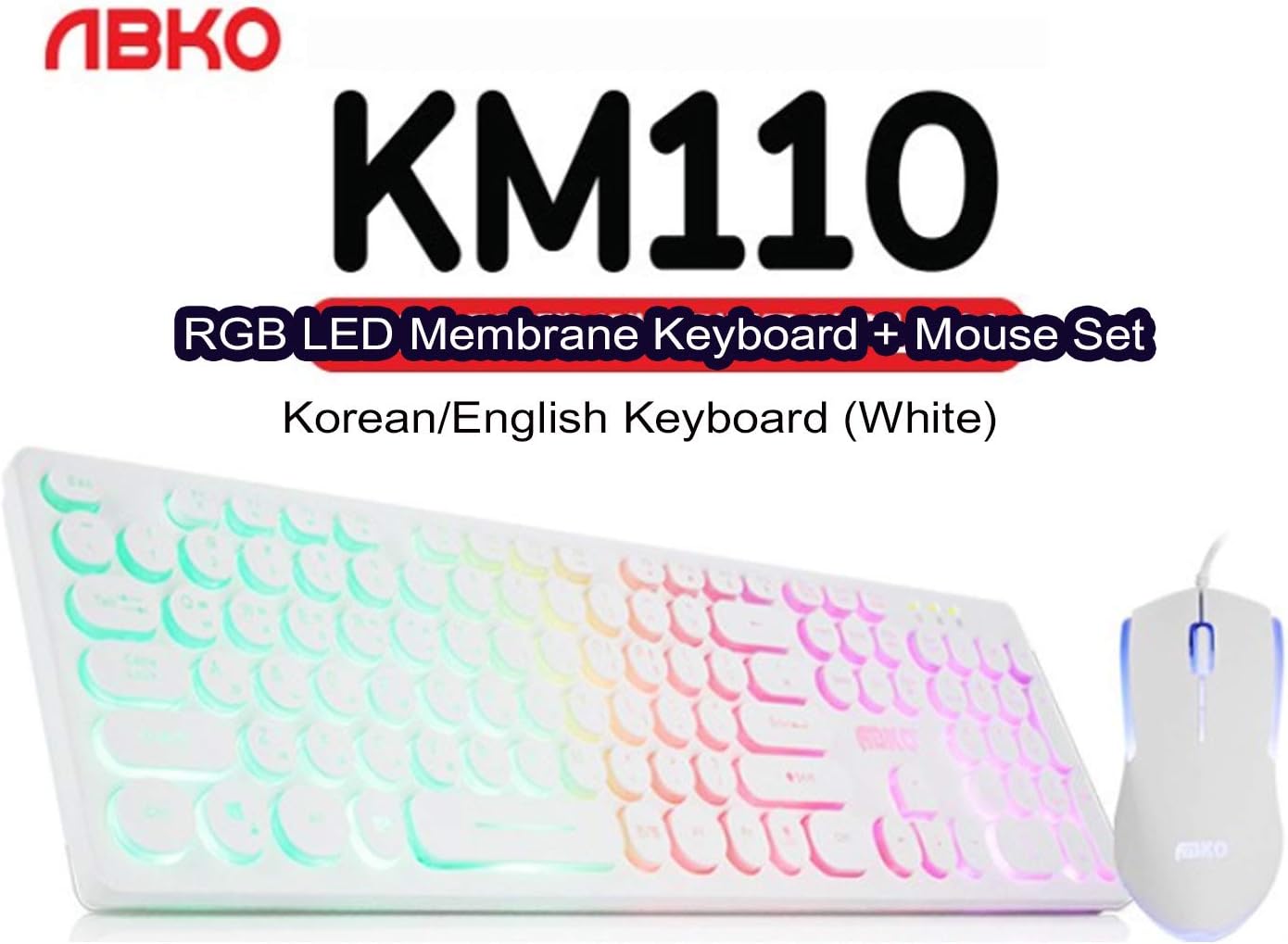
ചിത്രം: ഒരു ക്ലോസ്-അപ്പ് view identifying the product as the ABKO KM110 RGB LED Membrane Keyboard + Mouse Set, specifically the Korean/English White version.
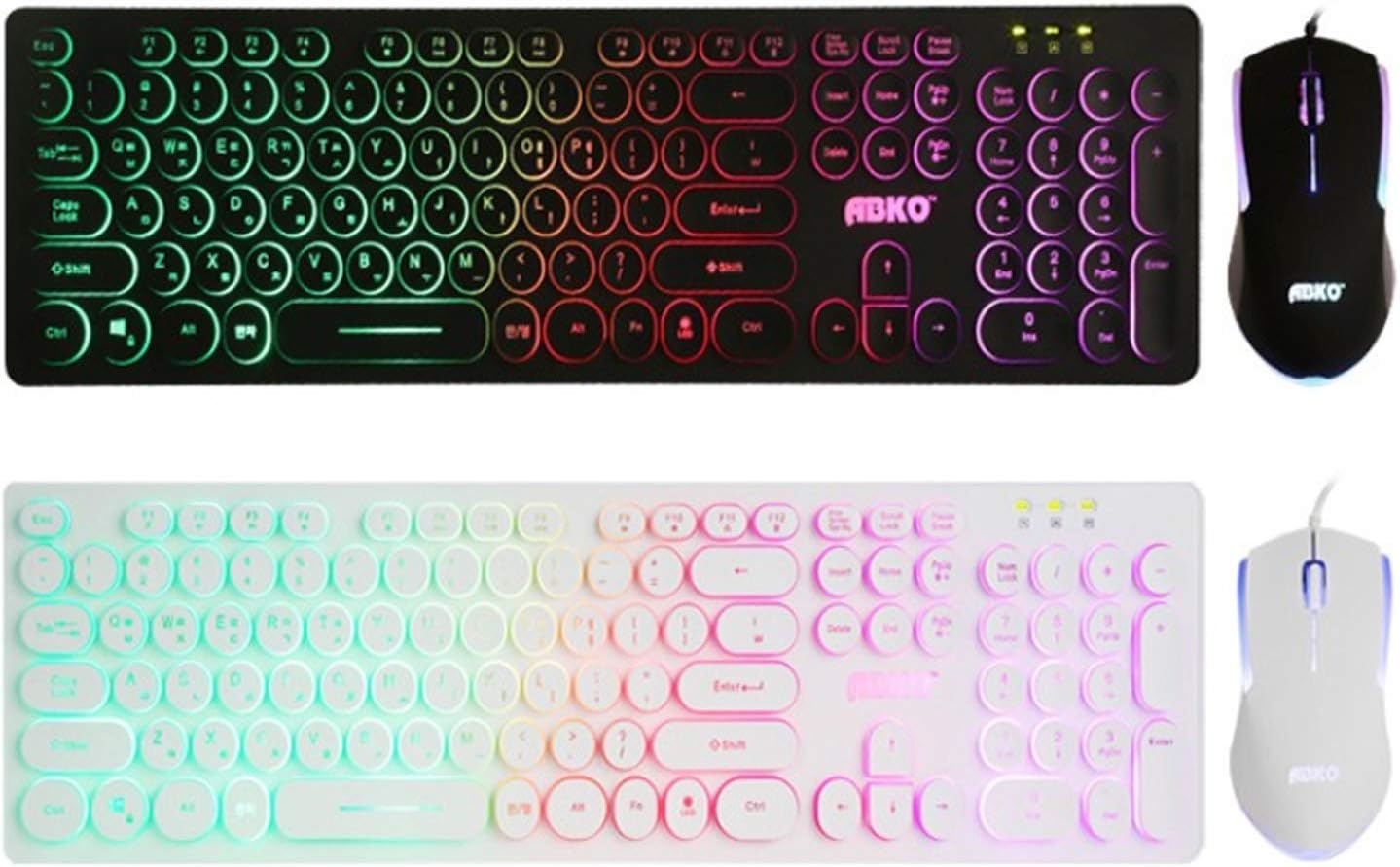
ചിത്രം: ഒരു താരതമ്യം view of the ABKO KM110 keyboard and mouse set in both black and white color variants, highlighting the consistent design and RGB lighting.

ചിത്രം: വിശദമായ ഒരു ചിത്രം view of the ABKO KM110 mouse, illustrating its optical sensor and the dynamic LED lighting that changes colors.
സജ്ജീകരണ നിർദ്ദേശങ്ങൾ
Follow these steps to connect your ABKO KM110 Keyboard and Mouse Set to your computer:
- കീബോർഡ് ബന്ധിപ്പിക്കുക: Locate an available USB port on your computer (laptop or PC). Insert the USB connector of the ABKO keyboard firmly into the USB port.
- മൗസ് ബന്ധിപ്പിക്കുക: Locate another available USB port on your computer. Insert the USB connector of the ABKO mouse firmly into the USB port.
- സിസ്റ്റം തിരിച്ചറിയൽ: Your operating system (Windows, macOS, etc.) should automatically detect and install the necessary drivers for the keyboard and mouse. This process may take a few moments.
- പ്രവർത്തനക്ഷമത പരിശോധിക്കുക: Once installation is complete, test the keyboard by typing in a text editor and test the mouse by moving the cursor and clicking. The RGB lighting on both devices should illuminate.
പ്രവർത്തന നിർദ്ദേശങ്ങൾ
കീബോർഡ് പ്രവർത്തനം
- അടിസ്ഥാന ടൈപ്പിംഗ്: Use the keys as you would with any standard keyboard. The keyboard features a Korean/English layout.
- RGB LED ഇഫക്റ്റുകൾ: The keyboard features a colorful LED effect. Specific key combinations (e.g., Fn + Scroll Lock, Fn + Home, etc.) are typically used to cycle through different lighting modes, adjust brightness, or change colors. Refer to the keyboard's keycap legends for specific function key combinations related to LED control.
- വാട്ടർപ്രൂഫ് ഡിസൈൻ: The membrane keyboard is designed to be waterproof, offering protection against accidental spills. In case of a spill, disconnect the keyboard immediately and allow it to dry completely before reconnecting.
മൗസ് ഓപ്പറേഷൻ
- അടിസ്ഥാന പ്രവർത്തനങ്ങൾ: The mouse provides standard left-click, right-click, and scroll wheel functionality.
- ഒപ്റ്റിക്കൽ ട്രാക്കിംഗ്: The optical sensor ensures precise cursor movement on various surfaces.
- LED ലൈറ്റിംഗ്: The mouse features an optical LED that changes color, providing a dynamic visual effect during use.
മെയിൻ്റനൻസ്
To ensure the longevity and proper functioning of your ABKO KM110 Keyboard and Mouse Set, follow these maintenance guidelines:
- കീബോർഡ് വൃത്തിയാക്കൽ: Disconnect the keyboard from your computer. Use a soft, damp cloth to wipe down the keys and surface. For stubborn dirt, a small amount of mild soap solution can be used, ensuring no liquid enters the internal components. The waterproof design helps protect against spills, but direct immersion or excessive liquid should be avoided.
- മൗസ് വൃത്തിയാക്കൽ: Disconnect the mouse. Use a soft, dry cloth to clean the surface. For the optical sensor, use a cotton swab lightly dampened with rubbing alcohol to gently clean the sensor area.
- സംഭരണം: ദീർഘനേരം ഉപയോഗിക്കാത്തപ്പോൾ, കീബോർഡും മൗസും നേരിട്ട് സൂര്യപ്രകാശം ഏൽക്കാത്തതും തീവ്രമായ താപനില ഏൽക്കാത്തതുമായ ഒരു വൃത്തിയുള്ളതും വരണ്ടതുമായ അന്തരീക്ഷത്തിൽ സൂക്ഷിക്കുക.
ട്രബിൾഷൂട്ടിംഗ്
If you encounter issues with your ABKO KM110 set, refer to the following common solutions:
- കീബോർഡ്/മൗസ് പ്രതികരിക്കുന്നില്ല:
- നിങ്ങളുടെ കമ്പ്യൂട്ടറിന്റെ USB പോർട്ടുകളിൽ USB കേബിളുകൾ സുരക്ഷിതമായി പ്ലഗ് ചെയ്തിട്ടുണ്ടെന്ന് ഉറപ്പാക്കുക.
- ഉപകരണങ്ങൾ വ്യത്യസ്ത USB പോർട്ടുകളിലേക്ക് പ്ലഗ് ചെയ്യാൻ ശ്രമിക്കുക.
- നിങ്ങളുടെ കമ്പ്യൂട്ടർ പുനരാരംഭിക്കുക.
- Test the devices on another computer to determine if the issue is with the peripherals or your system.
- LED വിളക്കുകൾ പ്രവർത്തിക്കുന്നില്ല:
- For the keyboard, ensure the LED function is not turned off. Use the designated key combinations (e.g., Fn + Scroll Lock) to cycle through lighting modes or turn them on/off.
- Ensure the devices are properly connected and receiving power.
- മൗസ് കഴ്സർ ചാടുന്നു അല്ലെങ്കിൽ ക്രമരഹിതമാണ്:
- മൗസിന്റെ അടിയിലുള്ള ഒപ്റ്റിക്കൽ സെൻസർ വൃത്തിയാക്കുക.
- മൗസ് അനുയോജ്യമായ ഒരു പ്രതലത്തിലാണ് ഉപയോഗിക്കുന്നതെന്ന് ഉറപ്പാക്കുക (ഉദാ. ഒരു മൗസ് പാഡ്). ഉയർന്ന പ്രതിഫലനമുള്ളതോ സുതാര്യമായതോ ആയ പ്രതലങ്ങൾ ഒഴിവാക്കുക.
സ്പെസിഫിക്കേഷനുകൾ
- മോഡൽ: KM110
- ബ്രാൻഡ്: ABKO
- കീബോർഡ് തരം: മെംബ്രൺ
- മൗസ് തരം: ഒപ്റ്റിക്കൽ
- കണക്റ്റിവിറ്റി: വയർഡ് യുഎസ്ബി
- കീബോർഡ് ലേഔട്ട്: കൊറിയൻ/ഇംഗ്ലീഷ്
- പ്രത്യേക സവിശേഷതകൾ: RGB LED Backlighting (Keyboard), Color-changing LED (Mouse), Waterproof (Keyboard)
- അനുയോജ്യമായ ഉപകരണങ്ങൾ: ലാപ്ടോപ്പ്, പി.സി
- ഉൽപ്പന്ന അളവുകൾ (കീബോർഡ്): ഏകദേശം 17.6 x 4.96 x 0.98 ഇഞ്ച് (44.7 x 12.6 x 2.5 സെ.മീ)
- ASIN: B087F61W2B
വാറൻ്റിയും പിന്തുണയും
For warranty information and technical support, please refer to the official ABKO webനിങ്ങളുടെ സൈറ്റിൽ ബന്ധപ്പെടുക അല്ലെങ്കിൽ നിങ്ങളുടെ റീട്ടെയിലറെ ബന്ധപ്പെടുക. ഏതെങ്കിലും വാറന്റി ക്ലെയിമുകൾക്ക് വാങ്ങിയതിന്റെ തെളിവായി നിങ്ങളുടെ വാങ്ങൽ രസീത് സൂക്ഷിക്കുക.


