ആമുഖം
This manual provides detailed instructions for the installation, operation, and maintenance of your Wansview W6 1080P Wireless WiFi IP66 Waterproof Surveillance Home Camera. Please read this manual thoroughly before using the product to ensure proper functionality and safety.
ദി വാൻസ്view W6 camera is designed for outdoor surveillance, offering 1080P video resolution, motion detection, two-way audio, and compatibility with ONVIF, RTSP protocols, and Amazon Alexa. Its IP66 waterproof rating ensures reliable performance in various weather conditions.
പാക്കേജ് ഉള്ളടക്കം
പാക്കേജിൽ എല്ലാ ഘടകങ്ങളും ഉണ്ടെന്ന് ഉറപ്പാക്കുക:
- വാനുകൾview W6 ഔട്ട്ഡോർ സുരക്ഷാ ക്യാമറ
- പവർ അഡാപ്റ്റർ
- മൗണ്ടിംഗ് സ്ക്രൂകളും വാൾ പ്ലഗുകളും
- ഡ്രിൽ ടെംപ്ലേറ്റ് സ്റ്റിക്കർ
- ഉപയോക്തൃ മാനുവൽ (ഈ പ്രമാണം)
- Ethernet Cable (optional, for wired connection)

Image: Wansview W6 Outdoor Security Camera, showing the main unit with antenna and mounting bracket.
സജ്ജീകരണ ഗൈഡ്
1. വാൻ ഡൗൺലോഡ് ചെയ്യുകview ക്ലൗഡ് ആപ്പ്
ഇതിനായി തിരയുക "Wansview Cloud" in your mobile device's app store (iOS or Android) and download the application. Create an account or log in if you already have one.
2. ക്യാമറ ഓൺ ചെയ്യുക
Connect the camera to a power outlet using the provided power adapter. The camera will power on and initiate its startup sequence.
3. ആപ്പിലേക്ക് ക്യാമറ ചേർക്കുക
വാൻസ് തുറക്കുകview Cloud app. Tap the "+" icon to add a new device. Follow the on-screen prompts to select your camera model and connect it to your 2.4GHz Wi-Fi network. The app will generate a QR code; present this QR code to the camera lens for scanning. An audible voice from the camera will confirm successful connection.

Image: Close-up of the Wansview W6 camera showing the location of the micro SD card slot. The camera supports up to 128GB micro SD cards for local storage.
For local storage, insert a micro SD card (up to 128GB, not included) into the designated slot on the camera. Ensure the camera is powered off before inserting or removing the SD card.
Video: An official Wansview video demonstrating the features and setup of the Wansview 1080P IP66 Waterproof Outdoor Security WIFI Camera. This video highlights key functionalities such as two-way audio, local storage, and easy mounting.
4. ക്യാമറ ഘടിപ്പിക്കുന്നു
Select a suitable outdoor location for mounting. Use the provided drill template sticker to mark the drilling points. Drill holes, insert wall plugs, and secure the mounting bracket with screws. Attach the camera to the bracket and adjust its angle for optimal viewing. Ensure the power cable is routed safely and protected from the elements.
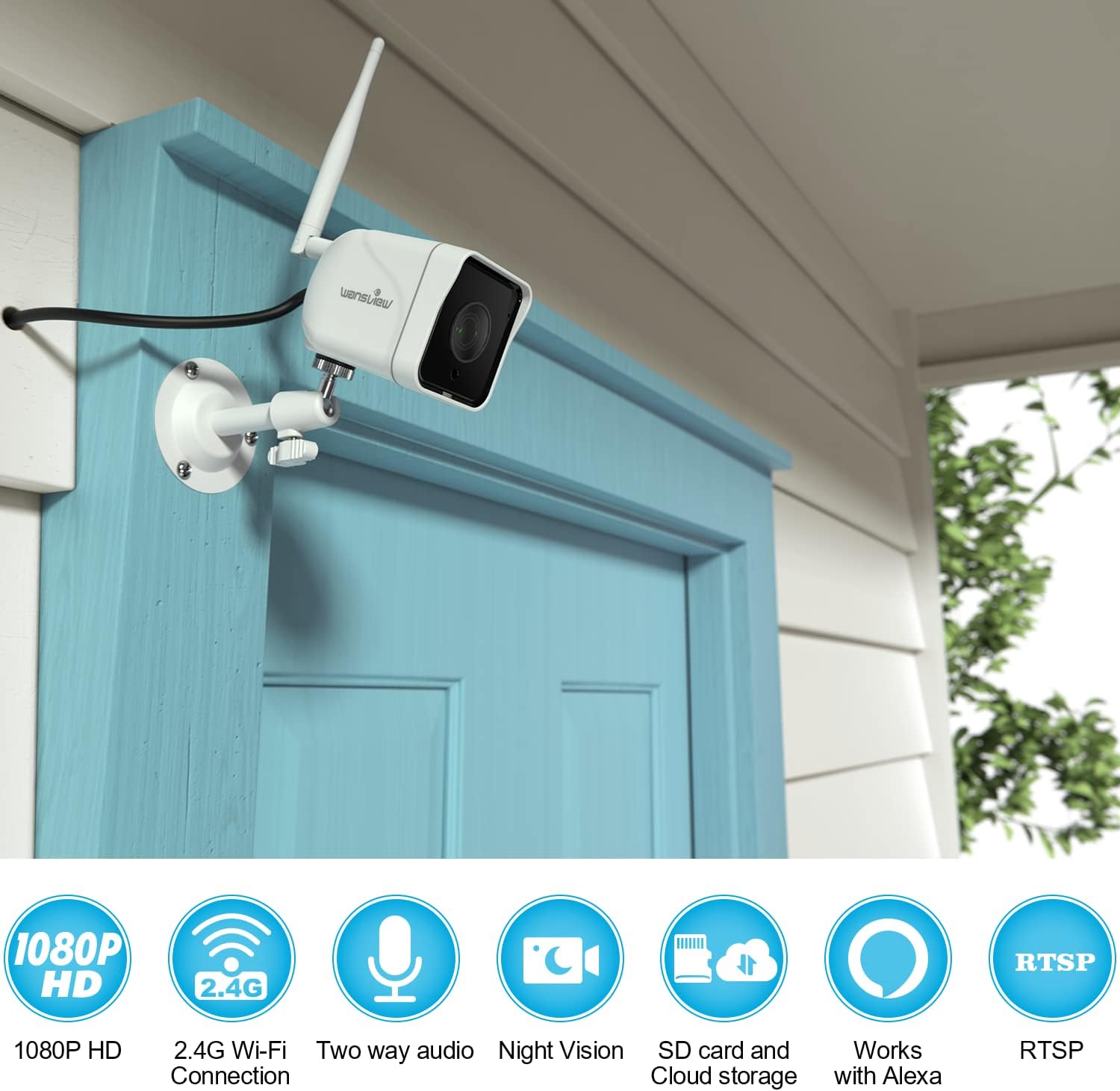
Image: The Wansview W6 camera installed on an exterior wall, demonstrating its outdoor placement and connectivity features like 1080P HD, 2.4G Wi-Fi, two-way audio, night vision, SD card and cloud storage, and RTSP compatibility.

Image: The Wansview W6 camera mounted on the exterior of a house, showcasing its IP66 waterproof rating and night vision capabilities, designed to guard your home 24/7 even in harsh weather conditions.
പ്രവർത്തന നിർദ്ദേശങ്ങൾ
തത്സമയം View ഒപ്പം റെക്കോർഡിംഗ്
Access the live video feed through the Wansview Cloud app. You can manually record video or capture screenshots directly from the live view. Recordings can be stored on the inserted micro SD card or in the cloud (subscription may be required).
മോഷൻ ഡിറ്റക്ഷനും അലേർട്ടുകളും
The camera features motion detection. Configure motion detection zones and sensitivity settings within the app. When motion is detected, the camera will automatically record and send real-time alert notifications to your mobile device.
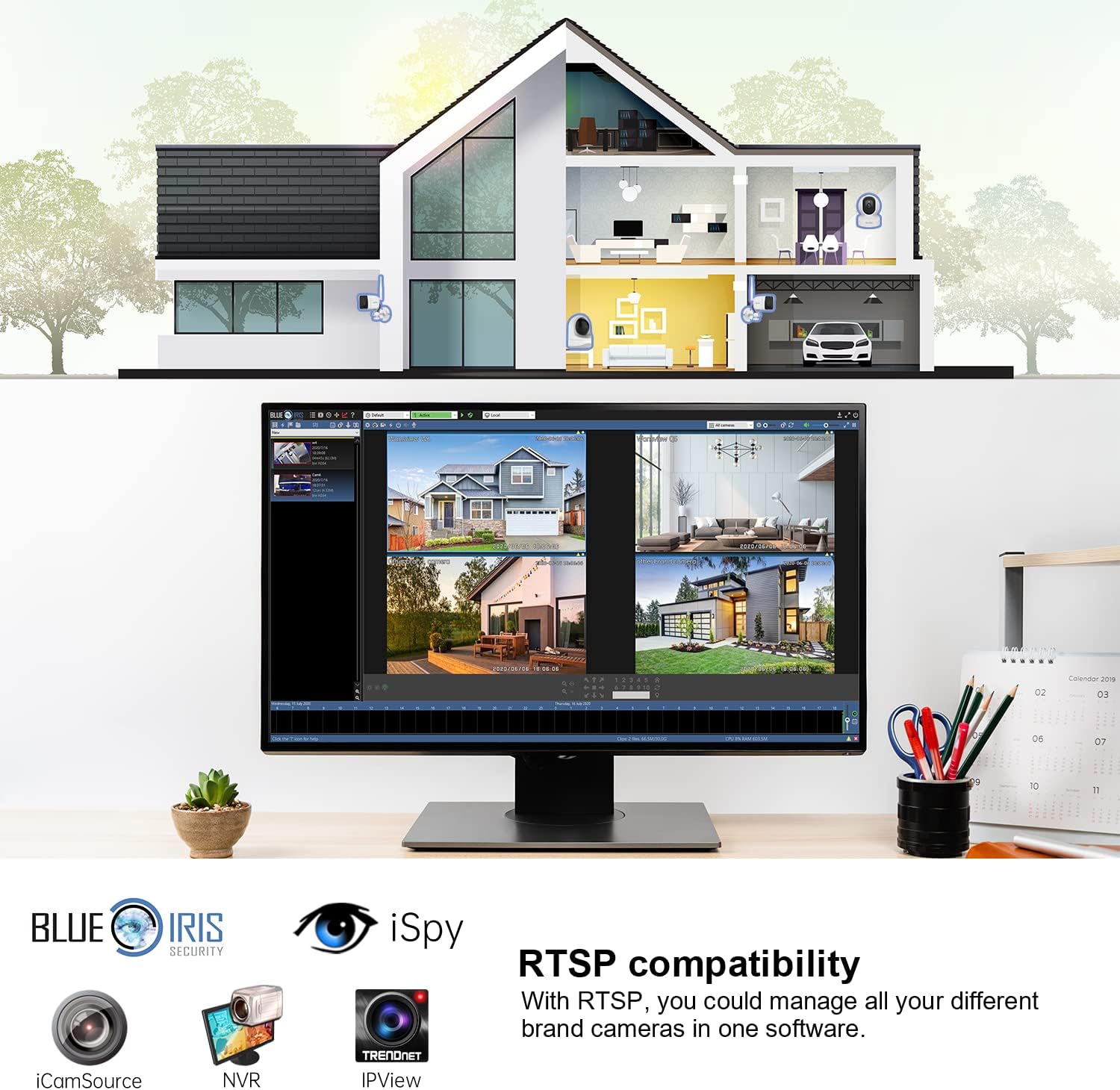
Image: The Wansview W6 camera capturing a motion event, demonstrating its two-way audio and real-time alert capabilities. Users can receive smart alerts and communicate through the camera to deter intruders.
ടു-വേ ഓഡിയോ
Utilize the built-in microphone and speaker for two-way communication. This allows you to hear what's happening near the camera and speak through the camera from your mobile device.
നൈറ്റ് വിഷൻ
The camera automatically switches to infrared (IR) night vision in low-light conditions, providing clear black and white video up to a certain range. This ensures continuous surveillance day and night.

Image: A comparison of day mode and night mode views from the Wansview W6 camera, illustrating its effective infrared night vision for clear surveillance in darkness.
മൾട്ടി-സ്ക്രീൻ Viewing and RTSP Compatibility
ദി വാൻസ്view Cloud app supports multi-screen viewing, allowing you to monitor multiple Wansview cameras simultaneously. The camera also supports ONVIF and RTSP protocols, enabling integration with third-party NVRs or surveillance software like Blue Iris Security, iCamSource, and iSpy for advanced management.
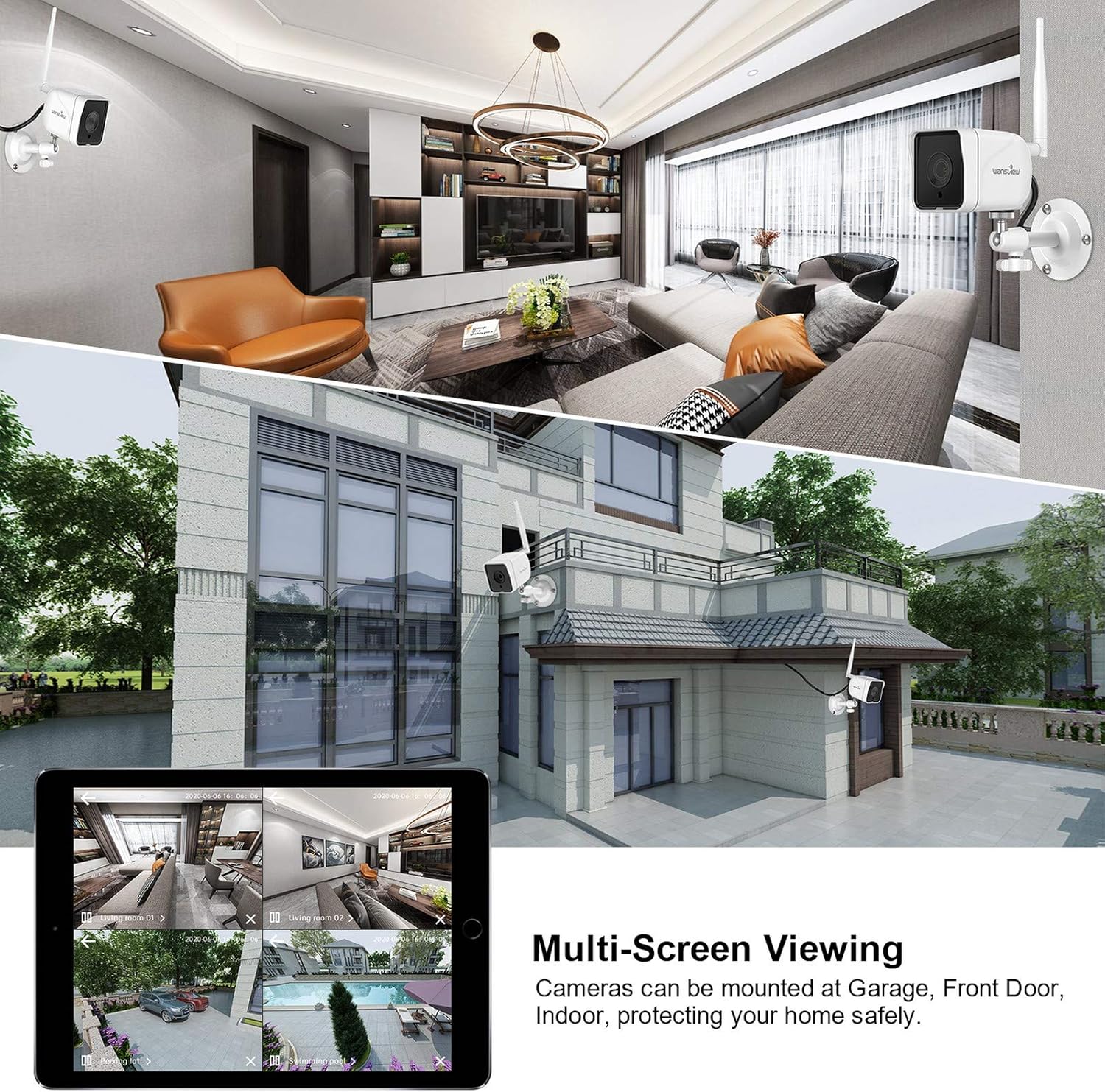
Image: A display showing multi-screen viewing from Wansview cameras, along with logos of compatible third-party software like Blue Iris Security, iCamSource, NVR, Trendnet, and IPView, highlighting its RTSP compatibility for centralized management.
അലക്സ ഇൻ്റഗ്രേഷൻ
ദി വാൻസ്view W6 camera is compatible with Amazon Alexa. You can use voice commands to view the camera feed on compatible Alexa-enabled devices with screens, such as an Echo Show.
Example command: "Alexa, show me the backyard camera."
മെയിൻ്റനൻസ്
- വൃത്തിയാക്കൽ: ക്യാമറ ലെൻസും ബോഡിയും പതിവായി മൃദുവായ, d തുണി ഉപയോഗിച്ച് തുടയ്ക്കുക.amp പൊടിയും അഴുക്കും നീക്കം ചെയ്യാൻ തുണി ഉപയോഗിക്കുക. കഠിനമായ രാസവസ്തുക്കളോ അഗ്രസീവ് ക്ലീനറുകളോ ഉപയോഗിക്കരുത്.
- ഫേംവെയർ അപ്ഡേറ്റുകൾ: Check the Wansview Cloud app periodically for firmware updates. Keeping the firmware updated ensures optimal performance and security.
- കേബിൾ പരിശോധന: Periodically inspect the power cable and connections for any signs of wear, damage, or corrosion, especially in outdoor environments.
- SD കാർഡ് മാനേജുമെന്റ്: If using a micro SD card, regularly back up important recordings and format the card periodically to maintain performance and prevent data corruption.
ട്രബിൾഷൂട്ടിംഗ്
| പ്രശ്നം | സാധ്യമായ പരിഹാരം |
|---|---|
| ക്യാമറ ഓഫ്ലൈനാണ്/വൈഫൈയിലേക്ക് കണക്റ്റുചെയ്യാൻ കഴിയില്ല. |
|
| മോശം വീഡിയോ നിലവാരം |
|
| മോഷൻ ഡിറ്റക്ഷൻ പ്രവർത്തിക്കുന്നില്ല |
|
| ടു-വേ ഓഡിയോ പ്രശ്നങ്ങൾ |
|
സ്പെസിഫിക്കേഷനുകൾ
| ഫീച്ചർ | വിശദാംശങ്ങൾ |
|---|---|
| മോഡൽ | W6 (Item model number: 1201) |
| വീഡിയോ ക്യാപ്ചർ റെസല്യൂഷൻ | 1080p |
| കണക്റ്റിവിറ്റി ടെക്നോളജി | വയർലെസ്സ് (വൈ-ഫൈ 2.4GHz) |
| ഇൻഡോർ/ഔട്ട്ഡോർ ഉപയോഗം | ഔട്ട്ഡോർ |
| അന്താരാഷ്ട്ര സംരക്ഷണ റേറ്റിംഗ് | IP66 (ജലപ്രൂഫ്) |
| പ്രത്യേക സവിശേഷതകൾ | Motion Sensor, Night Vision, Two-Way Audio |
| അനുയോജ്യമായ ഉപകരണങ്ങൾ | Smartphone, Amazon Alexa-enabled devices |
| സ്റ്റോറേജ് ഓപ്ഷനുകൾ | മൈക്രോ എസ്ഡി കാർഡ് (128 ജിബി വരെ), ക്ലൗഡ് സ്റ്റോറേജ് |
| പ്രോട്ടോക്കോളുകൾ പിന്തുണയ്ക്കുന്നു | ഒഎൻവിഎഫ്, ആർടിഎസ്പി |
| പവർ ഉറവിടം | ബാറ്ററി പവർ |
| ഇനത്തിൻ്റെ ഭാരം | 1.04 പൗണ്ട് |
| പാക്കേജ് അളവുകൾ | 5.91 x 4.33 x 3.15 ഇഞ്ച് |
വാറൻ്റിയും പിന്തുണയും
For warranty information and technical support, please refer to the official Wansview website or contact Wansview customer service directly. Contact details are typically available on the product packaging or the Wansview Cloud app's 'About Us' section.
വാനുകൾview is committed to providing reliable products and support. For frequently asked questions and further assistance, visit the വാനുകൾview ആമസോണിൽ സംഭരിക്കുക.


