1. ആമുഖം
The Samsung 870 EVO 4TB 2.5 Inch SATA III Internal SSD (Solid State Drive) is designed to provide enhanced performance, reliability, and compatibility for various computing needs. This manual provides essential information for the proper installation, operation, and maintenance of your SSD.

Figure 1: Samsung 870 EVO 4TB 2.5 Inch SATA III Internal SSD
2. ഉൽപ്പന്ന സവിശേഷതകൾ
- Indisputable Performance: Maximizes the SATA interface limit with sequential speeds up to 560/530 MB/s.
- മെച്ചപ്പെടുത്തിയ വിശ്വാസ്യത: Built upon Samsung's pioneering technology, offering up to 2,400 TBW (Terabytes Written) under a 5-year limited warranty.
- വിശാലമായ അനുയോജ്യത: Tested for major host systems and applications, including chipsets, motherboards, NAS, and video recording devices.
- വിപുലമായ സോഫ്റ്റ്വെയർ: Compatible with Samsung Magician 7.1 software for drive management, monitoring, and performance enhancement.
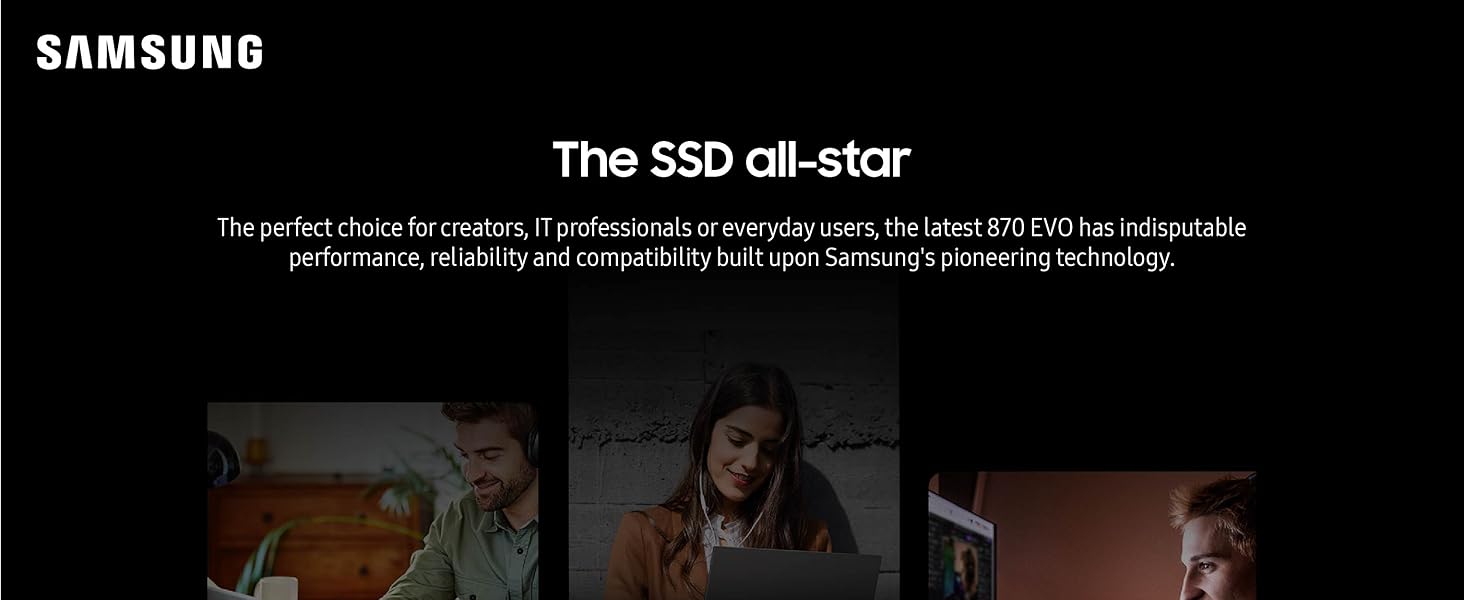
ചിത്രം 2: ഓവർview of Samsung 870 EVO capabilities
3. സജ്ജീകരണവും ഇൻസ്റ്റാളേഷനും
The 870 EVO SSD is designed for easy installation into standard 2.5-inch SATA form factor bays in desktop PCs or laptops.
3.1 ഫിസിക്കൽ ഇൻസ്റ്റലേഷൻ
- Ensure your computer is powered off and disconnected from the power source.
- Open your computer case or laptop to access the drive bays.
- Locate an available 2.5-inch drive bay. If replacing an existing drive, carefully remove the old drive.
- Slide the Samsung 870 EVO SSD into the drive bay. Secure it with screws if necessary, using the mounting points on the drive.
- Connect the SATA data cable from your motherboard to the SSD.
- Connect the SATA power cable from your power supply unit (PSU) to the SSD.
- Close your computer case or laptop.

Figure 3: Hands installing a Samsung SSD into a desktop computer case.
3.2 Software Setup (Data Migration)
If you are replacing an existing drive and wish to transfer your operating system and data, use Samsung Data Migration software.
- Download the latest version of Samsung Data Migration software from the official Samsung webസൈറ്റ്.
- Follow the on-screen instructions to clone your existing drive's contents to the new 870 EVO SSD.
- Once migration is complete, you can set the 870 EVO as your primary boot drive in your system's BIOS/UEFI settings.

Figure 4: Visual representation of the data migration process for SSD upgrade.
4. SSD പ്രവർത്തിപ്പിക്കൽ
Once installed, your Samsung 870 EVO SSD will function as a high-speed storage device. Its performance is optimized for everyday computing tasks, including booting the operating system, launching applications, and handling large files.
4.1 പ്രകടനം
The 870 EVO maximizes the SATA interface limit to 560/530 MB/s sequential read/write speeds. It utilizes Intelligent TurboWrite technology to accelerate write speeds and maintain long-term high performance with a larger variable buffer.

Figure 5: Performance metrics of the 870 EVO SSD.
4.2 അനുയോജ്യത
The 870 EVO has undergone extensive compatibility testing with various host systems and applications, ensuring seamless integration with chipsets, motherboards, Network Attached Storage (NAS) devices, and video recording equipment.

Figure 6: The 870 EVO SSD connected to various compatible devices.
5. പരിപാലനം
To ensure optimal performance and longevity of your Samsung 870 EVO SSD, regular maintenance is recommended.
5.1 സാംസങ് മജീഷ്യൻ സോഫ്റ്റ്വെയർ
Samsung Magician software is a powerful tool for managing your SSD. It allows you to:
- Monitor drive health and status.
- Keep the firmware up to date.
- Optimize performance through various settings.
- Securely erase data.
Download the latest version of Samsung Magician from the official Samsung website to utilize these features.

Figure 7: Interface of Samsung Magician software for drive management.
5.2 General Best Practices
- Avoid traditional disk defragmentation, as it is unnecessary for SSDs and can reduce their lifespan.
- Ensure TRIM is enabled in your operating system for optimal performance and wear leveling.
- Maintain sufficient free space on the drive (typically 10-15%) to allow for efficient wear leveling and performance.
6. പ്രശ്നപരിഹാരം
If you encounter issues with your Samsung 870 EVO SSD, consider the following troubleshooting steps:
- ഡ്രൈവ് കണ്ടെത്തിയില്ല: Check all SATA data and power cable connections. Ensure the drive is properly seated in its bay. Verify that the SATA port is enabled in your system's BIOS/UEFI settings.
- മന്ദഗതിയിലുള്ള പ്രകടനം: Ensure your operating system has the latest drivers. Check if TRIM is enabled. Use Samsung Magician to check drive health and optimize settings. Ensure your SATA port is operating at SATA III (6Gb/s) speeds.
- ഓപ്പറേറ്റിംഗ് സിസ്റ്റം പ്രശ്നങ്ങൾ: If you performed a data migration, ensure the 870 EVO is set as the primary boot device. If issues persist, consider reinstalling the operating system on the SSD.
- ഫേംവെയർ അപ്ഡേറ്റ് പ്രശ്നങ്ങൾ: If a firmware update fails, ensure your system is stable and try again. Refer to Samsung's support resources for specific error codes.
കൂടുതൽ സഹായത്തിന്, ദയവായി കാണുക സാംസങ് പിന്തുണ webസൈറ്റ് അല്ലെങ്കിൽ അവരുടെ ഉപഭോക്തൃ സേവനവുമായി ബന്ധപ്പെടുക.
7 സ്പെസിഫിക്കേഷനുകൾ
| ഫീച്ചർ | വിശദാംശങ്ങൾ |
|---|---|
| ഡിജിറ്റൽ സ്റ്റോറേജ് കപ്പാസിറ്റി | 4 ടി.ബി |
| ഹാർഡ് ഡിസ്ക് ഇന്റർഫേസ് | Serial ATA (SATA III 6Gb/s) |
| കണക്റ്റിവിറ്റി ടെക്നോളജി | SATA |
| ബ്രാൻഡ് | സാംസങ് |
| പ്രത്യേക ഫീച്ചർ | Auto Garbage Collection Algorithm, MLC V-NAND Technology, Up to 530 MB/s Sequential Write Speed, Up to 560 MB/s Sequential Read Speed |
| ഹാർഡ് ഡിസ്ക് ഫോം ഫാക്ടർ | 2.5 ഇഞ്ച് |
| അനുയോജ്യമായ ഉപകരണങ്ങൾ | ലാപ്ടോപ്പ്, മാക്, പിസി |
| ഇൻസ്റ്റലേഷൻ തരം | ആന്തരിക ഹാർഡ് ഡ്രൈവ് |
| നിറം | കറുപ്പ് |
| ഇനത്തിൻ്റെ അളവുകൾ LxWxH | 3.94 x 2.76 x 0.27 ഇഞ്ച് |
| ഇനത്തിൻ്റെ ഭാരം | 3.04 ഔൺസ് |
| മോഡൽ നമ്പർ | MZ-77E4T0B/AM |

Figure 8: Physical dimensions of the Samsung 870 EVO SSD.
8. വാറൻ്റി വിവരങ്ങൾ
The Samsung 870 EVO SSD comes with a 5 വർഷത്തെ പരിമിത വാറൻ്റി or up to 2,400 TBW (Terabytes Written), whichever comes first. For detailed warranty terms and conditions, please refer to the warranty statement included in the product packaging or visit the official Samsung webസൈറ്റ്.
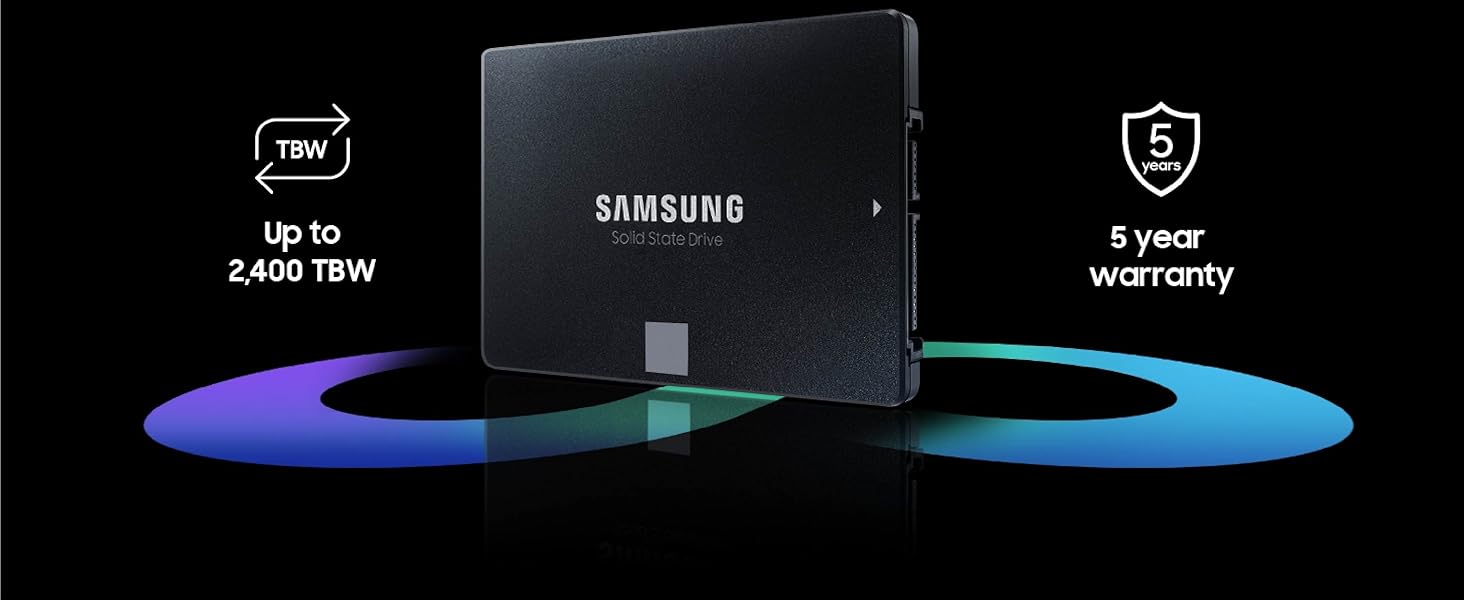
Figure 9: Reliability and warranty details for the 870 EVO SSD.
9. പിന്തുണ
For technical support, product registration, driver downloads, and additional resources, please visit the official Samsung Support webസൈറ്റ്:
You can also find helpful information and community forums on the Samsung webസൈറ്റ്.


