ആമുഖം
This manual provides comprehensive instructions for the installation, operation, and maintenance of the HID Signo 40 40TKS-00-000000 Multi-Technology, Mobile Ready Smart Card Reader. The Signo 40 is designed for secure electronic access control, offering versatility and advanced connectivity for various credential technologies.
സുരക്ഷാ വിവരങ്ങൾ
Please read all safety instructions before installing or operating the device. Failure to follow these instructions may result in injury, damage to the device, or void the warranty.
- ഇൻസ്റ്റാളേഷൻ അല്ലെങ്കിൽ അറ്റകുറ്റപ്പണികൾക്ക് മുമ്പ് വൈദ്യുതി വിച്ഛേദിച്ചിട്ടുണ്ടെന്ന് ഉറപ്പാക്കുക.
- യോഗ്യതയുള്ള ഉദ്യോഗസ്ഥർ മാത്രമേ ഇൻസ്റ്റാളേഷൻ നടത്താവൂ.
- ഉപകരണത്തെ തീവ്രമായ താപനില, ഈർപ്പം, അല്ലെങ്കിൽ നശിപ്പിക്കുന്ന അന്തരീക്ഷങ്ങൾ എന്നിവയിലേക്ക് തുറന്നുകാട്ടരുത്.
- അംഗീകൃത ആക്സസറികളും പവർ സപ്ലൈകളും മാത്രം ഉപയോഗിക്കുക.
പാക്കേജ് ഉള്ളടക്കം
പാക്കേജിൽ എല്ലാ ഇനങ്ങളും ഉണ്ടെന്ന് ഉറപ്പാക്കുക:
- HID Signo 40 Smart Card Reader
- മൗണ്ടിംഗ് ഹാർഡ്വെയർ (സ്ക്രൂകൾ, ആങ്കറുകൾ)
- ഇൻസ്റ്റലേഷൻ ഗൈഡ് (ഈ പ്രമാണം)
സജ്ജീകരണവും ഇൻസ്റ്റാളേഷനും
The HID Signo 40 reader is designed for wall switch mounting applications. Follow these steps for proper installation:
1. റീഡർ മൌണ്ട് ചെയ്യുന്നു
- Choose a suitable location for wall switch mounting.
- Secure the mounting plate (if applicable) to the wall using the provided hardware.
- Attach the reader securely to the mounting plate or directly to the wall box.
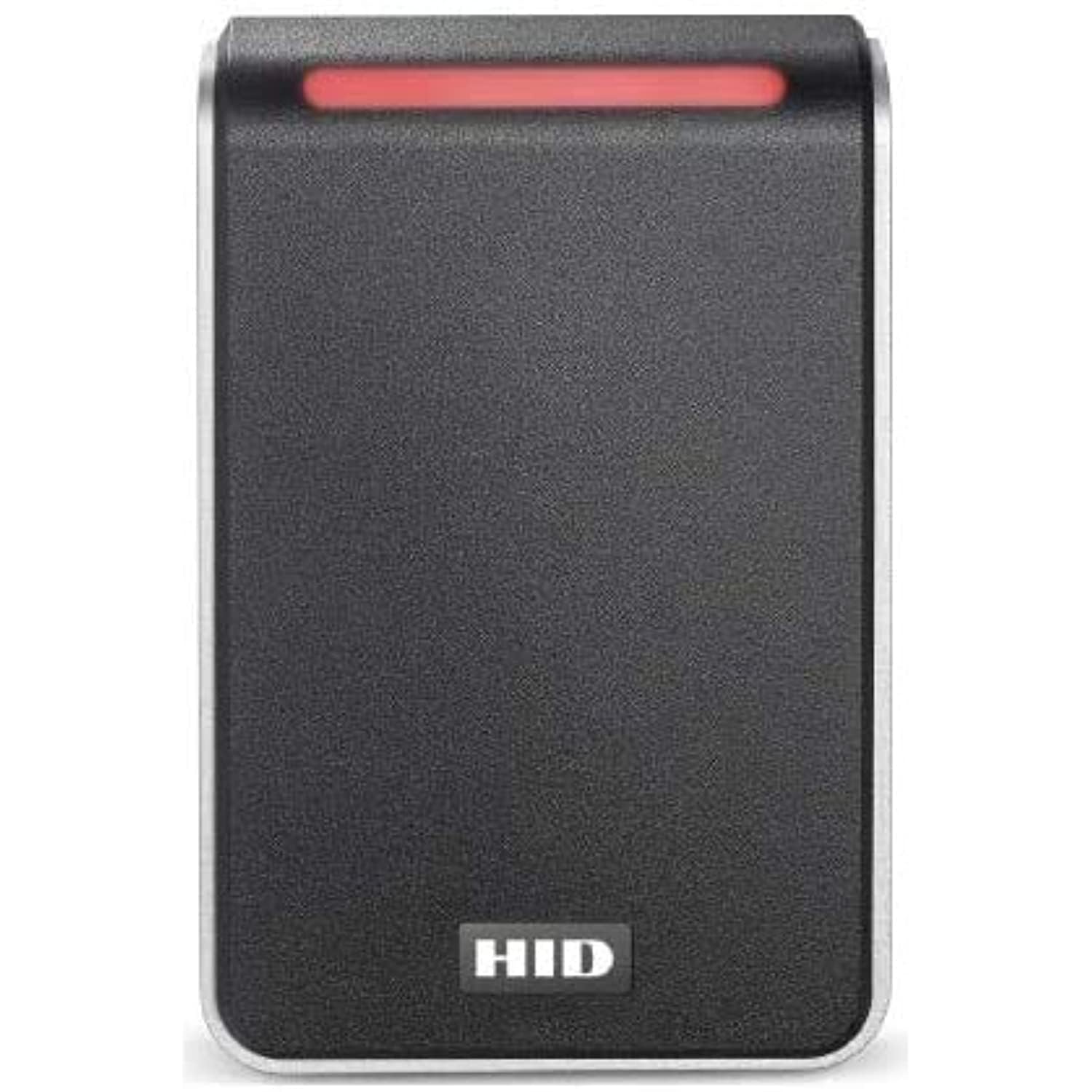
Image: The HID Signo 40 Smart Card Reader, typically mounted on a wall for access control. This image shows the sleek design suitable for wall switch applications.
2. വയറിംഗ് കണക്ഷനുകൾ
The Signo 40 features a terminal strip wiring option for secure and reliable connections.
- Refer to the wiring diagram provided with the reader for specific pin assignments.
- Connect power, data (OSDP), and any auxiliary inputs/outputs to the terminal strip.
- എല്ലാ കണക്ഷനുകളും സുരക്ഷിതവും ഇൻസുലേറ്റ് ചെയ്തതുമാണെന്ന് ഉറപ്പാക്കുക.
3. പ്രാരംഭ പവർ-അപ്പും കോൺഫിഗറേഷനും
Once wired, apply power to the reader. The reader will perform a self-test. For advanced configuration, including OSDP settings and credential profiles, refer to the HID Signo Configuration Guide available on the HID Global webസൈറ്റ്.
പ്രവർത്തന നിർദ്ദേശങ്ങൾ
The HID Signo 40 reader supports a wide range of credential technologies.
1. യോഗ്യതാപത്രങ്ങൾ അവതരിപ്പിക്കൽ
- Physical Cards/Fobs: Present your compatible smart card or fob directly to the reader's surface.
- Mobile Devices (HID Mobile Access): Ensure your mobile device has HID Mobile Access enabled via Bluetooth or NFC. Present the device near the reader.
- Apple Wallet (ECP): For credentials stored in Apple Wallet, ensure Enhanced Contactless Polling (ECP) is active on your device and present it to the reader.
The reader will indicate a successful read (e.g., LED indicator change, audible beep) if the credential is valid.
2. Read Range Optimization
The Signo 40 features surface detection for automatic recalibration and optimization of read range performance. This ensures consistent and reliable credential reading.
മെയിൻ്റനൻസ്
The HID Signo 40 reader is designed for minimal maintenance.
- വൃത്തിയാക്കൽ: Use a soft, dry cloth to clean the reader's surface. Avoid abrasive cleaners or solvents.
- ഫേംവെയർ അപ്ഡേറ്റുകൾ: The reader is designed for remote management, allowing for firmware updates without physical interaction. Consult your system administrator or HID Global documentation for details on remote updates.
- പരിശോധന: Periodically inspect the reader and its connections for any signs of damage or wear.
ട്രബിൾഷൂട്ടിംഗ്
If you encounter issues with your HID Signo 40 reader, consider the following:
| പ്രശ്നം | സാധ്യമായ കാരണം | പരിഹാരം |
|---|---|---|
| റീഡർ ഓൺ ആക്കുന്നില്ല. | വൈദ്യുതി വിതരണം ഇല്ല അല്ലെങ്കിൽ തെറ്റായ വയറിംഗ്. | പവർ കണക്ഷനുകൾ പരിശോധിച്ച് ശരിയായ വോളിയം ഉറപ്പാക്കുക.tage. Verify wiring to the terminal strip. |
| ക്രെഡൻഷ്യൽ അംഗീകരിച്ചിട്ടില്ല. | Invalid credential, incorrect presentation, or reader configuration issue. | Ensure the credential is valid and compatible. Present the credential correctly. Consult system administrator for reader configuration. |
| Short read range. | Environmental interference or reader recalibration needed. | Ensure no metallic objects are interfering with the reader. The reader should automatically recalibrate; if not, check for obstructions. |
For persistent issues, contact HID Global technical support or your system integrator.
സ്പെസിഫിക്കേഷനുകൾ
| ഫീച്ചർ | വിശദാംശങ്ങൾ |
|---|---|
| ഉൽപ്പന്ന അളവുകൾ | 7.2 x 4.84 x 1.73 ഇഞ്ച് |
| ഇനത്തിൻ്റെ ഭാരം | 12 ഔൺസ് |
| നിർമ്മാതാവ് | HID |
| മോഡൽ നമ്പർ | Signo 40 |
| കണക്റ്റിവിറ്റി | Bluetooth, NFC, OSDP |
| ക്രെഡൻഷ്യൽ പിന്തുണ | Cards, Fobs, Mobile Devices (HID Mobile Access, Apple ECP) |
| വയറിംഗ് | ടെർമിനൽ സ്ട്രിപ്പ് |
വാറൻ്റിയും പിന്തുണയും
HID Global products are backed by a limited warranty. For specific warranty terms and conditions, please refer to the official HID Global webസൈറ്റ് അല്ലെങ്കിൽ നിങ്ങളുടെ വാങ്ങൽ കേന്ദ്രവുമായി ബന്ധപ്പെടുക.
For technical assistance, product support, or to report issues, please visit the HID Global Support Portal or contact your authorized HID Global distributor.


