1. ഉൽപ്പന്നം കഴിഞ്ഞുview
The FLEXISPOT 48x24 inch white whole piece desktop is designed to provide a durable and aesthetically pleasing work surface for your adjustable standing desk frame. This desktop features a 1-inch thickness, soft rounded corners, and a scratch-resistant high-pressure laminate finish. It is constructed from environmentally friendly medium-density fiberboard, meeting CARB and FSC standards.
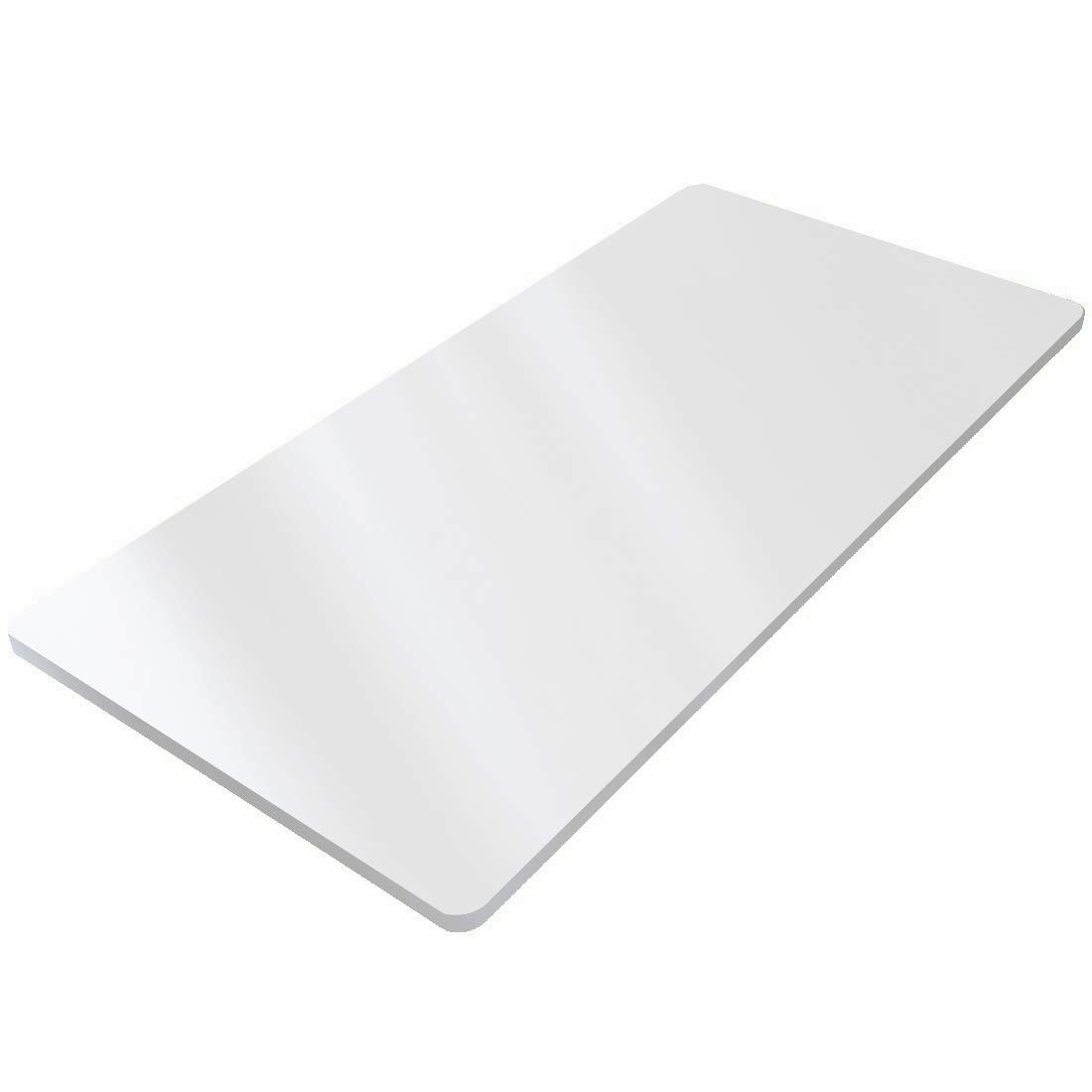
Image 1.1: FLEXISPOT 48x24 inch white desktop, showcasing its clean, minimalist design.
2 സുരക്ഷാ വിവരങ്ങൾ
പ്രധാനപ്പെട്ടത്:
- Ensure proper assembly and anchoring to avoid tipping.
- Handle with care to prevent damage during unpacking and installation.
3 സ്പെസിഫിക്കേഷനുകൾ
| ഫീച്ചർ | വിശദാംശങ്ങൾ |
|---|---|
| ബ്രാൻഡ് | ഫ്ലെക്സിസ്പോട്ട് |
| മോഡൽ | 48x24 വെള്ള |
| ആകൃതി | ദീർഘചതുരം |
| ഉൽപ്പന്ന അളവുകൾ | 24"D x 48"W x 1"H |
| നിറം | വെള്ള |
| ടേബിൾടോപ്പ് കനം | 1 ഇഞ്ച് |
| മികച്ച മെറ്റീരിയൽ തരം | Engineered Wood (Chipboard, Medium-Density Fiberboard) |
| ഫിനിഷ് തരം | Laminated (Scratch Resistant) |
| പരിസ്ഥിതി മാനദണ്ഡങ്ങൾ | Meets CARB and FSC standards |
| ആവശ്യമായ അസംബ്ലി | അതെ |
| അസംബ്ലിക്ക് ശുപാർശ ചെയ്യുന്ന ആളുകൾ | 2 |

Image 3.1: Visual representation of the desktop's dimensions (48"W x 24"D x 1"H) and rounded corners.
4. സജ്ജീകരണം
This product is a desktop only and requires a compatible standing desk frame for full functionality. Assembly of the desktop to your chosen frame is required. It is recommended that two people perform the assembly to ensure safety and proper alignment.
4.1 അൺപാക്കിംഗും പരിശോധനയും
- എല്ലാ ഘടകങ്ങളും ശ്രദ്ധാപൂർവ്വം അൺപാക്ക് ചെയ്ത് എന്തെങ്കിലും കേടുപാടുകൾ ഉണ്ടോ എന്ന് പരിശോധിക്കുക.
- Ensure all parts listed in your desk frame's manual are present before beginning assembly.
4.2 Attaching to a Desk Frame
Refer to the assembly instructions provided with your specific FLEXISPOT standing desk frame for detailed steps on attaching this desktop. Typically, this involves:
- Placing the desktop upside down on a soft, clean surface.
- Aligning the desk frame with the pre-drilled holes (if applicable) or marking new pilot holes.
- Securing the desktop to the frame using the provided screws and tools from your desk frame kit.

Image 4.1: The FLEXISPOT desktop is designed for DIY integration with various standing desk frames, allowing for personalized workspace creation.
5. പ്രവർത്തിക്കുന്നു
Once assembled with a compatible standing desk frame, the desktop functions as your primary work surface. Its whole-piece design ensures a seamless and stable area for your equipment.
5.1 ഉയരം ക്രമീകരിക്കൽ
The height adjustment of your desk will be controlled by the mechanism of your chosen FLEXISPOT standing desk frame. Refer to your frame's manual for specific instructions on using its control panel, memory presets, and up/down functions.
Video 5.1: This video demonstrates the smooth height adjustment of a FLEXISPOT Classic Height Adjustable Standing Desk Series, which this desktop is compatible with. It shows the desk moving up and down quietly and efficiently.
5.2 Desktop Features
- Whole Piece Design: Provides a continuous, smooth surface without seams, enhancing stability and aesthetics.
- വൃത്താകൃതിയിലുള്ള കോണുകൾ: Softly rounded corners help reduce the possibility of bumps or bruises.
- പോറൽ പ്രതിരോധശേഷിയുള്ള ഉപരിതലം: The high-pressure laminate finish offers enhanced durability against daily wear and tear.
Video 5.2: This video illustrates the stability and weight capacity of a FLEXISPOT computer workstation table, demonstrating its robust construction even under significant load.
6. പരിപാലനം
To ensure the longevity and appearance of your FLEXISPOT desktop, follow these simple maintenance guidelines:
- വൃത്തിയാക്കൽ: മൃദുവായ, ഡി ക്ലീനർ ഉപയോഗിച്ച് ഉപരിതലം പതിവായി തുടയ്ക്കുക.amp cloth. For tougher stains, use a mild, non-abrasive cleaner. Avoid harsh chemicals or abrasive materials that could damage the laminate finish.
- സംരക്ഷണം: While the surface is scratch-resistant, it is advisable to use coasters for drinks and desk pads for heavy or sharp objects to prevent potential damage.
- തീവ്രമായ അവസ്ഥകൾ ഒഴിവാക്കുക: Do not expose the desktop to extreme temperatures, direct sunlight for prolonged periods, or excessive moisture.
7. പ്രശ്നപരിഹാരം
This section addresses common concerns related to the desktop. For issues related to the adjustable desk frame mechanism, please refer to the troubleshooting guide provided with your specific frame.
7.1 Desktop Stability
If the desktop feels unstable, ensure that all screws attaching it to the desk frame are securely tightened. Also, verify that the desk frame itself is properly assembled and placed on a level surface.
7.2 ഉപരിതല കേടുപാടുകൾ
Minor scratches may be less visible due to the scratch-resistant laminate. For deeper scratches or chips, contact FLEXISPOT customer support for advice on repair options or replacement.
8. വാറൻ്റി
The FLEXISPOT desktop comes with a limited warranty. For specific details regarding the warranty period and coverage, please refer to the warranty information provided with your purchase or visit the official FLEXISPOT webസൈറ്റ്.
കൂടുതൽ സംരക്ഷണ പ്ലാനുകൾ വാങ്ങാൻ ലഭ്യമായേക്കാം:
- 2-വർഷ സംരക്ഷണ പദ്ധതി
- 3-വർഷ സംരക്ഷണ പദ്ധതി
- കംപ്ലീറ്റ് പ്രൊട്ടക്റ്റ് (പ്രതിമാസ പ്ലാൻ)
9. പിന്തുണ
For further assistance, product inquiries, or to access additional resources, please visit the official FLEXISPOT store or contact their customer service.
Official FLEXISPOT Store: Visit the FLEXISPOT Store


