ആമുഖം
This manual provides essential instructions for the safe and efficient operation, maintenance, and troubleshooting of your SereneLife Smart Automatic Robotic Vacuum Cleaner, Model PUCRC25PLUS.8. Please read this manual thoroughly before using the appliance and retain it for future reference.

Figure 1: SereneLife Smart Automatic Robotic Vacuum Cleaner, top view. This image displays the sleek, circular design of the vacuum with its central power button and 'Pure Clean' branding.
സജ്ജമാക്കുക
1. അൺബോക്സിംഗും ഘടക പരിശോധനയും
പാക്കേജിംഗിൽ നിന്ന് എല്ലാ ഘടകങ്ങളും ശ്രദ്ധാപൂർവ്വം നീക്കം ചെയ്യുക. താഴെ പട്ടികപ്പെടുത്തിയിരിക്കുന്ന എല്ലാ ഇനങ്ങളും ഉണ്ടെന്നും കേടുപാടുകൾ സംഭവിച്ചിട്ടില്ലെന്നും പരിശോധിക്കുക.

Figure 2: What's in the Box. This image shows the robotic vacuum, dry mop, HEPA filter, two sets of side brushes, and the power adapter.
- സ്മാർട്ട് റോബോട്ട് വാക്വം
- റീചാർജ് ചെയ്യാവുന്ന ബാറ്ററി (മുൻകൂട്ടി ഇൻസ്റ്റാൾ ചെയ്തതോ പ്രത്യേകം സ്ഥാപിച്ചതോ)
- Power Adapter (US Plug)
- 2 മോപ്പ് തുണികൾ
- 1 Mop Plate
- 2 Pairs Side Brushes
- 2 Primary Filters
2. പ്രാരംഭ ചാർജിംഗ്
Before first use, fully charge the robotic vacuum. Connect the power adapter to the charging port on the vacuum and plug it into a wall outlet. The charging indicator light will provide status. Average charge time is 2.5-3 hours.

Figure 3: Charging and Run-time. This image highlights the 90-minute run-time and 2.5-3 hour fast charging capability of the device.
3. സൈഡ് ബ്രഷ് ഇൻസ്റ്റലേഷൻ
Turn the vacuum upside down. Align the side brushes with the designated posts on the underside of the unit and press firmly until they click into place. Ensure both brushes are securely attached.
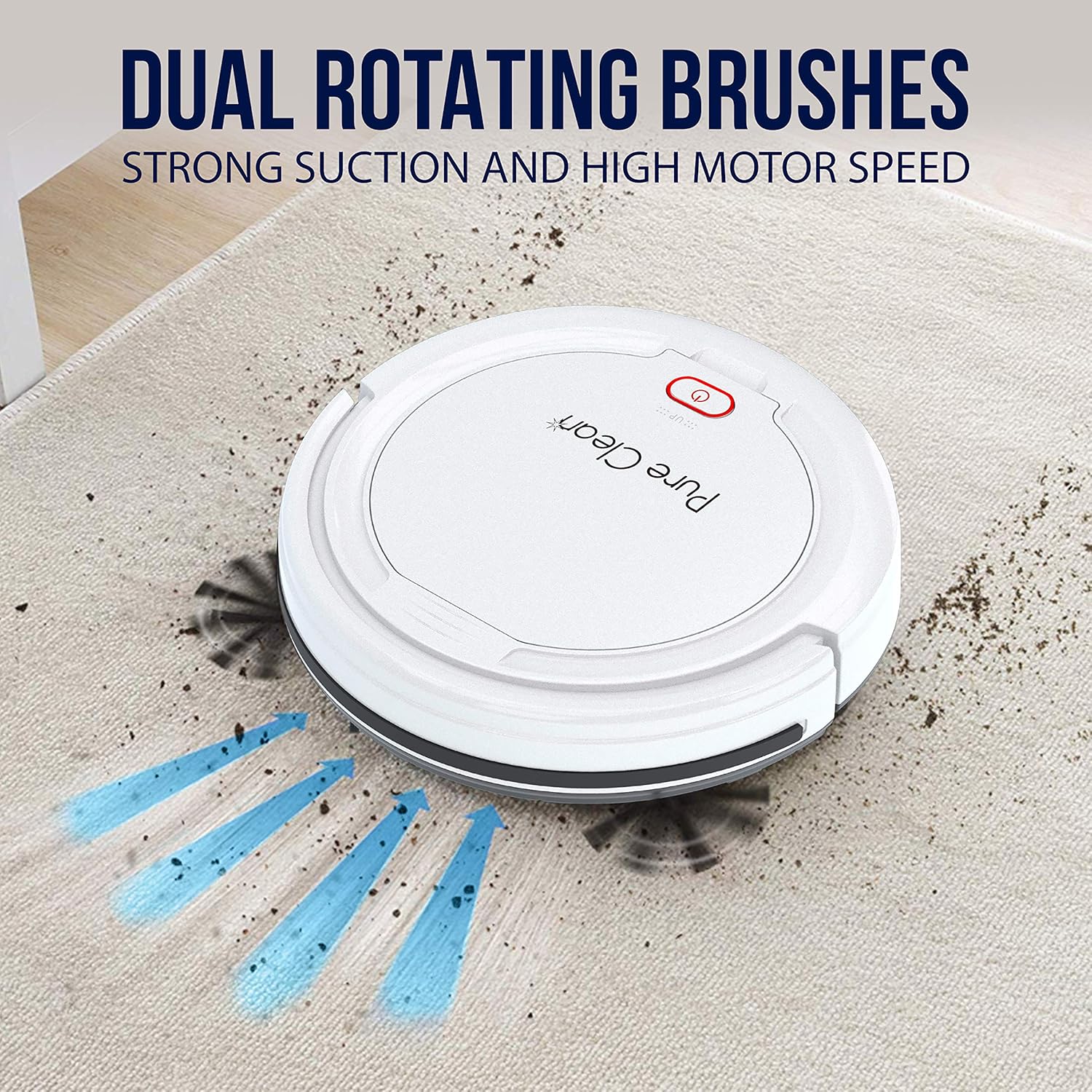
Figure 4: Dual Rotating Brushes. This image shows the underside of the vacuum with its two side brushes designed for edge cleaning.
പ്രവർത്തന നിർദ്ദേശങ്ങൾ
1. വൃത്തിയാക്കൽ ആരംഭിക്കുന്നതും നിർത്തുന്നതും
To start the cleaning cycle, press the power button located on the top of the vacuum. The vacuum will begin its self-programmed cleaning path. To pause or stop the cleaning cycle, press the power button again.

Figure 5: Multi-Surface Cleaning. The robotic vacuum is shown operating on various floor materials including carpet, hardwood, and tile.
2. Navigation and Obstacle Avoidance
The vacuum utilizes smart, self-programmed cleaning path navigation. It is equipped with front bumper sensors to detect and clean around household objects and furniture. Anti-fall stair sensors prevent the unit from falling down stairs or off ledges.

Figure 6: Smart Front Bumper Sensors. The vacuum is depicted navigating around furniture, demonstrating its obstacle avoidance capabilities.

Figure 7: Anti-Fall Stair Sensor. The vacuum is shown approaching a staircase, with an illustration of its sensors detecting the drop-off.
മെയിൻ്റനൻസ്
1. Emptying the Dust Collection Bin
The vacuum features a convenient dust collection bin. To empty, open the bin cover, remove the bin, and dispose of collected debris. It is recommended to empty the bin after each cleaning cycle to maintain optimal performance.
2. ക്ലീനിംഗ് ഫിൽട്ടറുകൾ
Regularly clean the primary filters to ensure efficient suction and prevent clogging. Remove the filters from the dust bin and gently tap them to dislodge dust. For thorough cleaning, rinse with water and allow to air dry completely before reinserting.
3. സൈഡ് ബ്രഷുകൾ വൃത്തിയാക്കുന്നു
Inspect the side brushes for tangled hair or debris. Carefully remove any obstructions to ensure the brushes rotate freely. Replace worn or damaged brushes with new ones from the provided spare set.
ട്രബിൾഷൂട്ടിംഗ്
| പ്രശ്നം | സാധ്യമായ കാരണം | പരിഹാരം |
|---|---|---|
| വാക്വം ഓണാകുന്നില്ല. | Battery is not charged or not properly connected. | Ensure the battery is fully charged (2.5-3 hours). Verify the battery is securely connected inside the unit. |
| വാക്വം ഇടയ്ക്കിടെ കുടുങ്ങുന്നു. | Obstacles (cables, small rugs) or uneven surfaces. | Clear the cleaning area of loose cables and small, lightweight rugs. The vacuum is designed for hardwood, linoleum, tile, and low/hard carpet floors. |
| മോശം സക്ഷൻ പ്രകടനം. | Full dust bin or clogged filters/brushes. | Empty the dust bin. Clean or replace the primary filters. Remove any tangled hair or debris from the side brushes. |
സ്പെസിഫിക്കേഷനുകൾ
- നിർമ്മാണ സാമഗ്രികൾ: ABS, POM
- ഡസ്റ്റ് ബിൻ ശേഷി: 0.2L
- Average Charge Time: 2.5-3 മണിക്കൂർ
- വാക്വം ഓപ്പറേഷൻ റൺ-ടൈം: 90 മിനിറ്റ്
- ബാറ്ററി തരം: 11.1V Li-ion, 1500mAh - 16.65Wh
- Unit Average Power: 15W
- വൈദ്യുതി വിതരണം: 120/240V, 13V പവർ അഡാപ്റ്റർ
- കുറഞ്ഞ ശബ്ദം: 65 ഡി.ബി
- പവർ കേബിൾ നീളം: 5.02 അടി
- അളവുകൾ (L x W x H): 11.02'' x 11.02'' x 2.95'' ഇഞ്ച്
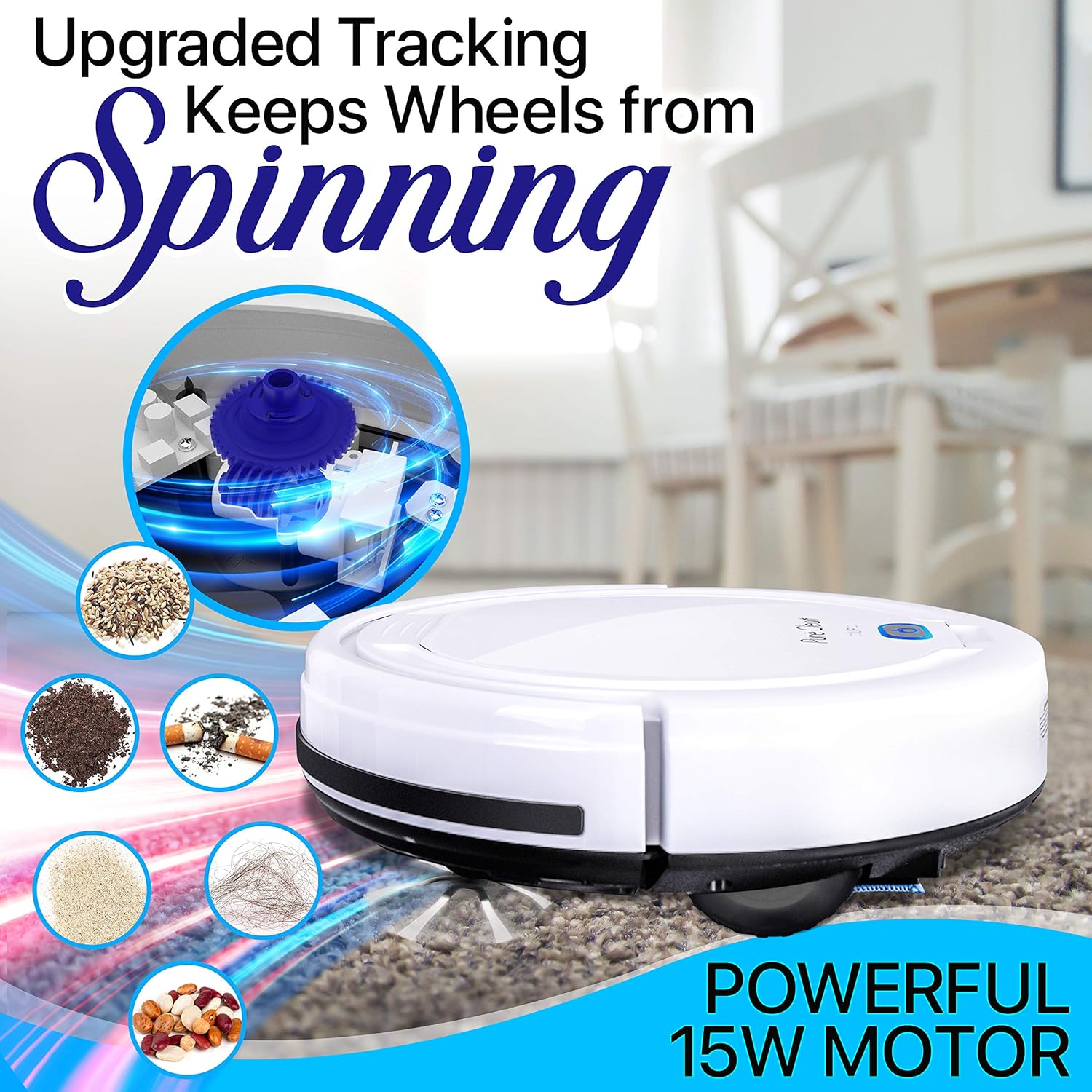
Figure 8: Powerful 15W Motor. This image illustrates the internal mechanism and the types of debris the vacuum is designed to collect, emphasizing its 15W motor.
വാറൻ്റി വിവരങ്ങൾ
This product is covered by a manufacturer's warranty. Please refer to the warranty card included in your packaging for specific terms, conditions, and registration details. Keep your proof of purchase for warranty claims.
ഉപഭോക്തൃ പിന്തുണ
For technical assistance, product inquiries, or service requests, please contact SereneLife customer support. Contact details can typically be found on the product packaging, the official SereneLife webസൈറ്റ്, അല്ലെങ്കിൽ വാറന്റി കാർഡ്.


