ആമുഖം
The WOLFANG GA200 is a versatile 24MP 4K Action Camera designed for capturing high-quality video and photos in various environments. It features a 40M waterproof capability, Electronic Image Stabilization (EIS), and dual screens for convenient operation, including a responsive touchscreen. With built-in WiFi, it allows for easy transfer and control via a mobile app. The camera comes with a comprehensive accessory kit, including a charger, remote control, and helmet accessories, making it suitable for vlogging, underwater activities, and more.
പാക്കേജ് ഉള്ളടക്കം
Your WOLFANG GA200 Action Camera package includes the following items:
- GA200 Action Camera x 1
- ബാഹ്യ മൈക്രോഫോൺ x 1
- വാട്ടർപ്രൂഫ് കേസ് x 1
- വിദൂര നിയന്ത്രണം x 1
- Battery (1050mAh) x 2
- External Charger x 1
- യുഎസ്ബി കേബിൾ x 1
- Protective door x 1
- Black Frame x 1
- Flat adhesive Pads x 2
- Bicycle mount x 1
- J-hook Mount x 1
- Long thumbscrew x 1
- Short thumbscrew x 1
- Extension Mount x 1
- 360° rotating screw x 1

ഫീച്ചറുകൾ
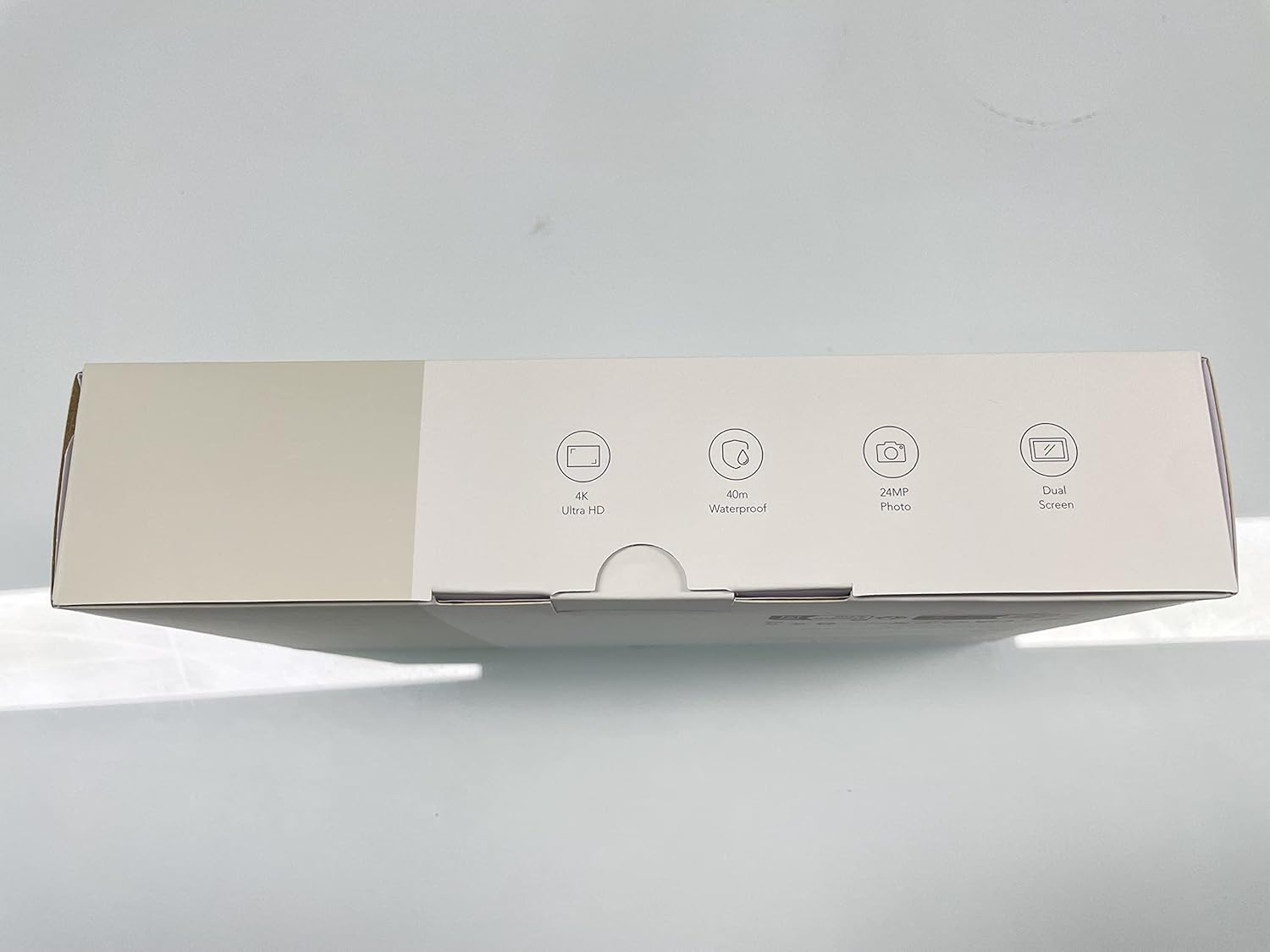
- Double Screen & Touch Screen: The GA200 features an advanced dual-color screen design, allowing seamless switching between the front and rear displays. The vibrant front screen is ideal for selfies, while the 2-inch sensitive touchscreen on the back provides quick and responsive control.
- 4K Ultra HD Video & 24MP Photo: Capture professional-grade footage with 4K 30fps and 2.7K 60fps video recording, alongside crisp 24MP photos.
- 40M Waterproof Camera & Dive Mode: The included waterproof case enables the GA200 to operate at depths of up to 40 meters, making it perfect for water sports. Dive mode optimizes colors for vivid and natural underwater videos.
- EIS Stabilizer & Adjustable View ആംഗിൾ: Advanced Electronic Image Stabilization (EIS) ensures smooth and stable video even during strenuous activities. Choose from wide, medium, and narrow viewകോണുകൾ.
- Plenty of Accessories & Battery Charger: Comes with 2 batteries and an external charger for extended recording. The comprehensive kit includes a remote control, waterproof case, and various mounting options for diverse usage scenarios.


സജ്ജമാക്കുക
- ബാറ്ററി ഇൻസ്റ്റാളേഷൻ: Open the battery compartment cover. Insert one of the two provided 1050mAh Lithium Ion batteries, ensuring correct polarity. Close the cover securely.
- Micro SD Card Insertion: Locate the Micro SD card slot on the side of the camera. Insert a U3 class Micro SD card (up to 128GB, not included) until it clicks into place.
- Waterproof Case Usage: For underwater activities or protection from dust and impact, place the camera inside the waterproof case. Ensure the case is properly sealed before submersion. The case protects the camera up to 40 meters (131 feet) depth.
- റിമോട്ട് കൺട്രോൾ ജോടിയാക്കൽ: To pair the remote control, ensure the camera is on. Follow the instructions in the Quick Start Guide for specific pairing steps.
- മൗണ്ടിംഗ് ആക്സസറികൾ: Utilize the various mounts provided (e.g., bicycle mount, J-hook mount, helmet accessories) to attach the camera securely to desired surfaces or equipment.

പ്രവർത്തിക്കുന്നു
- പവർ ഓൺ/ഓഫ്: Press and hold the Power button (usually on top or side) to turn the camera on or off.
- മോഡ് തിരഞ്ഞെടുക്കൽ: Use the Mode button to cycle through different modes such as Video, Photo, Playback, and Settings.
- Dual Screen Operation: Tap the screen icon on the camera or use the remote control to switch between the front and rear screens.
- വീഡിയോ റെക്കോർഡിംഗ്: In Video mode, press the OK/Shutter button to start recording. Press again to stop. The camera supports 4K 30fps, 2.7K 60fps, 1080P 120fps, and other resolutions.
- ഫോട്ടോ ക്യാപ്ചർ: In Photo mode, press the OK/Shutter button to take a 24MP photo.
- ഇലക്ട്രോണിക് ഇമേജ് സ്റ്റെബിലൈസേഷൻ (EIS): EIS is automatically enabled in supported video modes to reduce shakiness and provide smoother footage.
- ഡൈവ് മോഡ്: Activate Dive Mode in settings for improved color correction when recording underwater.
- വൈഫൈ കണക്ഷൻ: Enable WiFi in the camera settings. Download the iSmart DV2 APP on your smartphone or tablet. Connect to the camera's WiFi network to control the camera remotely, view തത്സമയംtage, ട്രാൻസ്ഫർ files.
- പ്രത്യേക മോഡുകൾ: Explore special modes like Time Lapse, Slow Motion, and Fast Motion through the camera's menu for creative video effects.
- Webക്യാമറ പ്രവർത്തനം: Connect the camera to your computer via USB to use it as a webക്യാം


ഔദ്യോഗിക ഉൽപ്പന്ന വീഡിയോകൾ
Video 1: Official WOLFANG GA200 Action Camera overview. This video highlights the camera's main features and capabilities.
Video 2: Official video detailing the contents included in the WOLFANG GA200 Action Camera Kit.
വീഡിയോ 3: ഔദ്യോഗിക വീഡിയോ ഷോasing the various accessories that come with the WOLFANG GA200 Action Camera.
മെയിൻ്റനൻസ്
- വൃത്തിയാക്കൽ: Use the provided cleaning cloth to gently wipe the camera lens and screens. For the waterproof case, rinse with fresh water after each use in saltwater and allow to air dry.
- ബാറ്ററി കെയർ: Store batteries in a cool, dry place. Avoid extreme temperatures. Fully charge batteries before extended storage and periodically recharge them if not used for long periods.
- വാട്ടർപ്രൂഫ് കേസ് സീൽ: Regularly inspect the rubber seal of the waterproof case for any debris, cracks, or damage. A clean and intact seal is crucial for maintaining waterproof integrity.
- സംഭരണം: ക്യാമറയും അനുബന്ധ ഉപകരണങ്ങളും പൊടിയില്ലാത്തതും വരണ്ടതുമായ ഒരു അന്തരീക്ഷത്തിൽ സൂക്ഷിക്കുക, സൂര്യപ്രകാശം നേരിട്ട് ഏൽക്കുന്നതും ഉയർന്ന താപനിലയിൽ നിന്ന് അകറ്റി നിർത്തുക.
ട്രബിൾഷൂട്ടിംഗ്
- ക്യാമറ ഓണാക്കുന്നില്ല: Ensure the battery is fully charged. Try inserting a different charged battery.
- Video/Photo Quality Issues: Check that the lens is clean. Ensure sufficient lighting conditions. Verify that the Micro SD card is a high-speed U3 card.
- Connectivity Problems (WiFi/Remote): Ensure the camera's WiFi is enabled. Restart both the camera and your smart device. Re-pair the remote control if necessary.
- Screen Frozen: If the screen freezes, remove and reinsert the battery to reset the camera.
- ഓഡിയോ പ്രശ്നങ്ങൾ: Ensure the external microphone is properly connected if used. Check camera settings for voice record options.
സ്പെസിഫിക്കേഷനുകൾ
| ബ്രാൻഡ് നാമം | വോൾഫാംഗ് |
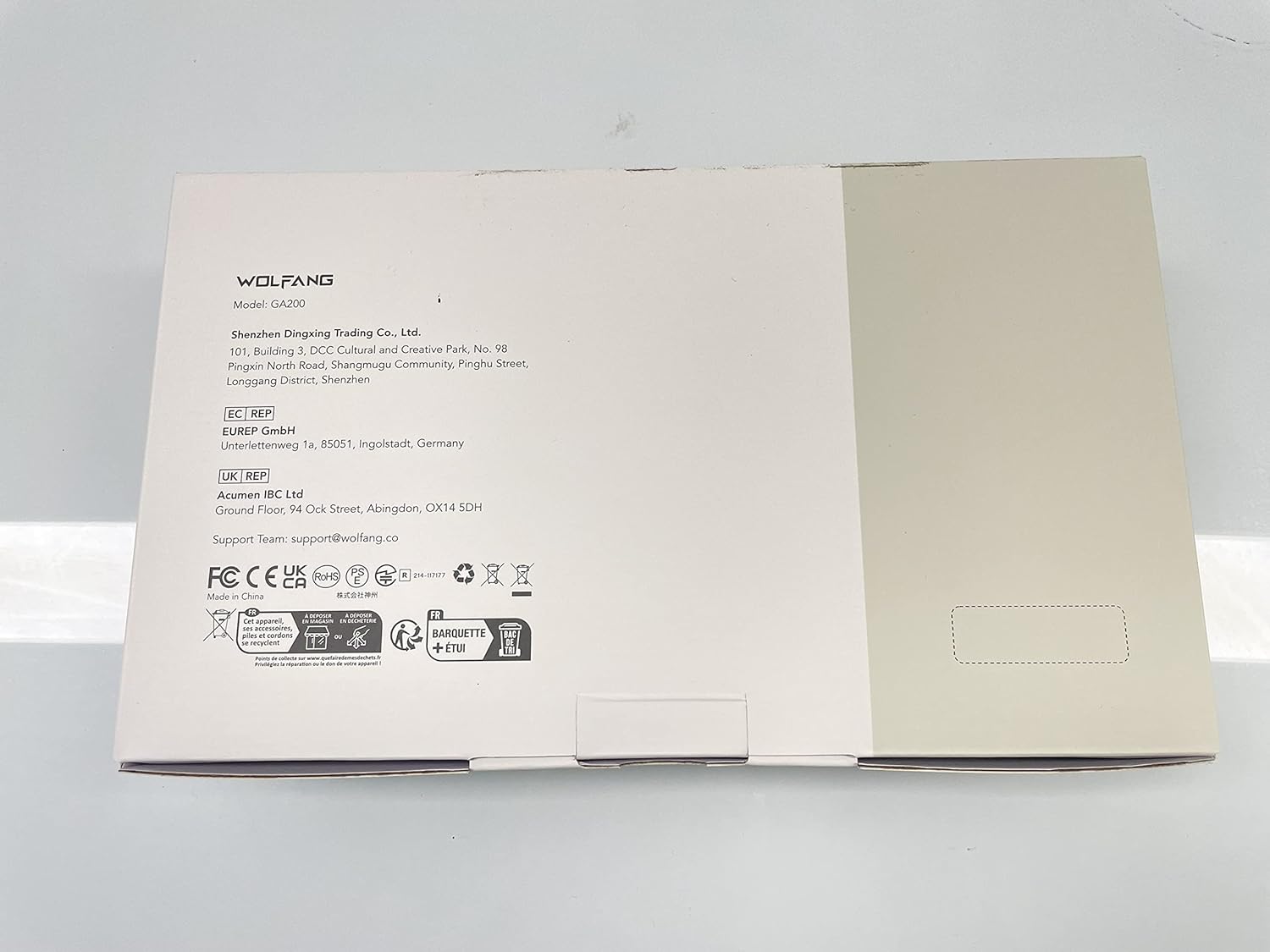
| ഇനം മോഡൽ നമ്പർ | GA200 |
| ഇനത്തിൻ്റെ ഭാരം | 1.76 ഔൺസ് |
| ഉൽപ്പന്ന അളവുകൾ | 2.36 x 0.94 x 1.18 ഇഞ്ച് |
| വർണ്ണ നാമം | കറുപ്പ് |
| ഫോട്ടോ സെൻസർ ടെക്നോളജി | CMOS |
| വീഡിയോ ക്യാപ്ചർ റെസല്യൂഷൻ | 4K 30fps, 2.7K 60fps, 1080P 120fps, 1080P 30fps, 720P 240fps, 720P 120fps, 720P 60fps |
| പരമാവധി അപ്പേർച്ചർ | 2 എഫ് |
| ഫ്ലാഷ് മെമ്മറി തരം | മൈക്രോ എസ്.ഡി |
| വീഡിയോ ക്യാപ്ചർ ഫോർമാറ്റ് | എംഒവി |
| പിന്തുണയ്ക്കുന്ന ഓഡിയോ ഫോർമാറ്റ് | AAC, MP3 |
| സ്ക്രീൻ വലിപ്പം | 2 ഇഞ്ച് |
| കണക്റ്റിവിറ്റി ടെക്നോളജി | ബ്ലൂടൂത്ത് |
| പ്രത്യേക സവിശേഷതകൾ | Wind Noise Reduction, Remote Control, Anti-Shake, Time Lapse, Slow Motion |
വാറൻ്റിയും പിന്തുണയും
WOLFANG offers protection plans for your GA200 Action Camera:
- 2 വർഷത്തെ സംരക്ഷണ പദ്ധതി: $8.99
- 3 വർഷത്തെ സംരക്ഷണ പദ്ധതി: $11.99
- പൂർണ്ണ പരിരക്ഷ: $16.99/മാസം (യോഗ്യതയുള്ള എല്ലാ മുൻകാല, ഭാവി വാങ്ങലുകളും ഉൾക്കൊള്ളുന്നു)
For customer support, please contact WOLFANG Official. You can also refer to the official User Manual (PDF) available online for detailed instructions and troubleshooting.
ഔദ്യോഗിക ഉപയോക്തൃ മാനുവൽ (PDF): https://manuals.plus/m/a36db92344c08ffa4895eefc85b9ddbcb9f55873df249c7835a72f38040e748c
പ്രധാനപ്പെട്ട സുരക്ഷാ വിവരങ്ങൾ
പരിക്കുകളോ കേടുപാടുകളോ ഒഴിവാക്കാൻ ഈ ഉൽപ്പന്നം ഉപയോഗിക്കുന്നതിന് മുമ്പ് എല്ലാ സുരക്ഷാ മുന്നറിയിപ്പുകളും നിർദ്ദേശങ്ങളും വായിക്കുക. ഭാവിയിലെ റഫറൻസിനായി ഈ മാനുവൽ സൂക്ഷിക്കുക.
- ഉയർന്ന താപനിലയിലോ നേരിട്ടുള്ള സൂര്യപ്രകാശത്തിലോ ക്യാമറ ദീർഘനേരം തുറന്നുവെക്കരുത്.
- Ensure the waterproof case is properly sealed before any water exposure.
- അംഗീകൃത ആക്സസറികളും ചാർജറുകളും മാത്രം ഉപയോഗിക്കുക.
- ചെറിയ കുട്ടികൾക്ക് ലഭ്യമാകാതെ സൂക്ഷിക്കുക.


