1. ആമുഖവും അവസാനവുംview
The EDGE 22451 Pulsar LT Control Module is an in-line module designed to enhance the functionality and adjustability of your 2019-2022 Chevrolet Silverado 1500 or GMC Sierra 1500. This module allows for direct control over various vehicle features using your existing steering wheel controls.
പ്രധാന പ്രവർത്തനങ്ങളിൽ ഇവ ഉൾപ്പെടുന്നു:
- Disabling Auto Start/Stop.
- Disabling Dynamic Fuel Management (DFM), particularly beneficial for 6.2L 10-speed trucks.
- Reprogramming the Tire Pressure Monitoring System (TPMS) threshold (1 - 99 PSI).
- Adjusting throttle response.
- Correcting speedometer for tire size and gear ratio changes.
- Clearing diagnostic trouble codes.
Important Note: This product is not legal for sale or use in California.
2. സജ്ജീകരണവും ഇൻസ്റ്റാളേഷനും
Installation of the Pulsar LT module involves connecting it in-line with your vehicle's existing wiring harness. It is recommended to consult the official installation video provided by EDGE for detailed, step-by-step instructions to ensure proper setup.
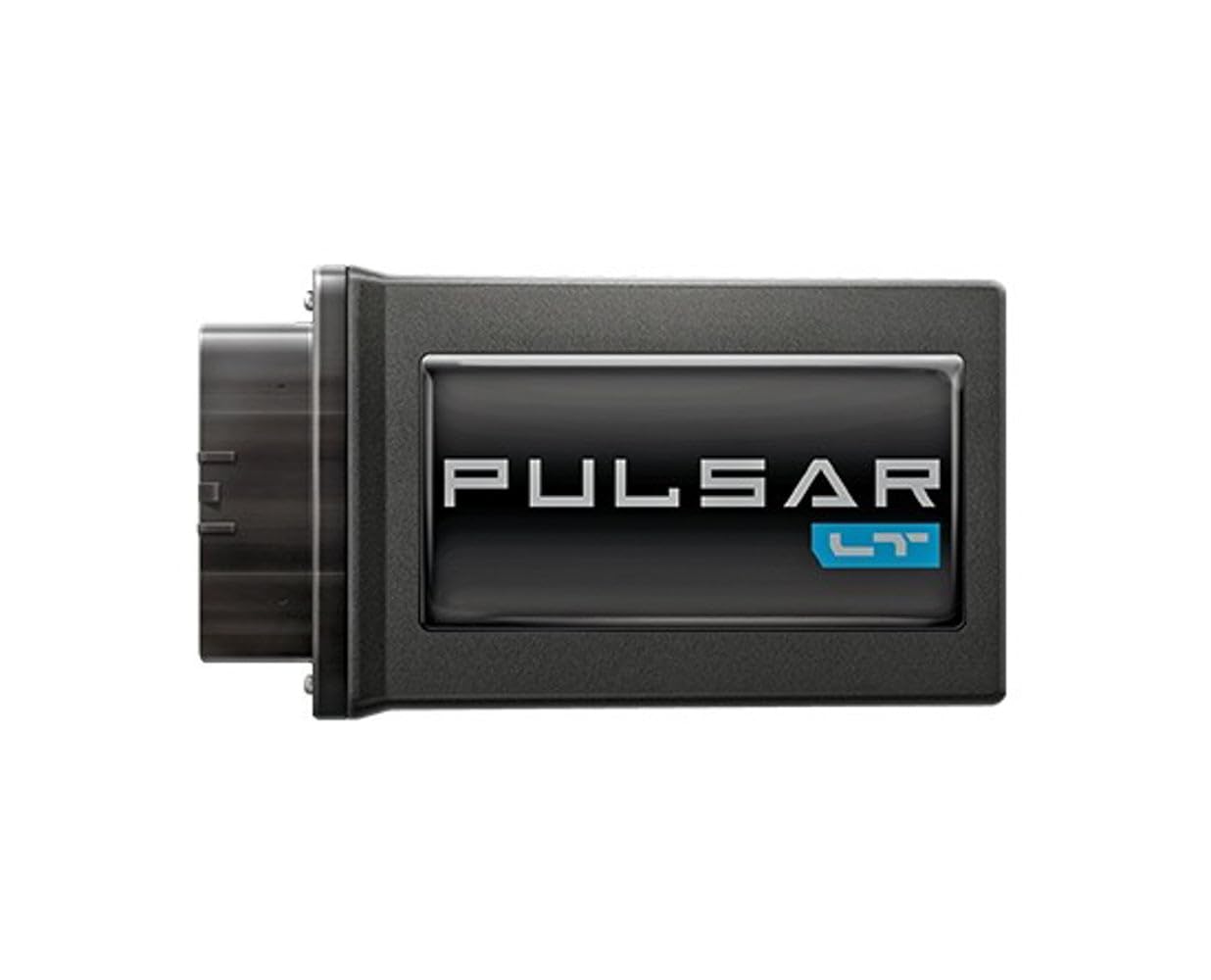
Image: The EDGE Pulsar LT Control Module. This black rectangular device features the 'PULSAR LT' logo prominently on its face and includes a connector on its left side for in-line installation.
Before beginning installation, ensure your vehicle's ignition is off and the battery is disconnected to prevent electrical damage. Follow all safety precautions outlined in the official installation guide.
After physical installation, the module will require configuration using your vehicle's steering wheel controls. Refer to the operating instructions for initial setup and parameter adjustments.
3. പ്രവർത്തന നിർദ്ദേശങ്ങൾ
The Pulsar LT module is designed for intuitive operation directly through your vehicle's steering wheel controls. Once installed, you can access and modify various parameters without the need for an external device.
3.1 ക്രമീകരണങ്ങൾ ആക്സസ് ചെയ്യുന്നു
Specific button combinations on your steering wheel will allow you to enter the Pulsar LT's menu. Consult the official EDGE documentation or installation video for the exact sequence for your vehicle model.
3.2 പാരാമീറ്ററുകൾ ക്രമീകരിക്കുന്നു
- Auto Start/Stop: Navigate to the Auto Start/Stop setting and select 'Disable' to prevent the engine from automatically shutting off at stops.
- Dynamic Fuel Management (DFM): Locate the DFM setting and choose 'Disable' to ensure all cylinders are active during operation.
- TPMS Threshold: Adjust the desired tire pressure range (1-99 PSI) to match your vehicle's tire setup.
- ത്രോട്ടിൽ പ്രതികരണം: Select from available throttle response modes to customize acceleration feel.
- Tire Size/Gear Ratio: Input correct tire size or gear ratio values to recalibrate the speedometer for accuracy.
- കോഡുകൾ മായ്ക്കുക: Utilize this function to clear diagnostic trouble codes that may appear.
Always ensure the vehicle is in a safe, stationary position when making adjustments to avoid distractions while driving.
4. പരിപാലനം
The EDGE Pulsar LT Control Module is designed for durability and requires minimal maintenance. However, periodic checks can help ensure its continued optimal performance.
- കണക്ഷൻ സമഗ്രത: Periodically inspect the module's connections to the vehicle's wiring harness to ensure they are secure and free from corrosion or damage.
- മൊഡ്യൂൾ ഹൗസിംഗ്: Keep the module's housing clean and free of excessive dust or debris. Use a soft, dry cloth for cleaning. Avoid using harsh chemicals or abrasive materials.
- സോഫ്റ്റ്വെയർ അപ്ഡേറ്റുകൾ: Check the official EDGE website for any available firmware updates for your Pulsar LT module. Updates may provide new features, performance enhancements, or bug fixes. Follow the manufacturer's instructions carefully for any update procedures.
If the module is removed for any reason, ensure it is stored in a dry, temperature-controlled environment.
5. പ്രശ്നപരിഹാരം
If you encounter issues with your Pulsar LT Control Module, refer to the following troubleshooting steps:
| ലക്ഷണം | സാധ്യമായ കാരണം | പരിഹാരം |
|---|---|---|
| Module not responding to steering wheel controls. | Incorrect installation, loose connection, or module power issue. |
|
| Check Engine Light (CEL) or Reduced Engine Power message. | Improper module configuration, conflict with vehicle's ECU, or a separate vehicle issue. |
|
| Desired feature (e.g., Auto Start/Stop disable) is not working. | Feature not correctly enabled/disabled in module settings, or vehicle specific limitations. |
|
If these steps do not resolve the issue, please contact EDGE technical support for further assistance.
6 സ്പെസിഫിക്കേഷനുകൾ
| ഫീച്ചർ | വിശദാംശങ്ങൾ |
|---|---|
| ബ്രാൻഡ് | എഡ്ജ് |
| മോഡലിൻ്റെ പേര് | EDGE 22451 Pulsar LT Control Module |
| ഭാഗം നമ്പർ | 22451 |
| അനുയോജ്യമായ വാഹനങ്ങൾ | 2019-2022 Chevrolet Silverado 1500, GMC Sierra 1500 |
| ഇനത്തിൻ്റെ പാക്കേജ് അളവുകൾ (L x W x H) | 9.57 x 6.38 x 3.66 ഇഞ്ച് |
| പാക്കേജ് ഭാരം | 0.72 കിലോഗ്രാം |
| ഇനത്തിന്റെ അളവുകൾ (L x W x H) | 9.5 x 6.3 x 4 ഇഞ്ച് |
| മെറ്റീരിയൽ | പ്ലാസ്റ്റിക് |
| ഉൾപ്പെടുത്തിയ ഘടകങ്ങൾ | EDGE 22451 Pulsar LT Control Module |
| ആദ്യം ലഭ്യമായ തീയതി | 2 മാർച്ച് 2021 |
7. വാറൻ്റിയും പിന്തുണയും
The EDGE 22451 Pulsar LT Control Module comes with a manufacturer's warranty. For specific details regarding warranty coverage, duration, and terms, please refer to the documentation included with your product or visit the official EDGE webസൈറ്റ്.
For technical support, installation assistance, or warranty claims, please contact EDGE customer service directly. Contact information can typically be found on the manufacturer's webസൈറ്റ് അല്ലെങ്കിൽ ഉൽപ്പന്ന പാക്കേജിംഗിൽ.
It is recommended to register your product with EDGE after purchase to facilitate warranty service and receive important product updates.


