ആമുഖം
വാങ്ങിയതിന് നന്ദി.asing the Core Innovations 150" LCD Home Theater Projector. This manual provides essential information for setting up, operating, and maintaining your projector to ensure optimal performance and longevity. Please read this manual thoroughly before use and retain it for future reference.
ഉൽപ്പന്നം കഴിഞ്ഞുview
The Core Innovations 150" LCD Home Theater Projector is designed to deliver an immersive viewing experience with its adjustable screen size and versatile connectivity options.

ഘടകങ്ങളും നിയന്ത്രണങ്ങളും
Familiarize yourself with the projector's various ports and controls for seamless operation.

1. Headphone Jack (3.5mm)
2. AV ഇൻപുട്ട്
3. മൈക്രോ എസ്ഡി കാർഡ് സ്ലോട്ട്
4. HDMI Inputs 1 & 2
5. യുഎസ്ബി പോർട്ട്
6. DC IN (Power Input)

സജ്ജീകരണ ഗൈഡ്
- അൺപാക്ക് ചെയ്യുന്നു: Carefully remove the projector and all accessories from the packaging. Ensure all included components are present: Power Cord, User Manual, HDMI Cable, Remote Control, Projector Lens Cover.
- പ്ലേസ്മെൻ്റ്: പ്രൊജക്ടർ ഒരു സ്ഥിരതയുള്ളതും പരന്നതുമായ പ്രതലത്തിൽ സ്ഥാപിക്കുക. ഒപ്റ്റിമൽ ആയി viewing, position the projector directly in front of your projection surface (screen or wall). Ensure adequate ventilation around the projector.
- പവർ കണക്ഷൻ: Connect the included power cord to the DC IN port (6) on the projector and then plug it into a standard electrical outlet.
- പവർ ഓൺ: ഉപകരണം ഓണാക്കാൻ പ്രൊജക്ടറിലോ റിമോട്ട് കൺട്രോളിലോ പവർ ബട്ടൺ അമർത്തുക.
- ഫോക്കസ് അഡ്ജസ്റ്റ്മെന്റ്: Rotate the focus adjustment knob located near the lens until the projected image appears clear and sharp.
- കീസ്റ്റോൺ തിരുത്തൽ: If the projected image appears trapezoidal (wider at the top or bottom), use the keystone correction feature to adjust it into a rectangular shape. This is typically done via a dial or digital setting on the projector or remote.

പ്രവർത്തന നിർദ്ദേശങ്ങൾ
ഉപകരണങ്ങൾ ബന്ധിപ്പിക്കുന്നു
പ്രൊജക്ടർ വിവിധ ഇൻപുട്ട് സ്രോതസ്സുകളെ പിന്തുണയ്ക്കുന്നു:
- എച്ച്ഡിഎംഐ: Connect your laptop, gaming console (PS5), Roku, or other HDMI-enabled devices to either HDMI Input 1 or 2 (4).
- USB: Insert a USB flash drive (up to 1000GB) into the USB Port (5) to play media fileനേരിട്ട്.
- മൈക്രോ എസ്ഡി കാർഡ്: Insert a Micro SD card into the Micro SD Card Slot (3) to access stored media.
- ഓഫ്: Use the AV Input (2) for older devices with composite video and stereo audio outputs.
- വി.ജി.എ: Connect a computer via the VGA port for video output.


Adjusting Projection Size
The projector supports an adjustable screen size between 32 inches and 150 inches. Adjust the distance of the projector from the screen to achieve your desired projection size. Use the focus knob to maintain image clarity after adjusting the distance.

ഓഡിയോ ഔട്ട്പുട്ട്
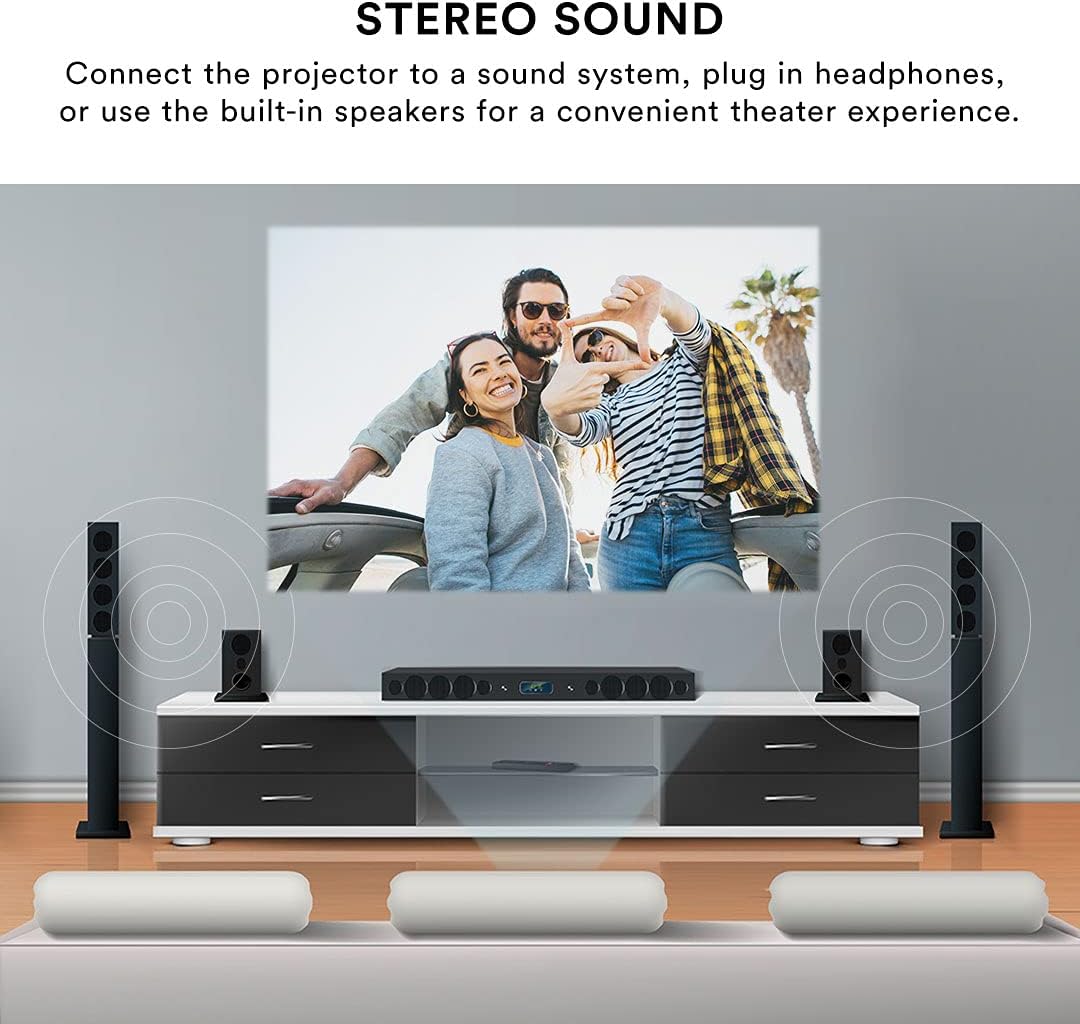
The projector features built-in speakers for convenient audio playback. For enhanced sound quality, you can connect external speakers or headphones using the 3.5mm Headphone Jack (1).
റിമോട്ട് കൺട്രോൾ
The included remote control allows for effortless operation from a distance. Use it to power on/off, select input sources, navigate menus, adjust volume, and control playback.
മെയിൻ്റനൻസ്
ശരിയായ അറ്റകുറ്റപ്പണി നിങ്ങളുടെ പ്രൊജക്ടറിന്റെ ദീർഘായുസ്സും പ്രകടനവും ഉറപ്പാക്കുന്നു.
- ലെൻസ് ക്ലീനിംഗ്: Use a soft, lint-free cloth specifically designed for optical lenses to gently wipe the projector lens. Avoid using abrasive cleaners or excessive force, which can scratch the lens.
- ബാഹ്യ ശുചീകരണം: പ്രൊജക്ടറിന്റെ പുറംഭാഗം മൃദുവായതും ഉണങ്ങിയതുമായ തുണി ഉപയോഗിച്ച് തുടയ്ക്കുക. കഠിനമായ അടയാളങ്ങൾക്ക്, അല്പം ഡി.amp cloth can be used, but ensure no liquid enters the device.
- വെൻ്റിലേഷൻ: Ensure the projector's ventilation openings are clear and unobstructed. Do not place the projector on soft surfaces that may block airflow. Proper ventilation prevents overheating.
- സംഭരണം: When not in use for extended periods, store the projector in a cool, dry place, away from direct sunlight and extreme temperatures. Use the lens cover to protect the lens from dust.
ട്രബിൾഷൂട്ടിംഗ്
നിങ്ങളുടെ പ്രൊജക്ടറിൽ പ്രശ്നങ്ങൾ നേരിടുകയാണെങ്കിൽ, ഇനിപ്പറയുന്ന പൊതുവായ പ്രശ്നങ്ങളും പരിഹാരങ്ങളും പരിശോധിക്കുക:
| പ്രശ്നം | സാധ്യമായ കാരണം | പരിഹാരം |
|---|---|---|
| ഒരു ചിത്രവും പ്രൊജക്റ്റ് ചെയ്തിട്ടില്ല. | Power cable disconnected; Incorrect input source selected; Device not connected properly. | Check power connection; Select the correct input source (HDMI, USB, AV); Ensure source device is powered on and connected securely. |
| ചിത്രം മങ്ങിയതാണ് | Focus not adjusted; Projector too far/close to screen; Lens dirty. | Adjust the focus knob; Adjust projector distance; Clean the lens. |
| ചിത്രം വികലമാണ് (ട്രപസോയിഡ്) | പ്രൊജക്ടർ സ്ക്രീനിന് ലംബമല്ല. | Use keystone correction to adjust the image. |
| ശബ്ദമില്ല | ശബ്ദം വളരെ കുറവാണ്; ബാഹ്യ സ്പീക്കറുകൾ കണക്റ്റുചെയ്തിട്ടില്ല; ഉറവിട ഉപകരണ ഓഡിയോ ക്രമീകരണങ്ങൾ. | Increase projector volume; Ensure external speakers are connected and powered; Check audio output settings on your source device. |
| റിമോട്ട് കൺട്രോൾ പ്രവർത്തിക്കുന്നില്ല | ബാറ്ററികൾ കുറവാണ്/ഡെഡ് ആണ്; റിമോട്ടിനും പ്രൊജക്ടറിനും ഇടയിലുള്ള തടസ്സം; റിമോട്ട് സെൻസർ അടഞ്ഞുപോയി. | Replace batteries; Remove any obstructions; Ensure remote is pointed at the projector's IR sensor. |
| Projector is overheating or fan is loud | Blocked ventilation; Prolonged use. | Ensure ventilation openings are clear; Allow the projector to cool down if used for extended periods. |
സ്പെസിഫിക്കേഷനുകൾ
| ഫീച്ചർ | വിശദാംശങ്ങൾ |
|---|---|
| ബ്രാൻഡ് | കോർ ഇന്നൊവേഷൻസ് |
| മോഡൽ നമ്പർ | CJR600BL |
| ഉൽപ്പന്ന അളവുകൾ | 8.1 x 3.4 x 6.1 ഇഞ്ച് |
| ഇനത്തിൻ്റെ ഭാരം | 2 പൗണ്ട് |
| പ്രൊജക്ഷൻ വലിപ്പം | 32" - 150" |
| കോൺട്രാസ്റ്റ് റേഷ്യോ | 300:1 |
| ഡിസ്പ്ലേ റെസല്യൂഷൻ | 1280 x 720 |
| കണക്റ്റിവിറ്റി ടെക്നോളജി | HDMI (x2), USB, Micro SD, AV, VGA |
| ഓഡിയോ | ബിൽറ്റ്-ഇൻ സ്പീക്കറുകൾ, 3.5mm ഹെഡ്ഫോൺ ജാക്ക് |
| ഫോം ഫാക്ടർ | പോർട്ടബിൾ |
| ഉൾപ്പെടുത്തിയ ഘടകങ്ങൾ | Power Cord, User Manual, HDMI Cable, Remote Control, Projector Lens Cover |
വാറൻ്റിയും പിന്തുണയും
വാറൻ്റി വിവരങ്ങൾ
This Core Innovations projector comes with a 1 വർഷത്തെ പരിമിത വാറൻ്റി from the date of purchase, covering 90 days for parts and labor. Please retain your proof of purchase for warranty claims.
ഉപഭോക്തൃ പിന്തുണ
For technical assistance, troubleshooting beyond this manual, or warranty inquiries, please contact Core Innovations customer support. Refer to the contact information provided on the product packaging or the official Core Innovations webസൈറ്റ്.


