ആമുഖം
The Xoopar Pokket Eco Wireless Mouse XP81002.21WT is an ultra-slim, rechargeable optical mouse designed for comfortable and efficient use with your computer. This manual provides essential information for setting up, operating, maintaining, and troubleshooting your device.
പാക്കേജ് ഉള്ളടക്കം
പാക്കേജിൽ ഇനിപ്പറയുന്ന ഇനങ്ങൾ ഉണ്ടോ എന്ന് പരിശോധിക്കുക:
- Xoopar Pokket Eco Wireless Mouse
- USB 2.4G റിസീവർ
- യുഎസ്ബി ചാർജിംഗ് കേബിൾ
- Cork Storage Pouch
- ഉപയോക്തൃ മാനുവൽ (ഈ പ്രമാണം)
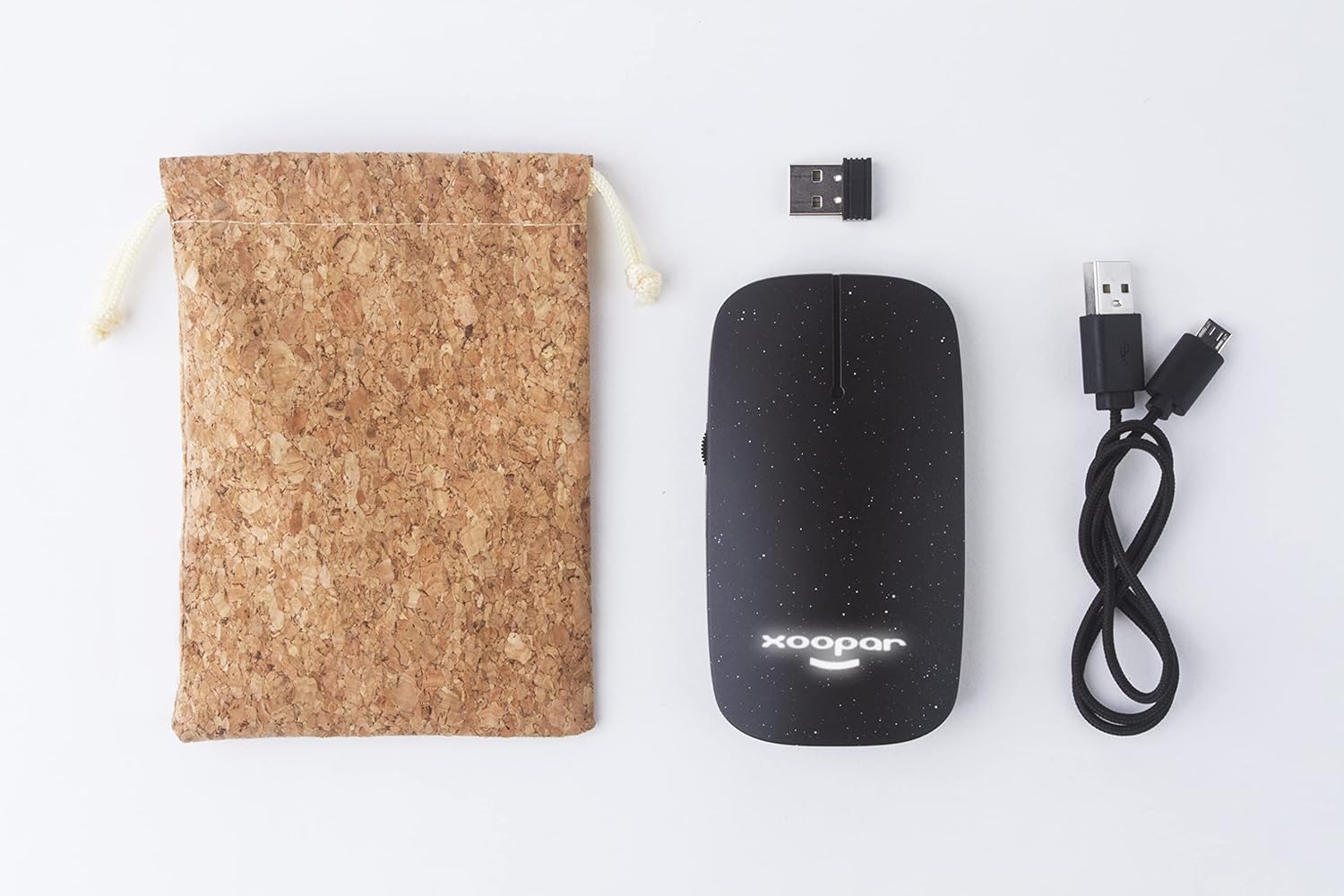
Image: Contents of the Xoopar Pokket Eco Wireless Mouse package, including the mouse, USB receiver, charging cable, and cork pouch.
സജ്ജമാക്കുക
1. മൗസ് ചാർജ് ചെയ്യുന്നു
Before first use, it is recommended to fully charge the mouse. Connect the provided USB charging cable to the charging port on the mouse and the other end to a USB power source (e.g., computer USB port, USB wall adapter).
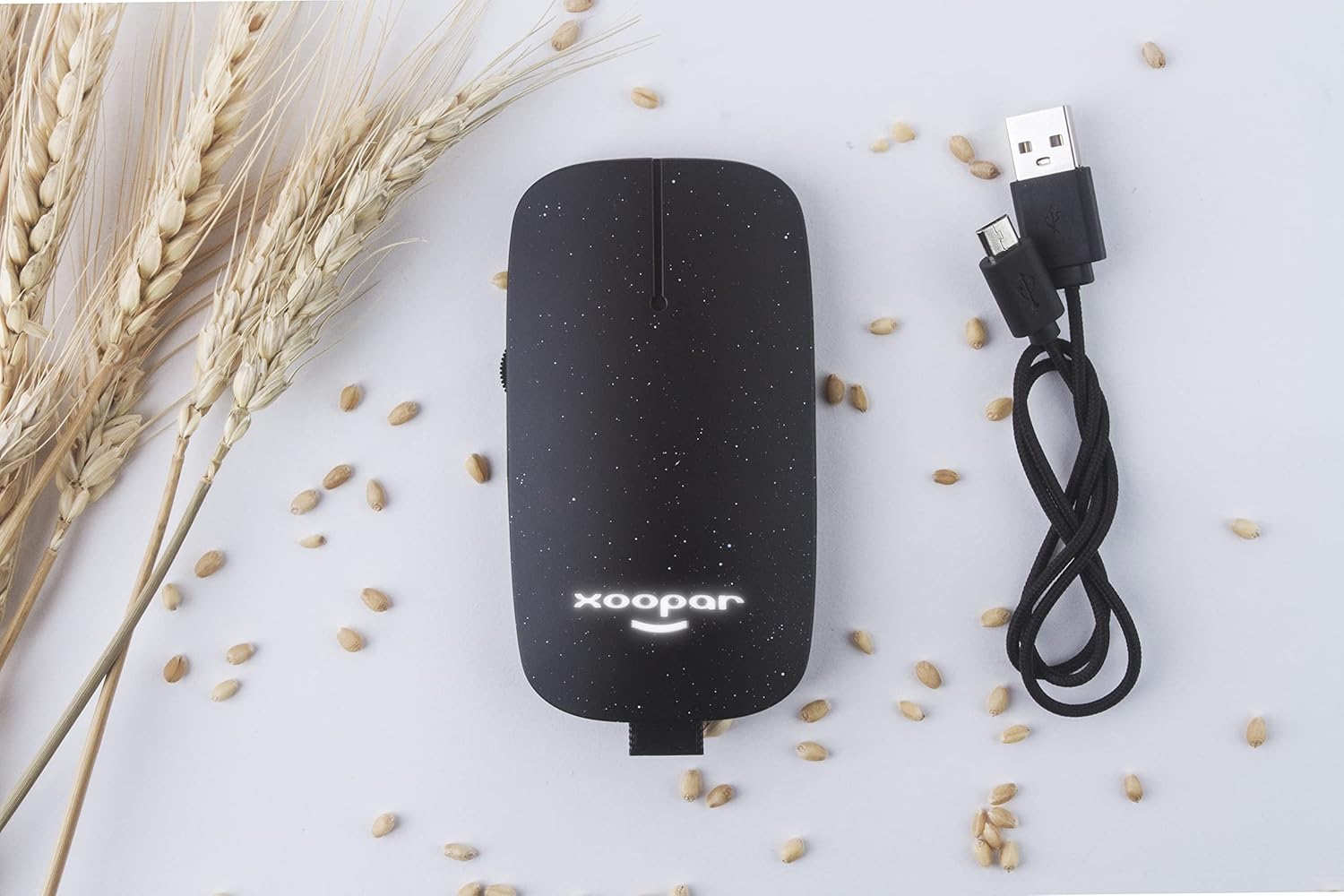
Image: The Xoopar Pokket Eco Wireless Mouse connected to its USB charging cable.
2. യുഎസ്ബി റിസീവർ ബന്ധിപ്പിക്കുന്നു
- Locate the USB 2.4G receiver, typically stored within the mouse itself or included separately in the package.
- നിങ്ങളുടെ കമ്പ്യൂട്ടറിൽ ലഭ്യമായ USB പോർട്ടിലേക്ക് USB റിസീവർ പ്ലഗ് ചെയ്യുക.
- നിങ്ങളുടെ കമ്പ്യൂട്ടർ ആവശ്യമായ ഡ്രൈവറുകൾ സ്വയമേവ കണ്ടെത്തി ഇൻസ്റ്റാൾ ചെയ്യണം. ഇതിന് കുറച്ച് നിമിഷങ്ങൾ എടുത്തേക്കാം.

Image: The USB 2.4G receiver inserted into a laptop's USB port.
3. മൗസിൽ പവർ ചെയ്യൽ
Locate the power switch on the bottom of the mouse and slide it to the "ON" position. The mouse should now be ready for use.
പ്രവർത്തന നിർദ്ദേശങ്ങൾ
The Xoopar Pokket Eco Wireless Mouse features standard mouse functionality:
- ഇടത് ക്ലിക്ക്: പ്രാഥമിക പ്രവർത്തനം, തിരഞ്ഞെടുപ്പ്.
- വലത് ക്ലിക്കിൽ: ദ്വിതീയ പ്രവർത്തനം, സന്ദർഭ മെനുകൾ.
- സ്ക്രോൾ വീൽ: Scroll up or down in documents and web പേജുകൾ. സ്ക്രോൾ വീൽ ഒരു മിഡിൽ ക്ലിക്ക് ബട്ടണായും പ്രവർത്തിക്കുന്നു.
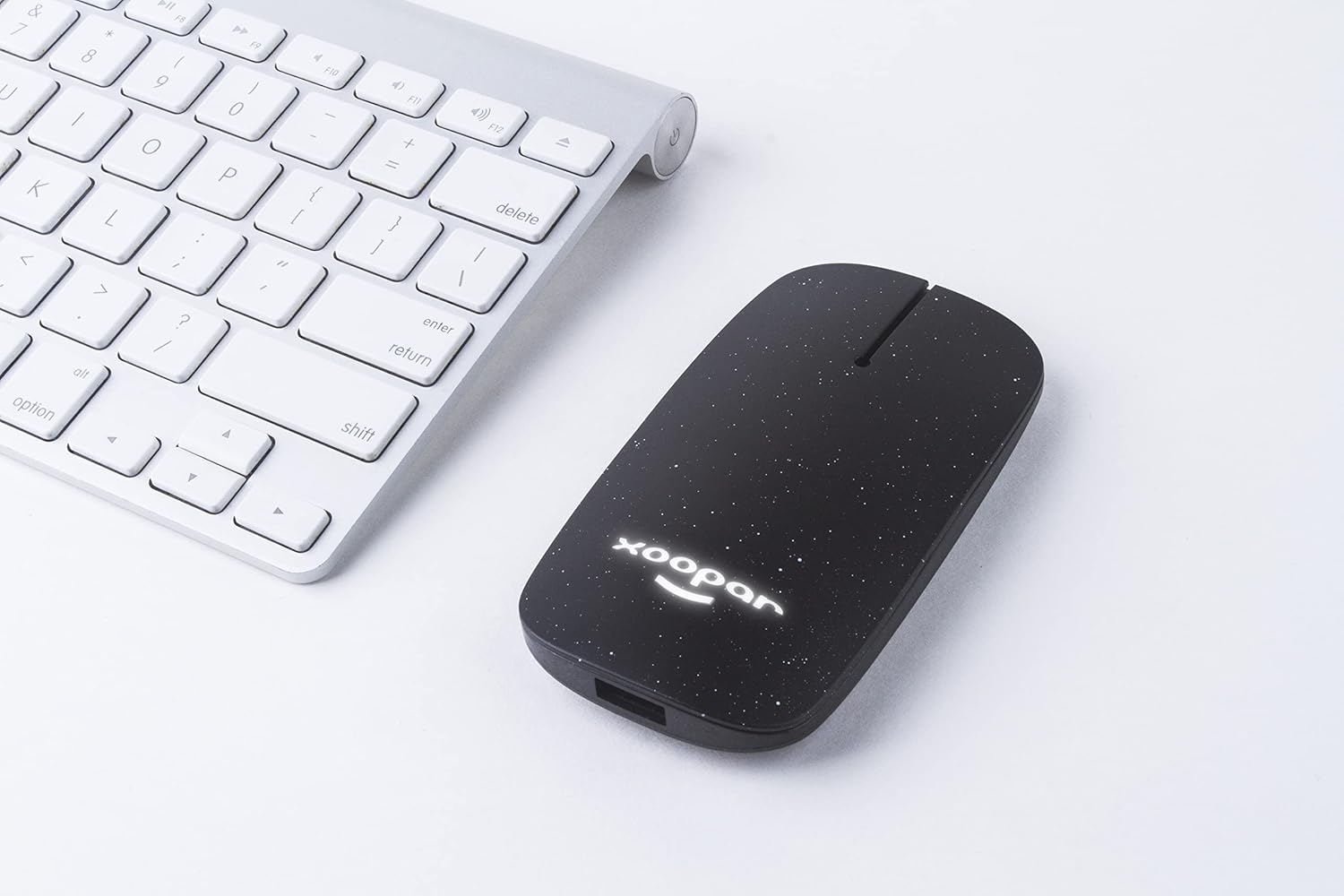
Image: The Xoopar Pokket Eco Wireless Mouse positioned next to a computer keyboard, ready for use.
മെയിൻ്റനൻസ്
- വൃത്തിയാക്കൽ: മൗസ് വൃത്തിയാക്കാൻ മൃദുവായതും ഉണങ്ങിയതുമായ തുണി ഉപയോഗിക്കുക. കഠിനമായ രാസവസ്തുക്കളോ ഉരച്ചിലുകളോ ഉള്ള വസ്തുക്കൾ ഉപയോഗിക്കുന്നത് ഒഴിവാക്കുക.
- സംഭരണം: When not in use, store the mouse in its cork pouch to protect it from dust and scratches.
- ബാറ്ററി കെയർ: To prolong battery life, avoid fully discharging the mouse frequently. Charge it when the battery indicator is low.
ട്രബിൾഷൂട്ടിംഗ്
| പ്രശ്നം | പരിഹാരം |
|---|---|
| Mouse is unresponsive or not moving. |
|
| Mouse movement is erratic. |
|
| Mouse does not charge. |
|
സ്പെസിഫിക്കേഷനുകൾ
| ബ്രാൻഡ് | സൂപർ |
| മോഡൽ നമ്പർ | XP81002.21WT |
| കണക്റ്റിവിറ്റി ടെക്നോളജി | 2.4G വയർലെസ് (USB റിസീവർ) |
| ചലനം കണ്ടെത്തൽ | ഒപ്റ്റിക്കൽ |
| ബട്ടണുകളുടെ എണ്ണം | 3 |
| കൈ ഓറിയൻ്റേഷൻ | Ambidextrous design (Note: Product specifications may list "Left" but the design is symmetrical.) |
| അനുയോജ്യമായ ഓപ്പറേറ്റിംഗ് സിസ്റ്റങ്ങൾ | വിൻഡോസ്, മാകോസ്, ലിനക്സ് |
| അനുയോജ്യമായ ഉപകരണങ്ങൾ | ലാപ്ടോപ്പ്, ഡെസ്ക്ടോപ്പ് കമ്പ്യൂട്ടറുകൾ |
| ഇനത്തിൻ്റെ ഭാരം | 50 ഗ്രാം |
| നിറം | കറുപ്പ് |
വാറൻ്റിയും പിന്തുണയും
For warranty information or technical support, please refer to the official Xoopar website or contact Xoopar customer service directly. Keep your purchase receipt as proof of purchase for any warranty claims.
Xoopar Europe Seller ID: A3PFMQ8HI1NEP8
കുറിപ്പ്: നിർദ്ദിഷ്ട വാറന്റി നിബന്ധനകൾ പ്രദേശത്തിനനുസരിച്ച് വ്യത്യാസപ്പെടാം.


