1. ആമുഖം
This manual provides detailed instructions for the safe and effective use of your BEBIRD X3 Visual Ear Wax Removal Device. Please read this manual thoroughly before operating the device and retain it for future reference.
2 സുരക്ഷാ വിവരങ്ങൾ
പ്രധാനപ്പെട്ടത്: Statements regarding this device have not been evaluated by the FDA and are not intended to diagnose, treat, cure, or prevent any disease or health condition. Consult a medical professional for any health concerns.
- Do not use the device if you have an ear infection, ear drum perforation, or any other ear injury.
- കുട്ടികൾക്ക് ലഭ്യമാകാതെ സൂക്ഷിക്കുക.
- Clean the ear spoon and lens thoroughly before and after each use.
- Use gentle movements to avoid injury to the ear canal.
- If you experience discomfort or pain, discontinue use immediately.
3. ഉൽപ്പന്നം കഴിഞ്ഞുview
The BEBIRD X3 is a visual ear wax removal device designed for personal ear inspection and cleaning. It features a high-definition camera and a small lens for clear visualization of the ear canal.
പ്രധാന സവിശേഷതകൾ:
- 3.5mm ലെൻസ്: Equipped with a 3.5mm lens for detailed viewചെവി കനാലിനുള്ളിൽ.
- റീചാർജ് ചെയ്യാവുന്ന ബാറ്ററി: Features a rechargeable battery with an approximate 1-year battery life. The battery is replaceable.
- ഭാരം കുറഞ്ഞ ഡിസൈൻ: Compact and portable for easy handling and storage.
- iOS അനുയോജ്യത: Designed exclusively for use with iOS devices.
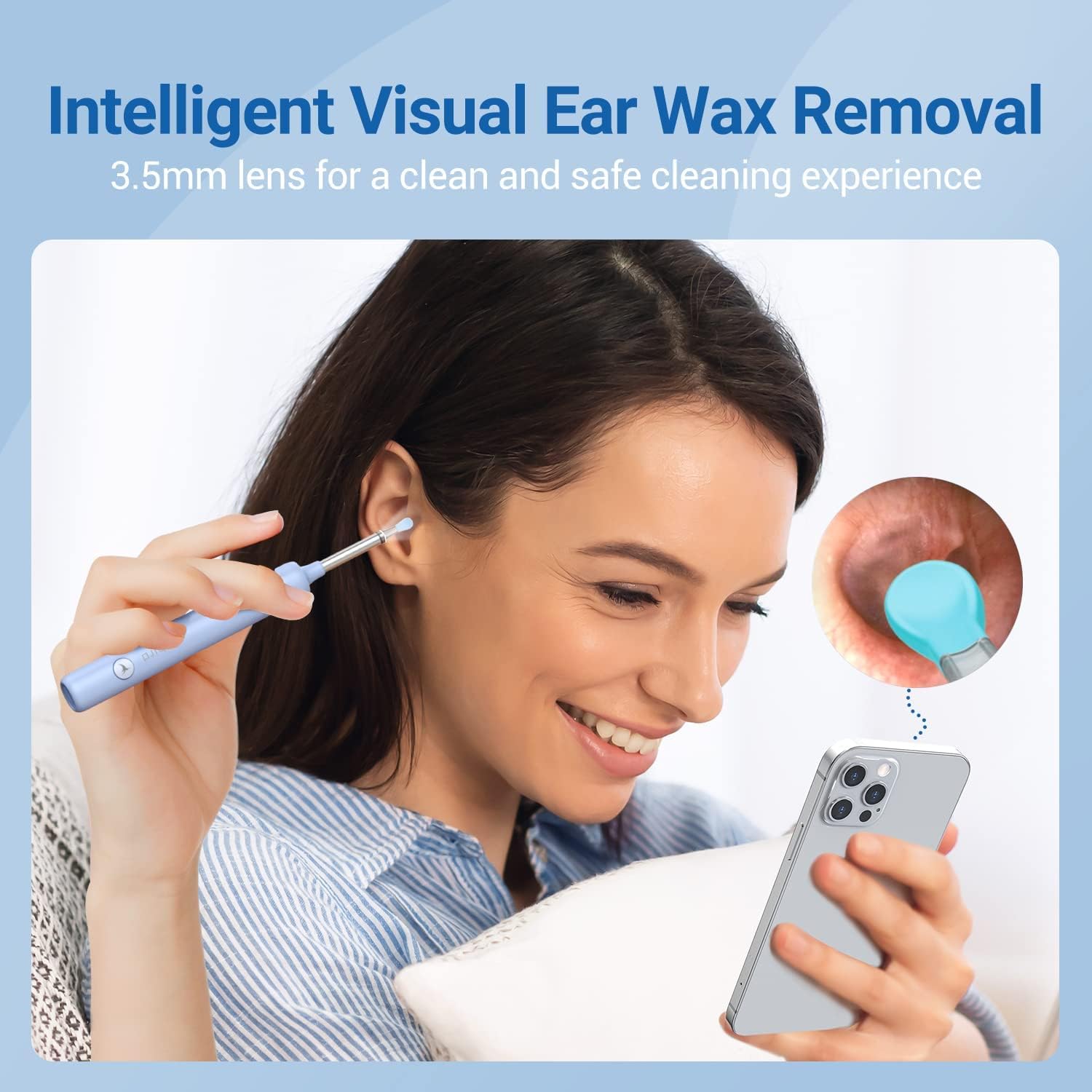
Image 3.1: The BEBIRD X3 device in use, demonstrating its visual capabilities with a 3.5mm lens for clear ear canal inspection.
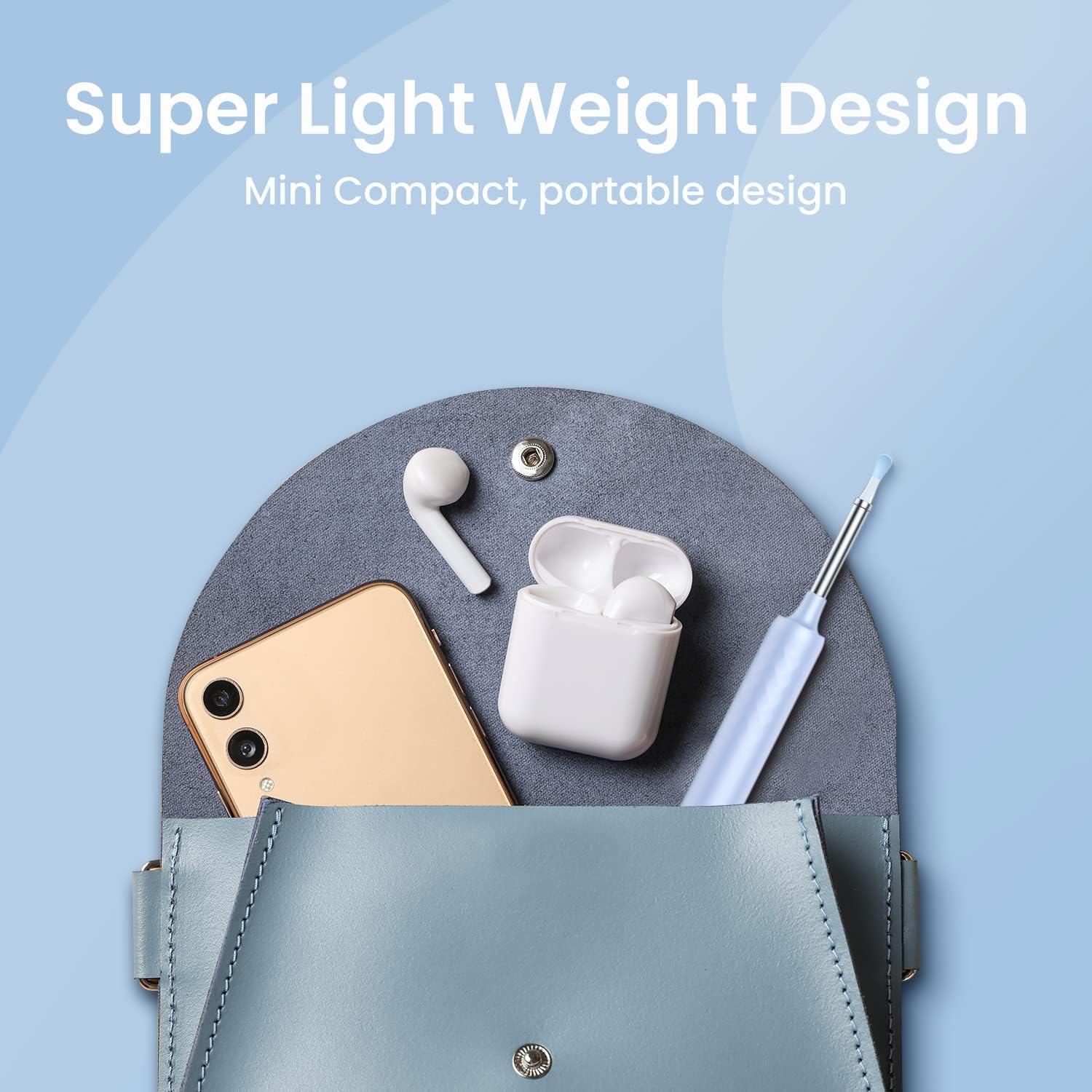
Image 3.2: The BEBIRD X3's lightweight and compact design, making it portable and easy to carry.
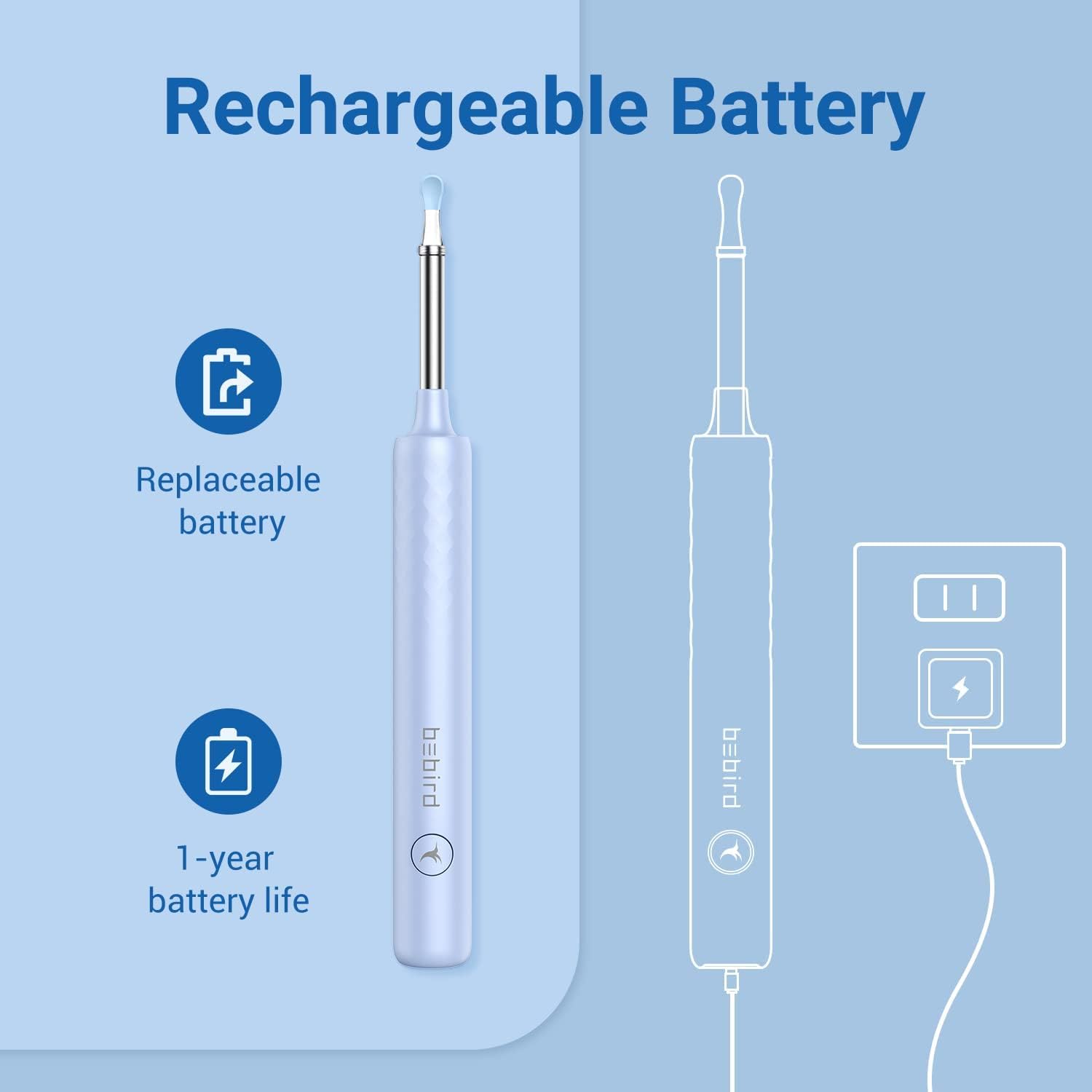
Image 3.3: Illustration of the BEBIRD X3's rechargeable and replaceable battery, highlighting its 1-year battery life.
4. ആരംഭിക്കൽ (സജ്ജീകരണം)
4.1 ഉപകരണം ചാർജ് ചെയ്യുന്നു
Before first use, fully charge the BEBIRD X3 device using the provided charging cable. The indicator light will show charging status.
4.2 ആപ്പ് ഡൗൺലോഡും ഇൻസ്റ്റാളേഷനും
Download the official BEBIRD application from the Apple App Store. This device is designed for iOS users only.

Image 4.1: The BEBIRD X3 device is exclusively compatible with iOS devices.
4.3 നിങ്ങളുടെ ഉപകരണത്തിലേക്ക് കണക്റ്റുചെയ്യുന്നു
- Turn on the BEBIRD X3 device. The indicator light will illuminate.
- On your iOS device, go to Wi-Fi settings.
- Locate and select the Wi-Fi network named 'bebird X3-XXXXXX' (where XXXXXX is a unique identifier for your device).
- Connect to this network. No password is required.
- BEBIRD ആപ്പ് തുറക്കുക. തത്സമയം view from the device's camera should now be displayed.
Video 4.1: This video demonstrates the process of connecting the BEBIRD X3 device to a smartphone via Wi-Fi and accessing the live camera feed through the BEBIRD application.
5. ഓപ്പറേഷൻ
5.1 Ear Inspection and Cleaning
- Ensure the device is connected to your phone and the app is open.
- Gently insert the ear spoon end of the device into your ear canal while observing the live feed on your phone screen.
- Carefully maneuver the ear spoon to dislodge and remove ear wax. Avoid pushing wax deeper into the ear.
- Use the various ear spoon attachments as needed for different types of wax or ear canal shapes.
5.2 Multi-purpose Use
The BEBIRD X3 can also be used for inspecting other areas such as the nose or mouth, providing a visual aid for personal hygiene and observation.

ചിത്രം 5.1: ഉദാamples of the BEBIRD X3's versatile use for inspecting ears, nose, and mouth.
6. പരിപാലനം
6.1 ഉപകരണം വൃത്തിയാക്കുന്നു
- After each use, remove the ear spoon attachment.
- Clean the ear spoon and the lens tip with an alcohol wipe or a soft cloth dampഅണുനാശിനി ഉപയോഗിച്ച് ened.
- Ensure the lens is clear of debris for optimal viewing.
- Do not immerse the main body of the device in water.
6.2 ബാറ്ററി കെയർ
- Recharge the device when the battery indicator is low.
- The internal battery is replaceable. Contact customer support for replacement instructions or service.
- ഉപയോഗത്തിലില്ലാത്തപ്പോൾ തണുത്തതും ഉണങ്ങിയതുമായ സ്ഥലത്ത് ഉപകരണം സൂക്ഷിക്കുക.
7. പ്രശ്നപരിഹാരം
- ഉപകരണം വൈഫൈയിലേക്ക് കണക്റ്റുചെയ്യുന്നില്ല:
Ensure the BEBIRD X3 device is powered on. Check your phone's Wi-Fi settings to confirm you are connected to the 'bebird X3-XXXXXX' network. Try restarting both the device and your phone. - No image in the app:
Verify the Wi-Fi connection. Close and reopen the BEBIRD app. Ensure the device's camera lens is clean and unobstructed. - മോശം ചിത്ര നിലവാരം:
Clean the camera lens thoroughly. Ensure there is adequate lighting (the device has built-in lights). - ഉപകരണം ചാർജ് ചെയ്യുന്നില്ല:
Check the charging cable and adapter. Ensure the charging port is clean and free of debris.
8 സ്പെസിഫിക്കേഷനുകൾ
| മോഡൽ | BEBIRD X3 |
| നിർമ്മാതാവ് | പക്ഷി |
| ലെൻസ് വ്യാസം | 3.5 മി.മീ |
| ബാറ്ററി ലൈഫ് | Approx. 1 year (replaceable) |
| അനുയോജ്യത | iOS devices only |
| പാക്കേജ് അളവുകൾ | 6.69 x 2.44 x 0.75 ഇഞ്ച് |
| ഇനത്തിൻ്റെ ഭാരം | 2.08 ഔൺസ് |
| ആദ്യം ലഭ്യമായ തീയതി | ഡിസംബർ 30, 2021 |
9. വാറൻ്റിയും പിന്തുണയും
For warranty information, technical support, or to purchase replacement parts, please refer to the BEBIRD official webസൈറ്റിൽ ബന്ധപ്പെടുക അല്ലെങ്കിൽ അവരുടെ ഉപഭോക്തൃ സേവനവുമായി നേരിട്ട് ബന്ധപ്പെടുക. വാങ്ങിയതിന്റെ തെളിവായി നിങ്ങളുടെ വാങ്ങൽ രസീത് സൂക്ഷിക്കുക.


