ആമുഖം
This manual provides instructions for the setup, operation, and maintenance of your LENRUE A25 USB Powered Desktop Computer Speakers. Please read this manual thoroughly before using the product to ensure proper functionality and to prevent damage.
ഉൽപ്പന്ന സവിശേഷതകൾ
- USB പവർ: Conveniently powered directly from a USB port, eliminating the need for an external power adapter.
- 10W Stereo Sound: Delivers clear and vigorous stereo audio output.
- പ്ലഗ് ആൻഡ് പ്ലേ: Requires no driver installation for most operating systems.
- Volume Rotary Control: Easy-to-use knob for precise volume adjustment.
- വിശാലമായ അനുയോജ്യത: Compatible with various devices and operating systems including Windows, macOS, Chrome OS, Linux, and UNIX.
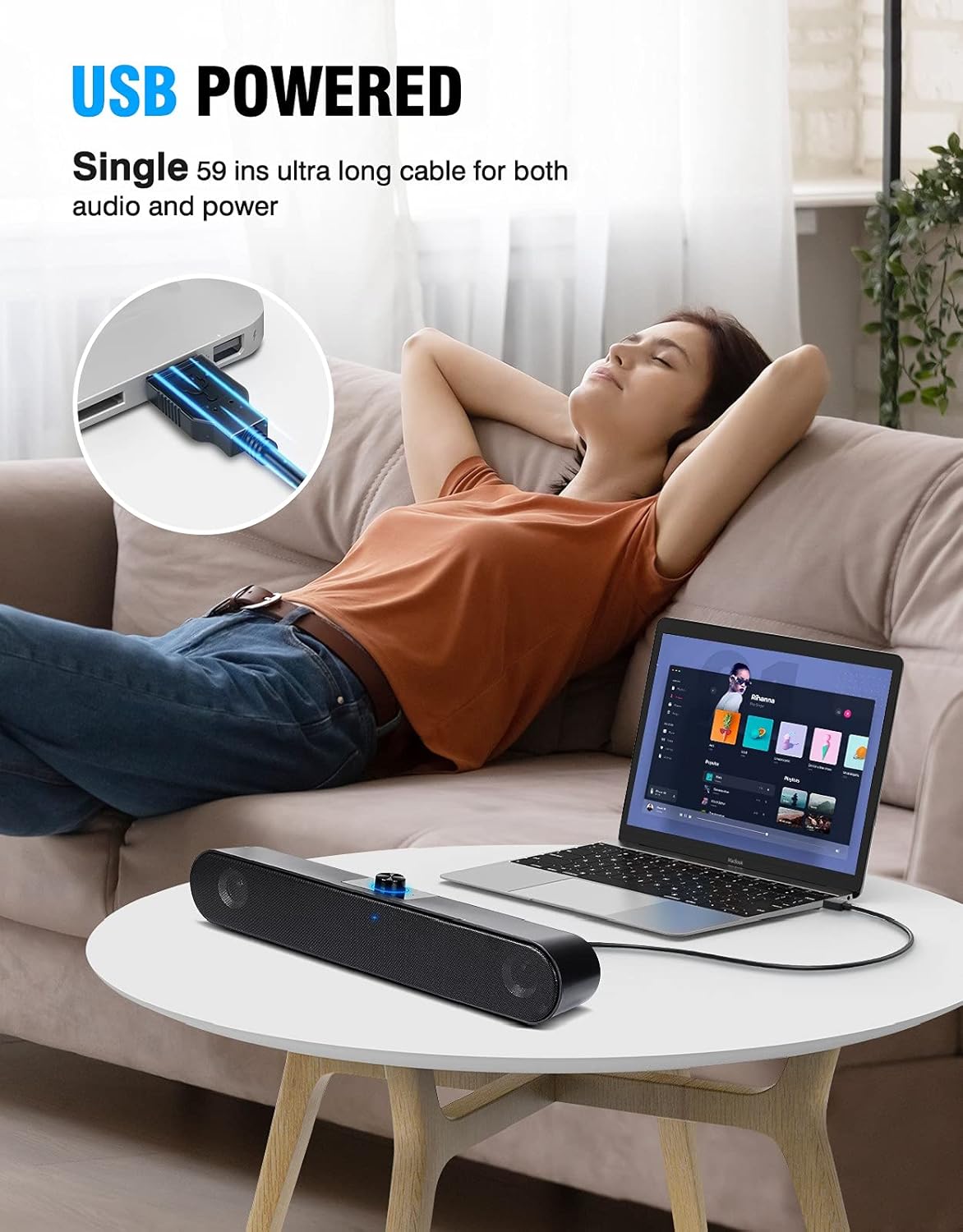
Image: The LENRUE A25 speaker connected to a laptop, highlighting its USB power feature with a single cable for both audio and power.
സജ്ജീകരണ നിർദ്ദേശങ്ങൾ
- സ്പീക്കർ ബന്ധിപ്പിക്കുക: Plug the USB cable from the LENRUE A25 speaker into an available USB port on your computer (desktop, laptop, PC, iMac, Macbook, etc.). The speaker is designed for plug-and-play functionality.
- പവർ ഓൺ: Rotate the volume knob clockwise to power on the speaker. A blue indicator light will illuminate.
- Set Audio Output: If there is no sound, you may need to manually set the speaker as the default audio output device in your computer's settings.
- വിൻഡോസിനായി:
- Plug the USB cable into the computer's USB port.
- Click the Speaker icon in the taskbar.
- Select "Speaker (LENRUE A25 Soundspin)" as the playback device.
- MacOS-ന്:
- Click "System Preferences" → "Sound" → "Output".
- Select "Speaker (LENRUE A25 Soundspin)" or "USB2.0 Device" as the playback device.
- വിൻഡോസിനായി:
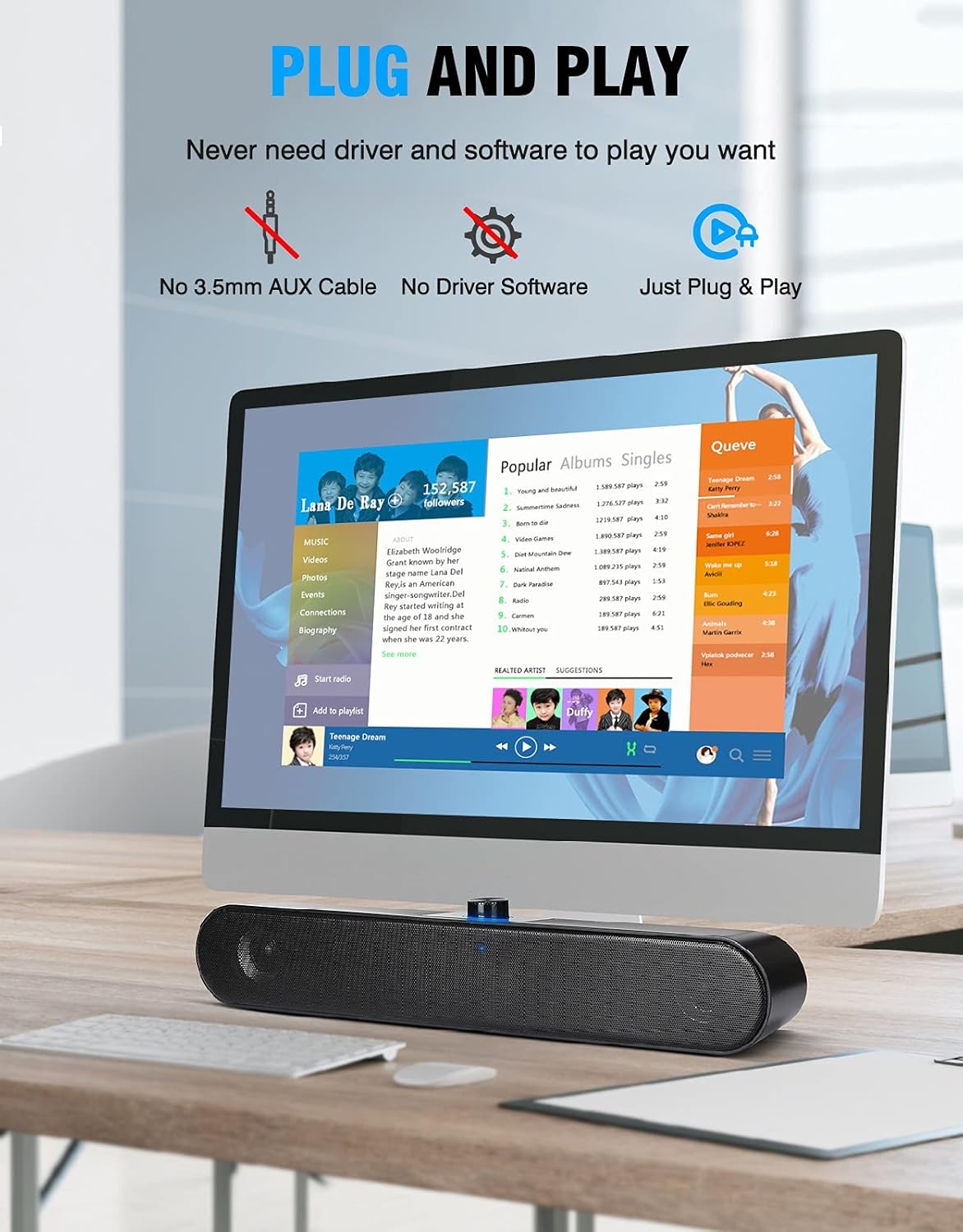
Image: The LENRUE A25 speaker connected to a desktop monitor, demonstrating its plug-and-play feature.
പ്രവർത്തന നിർദ്ദേശങ്ങൾ
The LENRUE A25 speaker features a single rotary knob for power and volume control.
- പവർ ഓൺ/ഓഫ്: Rotate the knob clockwise until you hear a click to power on the speaker. Rotate counter-clockwise until you hear a click to power off.
- വോളിയം ക്രമീകരിക്കുക: Once powered on, rotate the knob clockwise to increase the volume and counter-clockwise to decrease the volume.

Image: Close-up of the speaker's rotary control, showing the power and volume adjustment function.
ട്രബിൾഷൂട്ടിംഗ്
- സൗണ്ട് ഔട്ട്പുട്ട് ഇല്ല:
- Ensure the USB cable is securely connected to both the speaker and the computer.
- Verify that the speaker is powered on (blue indicator light should be active).
- Check your computer's audio settings to confirm that "Speaker (LENRUE A25 Soundspin)" or "USB2.0 Device" is selected as the default playback device. Refer to the "Set Audio Output" section for detailed steps.
- Increase the volume using the rotary knob on the speaker and also check your computer's system volume.
- വികലമായ ശബ്ദം:
- സ്പീക്കറിലും കമ്പ്യൂട്ടറിലും ശബ്ദം കുറയ്ക്കുക.
- ഓഡിയോ ഉറവിടം നല്ല നിലവാരമുള്ളതാണെന്ന് ഉറപ്പാക്കുക.
സ്പെസിഫിക്കേഷനുകൾ
| മോഡലിൻ്റെ പേര് | A25 |
| ബ്രാൻഡ് | ലെൻറു |
| സ്പീക്കർ തരം | സറൗണ്ട് സൗണ്ട് |
| സ്പീക്കർ പരമാവധി ഔട്ട്പുട്ട് പവർ | 10 വാട്ട്സ് |
| കണക്റ്റിവിറ്റി ടെക്നോളജി | USB |
| ഓഡിയോ put ട്ട്പുട്ട് മോഡ് | സ്റ്റീരിയോ |
| അനുയോജ്യമായ ഉപകരണങ്ങൾ | ലാപ്ടോപ്പ്, പേഴ്സണൽ കമ്പ്യൂട്ടർ |
| ഉൽപ്പന്ന അളവുകൾ | 1 x 1 x 1 ഇഞ്ച് |
| ഇനത്തിൻ്റെ ഭാരം | 1.48 പൗണ്ട് |
| പവർ ഉറവിടം | കോർഡഡ് ഇലക്ട്രിക് (USB) |
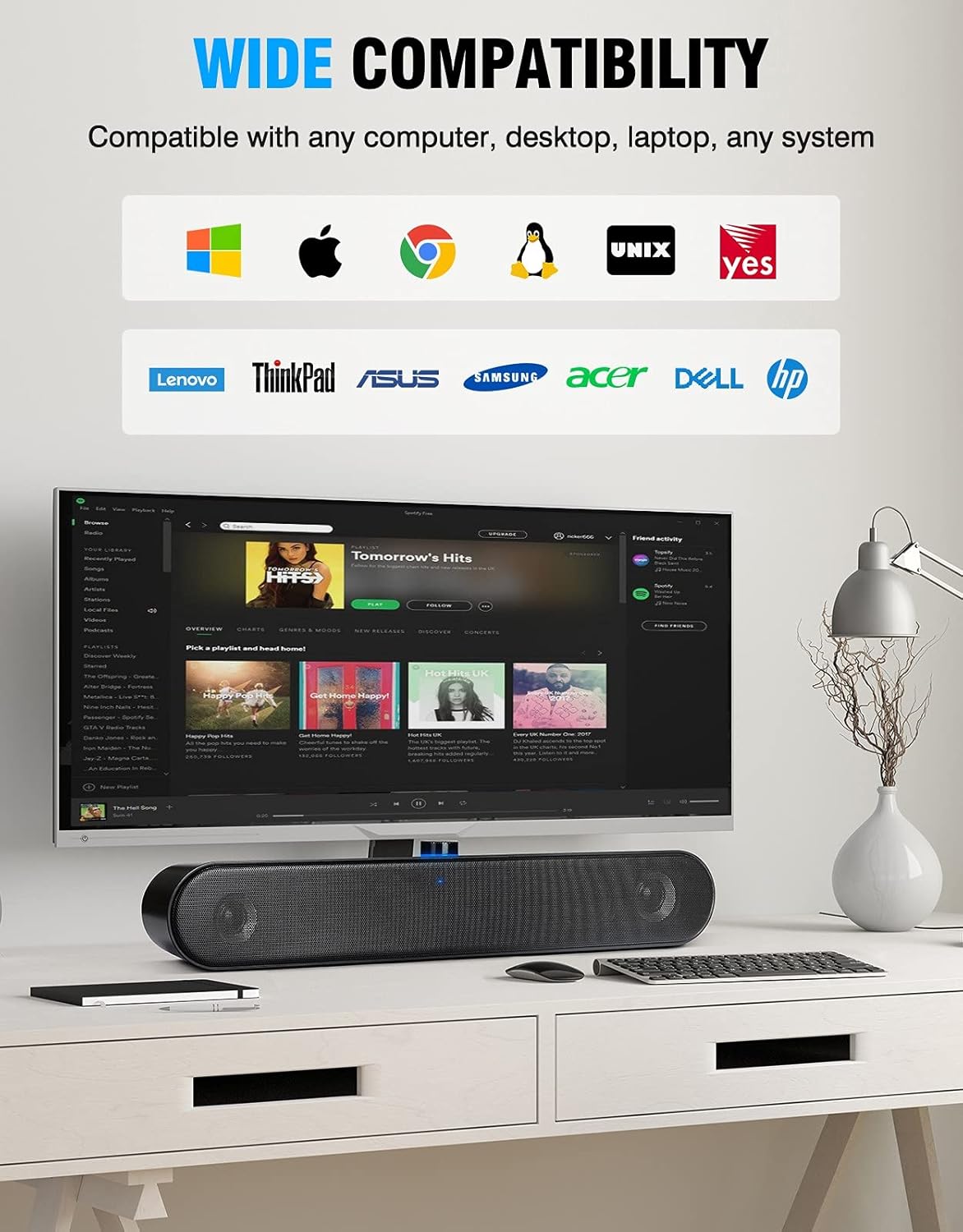
Image: The speaker demonstrating wide compatibility with different operating systems and computer brands.
സുരക്ഷാ വിവരങ്ങൾ
- സ്പീക്കറിൽ വെള്ളം കയറുകയോ അമിതമായ ഈർപ്പം കയറുകയോ ചെയ്യരുത്.
- സ്പീക്കർ താപ സ്രോതസ്സുകൾക്ക് സമീപമോ നേരിട്ടുള്ള സൂര്യപ്രകാശത്തിലോ വയ്ക്കുന്നത് ഒഴിവാക്കുക.
- Do not attempt to disassemble or repair the speaker yourself. Contact customer support for assistance.
- കുട്ടികൾക്ക് ലഭ്യമാകാതെ സൂക്ഷിക്കുക.
വാറൻ്റിയും പിന്തുണയും
For warranty information or technical support, please refer to the product packaging or contact LENRUE customer service through the retailer where the product was purchased. Please have your model number (A25) and purchase details ready when contacting support.


