ആമുഖം
Thank you for choosing the MECHEN M3 Bluetooth 5.3 MP3 Player. This device is designed to provide a versatile and enjoyable audio experience with its compact design, touch screen interface, and various functions. This manual will guide you through the setup, operation, and maintenance of your new MP3 player.
ബോക്സിൽ എന്താണുള്ളത്
- 1 x MECHEN M3 MP3 Player
- 1 x വയർഡ് ഇയർഫോണുകൾ
- 1 x യുഎസ്ബി ടൈപ്പ്-സി ചാർജിംഗ് കേബിൾ
- 1 x Audio Cable (for line-in recording)
- 1 x User Manual (multi-language)
ഉൽപ്പന്നം കഴിഞ്ഞുview
The MECHEN M3 MP3 Player features a 2.4-inch touch screen and intuitive side controls for volume and power. It includes a USB Type-C port for charging and data transfer, a 3.5mm audio jack, and a microSD card slot for expandable storage.

ചിത്രം: മുന്നിലും പിന്നിലും view of the MECHEN M3 MP3 Player, highlighting its compact design and side buttons.
സജ്ജമാക്കുക
1 ഉപകരണം ചാർജ് ചെയ്യുന്നു
Before first use, fully charge the MP3 player. Connect the included USB Type-C cable to the device's charging port and the other end to a USB power adapter (not included) or a computer's USB port. The battery indicator on the screen will show charging status.
2. പവർ ഓൺ/ഓഫ്
- പവർ ഓണാക്കാൻ: സ്ക്രീൻ പ്രകാശിക്കുന്നത് വരെ ഉപകരണത്തിന്റെ വശത്തുള്ള പവർ ബട്ടൺ അമർത്തിപ്പിടിക്കുക.
- പവർ ഓഫ് ചെയ്യാൻ: Press and hold the power button until the power-off option appears on the screen, then confirm.
3. ഒരു മൈക്രോ എസ്ഡി കാർഡ് ചേർക്കൽ (ഓപ്ഷണൽ)
The device has 32GB of internal storage. To expand storage up to 128GB, insert a microSD card into the designated slot on the side of the player. Ensure the card is inserted correctly until it clicks into place.
പ്രവർത്തന നിർദ്ദേശങ്ങൾ
അടിസ്ഥാന നാവിഗേഷൻ
The MECHEN M3 features a 2.4-inch responsive touch screen for navigation. Swipe to browse menus and tap icons to select functions. Physical buttons on the side control volume and power.
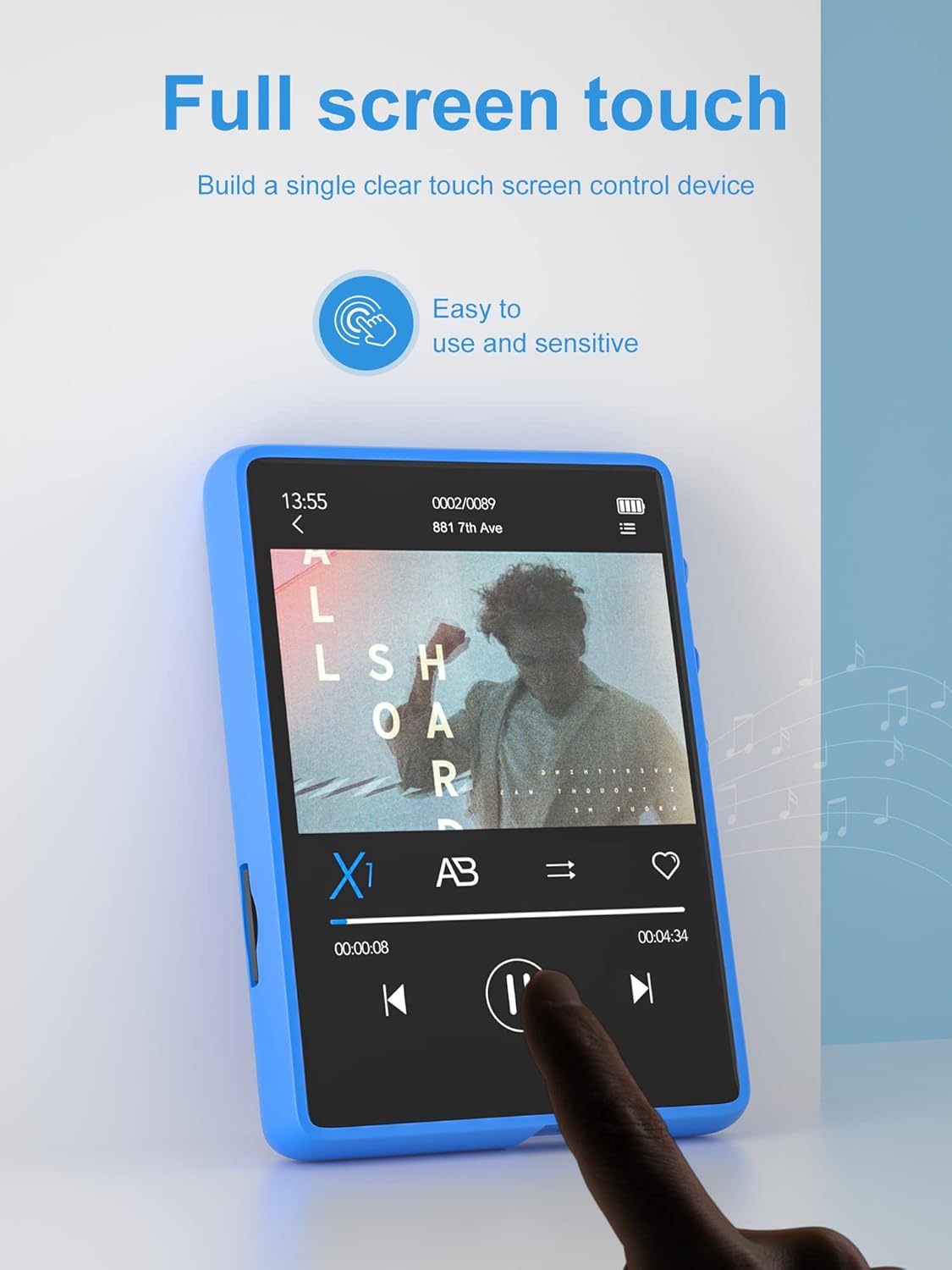
Image: A finger interacting with the touch screen of the MECHEN M3 MP3 Player, demonstrating its ease of use.
സംഗീത പ്ലേബാക്ക്
The player supports various audio formats including MP3, WMA, APE, FLAC, WAV, and AAC. Music files are automatically sorted by ID3 tags. You can create and manage playlists directly on the device.
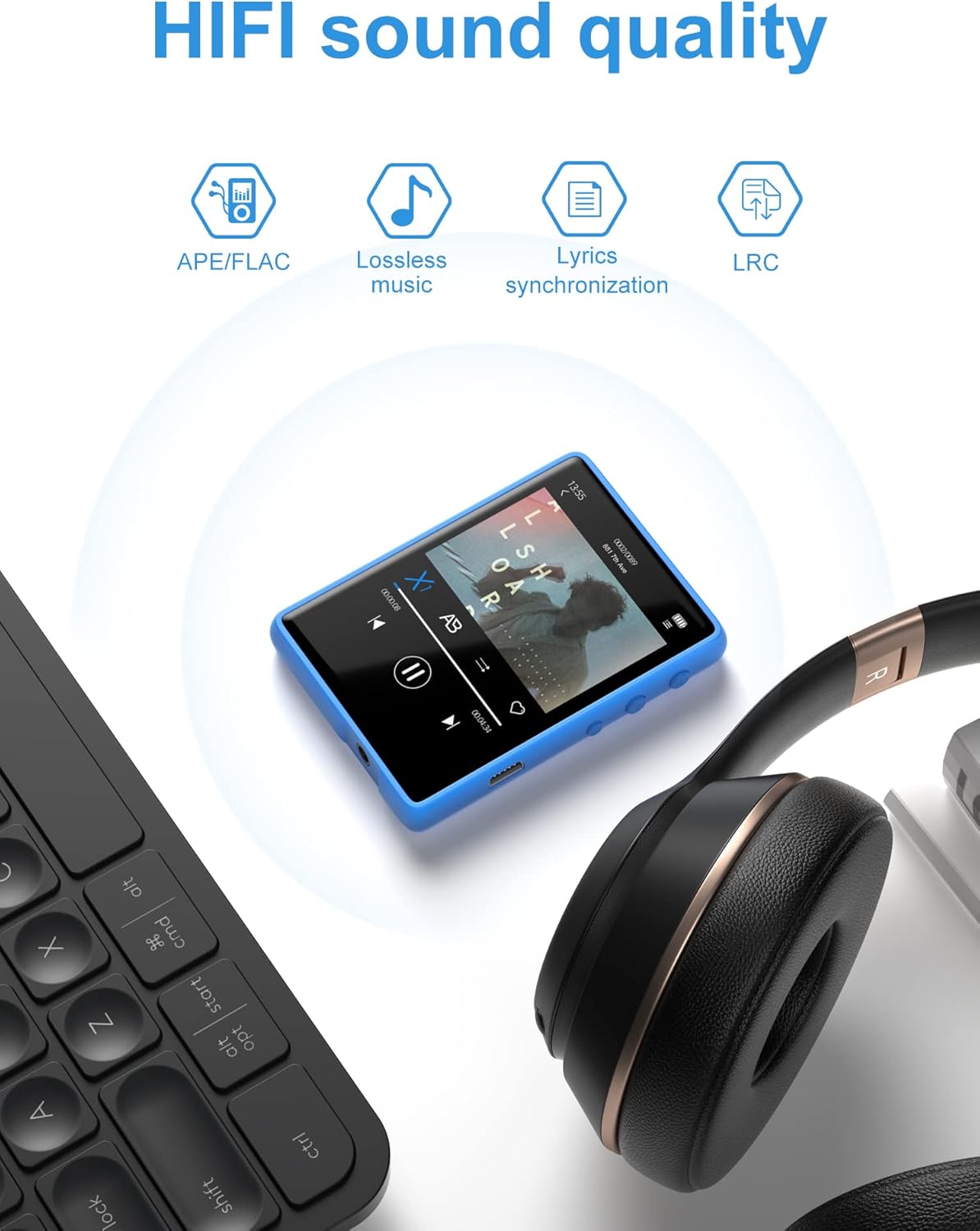
Image: The MECHEN M3 MP3 Player displaying its music playback interface, emphasizing its HiFi sound quality and compatibility with headphones.
ബ്ലൂടൂത്ത് 5.3 കണക്റ്റിവിറ്റി
The MECHEN M3 features Bluetooth 5.3 for fast and stable connections to compatible Bluetooth headphones or speakers. To pair:
- Ensure your Bluetooth accessory is in pairing mode.
- On the MP3 player, navigate to the Bluetooth settings.
- Scan for available devices and select your accessory to pair.
കുറിപ്പ്:
- This MP3 player cannot be paired with mobile phones or computers via Bluetooth.
- Bluetooth 5.3 offers improved stability, lower power consumption, and greater transmission distance compared to older versions.

Image: The MECHEN M3 MP3 Player wirelessly connected to both Bluetooth earphones and a Bluetooth speaker, illustrating its versatile audio output options.
എഫ്എം റേഡിയോ
Access the FM Radio function from the main menu. The device supports automatic station scanning and saving. Ensure wired earphones are connected as they act as the antenna for optimal reception.
വോയ്സ് റെക്കോർഡർ
Use the built-in microphone to record audio. Recordings are saved in a dedicated folder and can be managed through the device's file സിസ്റ്റം.
വീഡിയോ പ്ലേബാക്ക്
The MP3 player supports video playback. Note that videos may require conversion to a compatible format before they can be played on the device. Refer to the device's specifications for supported video formats.
ചിത്രം Viewing
View images stored on the device or microSD card. Supported image formats typically include JPEG, BMP, and GIF.
E-book Function
വാചകം വായിക്കുക files (e.g., TXT format) using the E-book reader function.
ലൈൻ-ഇൻ റെക്കോർഡിംഗ്
The included audio cable allows for line-in recording from external audio sources such as CD/DVD players, power amplifiers, vinyl players, or radio/tape drives. Connect the audio cable to the source and the MP3 player to record.

Image: The MECHEN M3 MP3 Player connected via an AUX cable to a smartphone, demonstrating its line-in recording capability for transferring music.
File കൈമാറ്റം
Connect the MP3 player to your computer using the USB Type-C cable. The device will appear as a removable disk. You can drag and drop music, video, image, and text files directly into the appropriate folders. The USB 2.0 interface ensures efficient transfer speeds.

Image: The MECHEN M3 MP3 Player illustrating its 32GB internal storage and support for up to 128GB external microSD card, capable of storing thousands of songs.
മറ്റ് പ്രവർത്തനങ്ങൾ
The device includes additional integrated applications such as a stopwatch, alarm, and calendar, accessible from the main menu.
മെയിൻ്റനൻസ്
- വൃത്തിയാക്കൽ: ഉപകരണം വൃത്തിയാക്കാൻ മൃദുവായതും ഉണങ്ങിയതുമായ തുണി ഉപയോഗിക്കുക. ദ്രാവക ക്ലീനറുകളോ ഉരച്ചിലുകളുള്ള വസ്തുക്കളോ ഒഴിവാക്കുക.
- ബാറ്ററി കെയർ: ബാറ്ററി ലൈഫ് വർദ്ധിപ്പിക്കുന്നതിന്, ഉപകരണം തീവ്രമായ താപനിലയിൽ തുറന്നുകാട്ടുന്നത് ഒഴിവാക്കുക. പതിവായി ഉപയോഗിക്കുന്നില്ലെങ്കിൽ പോലും, ഉപകരണം പതിവായി ചാർജ് ചെയ്യുക.
- സംഭരണം: Store the MP3 player in a cool, dry place when not in use.
ട്രബിൾഷൂട്ടിംഗ്
ഉപകരണം ഓണാകുന്നില്ല
- ഉപകരണം പൂർണ്ണമായും ചാർജ് ചെയ്തിട്ടുണ്ടെന്ന് ഉറപ്പാക്കുക. അത് ഒരു പവർ സ്രോതസ്സിലേക്ക് കണക്റ്റ് ചെയ്ത് വീണ്ടും ഓണാക്കാൻ ശ്രമിക്കുന്നതിന് മുമ്പ് കുറച്ച് മിനിറ്റ് കാത്തിരിക്കുക.
- ബാറ്ററി പൂർണ്ണമായും തീർന്നാൽ, ഉപകരണം ചാർജ് ചെയ്യാൻ തുടങ്ങുന്നതിന് മുമ്പ് കുറച്ച് മിനിറ്റ് എടുത്തേക്കാം.
Cannot Connect to Bluetooth Device
- Ensure both the MP3 player and the Bluetooth accessory are in pairing mode and within range.
- Verify that the Bluetooth accessory is not already connected to another device.
- രണ്ട് ഉപകരണങ്ങളും പുനരാരംഭിച്ച് വീണ്ടും ജോടിയാക്കാൻ ശ്രമിക്കുക.
- Remember, the MP3 player cannot connect to mobile phones or computers via Bluetooth.
സംഗീതം Fileപ്ലേ ചെയ്യുന്നില്ല
- സംഗീതമാണോയെന്ന് പരിശോധിക്കുക files are in a supported format (MP3, WMA, APE, FLAC, WAV, AAC).
- ഉറപ്പാക്കുക fileഫയലുകൾ കേടായിട്ടില്ല. മറ്റൊരു ഉപകരണത്തിൽ അവ പ്ലേ ചെയ്യാൻ ശ്രമിക്കുക.
- എന്ന് പരിശോധിക്കുക files are correctly transferred to the 'Music' folder on the device or microSD card.
വീഡിയോ Fileപ്ലേ ചെയ്യുന്നില്ല
- വീഡിയോ files often require conversion to a specific format compatible with the device. Consult the product specifications for supported video formats and consider using a video converter tool.
സ്പെസിഫിക്കേഷനുകൾ
| ഫീച്ചർ | സ്പെസിഫിക്കേഷൻ |
|---|---|
| ബ്രാൻഡ് | മെച്ചൻ |
| മോഡലിൻ്റെ പേര് | M3 |
| നിറം | നീല |
| സ്ക്രീൻ വലിപ്പം | 2.4 ഇഞ്ച് |
| കണക്റ്റിവിറ്റി ടെക്നോളജി | ബ്ലൂടൂത്ത് 5.3 |
| Internal Memory Storage | 32 ജിബി |
| വികസിപ്പിക്കാവുന്ന സംഭരണം | മൈക്രോ എസ്ഡി (128 ജിബി വരെ) |
| പ്രത്യേക സവിശേഷതകൾ | Voice Recorder, Video Playback, FM Radio, Equalizer |
| അനുയോജ്യമായ ഉപകരണങ്ങൾ | ഹെഡ്ഫോണുകൾ, സ്പീക്കറുകൾ |
| USB പോർട്ടുകൾ | 1 (യുഎസ്ബി ടൈപ്പ്-സി) |
| ബാറ്ററി തരം | ലിഥിയം-പോളിമർ |
വാറൻ്റിയും പിന്തുണയും
വാറൻ്റി വിവരങ്ങൾ
This MECHEN M3 MP3 Player comes with a 2 വർഷത്തെ നിർമ്മാതാവിന്റെ വാറന്റി. ഏതെങ്കിലും വാറന്റി ക്ലെയിമുകൾക്ക് നിങ്ങളുടെ വാങ്ങലിന്റെ തെളിവ് സൂക്ഷിക്കുക.
ഉപഭോക്തൃ പിന്തുണ
For technical assistance, troubleshooting not covered in this manual, or warranty inquiries, please contact MECHEN customer support through the retailer's platform or the official MECHEN website. Provide your product model (M3) and purchase details for efficient service.


