ആമുഖം
This manual provides essential information for the proper setup, operation, and maintenance of your Greater Goods Weight Gurus Bluetooth Smart Scale. This digital scale is designed to measure body weight and track key body metrics including BMI, Body Fat, Muscle Mass, Water Weight, and Bone Mass. It connects wirelessly to compatible smart devices via Bluetooth for data synchronization and tracking.
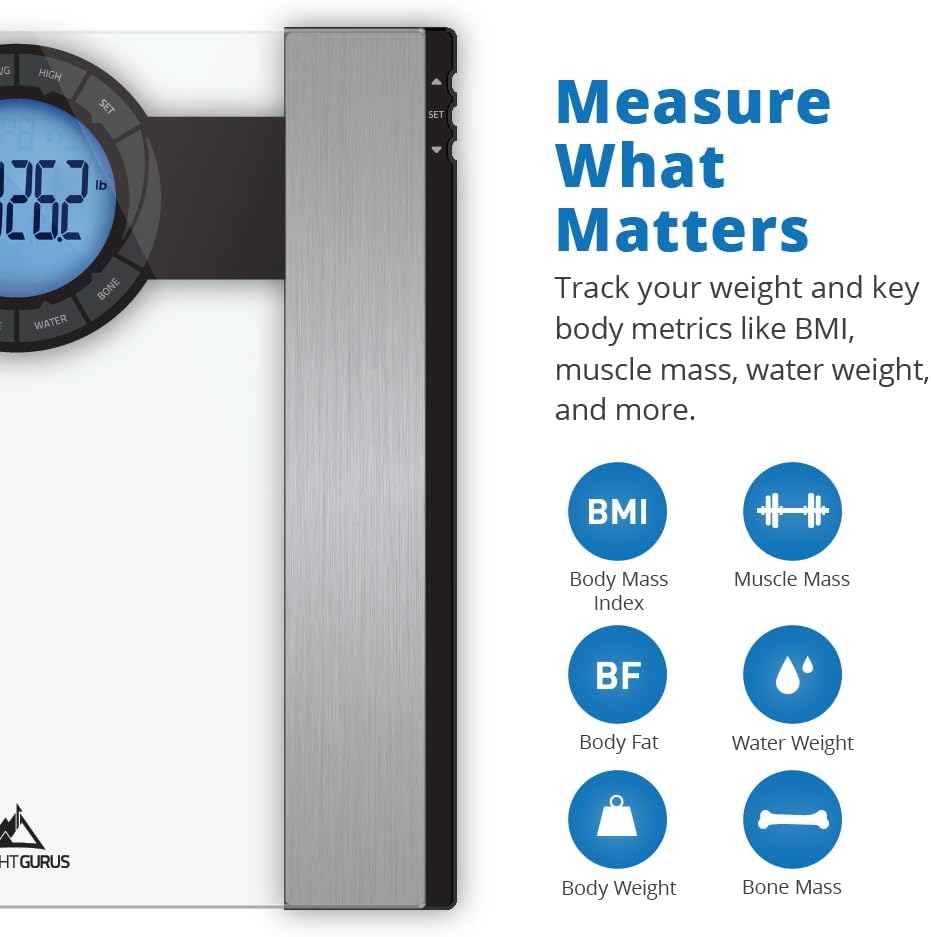
Figure 1: Greater Goods Weight Gurus Bluetooth Smart Scale with display showing various body metrics.
സജ്ജമാക്കുക
- Unboxing and Battery Installation: Carefully remove the scale from its packaging. Ensure the 4 AAA batteries (included) are correctly installed in the battery compartment located on the underside of the scale.
- ആപ്പ് ഡൗൺലോഡ്: Download the free Weight Gurus app from the Apple App Store (for iOS devices) or Google Play Store (for Android devices). The app is required to utilize the scale's Bluetooth features and track metrics.
- ഉപകരണ അനുയോജ്യത: The scale is compatible with Apple iPhone 4S or higher, iPad 3rd Generation or higher, iPod Touch 5th Generation or higher, and select Bluetooth Smart Ready Android devices. Ensure your device meets these requirements.
- Pairing the Scale:
- Open the Weight Gurus app on your compatible smart device.
- Follow the in-app instructions to add a new scale. You may need to enter the 4-digit model number (0380) found on the back of your scale.
- The app will guide you to press and hold the 'UNIT' button on the back of your scale to initiate pairing. Release the button when the animation on the scale's screen begins. The scale will then show brackets, and the scale will fall asleep.
- Once paired, the scale will synchronize with the app, allowing for automatic data transfer.
- ഉപയോക്തൃ പ്രോfiles: സ്കെയിൽ 8 ഉപയോക്തൃ പ്രോ വരെ പിന്തുണയ്ക്കുന്നുfileഎസ്. ഓരോ ഉപയോക്താവിനും ഒരു പ്രോ സൃഷ്ടിക്കാൻ കഴിയുംfile within the app to track their individual progress.
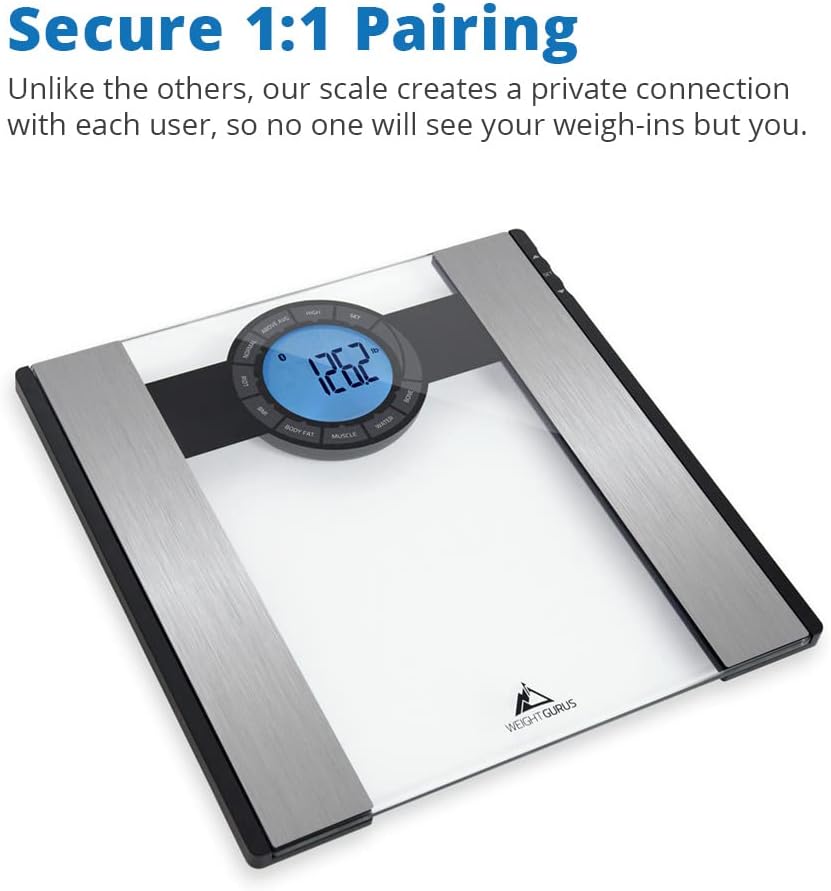
ചിത്രം 2: മുകളിൽ view of the scale, showing the display and electrode pads for body composition analysis.

Figure 3: The scale supports up to 8 users, making it suitable for families or shared living spaces.
പ്രവർത്തന നിർദ്ദേശങ്ങൾ
- പ്ലേസ്മെൻ്റ്: Place the scale on a hard, flat surface for accurate readings. Avoid carpets or uneven flooring.
- ഒരു അളവ് എടുക്കൽ:
- Ensure the Weight Gurus app is open on your paired smart device and Bluetooth is enabled.
- Step onto the scale barefoot, ensuring your feet are centered on the electrode pads.
- Stand still until your weight and other metrics are displayed on the scale's screen and synchronized with the app.
- The scale measures weight, Body Mass Index (BMI), Body Fat percentage, Muscle Mass, Water Weight, and Bone Mass.
- Viewing ഡാറ്റ: All measured data will be automatically transferred to your Weight Gurus app. You can view your current and historical data, track trends, and set goals within the app.

Figure 4: The Weight Gurus app displays your weight and body composition metrics, allowing you to track progress over time.
മെയിൻ്റനൻസ്
- വൃത്തിയാക്കൽ: പരസ്യം ഉപയോഗിച്ച് സ്കെയിലിന്റെ ഗ്ലാസ് പ്രതലം വൃത്തിയാക്കുക.amp തുണിയും നേരിയ ഡിറ്റർജന്റും. ഉരച്ചിലുകളുള്ള ക്ലീനറുകളോ കഠിനമായ രാസവസ്തുക്കളോ ഒഴിവാക്കുക.
- Silicone Cover (if applicable): If your scale includes a silicone cover, it can be removed and washed for hygiene. Ensure it is completely dry before placing it back on the scale.
- സംഭരണം: Store the scale in a dry place at room temperature. Avoid extreme temperatures or humidity.
- ബാറ്ററി മാറ്റിസ്ഥാപിക്കൽ: Replace the 4 AAA batteries when the low battery indicator appears on the display.

Figure 5: Regularly clean the scale surface with a damp തുണി.
ട്രബിൾഷൂട്ടിംഗ്
- സ്കെയിൽ ഓണാക്കുന്നില്ല: ബാറ്ററികൾ ശരിയായി ഇൻസ്റ്റാൾ ചെയ്തിട്ടുണ്ടോ എന്നും ആവശ്യത്തിന് ചാർജ് ഉണ്ടോ എന്നും പരിശോധിക്കുക. ആവശ്യമെങ്കിൽ ബാറ്ററികൾ മാറ്റിസ്ഥാപിക്കുക.
- കൃത്യമല്ലാത്ത വായനകൾ: Ensure the scale is placed on a hard, flat surface. Avoid moving the scale between measurements. Stand still and centered on the scale.
- ആപ്പ് സമന്വയിപ്പിക്കുന്നില്ല:
- നിങ്ങളുടെ സ്മാർട്ട് ഉപകരണത്തിൽ ബ്ലൂടൂത്ത് പ്രവർത്തനക്ഷമമാക്കിയിട്ടുണ്ടെന്ന് ഉറപ്പാക്കുക.
- Ensure the Weight Gurus app is open and running in the foreground during measurement.
- Check if the scale is properly paired with the app. If issues persist, try re-pairing the scale by following the setup instructions.
- Restart your smart device and the app.
- Scale Freezes During Pairing: If the scale display freezes during the pairing process, ensure you are pressing and holding the 'UNIT' button on the back of the scale as instructed by the app. Release the button only when the animation on the scale's screen begins. If the issue persists, try replacing the batteries and restarting the pairing process.
സ്പെസിഫിക്കേഷനുകൾ
| ബ്രാൻഡ് | വലിയ സാധനങ്ങൾ |
| മോഡൽ നമ്പർ | 0380 |
| ASIN | B00UVSCEAU |
| ഉൽപ്പന്ന അളവുകൾ | 14 x 14 x 2 ഇഞ്ച് |
| ഉൽപ്പന്ന ഭാരം | 5 പൗണ്ട് |
| ബാറ്ററികൾ | 4 AAA ബാറ്ററികൾ (ഉൾപ്പെട്ടിരിക്കുന്നു) |
| നിറം | ക്ലിയർ |
| പ്രത്യേക സവിശേഷതകൾ | Body Fat, Body Mass Index, Bodyweight, Bone Mass, Muscle Mass, Water Weight |
| ഡിസ്പ്ലേ തരം | എൽസിഡി |
| ശുപാർശ ചെയ്യുന്ന ഉപയോഗങ്ങൾ | മുതിർന്നവർ |

Figure 6: The slim design of the Weight Gurus scale.
വാറൻ്റിയും പിന്തുണയും
For warranty information and customer support, please refer to the documentation included with your product or contact Greater Goods directly. The product typically includes a return policy of 30 days for refund or replacement, but specific warranty terms may vary.