ആമുഖം
This manual provides instructions for the Verbatim 32GB USB Type-C USB 3.2 Gen 1 Flash Drive. This device is designed for convenient storage and transfer of digital files between various USB Type-C compatible devices such as smartphones, tablets, laptops, and PCs. Its compact design and retractable connector make it suitable for on-the-go use.
പ്രധാന സവിശേഷതകളിൽ ഇവ ഉൾപ്പെടുന്നു:
- വേഗത്തിലും എളുപ്പത്തിലും file transfer, backup, or offload from USB Type-C devices.
- Transfer speeds up to 150 MB/s.
- Retractable USB-C connector for protection and convenience.
- USB 3.2 Gen 1 performance with backward compatibility to USB 2.0.
- ഒതുക്കമുള്ളതും ഭാരം കുറഞ്ഞതുമായ ഡിസൈൻ.
സജ്ജമാക്കുക
The Verbatim USB Type-C Flash Drive is designed for plug-and-play operation, requiring no special drivers for most operating systems.
- Extend the USB-C Connector: Gently slide the housing of the flash drive to expose the USB Type-C connector.
- ഉപകരണത്തിലേക്ക് കണക്റ്റുചെയ്യുക: Insert the USB Type-C connector into an available USB Type-C port on your smartphone, tablet, laptop, or PC. Ensure the connection is firm.
- ഉപകരണ തിരിച്ചറിയൽ: Your operating system should automatically detect the flash drive and display it as a removable storage device. On some mobile devices, you may receive a notification to open a file മാനേജർ ആപ്ലിക്കേഷൻ.

Image: Verbatim 32GB USB Type-C Flash Drive with the USB-C connector extended, ready for use.
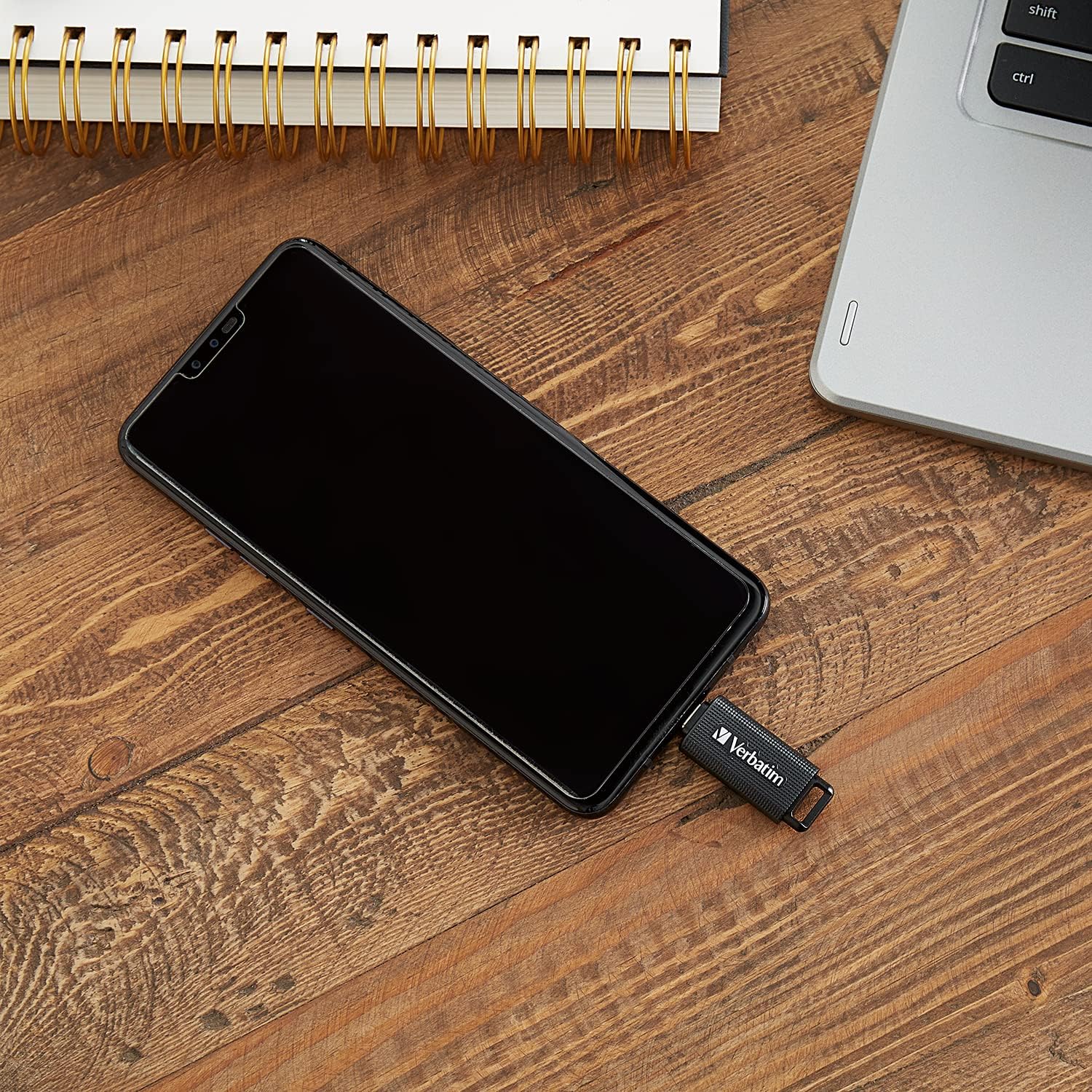
Image: The Verbatim USB-C Flash Drive connected to a smartphone, demonstrating its use with mobile devices.
പ്രവർത്തന നിർദ്ദേശങ്ങൾ
Once the flash drive is recognized by your device, you can begin transferring files.
- ഡ്രൈവ് ആക്സസ് ചെയ്യുന്നു: നിങ്ങളുടെ ഉപകരണം തുറക്കുക file explorer (Windows File Explorer, macOS Finder, Android File Manager, etc.). The drive will typically appear under "This PC," "Devices and drives," or a similar section, often labeled as "Verbatim" or a generic "USB Drive."
- കൈമാറുന്നു Files:
- പകർത്തുക/ഒട്ടിക്കുക: കണ്ടെത്തുക files you wish to transfer, right-click (or long-press on touch devices) and select "Copy." Navigate to the flash drive's folder, right-click (or long-press) in an empty space, and select "Paste."
- വലിച്ചിടുക: Open two windows side-by-side: one showing your source files and the other showing the flash drive's contents. Click and drag the desired files from the source window to the flash drive window.
The USB 3.2 Gen 1 interface allows for faster data transfer speeds, up to 150 MB/s, which is beneficial for large files അല്ലെങ്കിൽ ഒന്നിലധികം files.
- സുരക്ഷിതമായ നീക്കം: To prevent data corruption, always safely remove the flash drive before physically disconnecting it.
- വിൻഡോസ്: Click the "Safely Remove Hardware and Eject Media" icon in the system tray, then select the Verbatim drive.
- മാകോസ്: Drag the drive icon from the desktop or Finder sidebar to the Trash, or right-click the drive icon and select "Eject."
- Android/Other Mobile OS: Look for an "Eject" or "Unmount" option in the storage settings or notification panel.
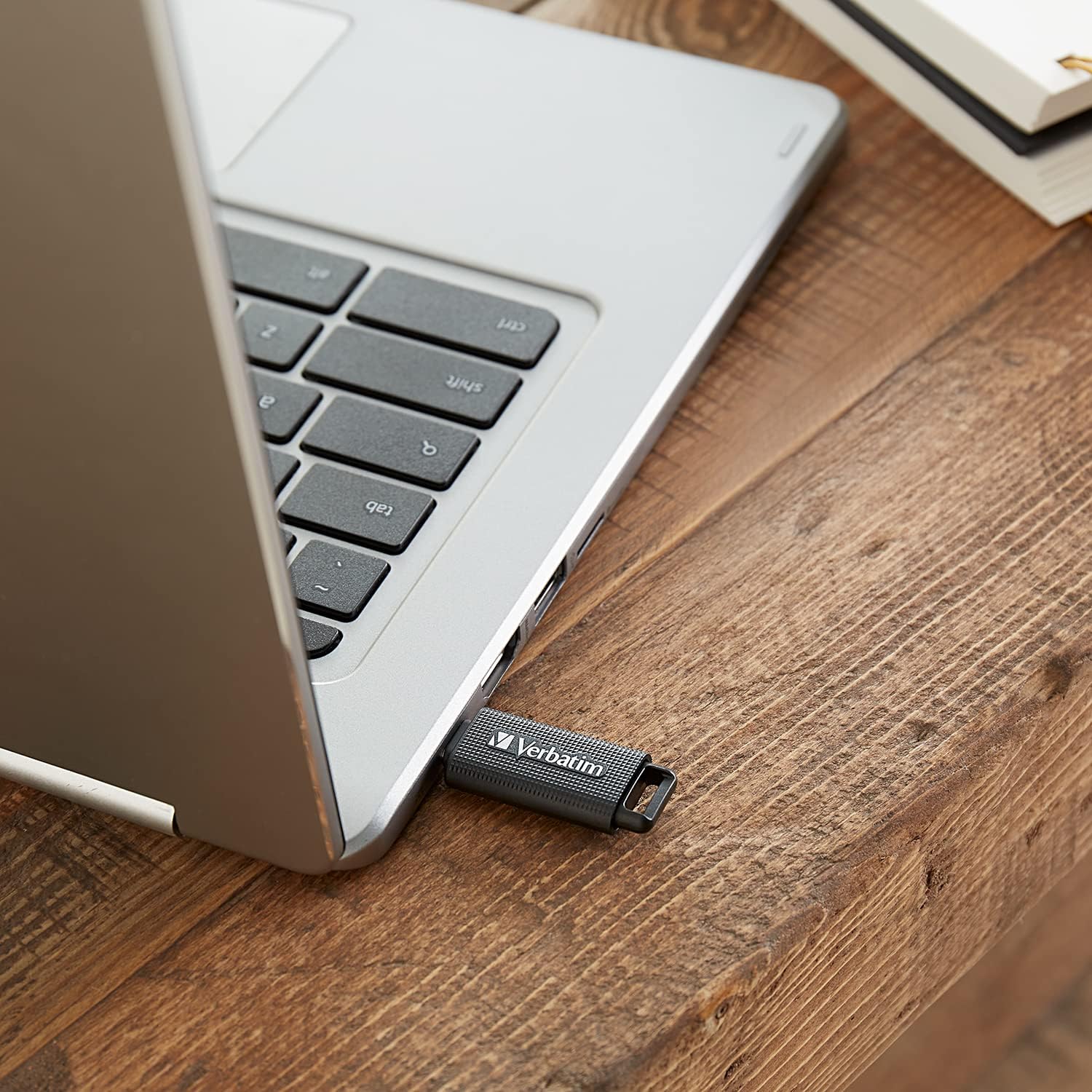
Image: The Verbatim USB-C Flash Drive inserted into the USB-C port of a laptop, showing a typical connection scenario.
മെയിൻ്റനൻസ്
Proper care will ensure the longevity and reliable performance of your flash drive.
- ശാരീരിക സംരക്ഷണം: When not in use, retract the USB Type-C connector into the drive's housing to protect it from dust, dirt, and physical damage.
- വൃത്തിയാക്കൽ: If necessary, gently wipe the exterior of the drive with a soft, dry, lint-free cloth. Avoid using liquid cleaners or solvents.
- പരിസ്ഥിതി വ്യവസ്ഥകൾ: Store the drive in a cool, dry place. Avoid exposing it to extreme temperatures, direct sunlight, or high humidity.
- ആഘാതം ഒഴിവാക്കുക: Do not drop the drive or subject it to strong impacts, as this can damage internal components.

ചിത്രം: മുകളിൽ view of the Verbatim USB-C Flash Drive, showing the USB-C connector retracted into the casing for protection.
ട്രബിൾഷൂട്ടിംഗ്
If you encounter issues with your Verbatim USB Type-C Flash Drive, try the following steps:
- ഡ്രൈവ് തിരിച്ചറിയാൻ കഴിഞ്ഞിട്ടില്ല:
- Ensure the drive is fully inserted into the USB Type-C port.
- Try connecting the drive to a different USB Type-C port on the same device.
- Test the drive on a different computer or mobile device to rule out a device-specific issue.
- നിങ്ങളുടെ കമ്പ്യൂട്ടറോ മൊബൈൽ ഉപകരണമോ പുനരാരംഭിക്കുക.
- Check your device's Disk Management (Windows) or Disk Utility (macOS) to see if the drive is detected but not assigned a drive letter or is unformatted.
- Unable to Write Files:
- ഡ്രൈവ് നിറഞ്ഞിട്ടുണ്ടോ എന്ന് പരിശോധിക്കുക. അനാവശ്യമായത് ഇല്ലാതാക്കുക. fileസ്ഥലം ശൂന്യമാക്കാൻ s.
- എന്ന് പരിശോധിക്കുക files you are trying to transfer do not exceed the maximum file size supported by the drive's file സിസ്റ്റം (ഉദാ. FAT32 ന് 4GB ഉണ്ട് file size limit). Consider reformatting to exFAT or NTFS if larger fileകൾ ആവശ്യമാണ്.
- Ensure you have appropriate write permissions for the drive.
- മന്ദഗതിയിലുള്ള ട്രാൻസ്ഫർ വേഗത:
- Ensure you are connected to a USB 3.2 Gen 1 (or USB 3.0/3.1) compatible port. Connecting to a USB 2.0 port will result in slower speeds.
- വലിയ സംഖ്യകൾ ചെറുത് files transfer slower than a single large file ഒരേ മൊത്തം വലിപ്പം.
- സിസ്റ്റം ഉറവിടങ്ങൾ ഉപയോഗിക്കുന്നുണ്ടാകാവുന്ന മറ്റ് ആപ്ലിക്കേഷനുകൾ അടയ്ക്കുക.
- Reformatting the Drive: If the drive is consistently unrecognized or unusable, reformatting it may resolve the issue. Warning: Reformatting will erase all data on the drive. Back up any important fileതുടരുന്നതിന് മുമ്പ്.
- വിൻഡോസ്: Right-click the drive in File Explorer, select "Format," choose a file system (e.g., exFAT for broad compatibility), and click "Start."
- മാകോസ്: Open Disk Utility, select the drive, click "Erase," choose a format (e.g., ExFAT), and click "Erase."
സ്പെസിഫിക്കേഷനുകൾ
| ഫീച്ചർ | സ്പെസിഫിക്കേഷൻ |
|---|---|
| മോഡൽ നമ്പർ | 023942709039 |
| മെമ്മറി സ്റ്റോറേജ് കപ്പാസിറ്റി | 32 ജിബി |
| ഹാർഡ്വെയർ ഇന്റർഫേസ് | USB 3.2 Gen 1 |
| വായന വേഗത | സെക്കൻഡിൽ 150 മെഗാബൈറ്റുകൾ വരെ |
| കണക്റ്റിവിറ്റി ടെക്നോളജി | യുഎസ്ബി ടൈപ്പ്-സി |
| നിറം | കറുപ്പ് |
| ഇനത്തിൻ്റെ ഭാരം | 0.32 ഔൺസ് (ഏകദേശം 9 ഗ്രാം) |
| പാക്കേജ് അളവുകൾ | 1.18 x 1.18 x 1.18 ഇഞ്ച് |
| യു.പി.സി | 023942709039 |
വാറൻ്റി വിവരങ്ങൾ
The Verbatim 32GB USB Type-C USB 3.2 Gen 1 Flash Drive is backed by a Limited Lifetime Warranty. For detailed terms and conditions, please refer to the official Verbatim website or the warranty documentation included with your purchase. This warranty covers defects in materials and workmanship under normal use.

Image: Retail packaging for the Verbatim 32GB USB Type-C USB 3.2 Gen 1 Drive, highlighting its capacity and features, including a 'Limited Lifetime Warranty' badge.
പിന്തുണ
For further assistance, technical support, or warranty claims, please contact Verbatim customer service. You can find contact information and additional resources on the official Verbatim webസൈറ്റ്:
Verbatim Official Webസൈറ്റ്: www.verbatim.com
Please have your product model number (023942709039) and proof of purchase ready when contacting support.