1. ആമുഖം
This manual provides comprehensive instructions for the JYX Dynamic Vocal Karaoke Microphone, Model JYX-01. Please read this guide thoroughly before using the microphone to ensure proper setup, operation, and maintenance. Retain this manual for future reference.
2. ഉൽപ്പന്നം കഴിഞ്ഞുview
The JYX Dynamic Vocal Karaoke Microphone is a handheld wired microphone designed for clear vocal reproduction. It features a durable construction, an integrated ON/OFF switch, and a cardioid pickup pattern to focus on the sound source while minimizing background noise. Its plug-and-play design ensures ease of use across various compatible audio systems.
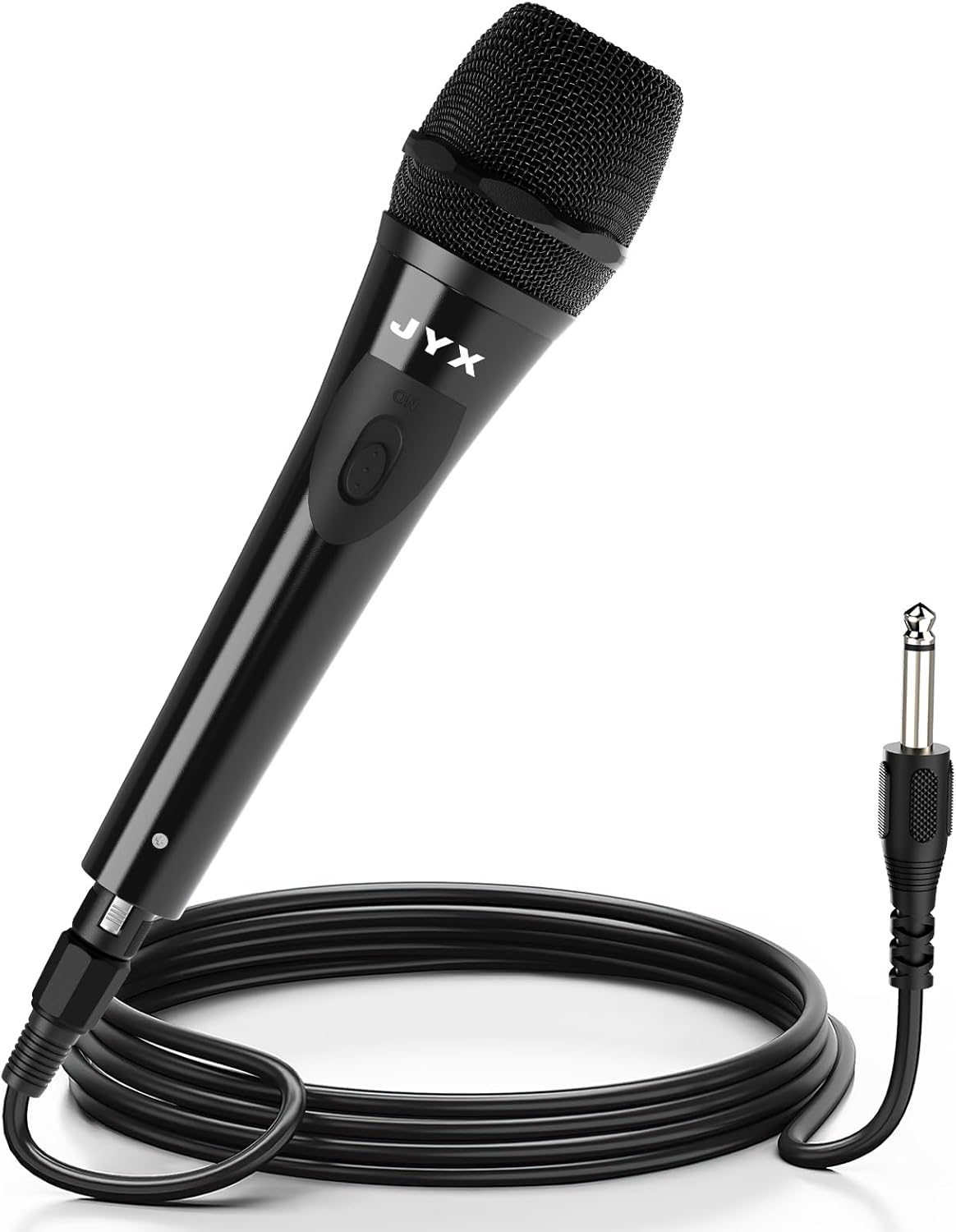
Image 2.1: JYX Dynamic Vocal Karaoke Microphone with its attached cable and 6.35mm connector.
പ്രധാന സവിശേഷതകൾ:
- ഉപയോക്തൃ-സൗഹൃദ ഡിസൈൻ: ദീർഘനേരം ഉപയോഗിക്കുമ്പോൾ സുഖകരമായ ഒരു പിടി ലഭിക്കുന്നതിനായി എർഗണോമിക് ആകൃതിയിൽ.
- പ്ലഗ് ആൻഡ് പ്ലേ: Simple connection with no complex setup required.
- Cardioid Dynamic Pickup: Captures sound primarily from the front, reducing feedback and ambient noise.
- സംയോജിത ഓൺ/ഓഫ് സ്വിച്ച്: Provides convenient control over audio output.
- വിശാലമായ അനുയോജ്യത: Suitable for various audio systems including karaoke machines, speakers, ampലിഫയറുകൾ, മിക്സറുകൾ.

Image 2.2: Visual representation of the microphone's internal features, including its unidirectional pickup pattern and pop filter.
3. സജ്ജീകരണം
Follow these steps to set up your JYX Dynamic Vocal Karaoke Microphone:
- മൈക്രോഫോൺ അൺപാക്ക് ചെയ്യുക: Carefully remove the microphone and its cable from the packaging.
- കേബിൾ ബന്ധിപ്പിക്കുക: The microphone comes with an integrated cable featuring an XLR connector at one end (connected to the microphone) and a 6.35mm (1/4 inch) jack at the other end. Ensure the XLR connector is securely attached to the microphone base.
- ഓഡിയോ ഉപകരണത്തിലേക്ക് കണക്റ്റുചെയ്യുക: Insert the 6.35mm jack into the microphone input port of your compatible audio device (e.g., karaoke machine, speaker, amplifier, mixer). Ensure the connection is firm.

Image 3.1: The microphone's 3-meter cable with XLR and 6.35mm connectors, highlighting its plug-and-play functionality.
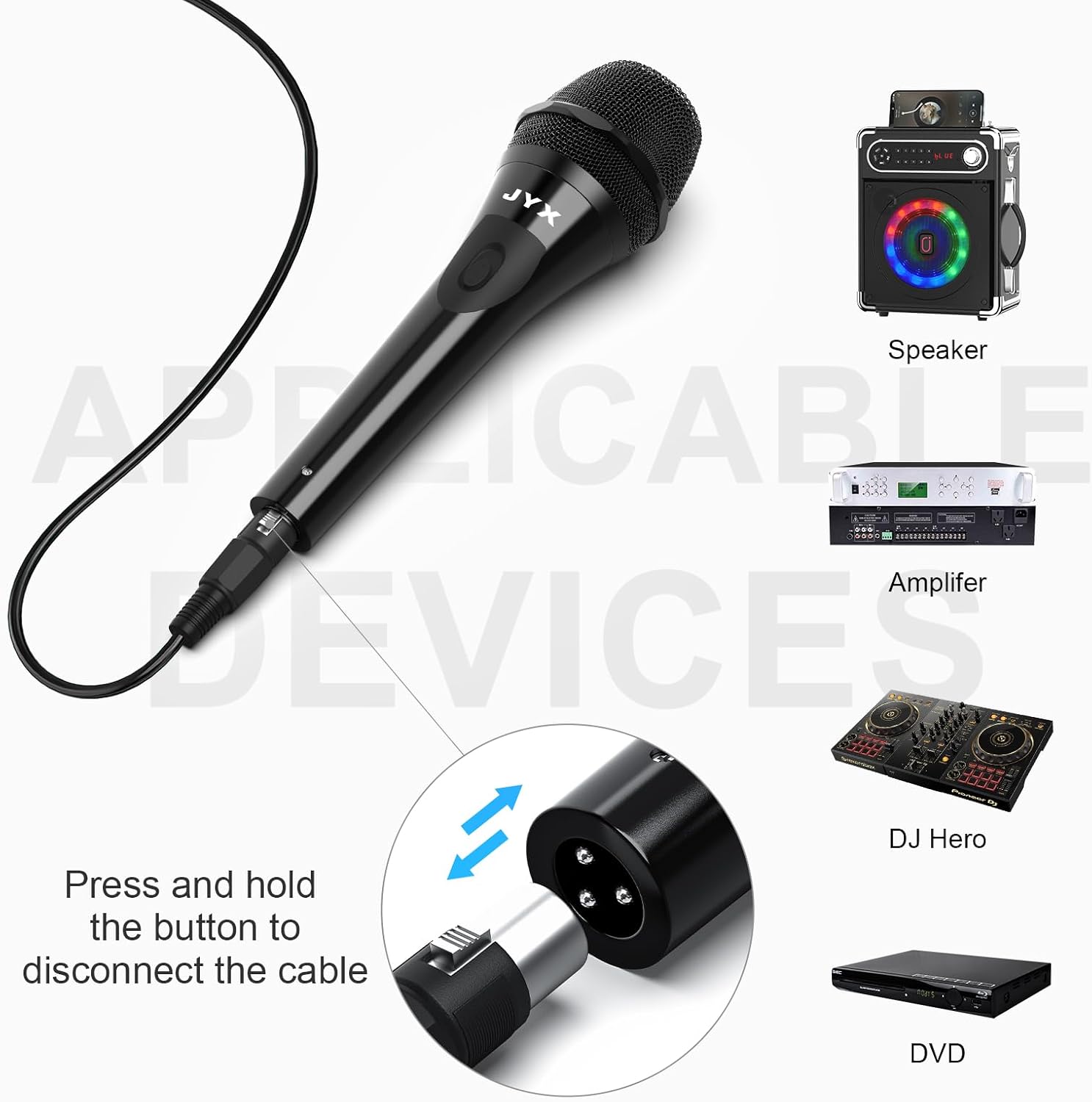
ചിത്രം 3.2: ഉദാamples of compatible audio devices for the JYX microphone, including speakers, ampലിഫയറുകൾ, മിക്സറുകൾ.
4. പ്രവർത്തന നിർദ്ദേശങ്ങൾ
Operating the JYX Dynamic Vocal Karaoke Microphone is straightforward:
- പവർ ഓൺ/ഓഫ്: Locate the ON/OFF switch on the microphone body. Slide the switch to the 'ON' position to activate the microphone. Slide it to 'OFF' when not in use to prevent unwanted sound pickup.
- മൈക്രോഫോൺ പ്ലേസ്മെൻ്റ്: For optimal sound quality, hold the microphone approximately 2-6 inches (5-15 cm) from your mouth. The cardioid pickup pattern is most sensitive at the front of the microphone.
- വോളിയം ക്രമീകരിക്കുക: Adjust the volume level on your connected audio device (karaoke machine, speaker, amplifier) to achieve the desired sound output. Start with a low volume and gradually increase it to avoid sudden loud noises or feedback.
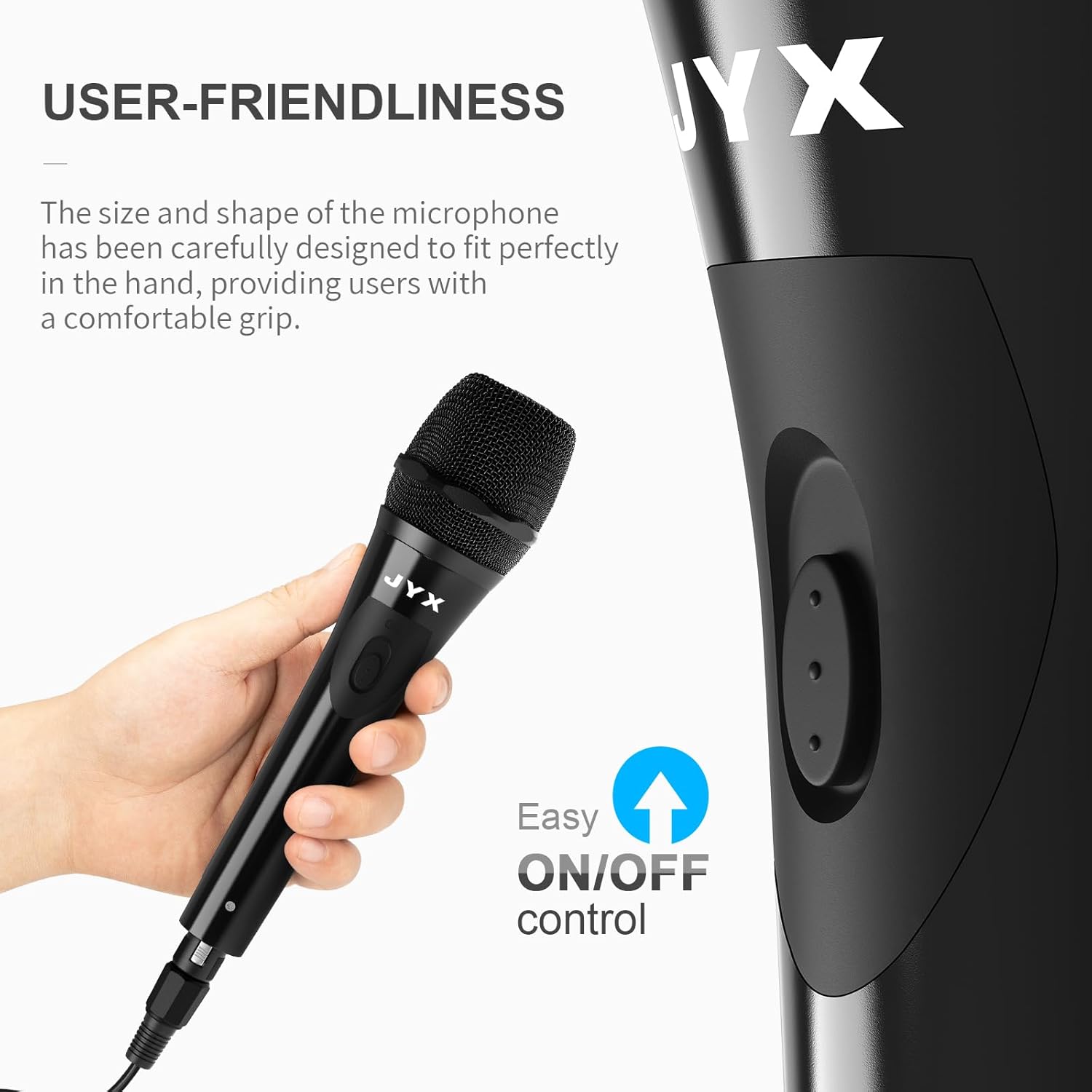
Image 4.1: Demonstrates the comfortable grip and accessible ON/OFF switch on the microphone.

Image 4.2: Illustrates the cardioid dynamic pickup pattern, showing how the microphone primarily captures sound from the front.
5. പരിപാലനം
Proper maintenance ensures the longevity and performance of your microphone:
- വൃത്തിയാക്കൽ: Use a soft, dry cloth to wipe the microphone body. For the grille, a soft brush can be used to gently remove dust or debris. Do not use liquid cleaners or abrasive materials.
- സംഭരണം: Store the microphone in a dry, cool place away from direct sunlight and extreme temperatures. Avoid dropping or subjecting the microphone to strong impacts.
- കേബിൾ കെയർ: Avoid sharply bending or twisting the cable. Coil it loosely when storing to prevent damage.
6. പ്രശ്നപരിഹാരം
If you encounter issues with your microphone, refer to the following common problems and solutions:
| പ്രശ്നം | സാധ്യമായ കാരണം | പരിഹാരം |
|---|---|---|
| ശബ്ദ ഔട്ട്പുട്ട് ഇല്ല | മൈക്രോഫോൺ സ്വിച്ച് ഓഫാണ് | Slide the ON/OFF switch to 'ON'. |
| Cable not securely connected | Ensure both the XLR connector and the 6.35mm jack are fully inserted. | |
| Audio device volume is too low or muted | Increase the volume on your connected audio device and check its mute settings. | |
| Incorrect input selected on audio device | Verify that the correct input channel is selected on your ampലൈഫയർ അല്ലെങ്കിൽ മിക്സർ. | |
| കുറഞ്ഞ അല്ലെങ്കിൽ വികലമായ ശബ്ദം | Microphone held too far away | Hold the microphone closer to your mouth (2-6 inches). |
| Audio device volume too high (distortion) | Reduce the volume on your connected audio device. | |
| കേടായ കേബിൾ | Inspect the cable for visible damage. If damaged, replace it. | |
| Feedback (howling sound) | മൈക്രോഫോൺ സ്പീക്കറുകൾക്ക് വളരെ അടുത്താണ് | Move the microphone further away from the speakers or point it away from them. |
| വോളിയം വളരെ ഉയർന്നതാണ് | Reduce the master volume or microphone gain on your audio device. |
7 സ്പെസിഫിക്കേഷനുകൾ
| ഫീച്ചർ | വിശദാംശങ്ങൾ |
|---|---|
| മോഡലിൻ്റെ പേര് | JYX-01 |
| മൈക്രോഫോൺ ഫോം ഫാക്ടർ | ഹാൻഡ്ഹെൽഡ് |
| പോളാർ പാറ്റേൺ | ഏകദിശയിലുള്ള (കാർഡിയോയിഡ്) |
| കണക്റ്റിവിറ്റി ടെക്നോളജി | XLR (to microphone) |
| കണക്റ്റർ തരം | 6.35mm (1/4 inch) Jack |
| കേബിൾ നീളം | 3 മീറ്റർ (9.8 അടി) |
| പവർ ഉറവിടം | Corded Electric (via connected device) |
| ഫ്രീക്വൻസി പ്രതികരണം | 15 KHz (ഉയർന്ന പരിധി) |
| സിഗ്നൽ-ടു-നോയിസ് അനുപാതം | 120 ഡി.ബി |
| ഇനത്തിൻ്റെ ഭാരം | 9.2 ഔൺസ് |
| പാക്കേജ് അളവുകൾ | 8.07 x 2.52 x 2.44 ഇഞ്ച് |
| അനുയോജ്യമായ ഉപകരണങ്ങൾ | Karaoke Machine, Amplifier, Speaker, Mixer |
8. വാറൻ്റിയും പിന്തുണയും
JYX provides the following support for your product:
- വാറൻ്റി: 360 Days Warranty Service from the date of purchase.
- സാങ്കേതിക സഹായം: Lifetime Technical Support is available.
For any questions, issues, or technical assistance, please contact our customer support team:
ഇമെയിൽ: service@jyxspeaker.com


