1. ആമുഖം
Thank you for choosing the LIQUIPEL Powertek Glow MFi Certified 5ft Lightning to USB Charging Cable. This cable is designed to provide reliable and efficient charging and data transfer for your Apple devices. Its unique glow-in-the-dark feature enhances visibility in low-light conditions. This manual provides essential information for the proper use and care of your cable.
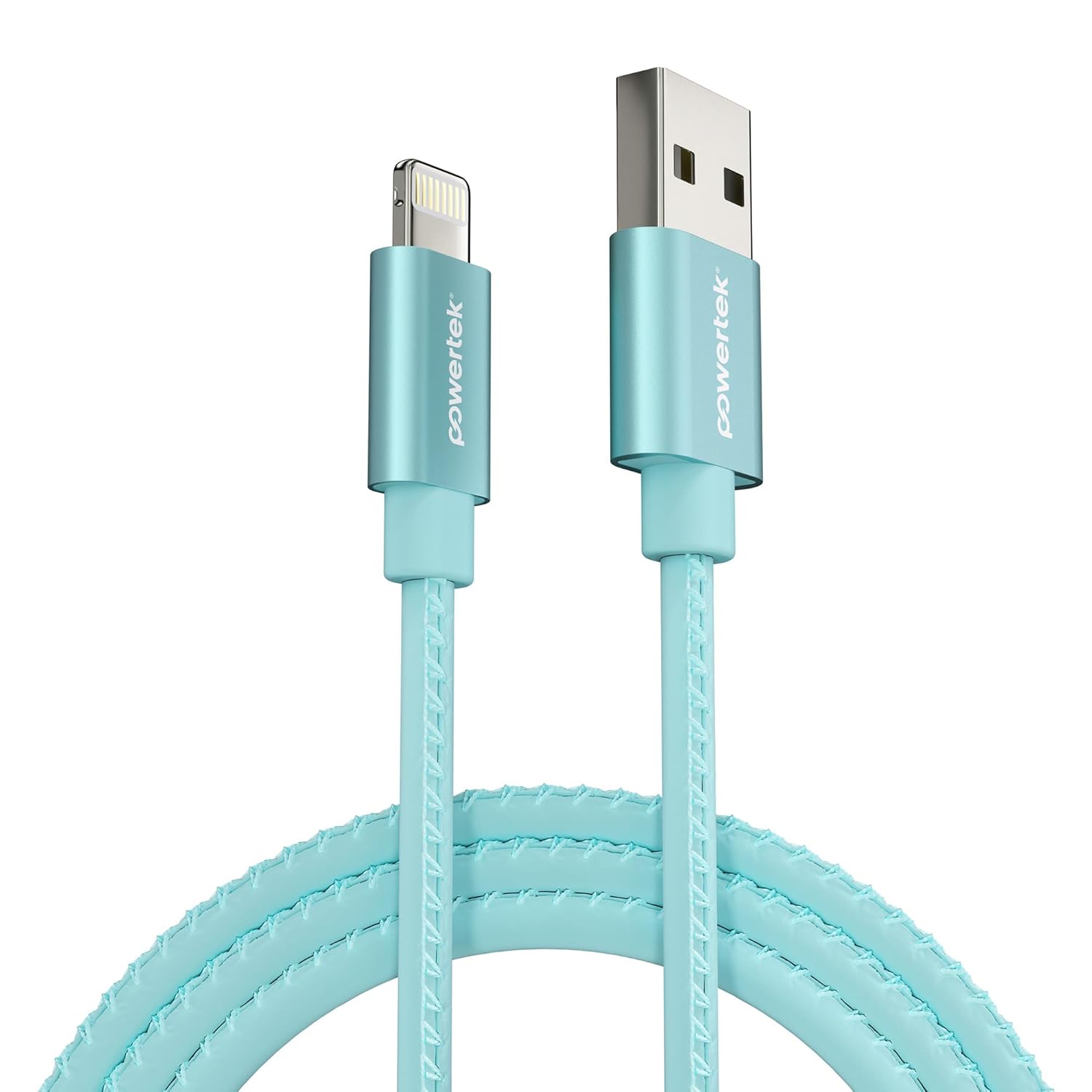
Image 1.1: The LIQUIPEL Powertek Glow Lightning to USB Cable in blue.
2 സുരക്ഷാ വിവരങ്ങൾ
- കേബിളിനെ തീവ്രമായ താപനിലയിലോ, നേരിട്ടുള്ള സൂര്യപ്രകാശത്തിലോ, ഈർപ്പത്തിലോ തുറന്നുകാട്ടരുത്.
- കേബിൾ അമിതമായി വളയ്ക്കുകയോ വളച്ചൊടിക്കുകയോ ചെയ്യുന്നത് ഒഴിവാക്കുക, കാരണം ഇത് ആന്തരിക വയറുകൾക്ക് കേടുവരുത്തും.
- കുട്ടികൾക്ക് ലഭ്യമാകാതെ സൂക്ഷിക്കുക.
- കേബിൾ ഡിസ്അസംബ്ലിംഗ് ചെയ്യാനോ പരിഷ്ക്കരിക്കാനോ ശ്രമിക്കരുത്.
- Use only with compatible Apple devices and certified power adapters.
3. പാക്കേജ് ഉള്ളടക്കം
- 1 x LIQUIPEL Powertek Glow MFi Certified 5ft Lightning to USB Charging Cable
4. സജ്ജീകരണം
To set up your LIQUIPEL Powertek Glow cable for charging or data transfer, follow these steps:
- പവർ ഉറവിടത്തിലേക്ക് കണക്റ്റുചെയ്യുക: Insert the USB-A end of the cable into a compatible USB power adapter (not included), a computer's USB port, or a power bank.
- ഉപകരണത്തിലേക്ക് കണക്റ്റുചെയ്യുക: Insert the Lightning connector end of the cable into the charging port of your Apple iPhone, iPad, or iPod.
- കണക്ഷൻ സ്ഥിരീകരിക്കുക: രണ്ട് അറ്റങ്ങളും സുരക്ഷിതമായി ബന്ധിപ്പിച്ചിട്ടുണ്ടെന്ന് ഉറപ്പാക്കുക. നിങ്ങളുടെ ഉപകരണം ചാർജ് ചെയ്യുന്നുണ്ടെന്നോ ഡാറ്റ കൈമാറ്റത്തിനായി ബന്ധിപ്പിച്ചിട്ടുണ്ടെന്നോ സൂചിപ്പിക്കണം.

Image 4.1: The LIQUIPEL Powertek Glow cable connected to an iPhone and a power bank for charging.
5. പ്രവർത്തന നിർദ്ദേശങ്ങൾ
5.1 നിങ്ങളുടെ ഉപകരണം ചാർജ് ചെയ്യുന്നു
Once connected as described in the Setup section, your Apple device will begin charging. This MFi certified cable supports fast charging, allowing your device to charge efficiently.

Image 5.1: The glowing connectors of the LIQUIPEL Powertek cable, indicating fast and efficient charging capabilities.
5.2 ഡാറ്റ കൈമാറ്റം
When connected to a computer, the cable facilitates high-speed data transfer between your Apple device and the computer. This allows for syncing photos, videos, and other files.

Image 5.2: The LIQUIPEL Powertek Glow cable designed for high-speed data transfers.
5.3 Glow Feature
The cable features a glow-in-the-dark design. To activate the glow, expose the cable to light for a period. The cable will then emit a soft glow in dark environments, making it easier to locate and connect your device at night.
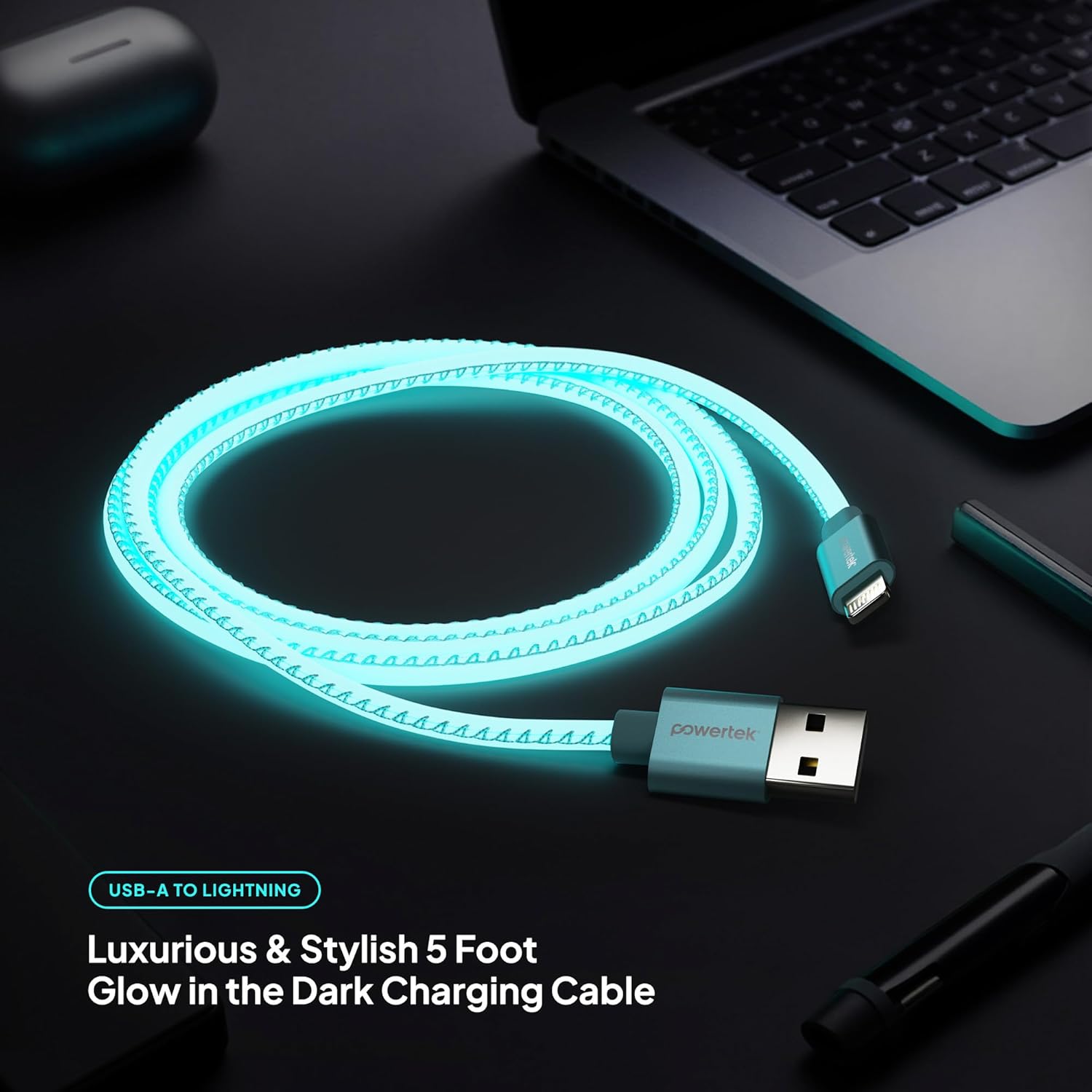
Image 5.3: The LIQUIPEL Powertek Glow cable illuminated in a dark setting, showcasing its glow feature.
5.4 ഉൽപ്പന്ന വീഡിയോ
For a visual demonstration of the LIQUIPEL Powertek Glow cable, please watch the official product video below.
Video 5.4: An official video demonstrating the LIQUIPEL Powertek Glow Lightning Cable, highlighting its features and glow-in-the-dark functionality.
6. പരിപാലനം
- വൃത്തിയാക്കൽ: Use a soft, dry cloth to gently wipe the cable. Do not use liquid cleaners or abrasive materials.
- സംഭരണം: When not in use, coil the cable loosely to prevent kinks and store it in a cool, dry place.
- പരിശോധന: Periodically inspect the cable and connectors for any signs of wear, fraying, or damage. Discontinue use if damage is observed.
7. പ്രശ്നപരിഹാരം
| പ്രശ്നം | സാധ്യമായ കാരണം | പരിഹാരം |
|---|---|---|
| ഉപകരണം ചാർജ് ചെയ്യുന്നില്ല | അയഞ്ഞ കണക്ഷൻ, തകരാറുള്ള വൈദ്യുതി സ്രോതസ്സ്, കേടായ കേബിൾ, പൊരുത്തപ്പെടാത്ത ഉപകരണം. | Ensure connections are secure. Try a different power adapter or USB port. Inspect the cable for damage. Confirm device compatibility. |
| സ്ലോ ചാർജിംഗ് | Low-power USB port, background apps on device, cable damage. | Use a high-power USB wall adapter. Close unnecessary apps on your device. Check cable for damage. |
| Data transfer issues | Loose connection, computer driver issues, cable damage. | Ensure connections are secure. Restart your computer and device. Check for updated drivers. Inspect cable for damage. |
| Cable not glowing | ആവശ്യത്തിന് പ്രകാശം ലഭിക്കാത്തത്. | Expose the cable to a bright light source for a few minutes to charge its glow properties. |
8 സ്പെസിഫിക്കേഷനുകൾ
| ഫീച്ചർ | വിശദാംശങ്ങൾ |
|---|---|
| മോഡൽ നമ്പർ | LIGHTNING-GLOW |
| ബ്രാൻഡ് | ലിക്വിപെൽ |
| കണക്റ്റർ തരം | Lightning to USB-A |
| കേബിൾ നീളം | 5 അടി (ഏകദേശം 1.5 മീറ്റർ) |
| പ്രത്യേക ഫീച്ചർ | Fast Charging, Glow-in-the-Dark, MFi Certified |
| അനുയോജ്യമായ ഉപകരണങ്ങൾ | Apple iPhone, iPad, iPod (all Lightning-enabled models) |
| പാക്കേജ് അളവുകൾ | 6.1 x 3.98 x 1.18 ഇഞ്ച് |
| ഇനത്തിൻ്റെ ഭാരം | 2.08 ഔൺസ് |
9. വാറൻ്റിയും പിന്തുണയും
For warranty information and customer support, please refer to the LIQUIPEL official webസൈറ്റിൽ ബന്ധപ്പെടുക അല്ലെങ്കിൽ അവരുടെ ഉപഭോക്തൃ സേവനവുമായി നേരിട്ട് ബന്ധപ്പെടുക. വാറന്റി ക്ലെയിമുകൾക്കായി നിങ്ങളുടെ വാങ്ങൽ രസീത് സൂക്ഷിക്കുക.


