ഉൽപ്പന്നം കഴിഞ്ഞുview
The Logitech H390 USB Headset is designed for clear audio communication and comfortable use across various applications, including video meetings, music listening, and gaming. It features a noise-cancelling microphone and convenient in-line controls for volume and mute functions. This wired headset connects via USB-A, offering a simple plug-and-play experience.

Figure 1: Logitech H390 USB Headset.
സജ്ജീകരണ ഗൈഡ്
നിങ്ങളുടെ ഹെഡ്സെറ്റ് ബന്ധിപ്പിക്കുന്നു
The Logitech H390 headset is designed for easy setup with its plug-and-play USB-A connectivity. No additional software or drivers are typically required for basic functionality.
- Locate a USB-A Port: Identify an available USB-A port on your computer (PC, Mac, or Chromebook).
- Plug In the Headset: Insert the USB-A connector of the H390 headset firmly into the USB-A port on your device.
- സിസ്റ്റം തിരിച്ചറിയൽ: Your operating system should automatically detect and configure the headset as an audio input and output device. This may take a few moments.
- ഓഡിയോ ക്രമീകരണങ്ങൾ പരിശോധിക്കുക: After connection, it is recommended to verify your audio settings in your computer's sound preferences to ensure the Logitech H390 is selected as the default playback and recording device.

Figure 2: USB-A Plug for easy connection.

Figure 3: Headset connected to a laptop, illustrating cable length.
പ്രവർത്തന നിർദ്ദേശങ്ങൾ
ഇൻ-ലൈൻ നിയന്ത്രണങ്ങൾ
The Logitech H390 features convenient in-line controls located on the headset cable, allowing for quick adjustments without needing to interact with your computer's software.
- വോളിയം കൂട്ടാനുള്ള ബട്ടൺ: Press the '+' button to increase the audio output volume.
- വോളിയം ഡൗൺ ബട്ടൺ: Press the '-' button to decrease the audio output volume.
- നിശബ്ദ ബട്ടൺ: Press the central button to mute or unmute the microphone. A red indicator light on the control unit signifies that the microphone is muted.

ചിത്രം 4: വിശദമായി view of in-line controls.
മൈക്രോഫോൺ ഉപയോഗം
The headset is equipped with a rotating, noise-cancelling microphone designed to minimize background noise for clear voice capture.
- സ്ഥാനനിർണ്ണയം: For optimal voice clarity, position the microphone boom arm so that the microphone is approximately 2-3 centimeters (about 1 inch) from your mouth.
- ശബ്ദം റദ്ദാക്കൽ: The noise-cancelling feature helps to filter out ambient sounds, making your voice clearer to listeners.
- സംഭരണം: When not in use, the microphone boom arm can be rotated upwards and tucked away discreetly.

Figure 5: Rotating noise-cancelling microphone.
Digital Stereo Sound
The Logitech H390 delivers enhanced digital stereo audio, suitable for a wide range of applications from online meetings to multimedia consumption.

Figure 6: User experiencing digital stereo sound.
പരിപാലനവും പരിചരണവും
To ensure the longevity and optimal performance of your Logitech H390 headset, follow these simple care guidelines:
- വൃത്തിയാക്കൽ: Gently wipe the headset, including the ear cushions and microphone, with a soft, damp തുണി. കഠിനമായ രാസവസ്തുക്കളോ ഉരച്ചിലുകളുള്ള ക്ലീനറുകളോ ഉപയോഗിക്കുന്നത് ഒഴിവാക്കുക.
- സംഭരണം: ഉയർന്ന താപനിലയിൽ നിന്നും നേരിട്ടുള്ള സൂര്യപ്രകാശത്തിൽ നിന്നും അകന്ന് വൃത്തിയുള്ളതും വരണ്ടതുമായ സ്ഥലത്ത് ഹെഡ്സെറ്റ് സൂക്ഷിക്കുക. കേബിൾ കുരുങ്ങുന്നത് ഒഴിവാക്കുക.
- കൈകാര്യം ചെയ്യൽ: Do not pull the cable forcefully when disconnecting the headset. Always grasp the USB plug. Avoid dropping the headset or subjecting it to strong impacts.
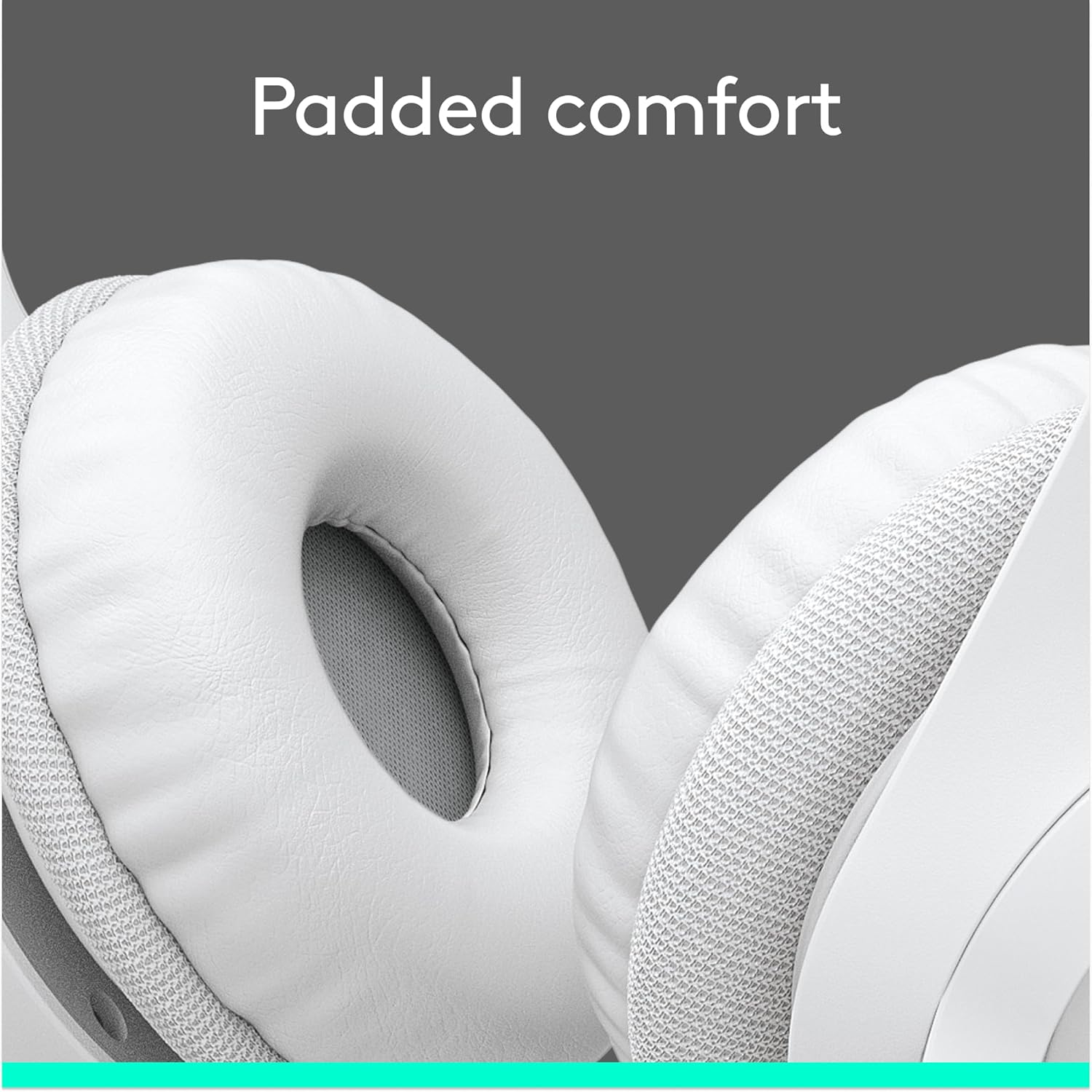
Figure 7: Padded ear cups for comfortable wear.
ട്രബിൾഷൂട്ടിംഗ്
If you encounter issues with your Logitech H390 headset, try the following common troubleshooting steps:
- ശബ്ദമില്ല/മൈക്രോഫോൺ പ്രവർത്തിക്കുന്നില്ല:
- Ensure the USB-A connector is fully inserted into the port.
- Check your computer's sound settings to confirm the Logitech H390 is selected as the default playback and recording device.
- Verify that the microphone mute button on the in-line control is not activated (red light off).
- Try plugging the headset into a different USB port on your computer.
- നിങ്ങളുടെ കമ്പ്യൂട്ടർ പുനരാരംഭിക്കുക.
- വികലമായ ഓഡിയോ:
- Adjust the volume using the in-line controls or your computer's volume settings.
- Ensure no other audio devices are interfering.
- മറ്റൊരു USB പോർട്ട് പരീക്ഷിക്കുക.
- Background Noise from Microphone:
- Ensure the microphone is positioned correctly, close to your mouth.
- The H390 features noise cancellation, but excessive background noise may still be picked up. Try to use the headset in a quieter environment if possible.
For further assistance, refer to the support section or contact Logitech customer service.
സ്പെസിഫിക്കേഷനുകൾ
| ഫീച്ചർ | വിശദാംശങ്ങൾ |
|---|---|
| മോഡലിൻ്റെ പേര് | H390 |
| ഇനം മോഡൽ നമ്പർ | 981-001285 |
| കണക്റ്റിവിറ്റി ടെക്നോളജി | വയേർഡ് (USB-A) |
| ഹെഡ്ഫോണുകൾ ജാക്ക് | USB |
| ശബ്ദ നിയന്ത്രണം | അഡാപ്റ്റീവ് നോയ്സ് റദ്ദാക്കൽ |
| മൈക്രോഫോൺ | Included, Rotating, Noise-Cancelling |
| ഇൻ-ലൈൻ നിയന്ത്രണങ്ങൾ | Volume Control, Mute |
| കേബിൾ നീളം | 6.23 അടി (1.9 മീറ്റർ) |
| ചെവി പ്ലേസ്മെൻ്റ് | ചെവിക്ക് മുകളിൽ |
| ചെവി തലയണകൾ | Leatherette, Padded |
| തലപ്പാവു | Adjustable, Padded |
| അനുയോജ്യമായ ഉപകരണങ്ങൾ | Windows, macOS, ChromeOS |
| നിറം | വെള്ള |
| ഇനത്തിൻ്റെ ഭാരം | 6.9 ഔൺസ് (0.43 പൗണ്ട്) |
| നിർമ്മാതാവ് | ലോജിടെക് |
| ആദ്യ തീയതി ലഭ്യമാണ് | 18 ജനുവരി 2023 |
വാറൻ്റിയും പിന്തുണയും
വാറൻ്റി വിവരങ്ങൾ
Logitech products typically come with a limited hardware warranty. For specific warranty terms and conditions applicable to your Logitech H390 headset, please refer to the warranty documentation included with your purchase or visit the official Logitech support webസൈറ്റ്.
ഉപഭോക്തൃ പിന്തുണ
If you require technical assistance, have questions about your product, or need to initiate a warranty claim, please contact Logitech customer support through their official channels. You can often find support resources, FAQs, and contact information on the Logitech webസൈറ്റ്.
For additional information, you may also refer to the official ഉപയോക്തൃ മാനുവൽ (PDF) ലോജിടെക് നൽകിയത്.


