ആമുഖം
This manual provides comprehensive instructions for the setup, operation, maintenance, and troubleshooting of your Ulefone Armor 12 5G Rugged Smartphone. Please read this manual carefully to ensure proper use and to maximize the device's capabilities.
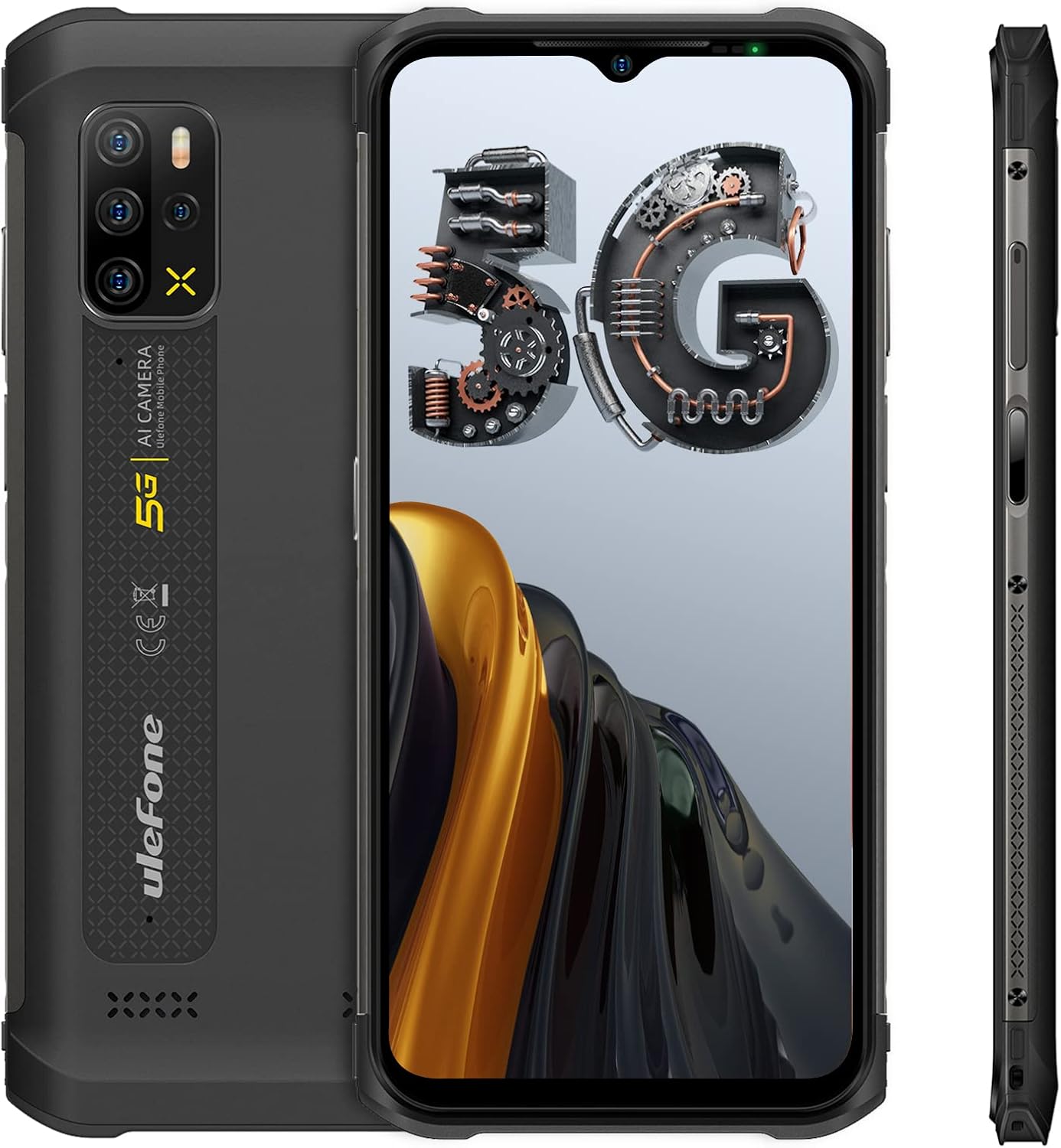
ചിത്രം 1: മുൻഭാഗം, പിൻഭാഗം, വശം views of the Ulefone Armor 12 5G Rugged Smartphone.
പാക്കേജ് ഉള്ളടക്കം
പാക്കേജ് തുറക്കുമ്പോൾ, താഴെ പട്ടികപ്പെടുത്തിയിരിക്കുന്ന എല്ലാ ഇനങ്ങളും അവിടെ ഉണ്ടെന്ന് ഉറപ്പാക്കുക:
- 1 x Ulefone Armor 12 5G Rugged Smartphone
- 1 x AC power charger (US Plug)
- 1 x Type-C to 3.5mm Audio Adapter
- 1 x ടെമ്പർഡ് ഗ്ലാസ് സ്ക്രീൻ പ്രൊട്ടക്ടർ
- 1 x SIM needle
- 1 x സ്ലിംഗ്
സജ്ജമാക്കുക
1. സിം കാർഡും സംഭരണ ഇൻസ്റ്റാളേഷനും
To install your SIM card(s) and an optional microSD card for expanded storage:
- ഉപകരണത്തിന്റെ വശത്ത് സിം ട്രേ കണ്ടെത്തുക.
- ട്രേയുടെ അടുത്തുള്ള ചെറിയ ദ്വാരത്തിൽ നൽകിയിരിക്കുന്ന സിം സൂചി ഇജക്റ്റ് ചെയ്യാൻ തിരുകുക.
- നിങ്ങളുടെ നാനോ-സിം കാർഡ്(കൾ) അല്ലെങ്കിൽ മൈക്രോ എസ്ഡി കാർഡ് ട്രേയിലെ നിയുക്ത സ്ലോട്ടുകളിൽ വയ്ക്കുക. ശരിയായ ഓറിയന്റേഷൻ ഉറപ്പാക്കുക.
- ഉപകരണത്തിൽ ട്രേ ക്ലിക്കുചെയ്യുന്നതുവരെ ശ്രദ്ധാപൂർവ്വം വീണ്ടും തിരുകുക.
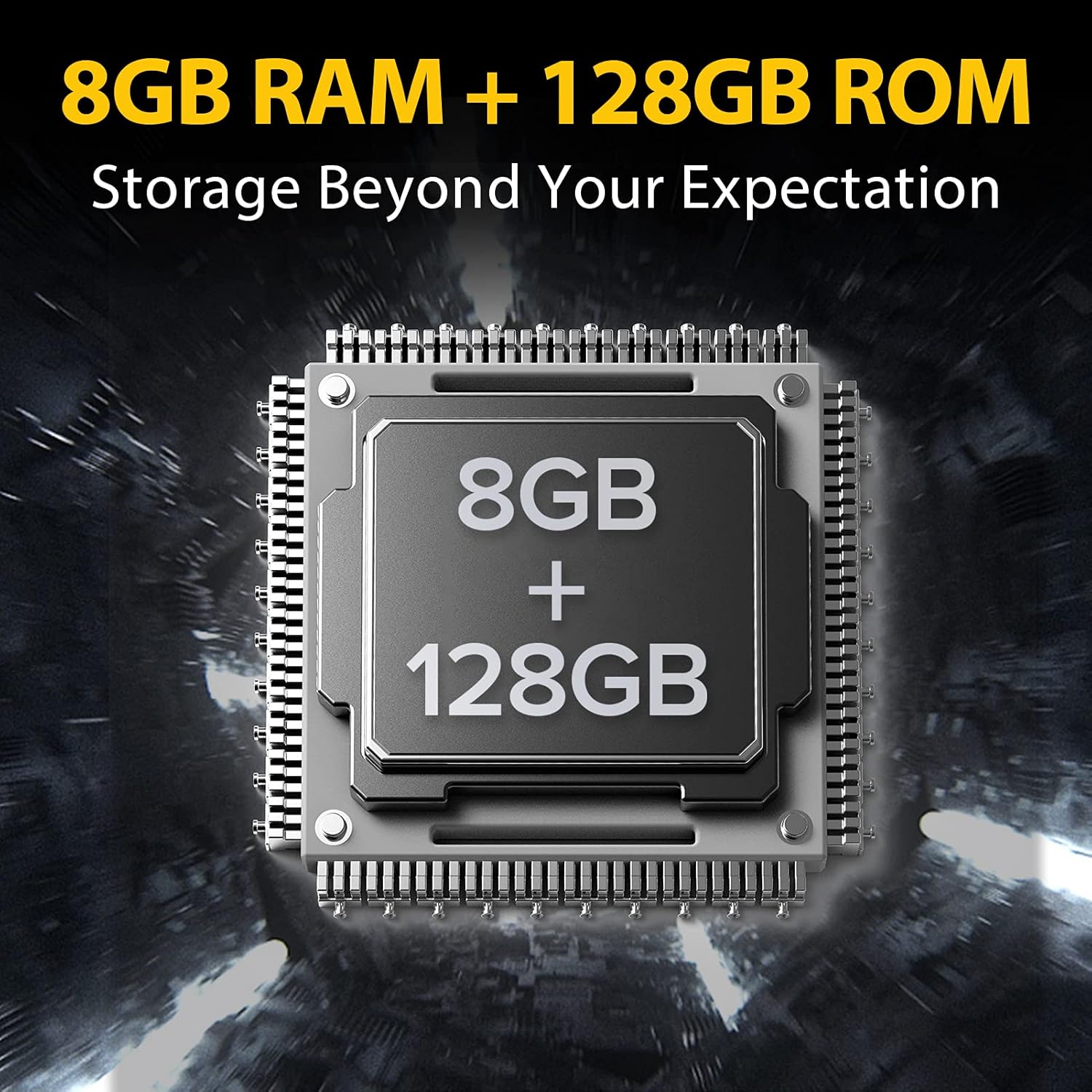
Figure 2: The Ulefone Armor 12 5G features 8GB RAM and 128GB internal storage, expandable via microSD card.
2. പ്രാരംഭ പവർ ഓണും സജ്ജീകരണവും
Press and hold the Power button located on the side of the device until the Ulefone logo appears. Follow the on-screen prompts to complete the initial setup, including language selection, Wi-Fi connection, and Google account sign-in.
3 ഉപകരണം ചാർജ് ചെയ്യുന്നു
The Ulefone Armor 12 5G supports both wired and wireless charging.
- വയർഡ് ചാർജിംഗ്: Connect the provided AC power charger to the Type-C port at the bottom of the phone. The device supports 18W fast charging.
- വയർലെസ് ചാർജിംഗ്: Place the device on a compatible 15W wireless charging pad. Ensure the phone is centered on the pad for optimal charging.

Figure 3: The 5180mAh battery supports 15W wireless charging for convenience.

Figure 4: Visual representation of the 6.52-inch display and the 5180mAh battery's charging capabilities.
പ്രവർത്തന നിർദ്ദേശങ്ങൾ
1. ഡിസ്പ്ലേയും നാവിഗേഷനും
The device features a 6.52-inch HD+ waterdrop screen with 10-point multi-touch support. Navigate the interface using standard Android gestures: tap, swipe, pinch-to-zoom.
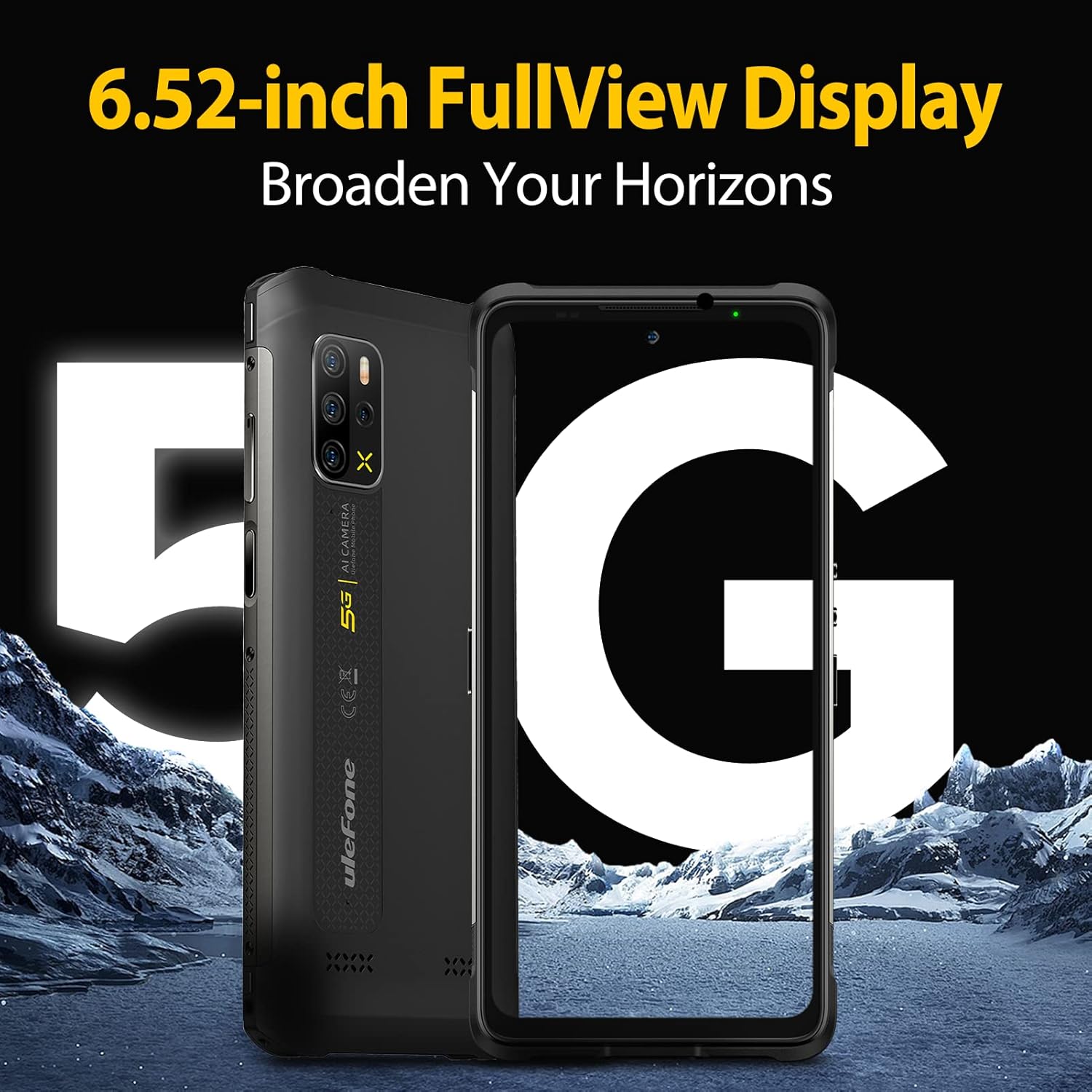
Figure 5: The 6.52-inch FullView Display provides an expansive viewഅനുഭവം.
2. ക്യാമറ സിസ്റ്റം
The Ulefone Armor 12 5G is equipped with a versatile quad-camera system on the rear and a high-resolution front camera.
- പിൻ ക്യാമറകൾ:
- 48MP പ്രധാന ക്യാമറ
- 8MP Wide-angle Camera
- 2MP Macro Lens
- 2MP ഡെപ്ത് സെൻസർ
- മുൻ ക്യാമറ: സെൽഫികൾക്കും വീഡിയോ കോളുകൾക്കും 16MP.
Open the Camera application from the home screen or app drawer to capture photos and videos. Various modes are available, including Night Mode and Macro Mode, to enhance your photography.
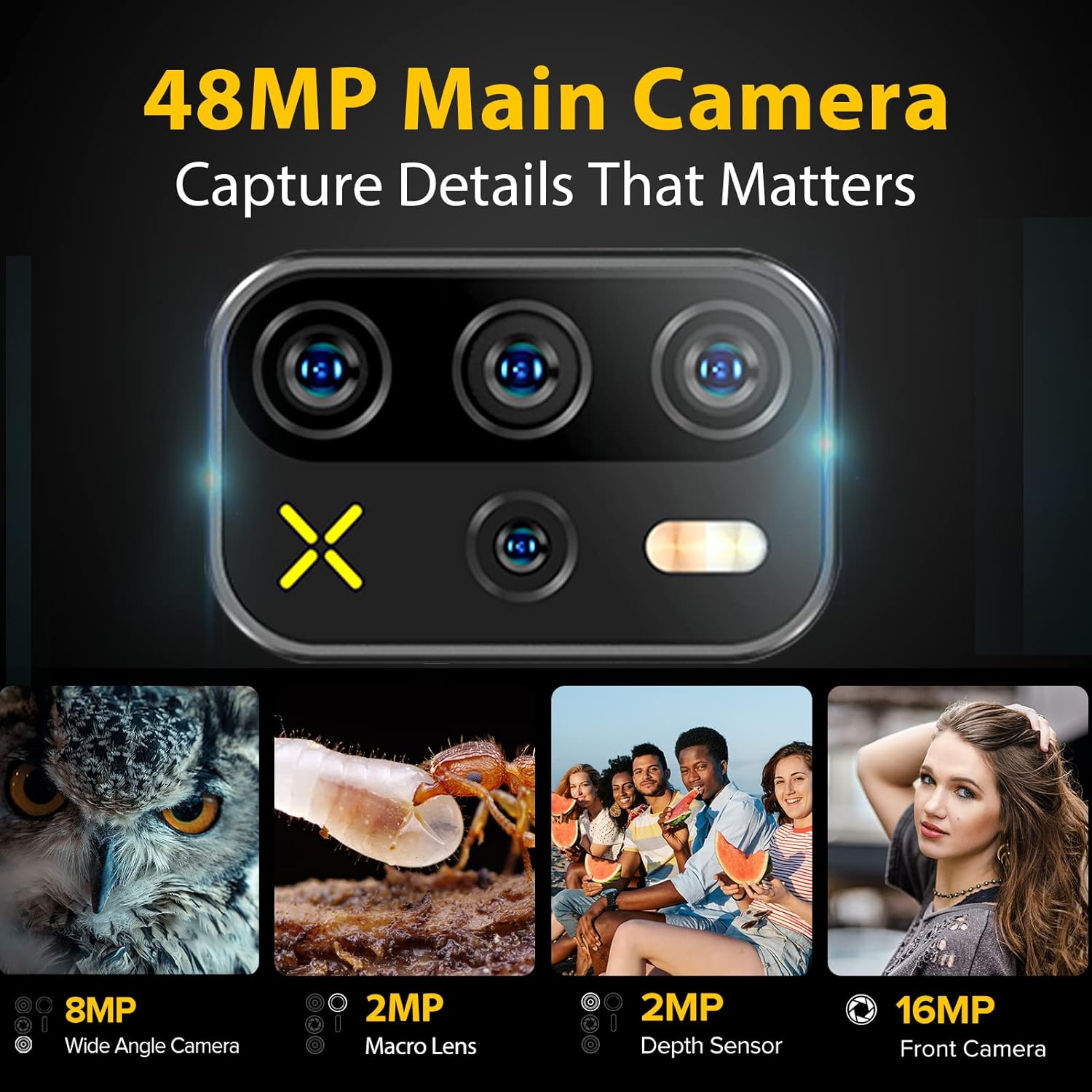
Figure 6: The 48MP Quad Rear Camera system captures detailed images in various scenarios.

ചിത്രം 7: ഓവർview of the camera system, highlighting the main, wide-angle, macro, and depth sensors, along with the front camera.
3. എഫ്എം റേഡിയോ പ്രവർത്തനം
The Ulefone Armor 12 5G features a headset-free FM radio, allowing you to listen to radio broadcasts without needing to plug in earphones as an antenna. This is enabled by the symmetrical dual 1216 super-linear speakers.
To access the FM Radio, open the FM Radio application. You can scan for stations and adjust the volume directly through the phone's interface.
Video 1: Demonstration of the Ulefone Armor 12's headset-free FM Radio feature, showing how to tune stations without external headphones.

Figure 8: The device runs on Android 11 and supports headset-free FM radio.
4. കണക്റ്റിവിറ്റി സവിശേഷതകൾ
- 5G നെറ്റ്വർക്ക്: Supports 5G NR bands N1/3/28/38/41/77/78. Compatible with Sprint (n41) and T-Mobile (n41) networks.
- വൈഫൈ: Supports 2.4G and 5G Wi-Fi for high-speed internet access.
- ബ്ലൂടൂത്ത്: വയർലെസ് ആക്സസറികളുമായി ബന്ധിപ്പിക്കുന്നതിന്.
- NFC & Google Pay: Enable contactless payments and data transfer.
- ജിപിഎസ്: Integrated GPS, Glonass, Galileo, and Beidou for accurate navigation.

Figure 9: The device offers advanced navigation and security features.
5. Security and Customization
- Face Unlock & Fingerprint ID: Securely unlock your device using facial recognition or the side-mounted fingerprint sensor.
- ഇഷ്ടാനുസൃത കീ: A programmable physical button that can be assigned to quickly launch an app or function.

Figure 10: Features like NFC, Digital Toolkit, and Custom Key enhance usability.
മെയിൻ്റനൻസ്
1. കരുത്തും ഈടും
The Ulefone Armor 12 5G is designed to withstand harsh environments, certified with IP68/IP69K and Mil-STD-810G standards. This means it is:
- വാട്ടർപ്രൂഫ്: 1.5 മീറ്റർ വരെ 30 മിനിറ്റ് നേരത്തേക്ക് വെള്ളത്തിൽ മുങ്ങാം.
- പൊടി പ്രതിരോധം: പൊടിപടലത്തിൽ നിന്ന് പൂർണ്ണമായും സംരക്ഷിക്കപ്പെടുന്നു.
- Drop Resistant: Can withstand drops from up to 1.2 meters.
While rugged, avoid intentional abuse or exposing the device to extreme conditions beyond its specified limits. Ensure all port covers are securely closed before exposing the device to water or dust.

Figure 11: The Ulefone Armor 12 5G is built to IP68/IP69K standards for enhanced durability.


Figure 12: The device is designed to withstand water, dust, and drops, making it suitable for various environments.
2. വൃത്തിയാക്കലും പരിചരണവും
To clean your device, use a soft, lint-free cloth. For stubborn dirt or grime, a slightly damp cloth with mild soap can be used, ensuring all port covers are sealed. Avoid harsh chemicals or abrasive materials. The phone also features Composite Silver Ion for high antibacterial ability.

Figure 13: The Composite Silver Ion material provides enhanced antibacterial protection.
3. ബാറ്ററി ആയുസ്സ്
To prolong battery life, avoid fully discharging the battery frequently. Charge the device regularly, ideally before it drops below 20%. Avoid exposing the phone to extreme temperatures, as this can degrade battery performance over time.
ട്രബിൾഷൂട്ടിംഗ്
If you encounter issues with your Ulefone Armor 12 5G, refer to the common solutions below:
| പ്രശ്നം | സാധ്യമായ പരിഹാരം |
|---|---|
| ഉപകരണം ഓണാക്കുന്നില്ല | Ensure the battery is charged. Connect to the charger for at least 10 minutes before attempting to power on again. If unresponsive, try a forced restart by holding the Power button for 10-15 seconds. |
| Charging issues (flickering, slow) | Check the charging cable and adapter for damage. Ensure the Type-C port is clean and free of debris. Try a different charger or cable. For wireless charging, ensure proper alignment on the charging pad. |
| No network signal / Call issues | Verify SIM card is correctly inserted. Check network settings (APN, preferred network type). Restart the device. Contact your carrier to confirm service availability in your area. |
| ആപ്പുകൾ ക്രാഷാകുന്നു അല്ലെങ്കിൽ മരവിക്കുന്നു | Clear the cache and data of the problematic app in Settings > Apps. Update the app to the latest version. If the issue persists, uninstall and reinstall the app. |
| Fingerprint reader not working | Ensure your finger is clean and dry. Re-register your fingerprints in Settings > Security. If the issue persists, a factory reset might be necessary (backup data first). |
സ്പെസിഫിക്കേഷനുകൾ
Key technical specifications for the Ulefone Armor 12 5G:
| ഫീച്ചർ | വിശദാംശങ്ങൾ |
|---|---|
| മോഡൽ നമ്പർ | US-ARM12-BK |
| അളവുകൾ | 6.92 x 3.23 x 0.56 ഇഞ്ച് |
| ഭാരം | 1.37 പൗണ്ട് |
| ഓപ്പറേറ്റിംഗ് സിസ്റ്റം | ആൻഡ്രോയിഡ് 11.0 |
| പ്രോസസ്സർ | MediaTek Dimensity 700 5G (Octa Core up to 2.2GHz) |
| റാം | 8 ജിബി |
| ആന്തരിക സംഭരണം | 128 GB (expandable up to 1TB via SD card) |
| ഡിസ്പ്ലേ വലിപ്പം | 6.52 ഇഞ്ച് |
| ഡിസ്പ്ലേ റെസല്യൂഷൻ | 2K |
| പിൻ ക്യാമറ സിസ്റ്റം | 48MP Main, 8MP Wide-angle, 2MP Macro, 2MP Depth Sensor |
| മുൻ ക്യാമറ | 16എംപി |
| ബാറ്ററി ശേഷി | 5180 mAh |
| വയർഡ് ചാർജിംഗ് | 18W ഫാസ്റ്റ് ചാർജിംഗ് |
| വയർലെസ് ചാർജിംഗ് | 15W |
| നെറ്റ്വർക്ക് അനുയോജ്യത | 5G NR: N1/3/28/38/41/77/78 (Sprint(n41), T-Mobile(n41)) |
| Water/Dust/Drop Resistance | IP68/IP69K, Mil-STD-810G |
| പ്രത്യേക സവിശേഷതകൾ | Dual HiFi Speakers, Headset-free FM Radio, NFC, Google Pay, Custom Key, Face & Fingerprint Unlock, GPS+Glonass+Galileo+Beidou |
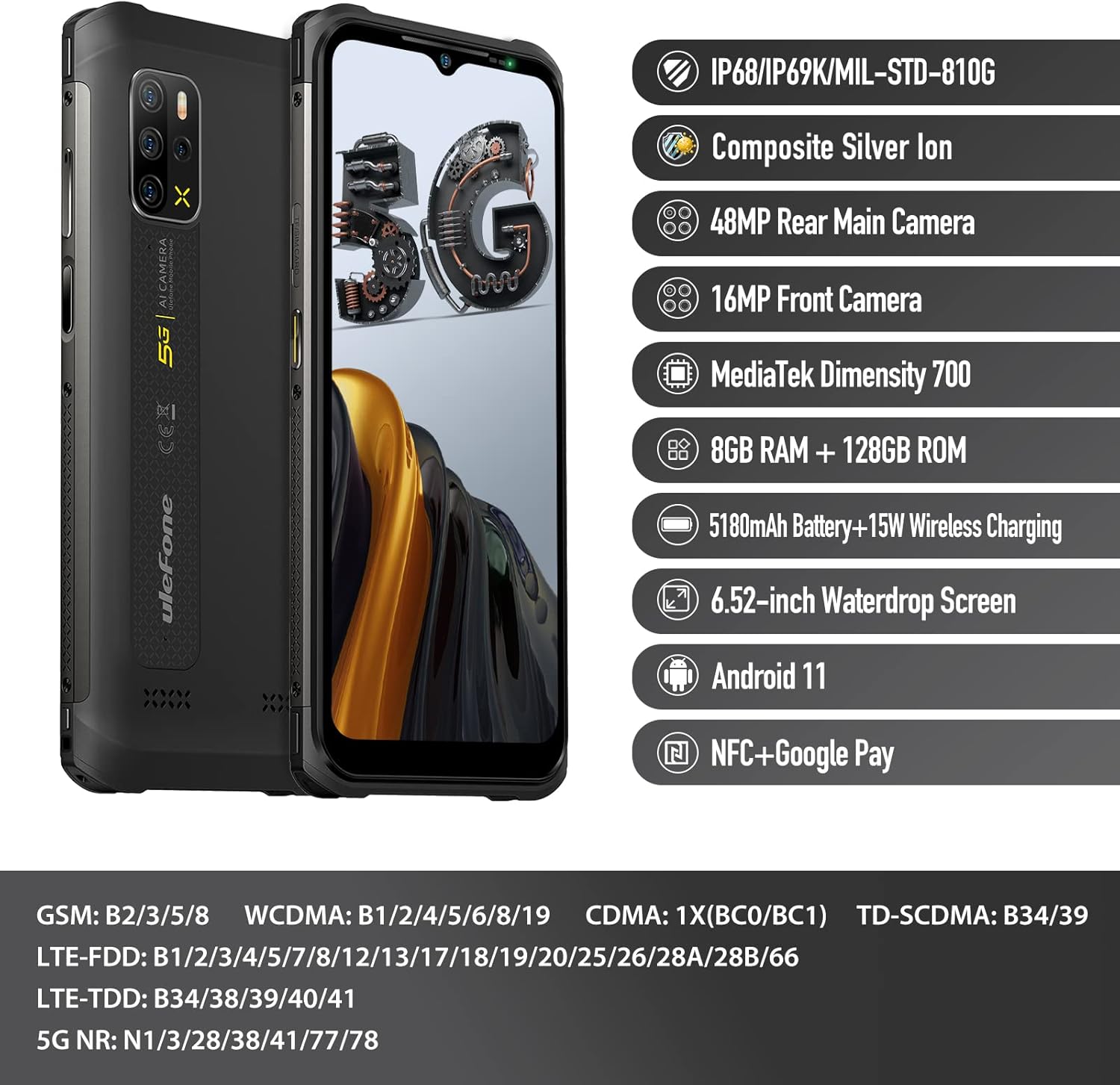
Figure 14: Key features and specifications of the Ulefone Armor 12 5G.

Figure 15: The MediaTek Dimensity 700 5G chipset powers the device with ample സംഭരണം.
വാറൻ്റിയും പിന്തുണയും
The Ulefone Armor 12 5G Rugged Smartphone comes with a 12-month warranty from the date of purchase. Please note that the screen is not covered under this warranty.
For technical support, warranty claims, or any inquiries, please contact Ulefone customer service at: amazon@ulefone.com.


