PDP Gaming PlayStation 5 METAVOLT Dual Charging Station User Manual
Brand: PDP | Model: 052-016-WH
ആമുഖം
The PDP Gaming PlayStation 5 METAVOLT Dual Charging Station provides an efficient and secure way to charge two PS5 DualSense Wireless Controllers simultaneously. Designed for convenience and speed, this charging station ensures your controllers are always ready for extended gaming sessions. Its sleek design complements your PlayStation 5 setup, and integrated safety features protect your devices during charging.
ബോക്സിൽ എന്താണുള്ളത്
- PDP Gaming PlayStation 5 METAVOLT Dual Charging Station
- Integrated USB Type-C Cable

Image: The retail packaging for the PDP Gaming PlayStation 5 METAVOLT Dual Charging Station, showcasing the white charging station and two DualSense controllers.
സജ്ജമാക്കുക
1. Connect the Charging Station
Locate an available USB Type-C port on your PlayStation 5 console. Insert the integrated USB Type-C cable from the charging station firmly into the console's USB-C port. The charging station draws power directly from the console.

ചിത്രം: വശം view of the charging station showing the attached USB-C cable ready for connection.
2. Place the Charging Station
Position the charging station on a flat, stable surface. The anti-slip rubber grips on the bottom of the unit will help keep it securely in place.

Image: The underside of the charging station, showing the anti-slip rubber pads.
പ്രവർത്തന നിർദ്ദേശങ്ങൾ
Charging Your Controllers
To charge your PS5 DualSense Wireless Controllers, simply align the controller with one of the two charging ports on the station and gently drop it into place. The controller will make contact with the charging pins and begin charging automatically. The charging process is designed to be one-handed and intuitive.
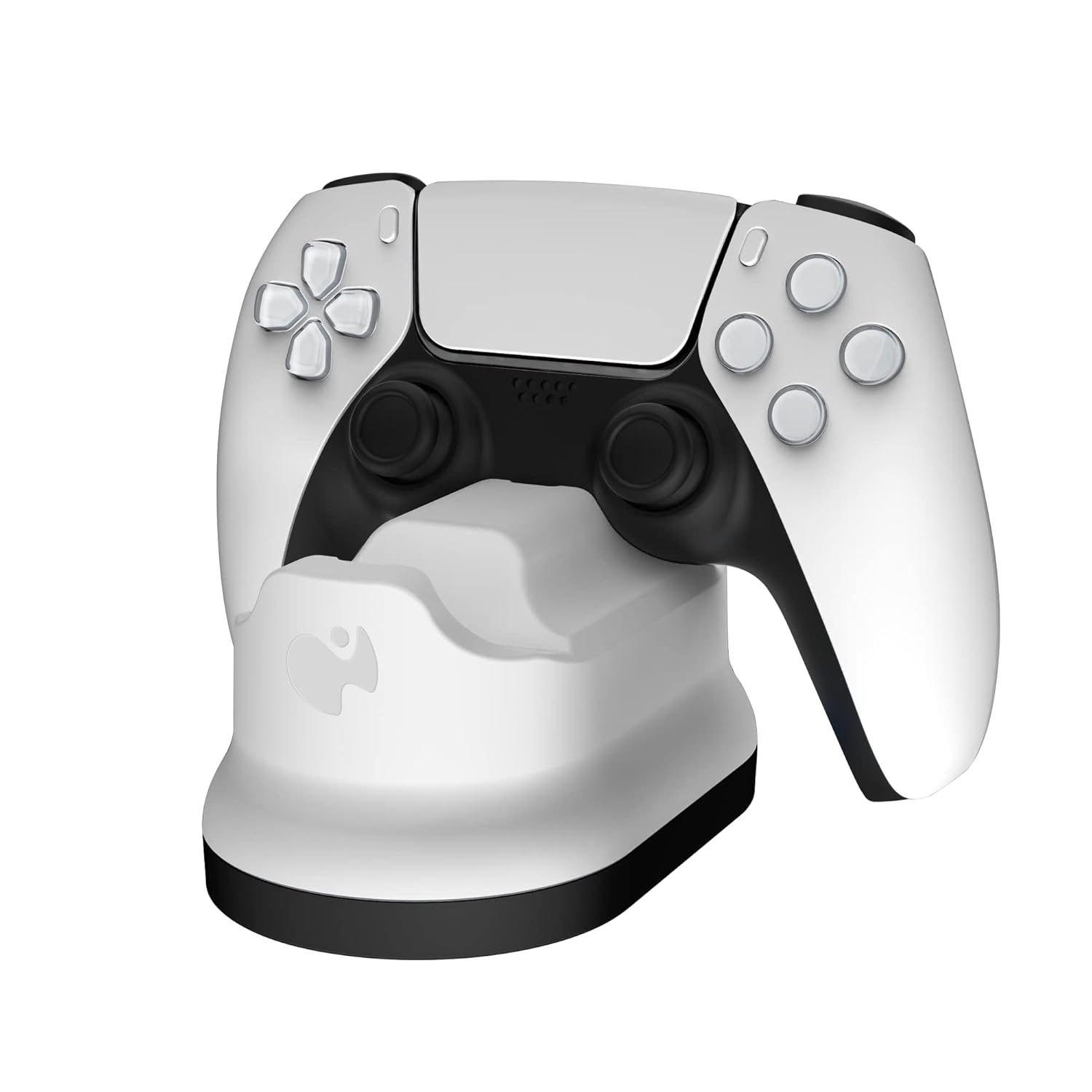
Image: A PlayStation 5 DualSense controller correctly placed in one of the charging slots.
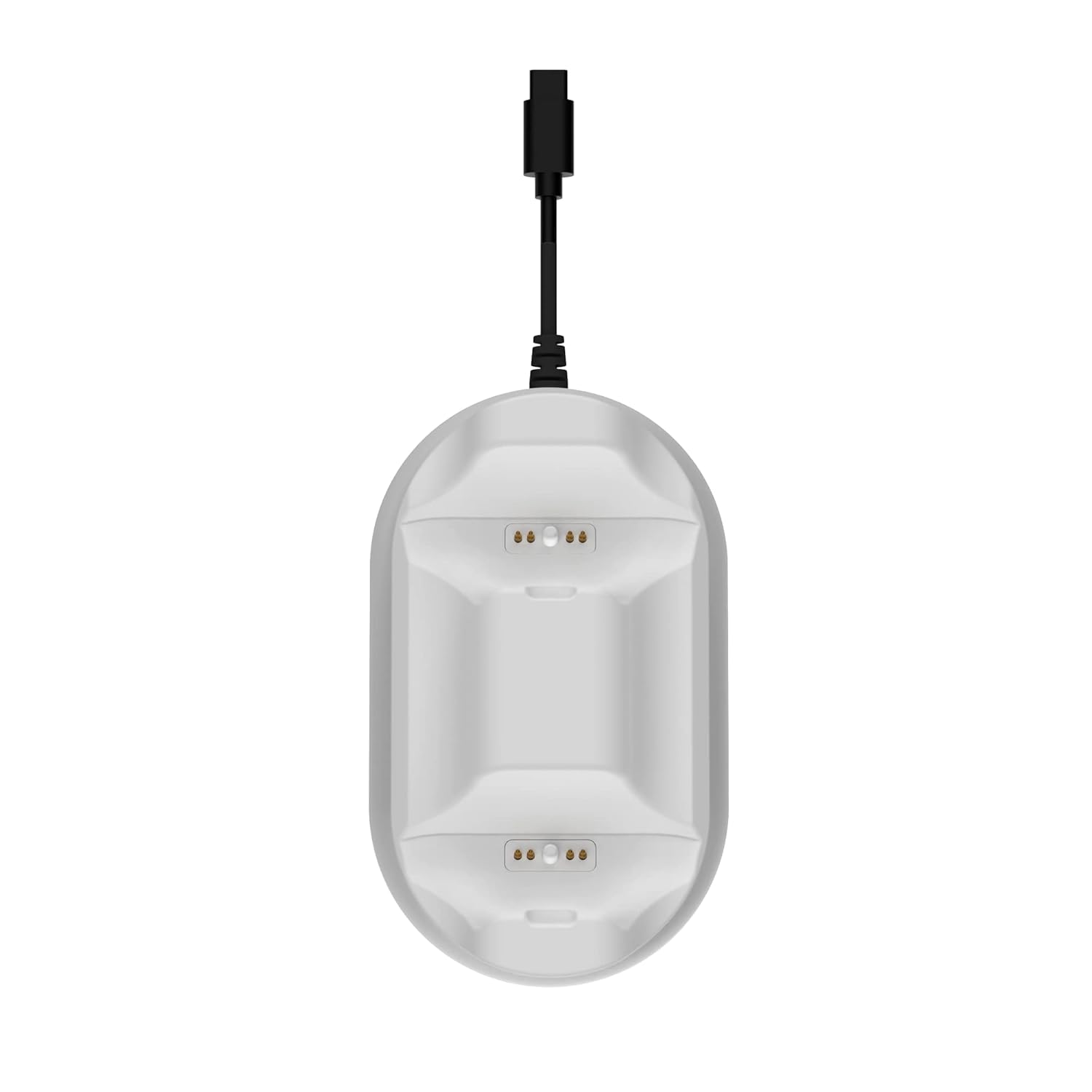
ചിത്രം: ക്ലോസ്-അപ്പ് ടോപ്പ് view of the charging station's ports, showing the contact pins where the controller connects.
The controllers will be fully charged in under four hours. The charging station is designed to display your controllers neatly while they charge.
മെയിൻ്റനൻസ്
To ensure the longevity and optimal performance of your PDP Gaming PlayStation 5 METAVOLT Dual Charging Station, follow these simple maintenance guidelines:
- മൃദുവായതും ഉണങ്ങിയതുമായ തുണി ഉപയോഗിച്ച് തുടച്ച് ചാർജിംഗ് സ്റ്റേഷൻ വൃത്തിയായി സൂക്ഷിക്കുക.
- Avoid using abrasive cleaners or solvents, as these can damage the surface.
- Ensure the charging pins are free from dust or debris to maintain proper contact with the controllers.
- Store the charging station in a cool, dry place when not in use.
ട്രബിൾഷൂട്ടിംഗ്
Controller Not Charging
- Ensure the USB Type-C cable is securely connected to both the charging station and the PS5 console.
- Verify that the PS5 console is powered on or in Rest Mode with USB power supply enabled.
- Check that the controller is properly seated in the charging port, ensuring the contact pins align.
- Inspect the charging pins on both the station and the controller for any obstructions or damage.
Charging Station Appears Unstable
- Ensure the charging station is placed on a flat, level surface.
- Check the anti-slip rubber grips on the bottom of the unit to ensure they are clean and intact.
സുരക്ഷാ സവിശേഷതകൾ
The charging station includes built-in over current and over voltage protection to prevent damage to your controllers and the charging station itself. If you suspect an issue related to power, disconnect the unit and reconnect it after a few moments.
സ്പെസിഫിക്കേഷനുകൾ
| ഫീച്ചർ | വിശദാംശങ്ങൾ |
|---|---|
| മോഡൽ നമ്പർ | 052-016-WH |
| അനുയോജ്യത | PlayStation 5 DualSense Wireless Controllers |
| ചാർജിംഗ് സമയം | Under 4 hours for two controllers |
| കണക്ഷൻ | Integrated USB Type-C cable |
| പവർ ഉറവിടം | PS5 Console USB Port |
| അളവുകൾ (L x W x H) | 2.68 x 5.43 x 6.26 ഇഞ്ച് |
| ഭാരം | 6.07 ഔൺസ് |
| സുരക്ഷാ സവിശേഷതകൾ | ഓവർ കറൻ്റും ഓവർ വോളിയവുംtagഇ സംരക്ഷണം |
| നിർമ്മാതാവ് | പി.ഡി.പി |
| മാതൃരാജ്യം | ചൈന |
വാറൻ്റിയും പിന്തുണയും
വാറന്റി വിവരങ്ങൾക്കും സാങ്കേതിക പിന്തുണയ്ക്കും, ദയവായി ഔദ്യോഗിക പിഡിപി കാണുക. webസൈറ്റിൽ ബന്ധപ്പെടുകയോ അവരുടെ ഉപഭോക്തൃ സേവനവുമായി നേരിട്ട് ബന്ധപ്പെടുകയോ ചെയ്യുക. ഏതെങ്കിലും വാറന്റി ക്ലെയിമുകൾക്കായി നിങ്ങളുടെ വാങ്ങലിന്റെ തെളിവ് സൂക്ഷിക്കുക.
You can visit the official PDP store for more information and support resources: PDP Official Store


