1. ഉൽപ്പന്നം കഴിഞ്ഞുview
The CP PLUS CP-21 is a 2MP Full HD Wi-Fi PT (Pan & Tilt) camera designed for comprehensive indoor surveillance. It offers a 360-degree viewing angle, advanced human detection, and motion tracking capabilities to ensure your premises are monitored effectively. Equipped with two-way audio, night vision, and flexible storage options, this camera provides a robust solution for home or office security.
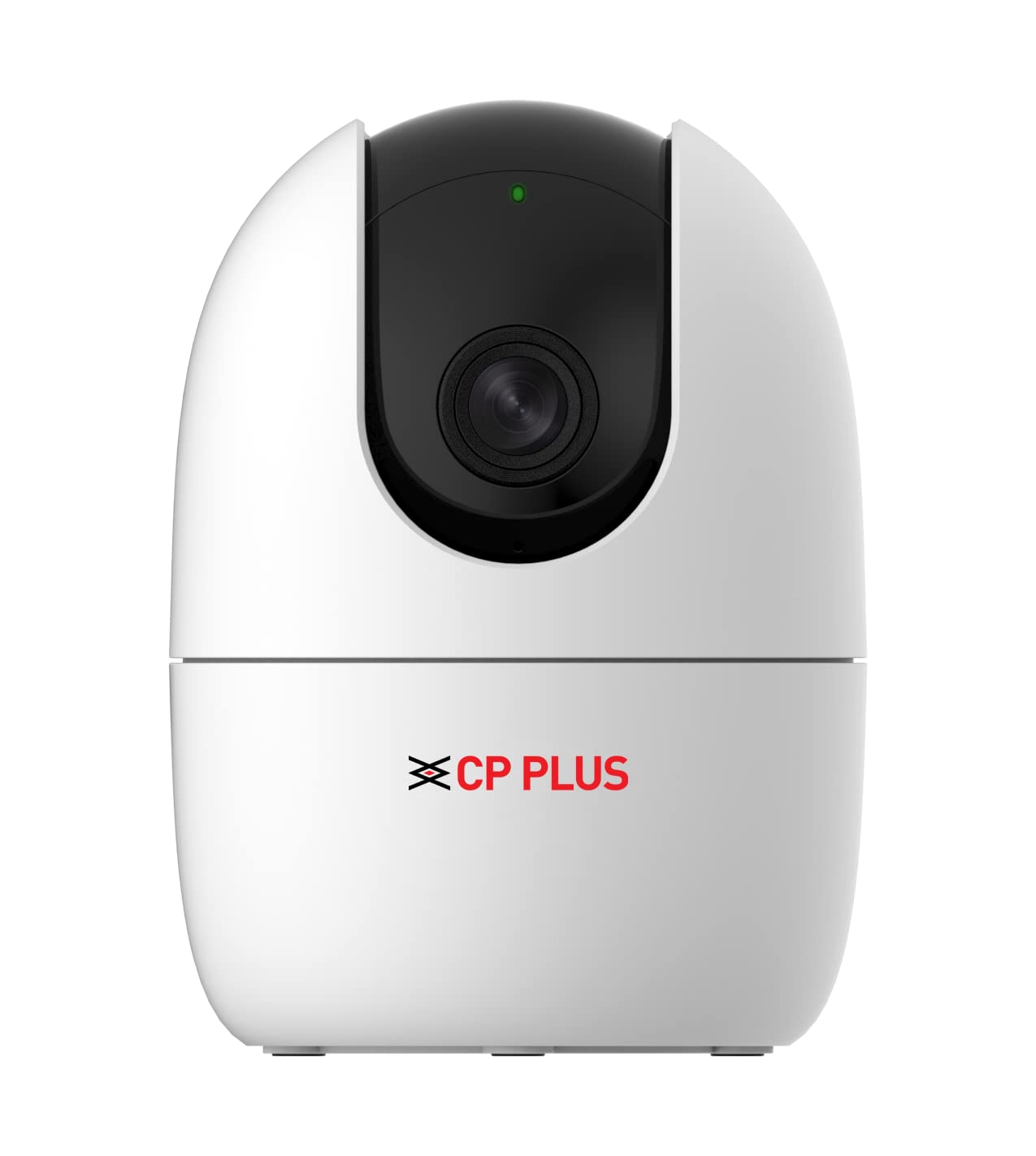
ചിത്രം 1.1: മുൻഭാഗം view of the CP PLUS CP-21 Wi-fi CCTV Camera.
2. ബോക്സിൽ എന്താണുള്ളത്?
Upon unboxing your CP PLUS CP-21 camera, please verify that all the following components are included:
- CP PLUS CP-21 Camera
- USB കേബിൾ
- പവർ അഡാപ്റ്റർ
- ഉപയോക്തൃ മാനുവൽ (ഈ പ്രമാണം)
3. സജ്ജീകരണ ഗൈഡ്
Follow these steps to set up your CP PLUS CP-21 camera:
- പവർ കണക്ഷൻ: Connect the provided USB cable to the camera and the power adaptor. Plug the adaptor into a standard electrical outlet. The camera will power on and initiate its startup sequence.
- ആപ്പ് ഡൗൺലോഡ്: ഡൗൺലോഡ് ചെയ്യുക EEZO നിങ്ങളുടെ സ്മാർട്ട്ഫോണിന്റെ ആപ്പ് സ്റ്റോറിൽ നിന്നുള്ള ആപ്പ് (iOS, Android എന്നിവയിൽ ലഭ്യമാണ്).
- അക്കൗണ്ട് രജിസ്ട്രേഷൻ: Open the EEZO app and register for a new account or log in if you already have one.
- ഉപകരണം ചേർക്കുക: In the EEZO app, tap on the "Add Device" or "+" icon. Select your camera model (CP-21) from the list.
- Wi-Fi കണക്ഷൻ: Follow the on-screen instructions in the app to connect the camera to your 2.4GHz Wi-Fi network. Ensure your Wi-Fi password is correct. The camera will indicate a successful connection.
- പ്ലേസ്മെൻ്റ്: Position the camera in your desired location. It supports wall mount installation.
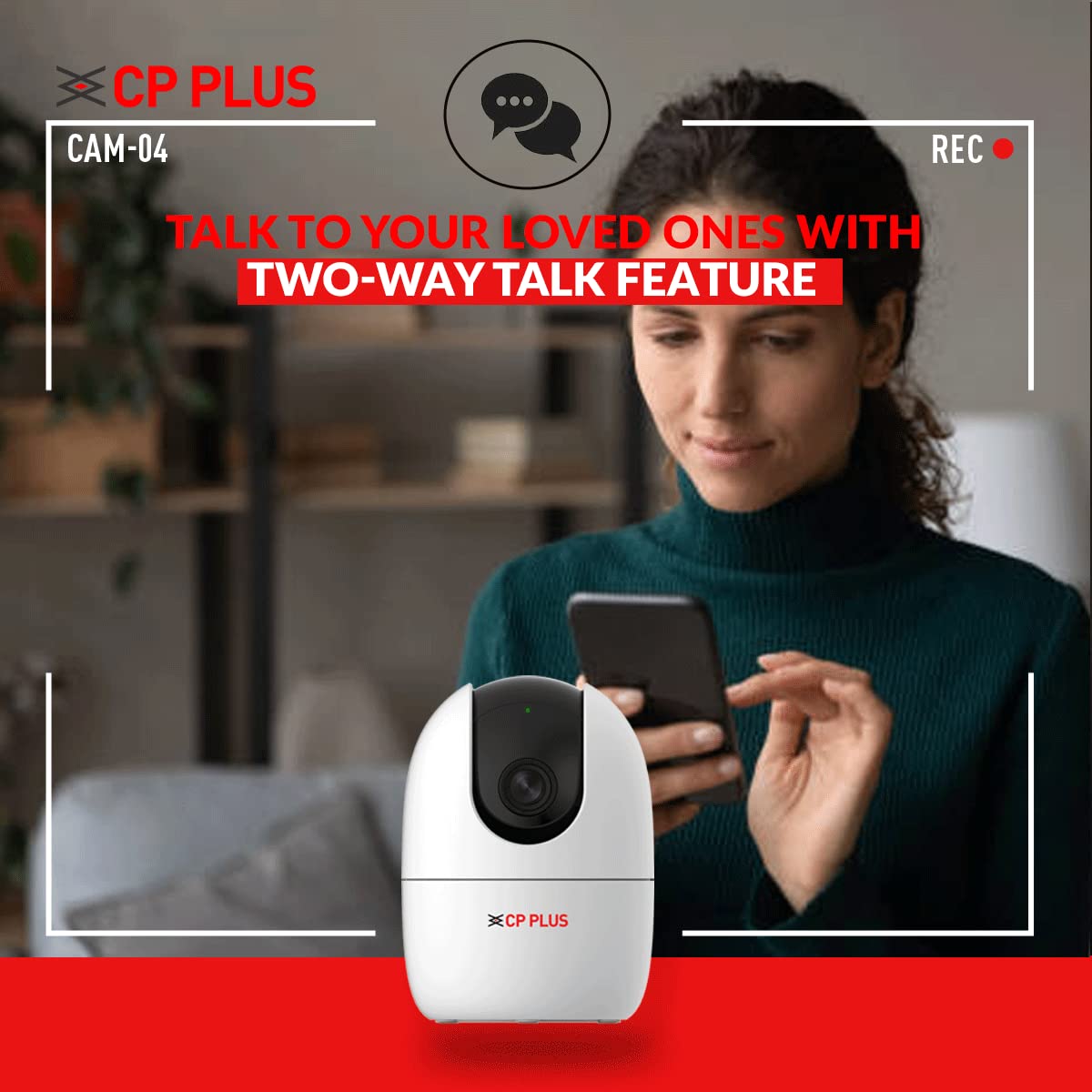
Figure 3.1: Connecting the camera with the EEZO app for setup and control.
4. പ്രവർത്തന നിർദ്ദേശങ്ങൾ
The CP PLUS CP-21 camera offers several advanced features for effective surveillance:
4.1. 360° Pan & Tilt View
Utilize the pan (horizontal) and tilt (vertical) functions via the EEZO app to remotely adjust the camera's viewing angle. This allows for a complete 360-degree coverage of the monitored area, eliminating blind spots.

Figure 4.1: The camera provides 360-degree panoramic coverage.
4.2. Two-Way Talk System
The built-in microphone and speaker enable two-way audio communication. You can listen to the environment around the camera and speak through the camera using the EEZO app, facilitating interaction with individuals on the camera's side.

Figure 4.2: Engage in two-way communication using the camera's integrated microphone and speaker.
4.3. Human Detection & Motion Tracking
The camera features intelligent motion detection that can accurately identify and track human movement. When motion is detected, the camera sends instant alerts to your smartphone, allowing you to monitor important events without false alarms.
4.4. നൈറ്റ് വിഷൻ
Equipped with IR Lights, the camera provides clear visibility in low-light conditions and complete darkness, ensuring continuous surveillance day and night.

Figure 4.3: The camera provides clear images even in complete darkness with night vision.
4.5. Cloud Monitoring & SD Card Storage
Recordings can be stored on a Micro SD Card (up to 256GB, not included) for local access. Additionally, the camera supports cloud monitoring, providing an alternative for secure off-site storage and access to your video footage.
5. പരിപാലനം
To ensure optimal performance and longevity of your CP PLUS CP-21 camera, follow these maintenance guidelines:
- വൃത്തിയാക്കൽ: Gently wipe the camera lens and body with a soft, dry cloth. Avoid using harsh chemicals or abrasive cleaners that could damage the surface or lens.
- ഫേംവെയർ അപ്ഡേറ്റുകൾ: Regularly check the EEZO app for available firmware updates. Keeping the camera's firmware updated ensures you have the latest features, security patches, and performance improvements.
- SD കാർഡ് മാനേജുമെന്റ്: If using an SD card for storage, periodically check its status through the app. Consider formatting the card every few months to maintain optimal recording performance and prevent data corruption.
- നെറ്റ്വർക്ക് സ്ഥിരത: Ensure your Wi-Fi network is stable and provides sufficient signal strength to the camera for uninterrupted operation and recording.
6. പ്രശ്നപരിഹാരം
If you encounter issues with your CP PLUS CP-21 camera, refer to the following common problems and their solutions:
- ക്യാമറ വൈഫൈയിലേക്ക് കണക്റ്റ് ചെയ്യുന്നില്ല:
- നിങ്ങളുടെ വൈഫൈ നെറ്റ്വർക്ക് 2.4GHz ആണെന്ന് ഉറപ്പാക്കുക. ക്യാമറ 5GHz നെറ്റ്വർക്കുകളെ പിന്തുണയ്ക്കുന്നില്ല.
- Verify the Wi-Fi password entered in the EEZO app is correct.
- സിഗ്നൽ ശക്തി മെച്ചപ്പെടുത്താൻ ക്യാമറ നിങ്ങളുടെ വൈഫൈ റൂട്ടറിന് അടുത്തേക്ക് നീക്കുക.
- Restart both the camera and your Wi-Fi router.
- Some specific router models (e.g., certain Jio Fi models after 2021) may have compatibility issues. Try connecting to a different Wi-Fi network if possible to diagnose.
- Blurred Video Quality:
- Check the camera lens for any dust or smudges and clean it gently with a soft cloth.
- Ensure adequate lighting in the monitored area, especially during the day.
- Verify your internet connection speed. Low bandwidth can affect video streaming quality.
- Video Lag or Freezing:
- This often indicates a weak Wi-Fi signal. Relocate the camera closer to the router or consider a Wi-Fi extender.
- Reduce the video quality settings in the EEZO app if your internet connection is slow.
- Ensure there are no obstructions or excessive interference between the camera and the router.
- Motion Detection Not Accurate / False Alarms:
- Adjust the motion detection sensitivity settings within the EEZO app.
- Define specific detection zones to exclude areas with frequent irrelevant motion (e.g., trees swaying, busy streets).
- ക്യാമറയുടെ ഫേംവെയർ കാലികമാണെന്ന് ഉറപ്പാക്കുക.
- Two-Way Talk Echo or Noise:
- Ensure there is no excessive background noise in the camera's environment.
- Adjust the volume settings in the EEZO app.
7 സ്പെസിഫിക്കേഷനുകൾ
| ഫീച്ചർ | സ്പെസിഫിക്കേഷൻ |
|---|---|
| മോഡൽ | CP21 |
| റെസലൂഷൻ | 2MP Full HD (1080p) |
| Viewing ആംഗിൾ | 360 ഡിഗ്രി (പാൻ & ടിൽറ്റ്) |
| കണക്റ്റിവിറ്റി | വൈഫൈ (വയർലെസ്) |
| സംഭരണം | Micro SD Card (up to 256 GB), Cloud Monitoring |
| പ്രത്യേക സവിശേഷതകൾ | Night Vision, Motion Sensor, Two-Way Talk |
| മൗണ്ടിംഗ് തരം | മതിൽ മൗണ്ട് |
| നിറം | വെള്ള |
| പവർ ഉറവിടം | കോർഡഡ് ഇലക്ട്രിക് (12 വോൾട്ട്, 5 വാട്ട്സ്) |
| ഇനത്തിൻ്റെ ഭാരം | 238 ഗ്രാം |
| അളവുകൾ (L x W x H) | 11 x 8 x 8 മില്ലിമീറ്റർ |
| ഓപ്പറേറ്റിംഗ് സിസ്റ്റം അനുയോജ്യത | iOS, Android |
| IP റേറ്റിംഗ് | IP54 |
8. വാറൻ്റിയും പിന്തുണയും
8.1. വാറൻ്റി വിവരങ്ങൾ
Your CP PLUS CP-21 camera comes with a 1 വർഷത്തെ നിർമ്മാതാവിന്റെ വാറന്റി from the date of purchase. This warranty covers manufacturing defects and ensures the product functions as intended under normal use. Please retain your purchase receipt as proof of warranty.
8.2. ഉപഭോക്തൃ പിന്തുണ
സാങ്കേതിക സഹായം, ട്രബിൾഷൂട്ടിംഗ് അല്ലെങ്കിൽ വാറന്റി ക്ലെയിമുകൾ എന്നിവയ്ക്കായി, ദയവായി നിർമ്മാതാവിനെ ബന്ധപ്പെടുക:
നിർമ്മാതാവ്: Aditya Infotech Ltd
ബന്ധപ്പെടേണ്ട നമ്പർ: 8800952952
വിലാസം: F28, Okhla Industrial Area, New Delhi-110020
ഇറക്കുമതിക്കാരൻ: Aditya Infotech Ltd. A-12 Sector 4 Noida-201302
You can also visit the official CP PLUS webഅധിക വിഭവങ്ങൾക്കും പതിവുചോദ്യങ്ങൾക്കുമുള്ള സൈറ്റ്.


