ആമുഖം
This manual provides essential instructions for the safe and proper use of your VTech Toet Cars Ted Terrain Vehicle. Designed for children aged 12 months and up, this interactive toy features sound effects, phrases, and sung songs in English to enhance play and learning.
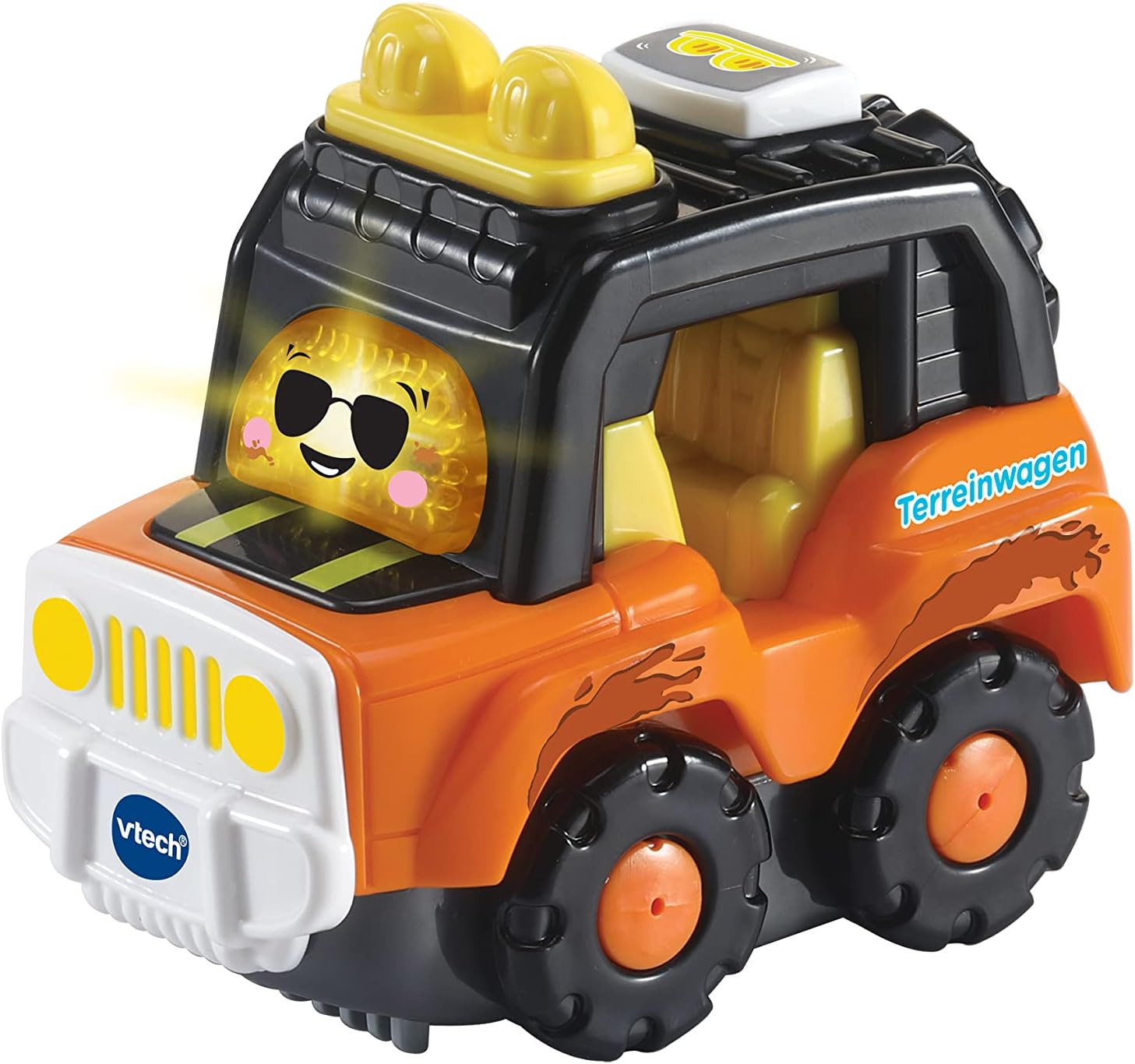
Image: The VTech Toet Cars Ted Terrain Vehicle, an orange and black toy vehicle with a smiling face on the windshield.
സുരക്ഷാ വിവരങ്ങൾ
Please read and understand all safety instructions before using this product.
- കണ്ണുകളുമായുള്ള സമ്പർക്കം ഒഴിവാക്കുക.
- ഉൽപ്പന്നം നഗ്നമായ തീജ്വാലകളിൽ നിന്നോ നേരിട്ടുള്ള താപ സ്രോതസ്സുകളിൽ നിന്നോ അകറ്റി നിർത്തുക.
- Ensure the battery compartment is securely closed to prevent ingestion by children.
- കളിക്കുമ്പോൾ മുതിർന്നവരുടെ മേൽനോട്ടം ശുപാർശ ചെയ്യുന്നു.
ബോക്സിൽ എന്താണുള്ളത്
പാക്കേജ് തുറക്കുമ്പോൾ, എല്ലാ ഇനങ്ങളും ഉണ്ടെന്ന് ഉറപ്പാക്കുക:
- 1 x VTech Toet Cars Ted Terrain Vehicle
- 2 x AAA ബാറ്ററികൾ (മുൻകൂട്ടി ഇൻസ്റ്റാൾ ചെയ്തതോ പ്രത്യേകം ഉൾപ്പെടുത്തിയതോ)
സജ്ജമാക്കുക
ബാറ്ററി ഇൻസ്റ്റാളേഷൻ
The Ted Terrain Vehicle requires 2 AAA batteries. These are included and may be pre-installed.
- വാഹനത്തിന്റെ അടിഭാഗത്ത് ബാറ്ററി കമ്പാർട്ട്മെന്റ് കണ്ടെത്തുക.
- ഒരു സ്ക്രൂഡ്രൈവർ ഉപയോഗിച്ച് (ഉൾപ്പെടുത്തിയിട്ടില്ല), ബാറ്ററി കമ്പാർട്ട്മെന്റ് കവറിലെ സ്ക്രൂ അഴിക്കുക.
- കവർ നീക്കം ചെയ്യുക.
- Insert 2 new AAA batteries, ensuring correct polarity (+/-) as indicated inside the compartment.
- കവർ മാറ്റി സ്ക്രൂ സുരക്ഷിതമായി ശക്തമാക്കുക.
കുറിപ്പ്: Non-rechargeable batteries are not to be recharged. Rechargeable batteries are only to be charged under adult supervision. Do not mix old and new batteries. Do not mix alkaline, standard (carbon-zinc), or rechargeable (nickel-cadmium) batteries. Exhausted batteries are to be removed from the toy. The supply terminals are not to be short-circuited.
പ്രവർത്തന നിർദ്ദേശങ്ങൾ
അടിസ്ഥാന പ്രവർത്തനങ്ങൾ
The VTech Ted Terrain Vehicle offers several interactive features:
- പവർ ഓൺ/ഓഫ്: Locate the power switch, usually on the underside of the vehicle, to turn the toy on or off.
- വോളിയം ക്രമീകരണം: The volume is adjustable. Refer to the vehicle's controls for specific volume settings.
- Snip Button: Press the designated 'snip' button (often the vehicle's face or a prominent button) to activate sound effects, happy phrases, and sung songs.
- പ്രവർത്തന ബട്ടൺ: Press the action button to move the spotlight and hear additional funny sounds.
- യാന്ത്രിക ഷട്ട്-ഓഫ്: To conserve battery life, the electronics will automatically turn off after a period of inactivity. Press any button to reactivate.

Image: A young child sitting on the floor, engaging with the VTech Toet Cars Ted Terrain Vehicle.
മെയിൻ്റനൻസ്
Proper care will ensure the longevity of your Ted Terrain Vehicle:
- വൃത്തിയാക്കൽ: കളിപ്പാട്ടം അല്പം ഡി ഉപയോഗിച്ച് തുടയ്ക്കുക.amp cloth. Do not immerse the toy in water. Do not use harsh cleaners or solvents.
- സംഭരണം: Store the toy in a cool, dry place away from direct sunlight when not in use. If storing for an extended period, remove the batteries to prevent leakage.
- ബാറ്ററി കെയർ: Replace batteries when sounds become faint or functions stop working correctly.
ട്രബിൾഷൂട്ടിംഗ്
If you encounter issues with your Ted Terrain Vehicle, please refer to the following:
| പ്രശ്നം | സാധ്യമായ കാരണം | പരിഹാരം |
|---|---|---|
| കളിപ്പാട്ടം ഓണാക്കുകയോ പ്രതികരിക്കുകയോ ചെയ്യുന്നില്ല. | ബാറ്ററികൾ കുറവാണ് അല്ലെങ്കിൽ തെറ്റായി ഇൻസ്റ്റാൾ ചെയ്തിരിക്കുന്നു. | Check battery polarity. Replace with new AAA batteries. Ensure the power switch is in the 'On' position. |
| ശബ്ദങ്ങൾ മങ്ങിയതോ വികലമായതോ ആണ്. | ബാറ്ററികൾ കുറവാണ്. | പുതിയ AAA ബാറ്ററികൾ ഉപയോഗിച്ച് മാറ്റിസ്ഥാപിക്കുക. |
| Toy turns off unexpectedly. | Automatic shut-off feature activated due to inactivity. | Press any button to reactivate the toy. This is a normal function to save battery life. |
സ്പെസിഫിക്കേഷനുകൾ
Detailed specifications for the VTech Ted Terrain Vehicle:
- മോഡൽ നമ്പർ: 80-548623
- ഉൽപ്പന്ന അളവുകൾ: 2.8 x 5 x 4.02 ഇഞ്ച്
- ഇനത്തിൻ്റെ ഭാരം: 6.7 ഔൺസ്
- ശുപാർശ ചെയ്യുന്ന പ്രായം: 12 മാസവും അതിൽ കൂടുതലും
- ബാറ്ററികൾ: 2 x AAA ബാറ്ററികൾ (ഉൾപ്പെട്ടിരിക്കുന്നു)
- നിർമ്മാതാവ്: VTech Holdings Limited.
- റിലീസ് തീയതി: 3 ജനുവരി 2023
വാറൻ്റിയും പിന്തുണയും
വാറന്റി വിവരങ്ങൾക്കോ സാങ്കേതിക പിന്തുണയ്ക്കോ, ദയവായി ഔദ്യോഗിക VTech കാണുക. webസൈറ്റിൽ ബന്ധപ്പെടുക അല്ലെങ്കിൽ VTech ഉപഭോക്തൃ സേവനവുമായി ബന്ധപ്പെടുക. വാങ്ങിയതിന്റെ തെളിവായി നിങ്ങളുടെ വാങ്ങൽ രസീത് സൂക്ഷിക്കുക.
വിടെക് ഔദ്യോഗിക Webസൈറ്റ്: www.vtechkids.com


