1. ആമുഖം
The Tikom Boundary Stripes are designed to create virtual barriers for your compatible Tikom robot vacuum cleaner. These magnetic strips prevent the robot from entering specific areas, such as pet feeding zones, delicate furniture areas, or rooms you do not wish to clean. This manual provides detailed instructions for proper installation and use.
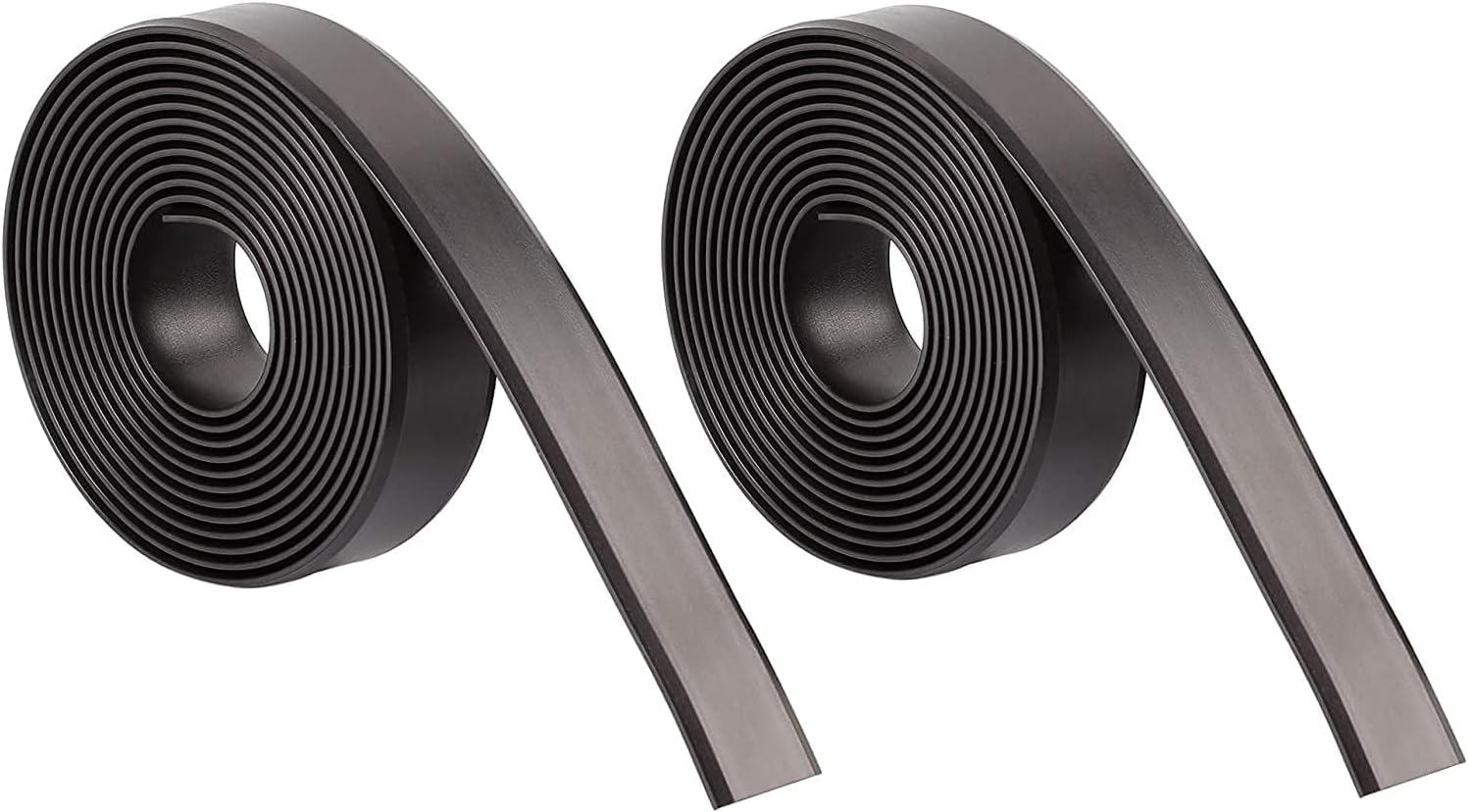
Image 1.1: Two rolls of Tikom Boundary Stripes, each providing 6.6 feet (2 meters) of magnetic strip.
2. ഉൽപ്പന്ന സവിശേഷതകൾ
- വിശാലമായ അനുയോജ്യത: Designed for use with Tikom G7000, G8000, and G8000 Pro robot vacuum models.
- Effective Barrier: Creates a magnetic barrier that your robot vacuum recognizes, preventing it from entering designated areas or getting stuck under furniture.
- ഫ്ലെക്സിബിൾ പ്ലേസ്മെൻ്റ്: The boundary strip is flexible and can be laid out in various configurations. It can be secured using the included high-strength 3M double-sided adhesive tape for semi-permanent placement, or simply laid flat for temporary use.
- ഇഷ്ടാനുസൃതമാക്കാവുന്ന നീളം: Each strip measures 6.6 feet (2 meters) and can be easily cut to your desired length using standard scissors.
3. ഇൻസ്റ്റാളേഷൻ ഗൈഡ്
Follow these steps to properly install your Tikom Boundary Stripes:
- അളക്കുക: Determine the length of the boundary strip required for the area you wish to restrict.
- മുറിക്കുക: Use standard scissors to cut the boundary strip to the measured length. Ensure a clean, straight cut for optimal performance. Avoid jagged or uneven cuts.
- സ്ഥലം: Lay the cut boundary strip flat on the floor. For best results, ensure the strip is completely flat and securely positioned. If using the adhesive, peel off the backing and press firmly onto a clean, dry surface.

Image 3.1: Dimensions of the boundary strip (Length: 6.6ft/2m, Width: 2cm, Height: 0.1cm) and illustration of correct cutting technique.

Image 3.2: Visual guide demonstrating how to measure, cut, and place the boundary strip to create a restricted area.
4. പ്രവർത്തന നിർദ്ദേശങ്ങൾ
Once the boundary strips are installed, your Tikom robot vacuum will automatically detect them. When the robot approaches a boundary strip, it will recognize the magnetic field and adjust its cleaning path to avoid crossing the designated area. Ensure the strips are placed where the robot can easily detect them, typically on the floor.
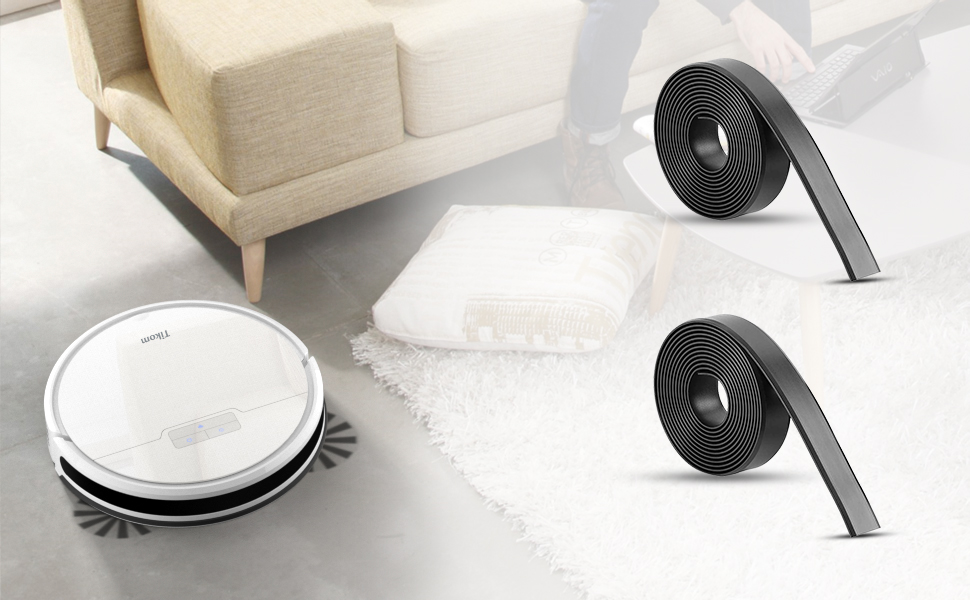
Image 4.1: A Tikom robot vacuum cleaning a floor, with boundary strips visible, demonstrating how the robot respects the defined no-go zone.
5. പരിപാലനം
- വൃത്തിയാക്കൽ: The boundary strips can be wiped clean with a damp cloth if they accumulate dust or debris. Ensure they are dry before repositioning.
- Placement Check: Periodically check that the strips remain flat and securely in place, especially if they are in high-traffic areas or if the robot vacuum frequently interacts with them.
- സ്ഥാനമാറ്റം: If you need to change the restricted area, simply lift the strips and reposition them. If adhesive was used, carefully peel them off and reapply new adhesive if necessary.
6. പ്രശ്നപരിഹാരം
| ഇഷ്യൂ | സാധ്യമായ കാരണം | പരിഹാരം |
|---|---|---|
| Robot crosses the boundary strip. | Strip is not flat, damaged, or not properly detected. | Ensure the strip is laid completely flat on the floor. Check for any damage or kinks. Verify compatibility with your specific Tikom robot vacuum model. |
| Robot stops at the boundary but continues running in place. | Robot sensor might be partially detecting the strip or experiencing a minor navigation error. | Reposition the strip slightly or ensure there are no obstacles near the strip that could interfere with the robot's sensors. Clean the robot's sensors. |
| Strips do not stick to the surface (if using adhesive). | Surface is dirty, oily, or uneven. Adhesive has lost its effectiveness. | Clean and dry the surface thoroughly before applying adhesive. Use new 3M double-sided adhesive tape if the original has lost its stickiness. |
7 സ്പെസിഫിക്കേഷനുകൾ
- ബ്രാൻഡ്: ടികോം
- മോഡലിൻ്റെ പേര്: BC-200
- Compatible Robot Vacuum Models: Tikom G7000, G8000, G8000 Pro
- നിറം: കറുപ്പ്
- Product Dimensions (per strip): 78.74 inches (L) x 0.79 inches (W) x 0.39 inches (H) / 2 meters (L) x 2 cm (W) x 0.1 cm (H)
- ഉൾപ്പെടുത്തിയ ഘടകങ്ങൾ: കാന്തിക ടേപ്പ്
- ഇനത്തിൻ്റെ ഭാരം: ഏകദേശം 1.39 പൗണ്ട് (പാക്കേജിന്)
8. പിന്തുണാ വിവരങ്ങൾ
For further assistance, product inquiries, or warranty information, please visit the official Tikom store or contact Tikom customer support.
Official Tikom Store: Tikom Store on Amazon


