1. ആമുഖം
Thank you for choosing the EWAY Wireless WiFi Magnetic Hitch Backup Camera. This system is designed to provide a clear, reliable rear view for various vehicles, simplifying tasks such as hitching trailers, backing up, and monitoring cargo. With its robust magnetic mount, 1080P HD resolution, and stable wireless signal, it offers enhanced safety and convenience. This manual provides detailed instructions for setup, operation, maintenance, and troubleshooting to ensure you get the most out of your new camera system.
2. പാക്കേജ് ഉള്ളടക്കം
താഴെ ലിസ്റ്റ് ചെയ്തിരിക്കുന്ന എല്ലാ ഇനങ്ങളും നിങ്ങളുടെ പാക്കേജിൽ ഉൾപ്പെടുത്തിയിട്ടുണ്ടെന്ന് ദയവായി പരിശോധിക്കുക:
- വയർലെസ് ബാക്കപ്പ് ക്യാമറ
- 5-Inch Wireless Monitor
- Adjustable Bracket (for monitor)
- ഡിസി പവർ കേബിൾ
- ടൈപ്പ്-സി ചാർജിംഗ് കേബിൾ
- 12V Charging Port (Cigarette Lighter Adapter)
- ഉപയോക്തൃ മാനുവൽ

3. ഉൽപ്പന്നം കഴിഞ്ഞുview
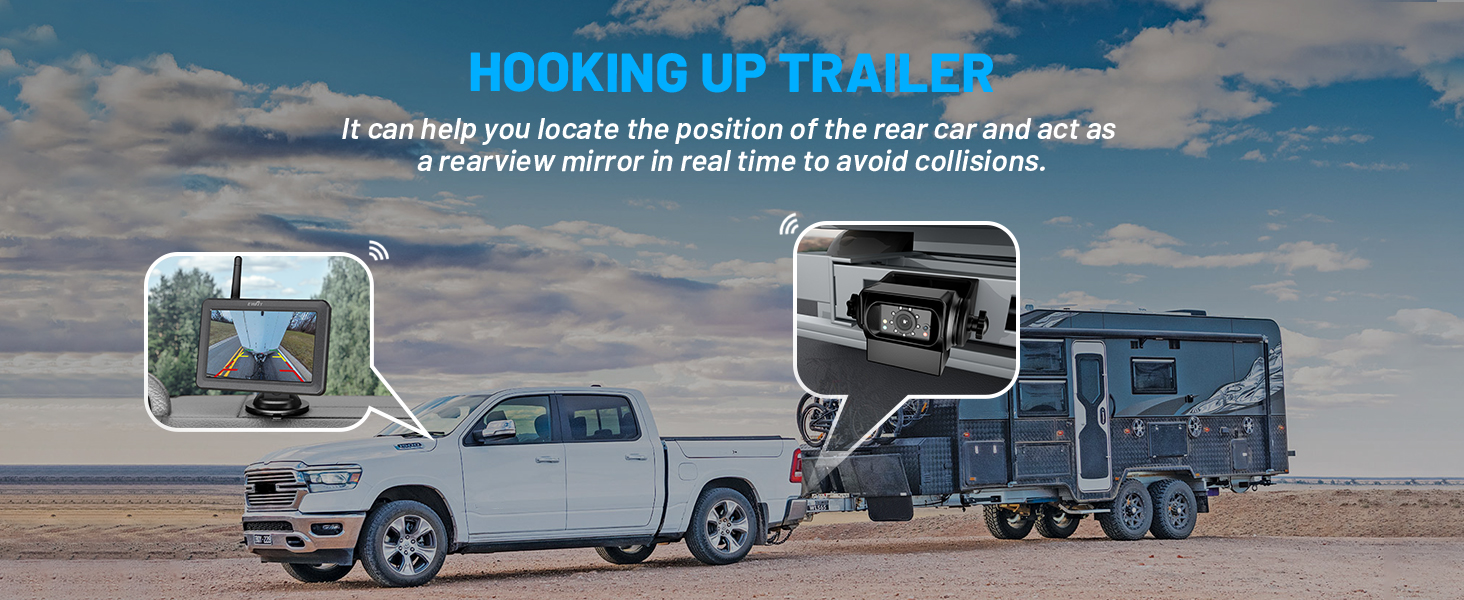
The EWAY Wireless WiFi Magnetic Hitch Backup Camera system consists of a high-definition camera unit and a 5-inch LCD monitor, designed for ease of use and reliable performance.
3.1 പ്രധാന സവിശേഷതകൾ
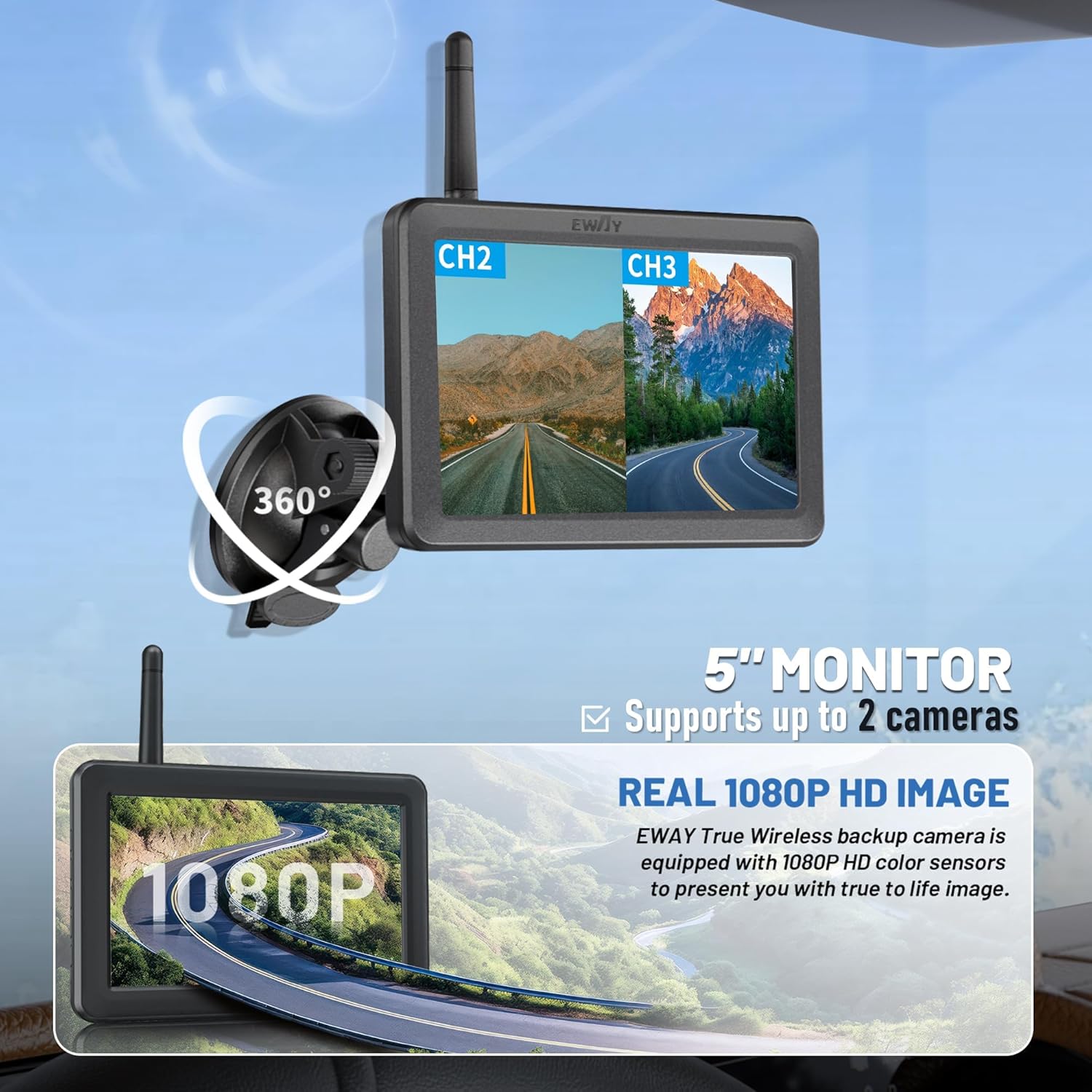
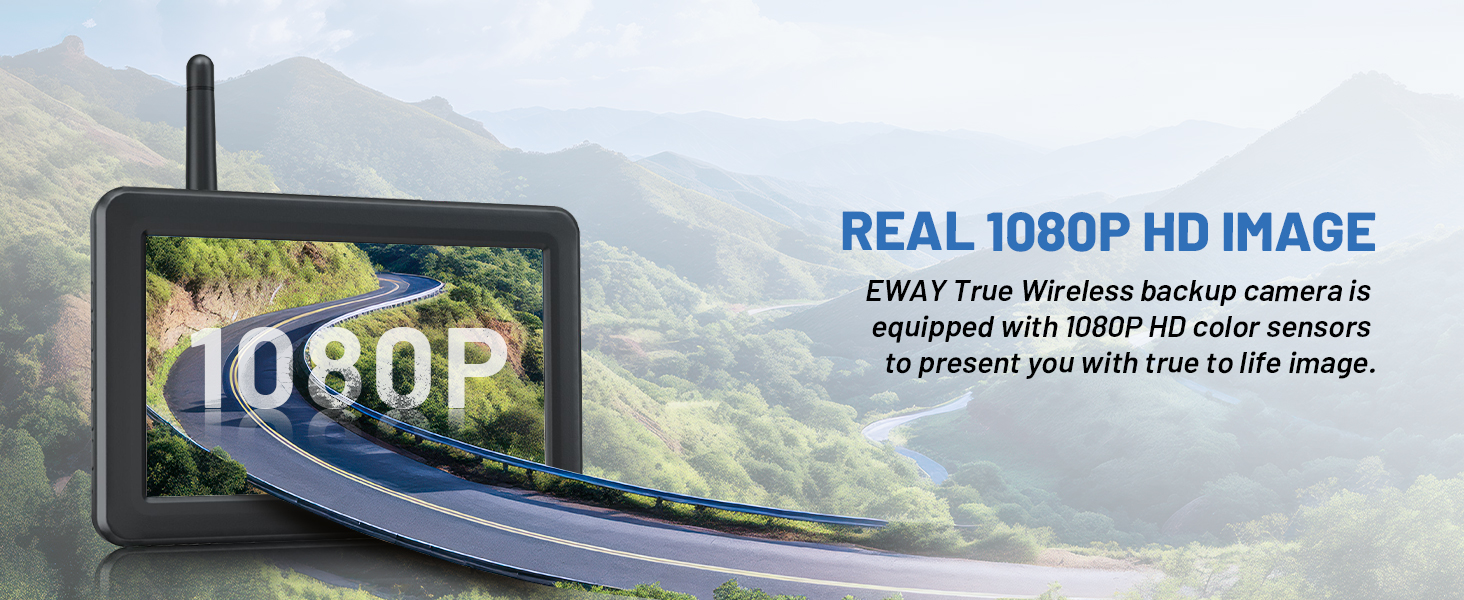
- 1080P HD Image: Provides clear and sharp video feed day and night.
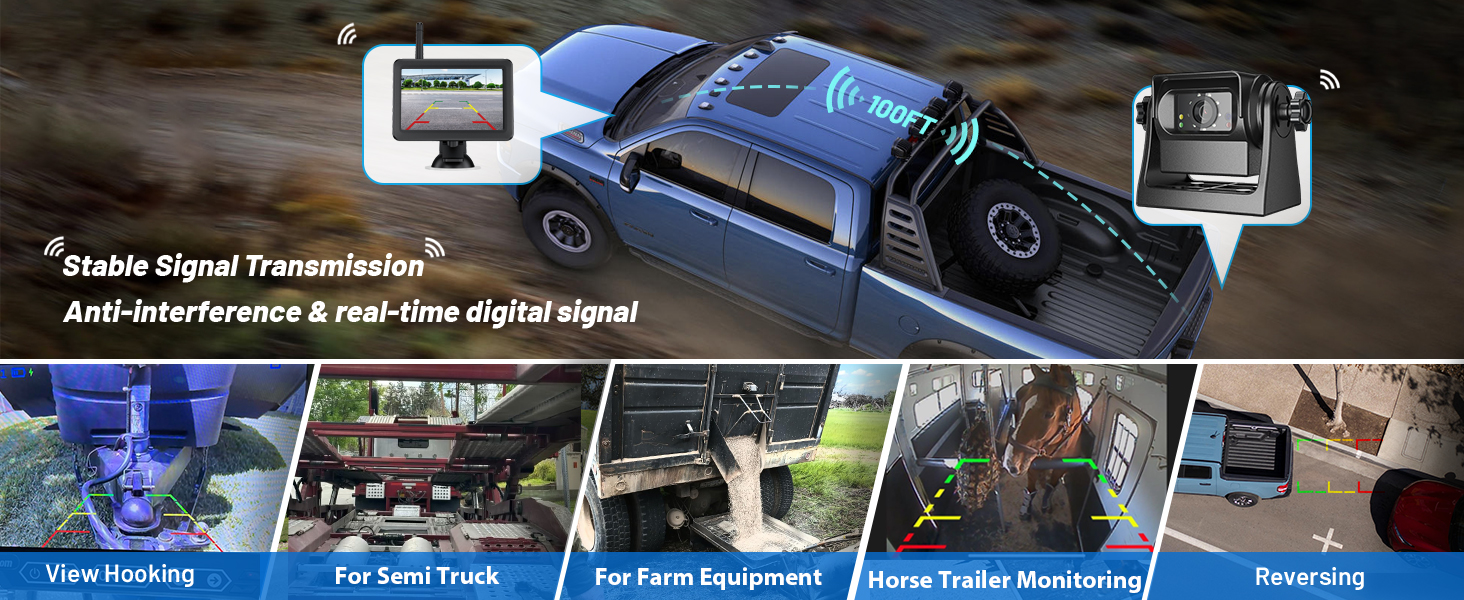
- 100FT Wireless Range: Strong and stable WiFi signals for vehicles up to 60ft (100ft in open areas).
- Strong Magnetic Mount: Built-in powerful magnets for secure attachment to any flat metal surface.
- എളുപ്പമുള്ള ഇൻസ്റ്റാളേഷൻ: Truly wireless setup, no complex wiring required.
- Two Channels 5" Split Screen: Monitor supports up to two video channels, allowing for additional cameras (sold separately) for side or front views.
- സുപ്പീരിയർ നൈറ്റ് വിഷൻ: Equipped with 9 IR lights and an auto light sensor for clear visibility in low-light conditions.
- IP68P Waterproof: Fully protected against dust and capable of submersion in water up to 1.5 meters for 30 minutes.
3.2 ഘടകങ്ങൾ




4. സജ്ജീകരണവും ഇൻസ്റ്റാളേഷനും
The EWAY Wireless WiFi Magnetic Hitch Backup Camera is designed for quick and easy installation without complex wiring.
4.1 ക്യാമറ ഇൻസ്റ്റാളേഷൻ
- ക്യാമറ ചാർജ് ചെയ്യുക: Ensure the camera is fully charged using the provided Type-C charging cable.
- ക്യാമറ ഘടിപ്പിക്കുക: The camera features a strong magnetic base. Simply attach it firmly to any flat metal surface on your vehicle or trailer where you need a view. Common locations include the rear bumper, trailer hitch, or inside a horse trailer for monitoring.
- ക്യാമറ ആംഗിൾ ക്രമീകരിക്കുക: Use the adjustable bracket to set the desired viewing ആംഗിൾ.
4.2 ഇൻസ്റ്റലേഷൻ നിരീക്ഷിക്കുക
- ബ്രാക്കറ്റ് അറ്റാച്ചുചെയ്യുക: Secure the adjustable bracket to the 5-inch monitor.
- Mount Monitor: Use the suction cup mount to fix the monitor on your vehicle's windshield or dashboard. Ensure it is in a position that does not obstruct your view ഡ്രൈവിംഗ് സമയത്ത്.
- Power the Monitor: Plug the 12V charging port (cigarette lighter adapter) into your vehicle's cigarette lighter socket. Turn on the monitor using its power button.
4.3 Pairing (Automatic)
The camera and monitor are pre-paired at the factory. Once both are powered on, they should automatically connect. If they do not connect, refer to the troubleshooting section.
4.4 Video Guide: Hitching a Trailer
5. പ്രവർത്തന നിർദ്ദേശങ്ങൾ
Once installed and powered on, your EWAY camera system is ready for operation.
5.1 പൊതുവായ ഉപയോഗം
- The monitor will display the camera's live feed.
- Use the monitor's buttons (Menu, Select, Pairing) to navigate settings and customize your view.
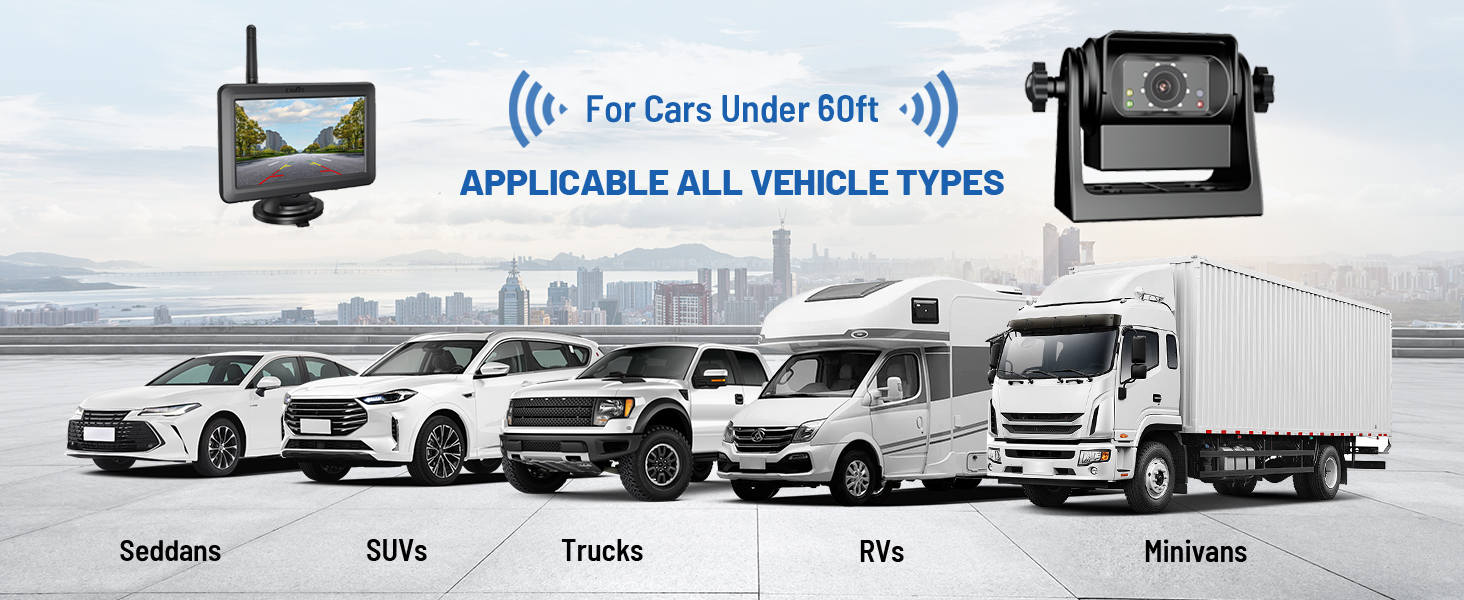
- The system is suitable for various vehicle types, including cars, SUVs, trucks, RVs, minivans, and trailers.

5.2 വിപുലമായ സവിശേഷതകൾ
- 1080P HD Image: Experience true-to-life image quality with the 1080P HD color sensors.
- DIY മാർഗ്ഗനിർദ്ദേശങ്ങൾ: Adjust the guide lines on the monitor according to your specific needs for precise backing and hitching.
- സ്പ്ലിറ്റ് സ്ക്രീൻ ഫംഗ്ഷൻ: If you have a second camera, you can view both feeds simultaneously on the split screen monitor.
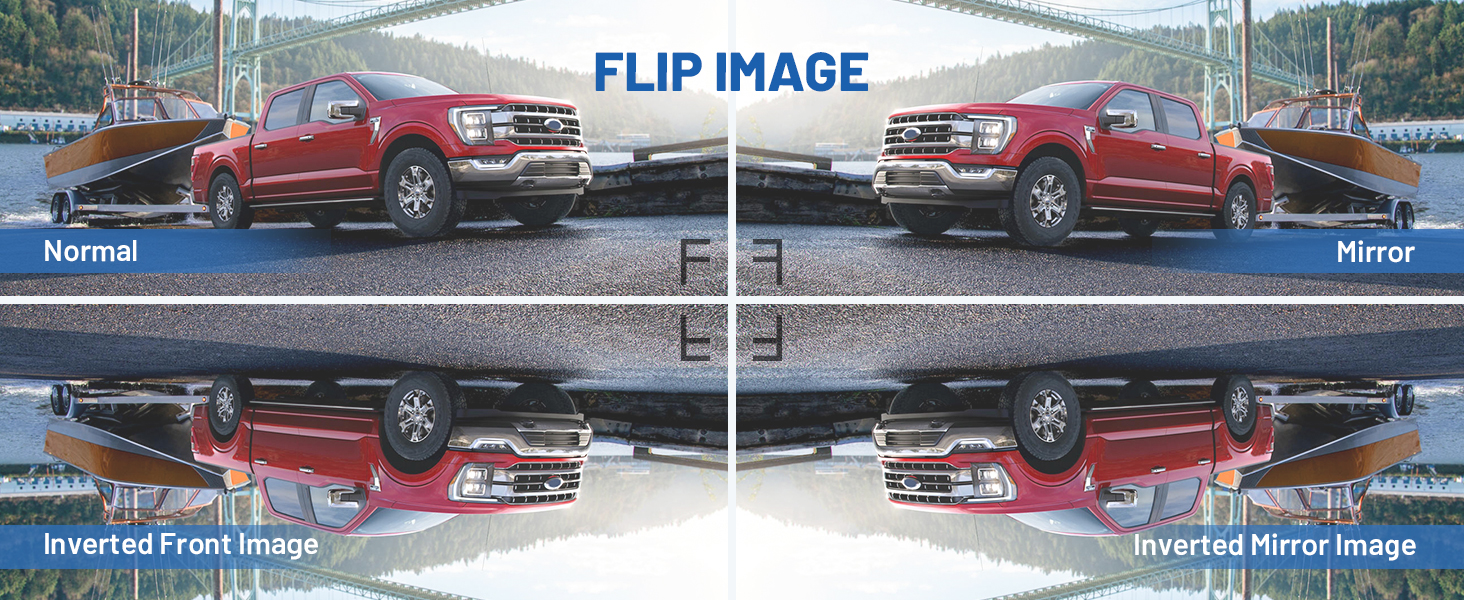
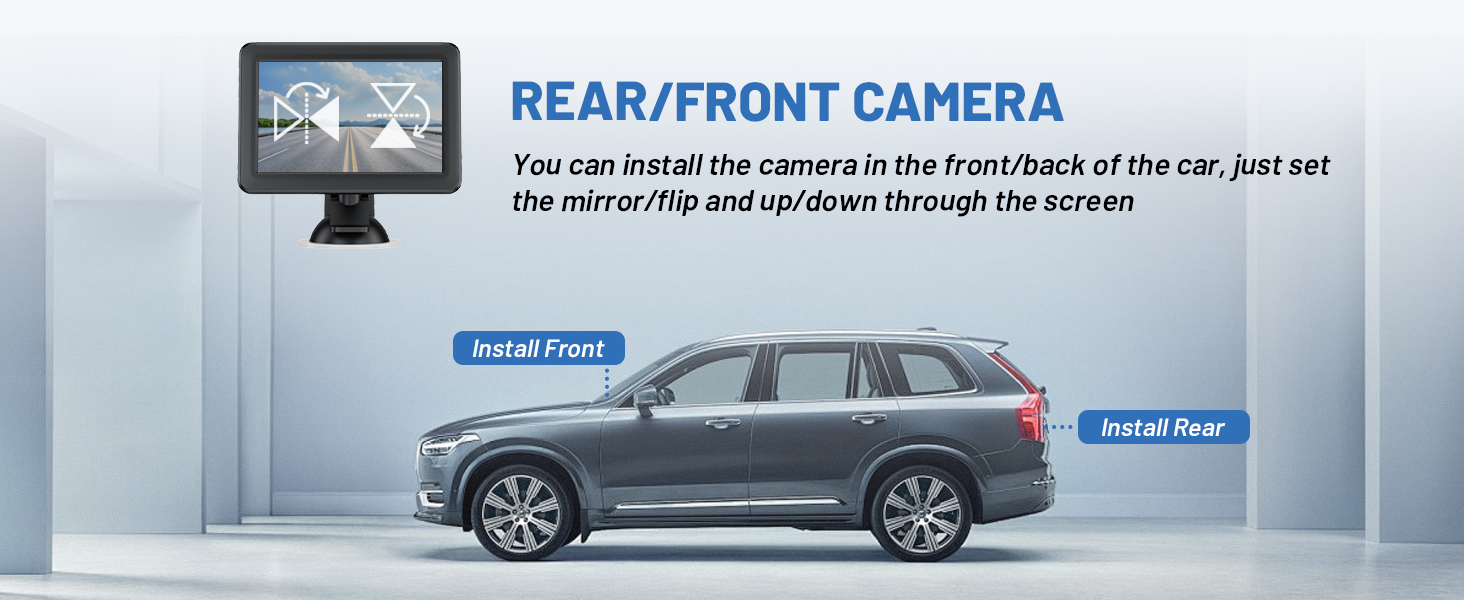
- പിൻഭാഗം/മുന്നിൽ View: The camera can be installed at the front or rear of the vehicle. Adjust the mirror/flip and up/down settings through the screen for optimal orientation.
5.3 Signal Transmission
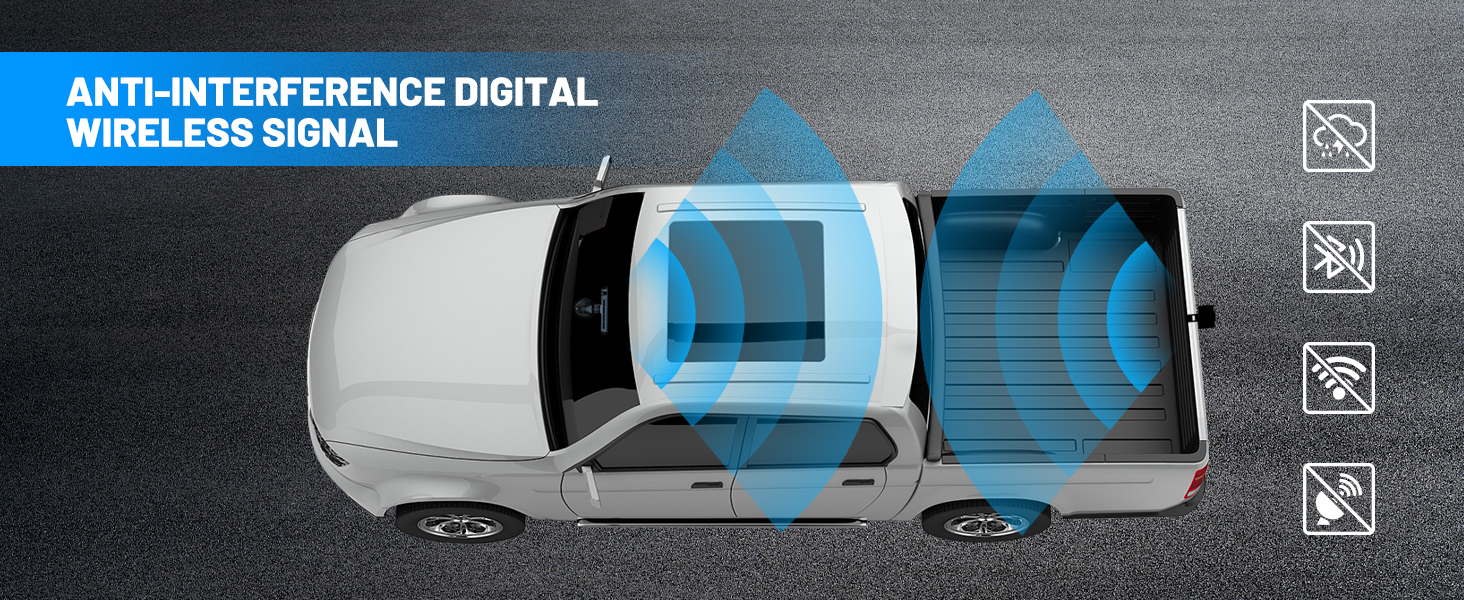
- The system utilizes an anti-interference digital wireless signal, ensuring a stable connection even in challenging environments.
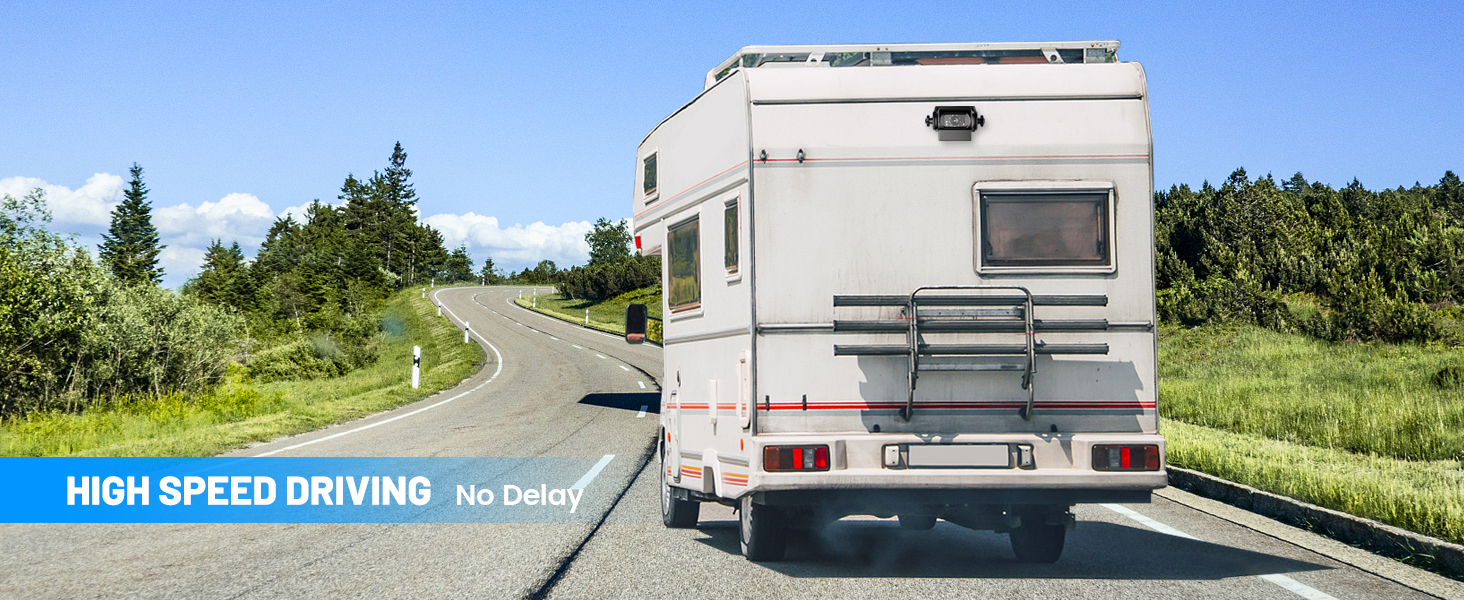
- Experience no delay during high-speed driving, providing real-time monitoring.
6. പരിപാലനം
To ensure the longevity and optimal performance of your EWAY Wireless WiFi Magnetic Hitch Backup Camera, follow these maintenance guidelines:
- വൃത്തിയാക്കൽ: ക്യാമറ ലെൻസും മോണിറ്റർ സ്ക്രീനും പതിവായി മൃദുവായ, d ക്ലീനർ ഉപയോഗിച്ച് തുടയ്ക്കുക.amp തുണി. പ്രതലങ്ങൾക്ക് കേടുവരുത്തുന്ന അബ്രാസീവ് ക്ലീനറുകളോ ലായകങ്ങളോ ഉപയോഗിക്കുന്നത് ഒഴിവാക്കുക.
- വാട്ടർപ്രൂഫ് സംരക്ഷണം: The camera is IP68P waterproof, meaning it is protected against dust and can withstand temporary submersion. However, avoid prolonged exposure to extreme weather conditions or high-pressure water jets.
- സംഭരണം: When not in use for extended periods, store the camera and monitor in a cool, dry place away from direct sunlight and extreme temperatures.
- ബാറ്ററി കെയർ: For the rechargeable camera, ensure it is charged periodically even when not in use to maintain battery health.

7. പ്രശ്നപരിഹാരം
If you encounter issues with your EWAY Wireless WiFi Magnetic Hitch Backup Camera, please refer to the following common problems and solutions:
| പ്രശ്നം | സാധ്യമായ കാരണം | പരിഹാരം |
|---|---|---|
| മോണിറ്ററിൽ ചിത്രമില്ല | Monitor not powered on; Camera not powered on; Pairing lost; Signal interference. | Ensure monitor is plugged in and turned on. Check camera battery and power. Re-pair camera and monitor (refer to manual for specific pairing steps if needed). Reduce distance or obstacles between camera and monitor. |
| ചിത്രം മിന്നിമറയുന്നു അല്ലെങ്കിൽ അസ്ഥിരമാണ് | Weak signal; Interference from other wireless devices; Obstructions. | Ensure camera and monitor are within range. Minimize obstructions (e.g., metal structures). Move away from other strong wireless signals. |
| Camera not sticking firmly | Surface is not metal; Surface is dirty or uneven. | Ensure the mounting surface is a flat, clean metal surface. Clean the surface and the camera's magnetic base. |
| മോശം രാത്രി കാഴ്ച | IR lights obstructed or dirty; Insufficient ambient light. | Clean the camera lens and IR lights. Ensure no objects are blocking the IR lights. |
8 സ്പെസിഫിക്കേഷനുകൾ
| ഫീച്ചർ | വിശദാംശങ്ങൾ |
|---|---|
| ഉൽപ്പന്ന അളവുകൾ | 3.7 x 5 x 3.5 ഇഞ്ച് |
| ഇനത്തിൻ്റെ ഭാരം | 1.92 പൗണ്ട് |
| ബാറ്ററികൾ | 1 ലിഥിയം അയോൺ ബാറ്ററികൾ ആവശ്യമാണ് (ഉൾപ്പെടുത്തിയിരിക്കുന്നു) |
| ഡിസ്പ്ലേ ടെക്നോളജി | എൽസിഡി |
| സ്ക്രീൻ വലിപ്പം | 5 ഇഞ്ച് |
| ലക്സ് റേറ്റിംഗ് | 0.1 ലക്സ് |
| അനുയോജ്യമായ ഉപകരണങ്ങൾ | മോണിറ്റർ |
| ഇൻസ്റ്റലേഷൻ തരം | ഡാഷ്ബോർഡ് മൗണ്ട്, സർഫേസ് മൗണ്ട് |
| വീഡിയോ ക്യാപ്ചർ റെസല്യൂഷൻ | 1080p |
| വാല്യംtage | 12 വോൾട്ട് |
| ഒപ്റ്റിക്കൽ സെൻസർ ടെക്നോളജി | സിസിഡി സിഎംഒഎസ് |
| വയർലെസ് ശ്രേണി | Up to 100ft (in open area) |
| വാട്ടർപ്രൂഫ് റേറ്റിംഗ് | IP68P |
9. വാറൻ്റിയും പിന്തുണയും
EWAY is committed to providing quality products and excellent customer experience. While specific warranty details are not provided in this manual, EWAY offers professional after-sales support to assist with any product-related inquiries or issues.
9.1 ഉപഭോക്തൃ പിന്തുണ
For technical assistance, troubleshooting, or warranty claims, please contact EWAY customer support through the retailer's platform or visit the official EWAY brand store for contact information.
EWAY aims to ensure your driving safety and provide an immersive experience when reversing and monitoring images. Your satisfaction is our priority.


