ആമുഖം
Thank you for choosing the EvoFox Frost Laptop Cooling Pad. This manual provides essential information for the proper setup, operation, and maintenance of your cooling pad. Please read it thoroughly before use to ensure optimal performance and longevity of your device.
ബോക്സിൽ എന്താണുള്ളത്
- EvoFox Frost Laptop Cooling Pad
ഉൽപ്പന്നം കഴിഞ്ഞുview
The EvoFox Frost Laptop Cooling Pad is designed to enhance the cooling efficiency of laptops up to 15.6 inches, providing a stable and ergonomic platform. It features a robust metal mesh design, silent cooling fans, adjustable height settings, and integrated USB ports.
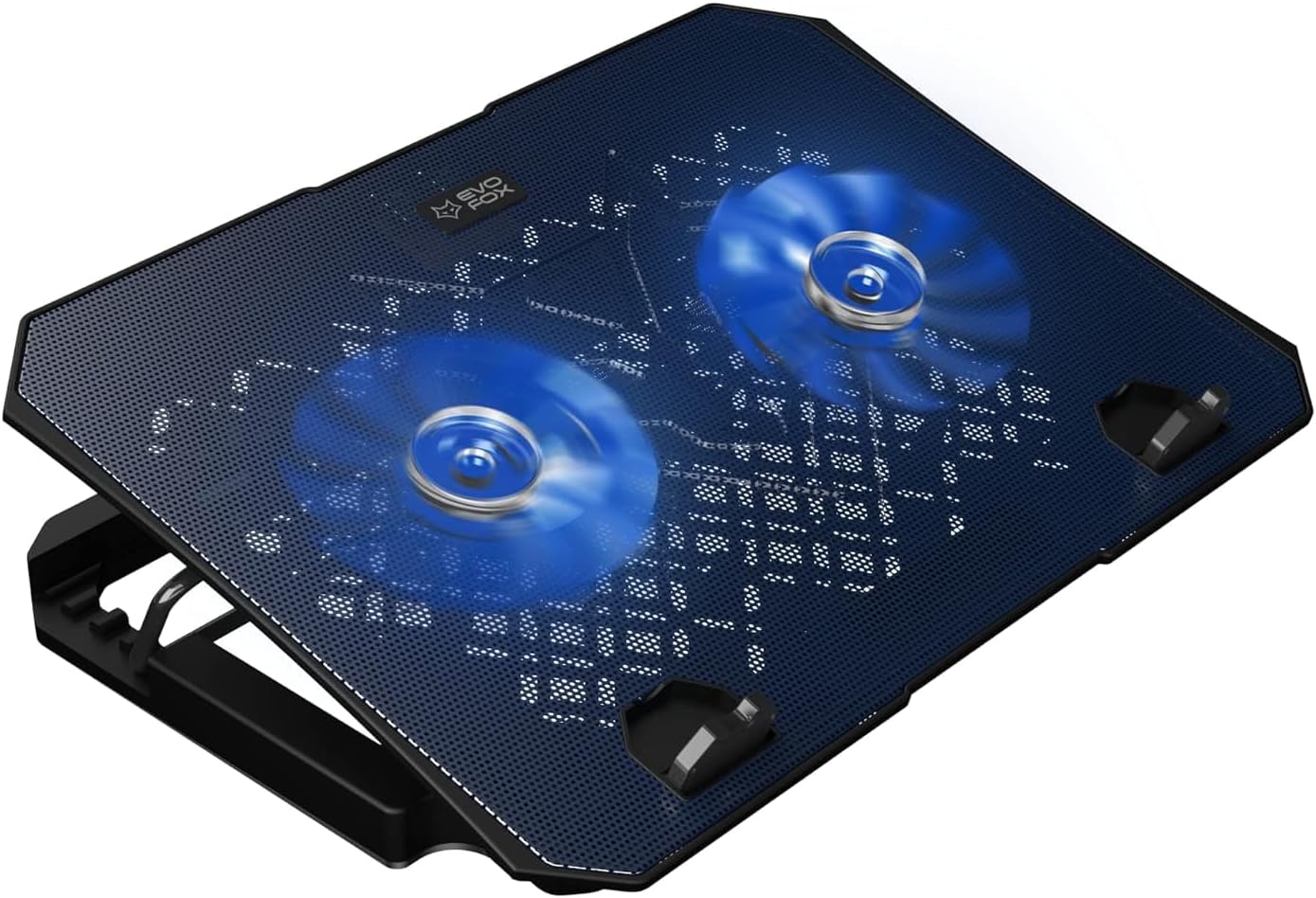
Figure 1: EvoFox Frost Laptop Cooling Pad with its two active blue LED fans, showcasing the metal mesh surface.
പ്രധാന സവിശേഷതകൾ:
- നീണ്ടുനിൽക്കുന്ന നിർമ്മാണം: Large, sturdy, and robust design with a metal mesh surface for enhanced strength and cooling.
- Silent Cooling Fans: Equipped with two large, super silent fans operating at 1000 RPM for effective airflow.
- ക്രമീകരിക്കാവുന്ന എർഗണോമിക്സ്: 5 adjustable height levels to raise your laptop for improved posture and comfort.
- സംയോജിത യുഎസ്ബി പോർട്ടുകൾ: Features 2 USB ports, functioning as a USB extender.
- LED പ്രകാശം: Blue LED lights provide ambient lighting.
- Stable Grip: Silicon pads ensure a stable grip for your laptop on the cooling pad.
- ബ്രെയ്ഡഡ് യുഎസ്ബി കേബിൾ: High-quality braided USB cable for durability.
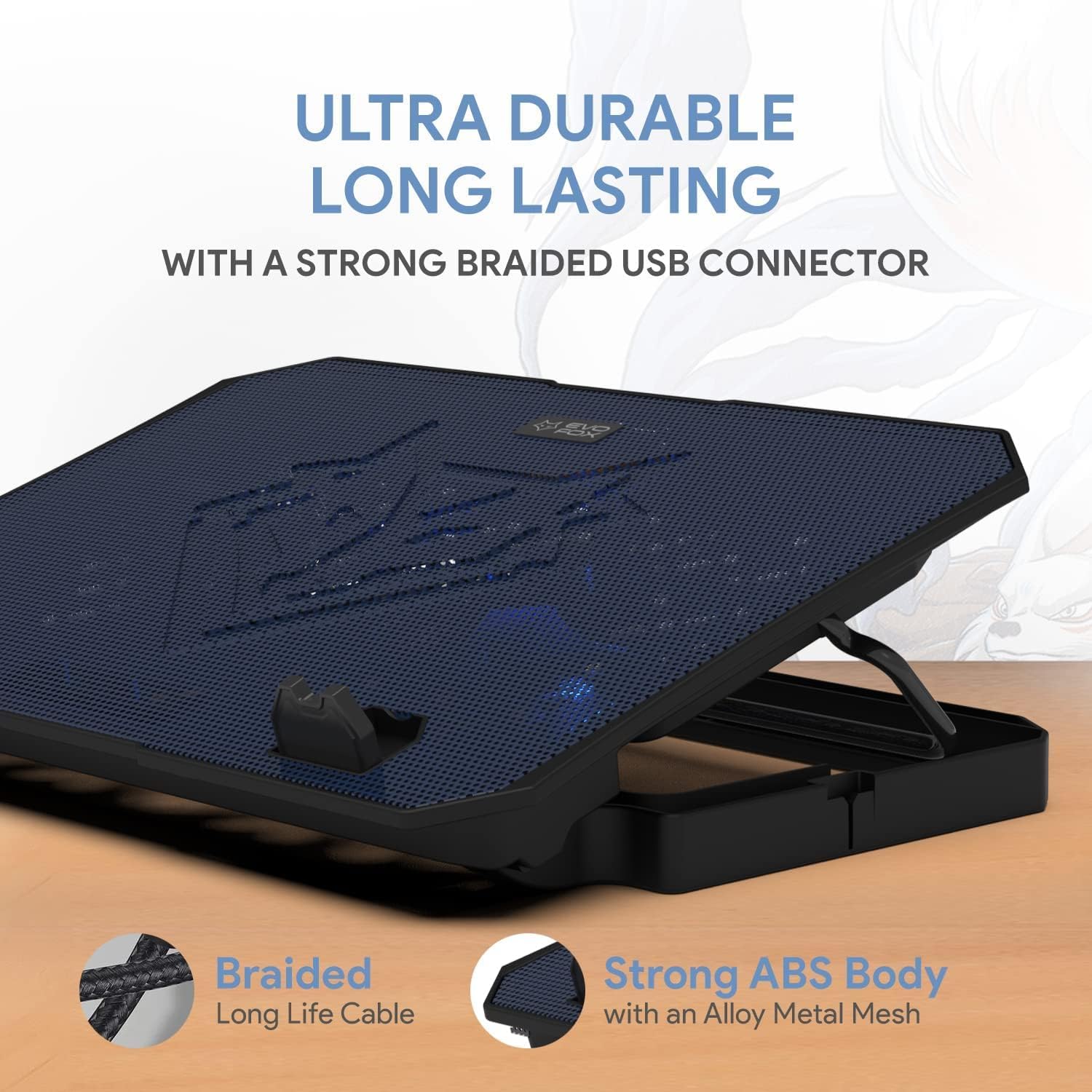
Figure 2: The cooling pad showcasing its ultra-durable, long-lasting design with a strong braided USB connector and robust ABS body with alloy metal mesh.

Figure 3: Illustration of the super efficient cooling design, highlighting the undulated surface acting as a heat sink and the 1000 RPM super silent fans.

Figure 4: The cooling pad's dimensions (345mm x 250mm) and its suitability for laptops up to 15.6 inches, also showing the gripping silicone pads for stability.
സജ്ജമാക്കുക
- അൺപാക്ക്: കൂളിംഗ് പാഡ് അതിന്റെ പാക്കേജിംഗിൽ നിന്ന് ശ്രദ്ധാപൂർവ്വം നീക്കം ചെയ്യുക.
- പ്ലേസ്മെൻ്റ്: കൂളിംഗ് പാഡ് പരന്നതും സുസ്ഥിരവുമായ പ്രതലത്തിൽ വയ്ക്കുക.
- USB ബന്ധിപ്പിക്കുക: Connect the braided USB cable from the cooling pad to an available USB port on your laptop. The cooling pad will draw power from this connection, and the fans will begin to operate, and LED lights will illuminate.
- ലാപ്ടോപ്പ് സ്ഥാനം: Carefully place your laptop on top of the cooling pad, ensuring it is centered and stable on the silicon pads.
പ്രവർത്തന നിർദ്ദേശങ്ങൾ
ഉയരം ക്രമീകരിക്കുന്നു:
The EvoFox Frost cooling pad offers 5 adjustable height levels to optimize your viewing angle and improve ergonomic posture. To adjust the height:
- Gently lift the laptop off the cooling pad.
- Locate the adjustable stand mechanism on the underside of the cooling pad.
- Lift the stand and select one of the available notches to set your desired height. The available angles are approximately 0, 16, 22, 26, 28, and 30 degrees.
- Ensure the stand is securely locked into place before placing your laptop back on the pad.

Figure 5: The cooling pad demonstrating its 6 adjustable angles for ergonomic laptop positioning, aiding in maintaining proper back posture.
USB പോർട്ടുകൾ ഉപയോഗിക്കുന്നത്:
The cooling pad is equipped with two USB ports. One port is used to power the cooling pad, and the other can be used as a USB extender for connecting other peripherals such as a mouse, keyboard, or USB drive.
- Simply plug your USB device into the available USB port on the cooling pad.
LED ലൈറ്റുകൾ:
The cooling pad features blue LED lights that illuminate when the device is powered on, providing an aesthetic ambiance.

ചിത്രം 6: ഒരു ക്ലോസ്-അപ്പ് view of the cooling pad's blue grill and illuminated LED lights, designed to add style to your setup.
മെയിൻ്റനൻസ്
- വൃത്തിയാക്കൽ: To clean the cooling pad, disconnect it from your laptop. Use a soft, dry cloth to wipe down the surface. For stubborn dust, especially on the mesh and fan blades, a can of compressed air can be used.
- ദ്രാവകങ്ങൾ ഒഴിവാക്കുക: Do not use liquid cleaners or immerse the cooling pad in water.
- സംഭരണം: ഉപയോഗത്തിലില്ലാത്തപ്പോൾ, കൂളിംഗ് പാഡ് നേരിട്ട് സൂര്യപ്രകാശത്തിൽ നിന്നും തീവ്രമായ താപനിലയിൽ നിന്നും അകലെ തണുത്തതും വരണ്ടതുമായ സ്ഥലത്ത് സൂക്ഷിക്കുക.
ട്രബിൾഷൂട്ടിംഗ്
| പ്രശ്നം | സാധ്യമായ കാരണം | പരിഹാരം |
|---|---|---|
| Fans are not spinning / LED lights are off. | വൈദ്യുതി വിതരണം ഇല്ല. | Ensure the USB cable is securely connected to a working USB port on your laptop. Try a different USB port. |
| Cooling performance is low. | Dust accumulation on fans or mesh. | Clean the fans and mesh surface using a soft cloth or compressed air. Ensure laptop vents are not blocked. |
| Laptop slides on the cooling pad. | Laptop not properly seated on silicon pads. | Ensure your laptop is centered and resting firmly on the silicon pads at the bottom of the cooling pad. |
സ്പെസിഫിക്കേഷനുകൾ
| മോഡൽ നമ്പർ | 583 |
| ഉൽപ്പന്ന അളവുകൾ | 13.58 x 9.84 x 1.1 inches (345mm x 250mm x 28mm approx.) |
| ഇനത്തിൻ്റെ ഭാരം | 1.36 പൗണ്ട് (0.62 കിലോഗ്രാം) |
| മെറ്റീരിയൽ | Metal (Mesh), ABS (Body) |
| നിറം | കറുപ്പ് |
| ഫാൻ വേഗത | 1000 RPM (approx.) |
| USB പോർട്ടുകൾ | 2 (1 for power, 1 for extension) |
| അനുയോജ്യമായ ലാപ്ടോപ്പ് വലിപ്പം | 15.6 ഇഞ്ച് വരെ |
| നിർമ്മാതാവ് | Allied Electronics & Magnetics Private Limited |
വാറൻ്റിയും പിന്തുണയും
The EvoFox Frost Laptop Cooling Pad comes with a 1-Year Manufacturing Warranty. സാധാരണ ഉപയോഗത്തിലുള്ള മെറ്റീരിയലുകളിലെയും ജോലികളിലെയും വൈകല്യങ്ങൾ ഈ വാറന്റി ഉൾക്കൊള്ളുന്നു.
സാങ്കേതിക പിന്തുണ, വാറന്റി ക്ലെയിമുകൾ, അല്ലെങ്കിൽ ഏതെങ്കിലും അന്വേഷണങ്ങൾ എന്നിവയ്ക്കായി, ദയവായി ബന്ധപ്പെടുക:
- ഫോൺ/വാട്ട്സ്ആപ്പ്: +919312691448
- ഇമെയിൽ: techsupport@amkette.in
പിന്തുണയുമായി ബന്ധപ്പെടുമ്പോൾ നിങ്ങളുടെ ഉൽപ്പന്ന മോഡൽ നമ്പറും (583) വാങ്ങൽ വിശദാംശങ്ങളും തയ്യാറായി വയ്ക്കുക.


