ആമുഖം
Thank you for choosing the AUSDOM 2.4G Wireless Bluetooth Keyboard. This manual provides detailed instructions for setting up, operating, and maintaining your new keyboard. Please read it thoroughly before use to ensure optimal performance and longevity of the product.
This keyboard offers multi-device connectivity, quiet typing, an ultra-slim design, and a rechargeable battery, making it ideal for various computing environments.
ബോക്സിൽ എന്താണുള്ളത്
- 1 x AUSDOM Wireless Keyboard
- 1 x USB Cable (for charging)
- 1 x USB Receiver (for 2.4G connection)
- 1 x ഉപയോക്തൃ മാനുവൽ
സ്പെസിഫിക്കേഷനുകൾ
| ഫീച്ചർ | വിശദാംശങ്ങൾ |
|---|---|
| ഉൽപ്പന്ന അളവുകൾ | 16.73 x 4.49 x 0.5 ഇഞ്ച് |
| ഇനത്തിൻ്റെ ഭാരം | 1.02 പൗണ്ട് |
| നിർമ്മാതാവ് | ആസ്ഡോം |
| മോഡൽ നമ്പർ | സോഫ്കീസ് 4 |
| ബാറ്ററികൾ | 1 ലിഥിയം പോളിമർ ബാറ്ററികൾ ആവശ്യമാണ് (ഉൾപ്പെടുത്തിയിരിക്കുന്നു) |
| അനുയോജ്യമായ ഉപകരണങ്ങൾ | Laptop, PC, Smart TV, Smartphone, Tablet iPad |
| കണക്റ്റിവിറ്റി ടെക്നോളജി | 2.4G RF, Bluetooth 5.0 |
| കീകളുടെ എണ്ണം | 110 |
| പ്രത്യേക സവിശേഷതകൾ | ഭാരം കുറഞ്ഞ, ലോ-പ്രോfile Key, Silent, Rechargeable |
സജ്ജീകരണ ഗൈഡ്
കീബോർഡ് ചാർജ് ചെയ്യുന്നു
Before first use, fully charge the keyboard using the provided USB cable. Connect the USB-C end to the keyboard's charging port and the USB-A end to a power source (e.g., computer USB port, USB wall adapter).

Image: The AUSDOM keyboard connected to a USB-C charging cable, illustrating the charging process. The image highlights the USB-C port and the charging indicator.
A full charge takes approximately 1.5 hours and provides over 30 days of usage time. The keyboard will enter sleep mode after 30 minutes of inactivity to conserve battery.
ഉപകരണങ്ങളിലേക്ക് കണക്റ്റുചെയ്യുന്നു
The AUSDOM keyboard supports connection via 2.4G USB receiver and Bluetooth 5.0, allowing seamless switching between up to 3 devices.
2.4G വയർലെസ് കണക്ഷൻ
- Locate the USB receiver, usually stored in a compartment on the keyboard.
- നിങ്ങളുടെ കമ്പ്യൂട്ടറിലോ ഉപകരണത്തിലോ ലഭ്യമായ ഒരു USB പോർട്ടിലേക്ക് USB റിസീവർ പ്ലഗ് ചെയ്യുക.
- കീബോർഡ് ഓണാക്കുക. അത് സ്വയമേവ റിസീവറുമായി കണക്റ്റ് ചെയ്യണം.
- കീബോർഡ് ഇപ്പോൾ ഉപയോഗത്തിന് തയ്യാറാണ്.
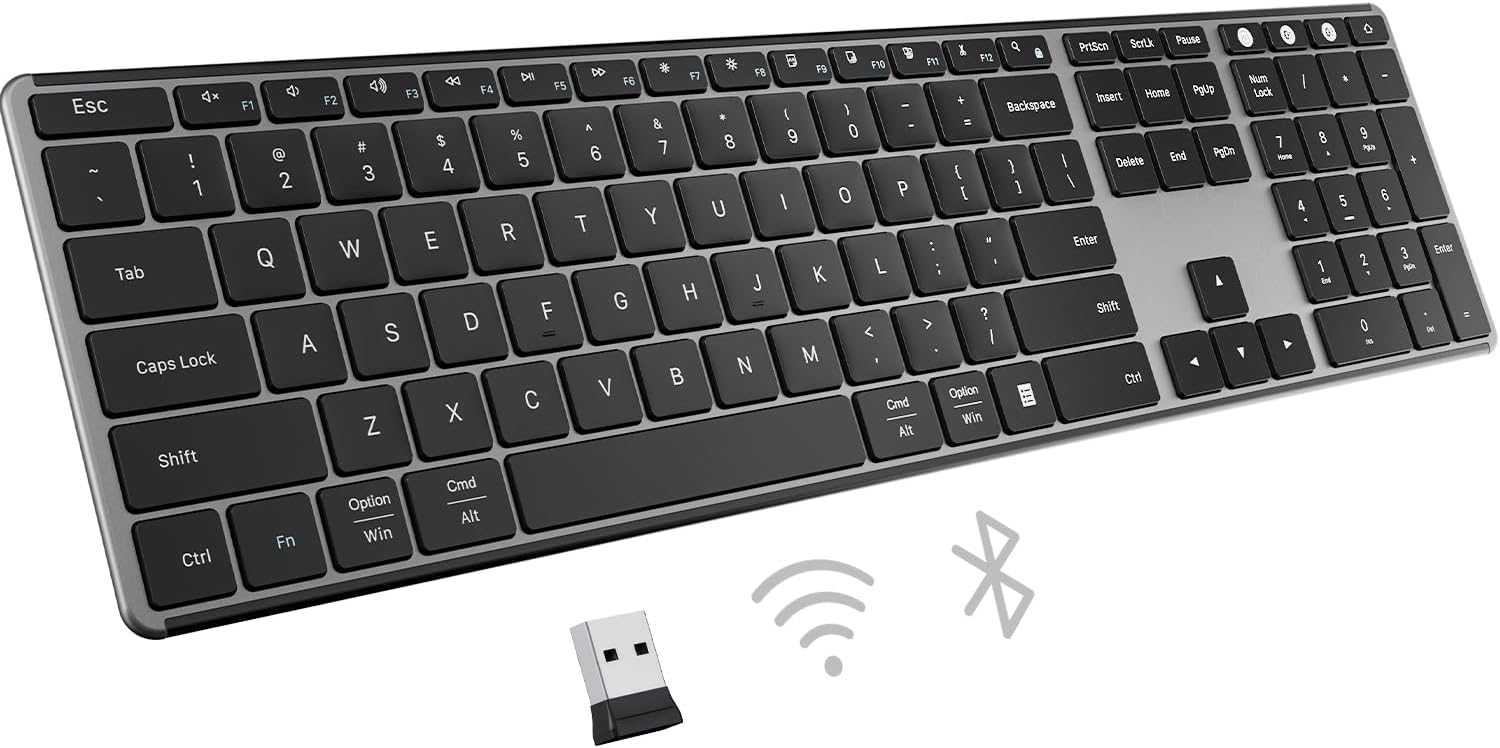
Image: The AUSDOM keyboard displayed with its 2.4G USB receiver and Bluetooth icons, indicating its dual connectivity options.
Bluetooth Connection (Up to 3 Devices)
The keyboard supports connecting to three different Bluetooth devices. Use the dedicated Bluetooth channel keys (BT1, BT2, BT3) to switch between them.
- കീബോർഡ് ഓണാക്കുക.
- Press and hold one of the Bluetooth channel keys (e.g., എഫ്എൻ + ബിടി1) ജോടിയാക്കൽ മോഡ് സൂചിപ്പിക്കുന്ന ഇൻഡിക്കേറ്റർ ലൈറ്റ് വേഗത്തിൽ മിന്നുന്നതുവരെ 3-5 സെക്കൻഡ് നേരത്തേക്ക്.
- On your device (computer, tablet, smartphone), go to Bluetooth settings and search for "AUSDOM Keyboard" or similar.
- ജോടിയാക്കാൻ കീബോർഡ് തിരഞ്ഞെടുക്കുക. കണക്റ്റ് ചെയ്തുകഴിഞ്ഞാൽ, ഇൻഡിക്കേറ്റർ ലൈറ്റ് മിന്നുന്നത് നിർത്തും.
- Repeat for other devices using എഫ്എൻ + ബിടി2 ഒപ്പം എഫ്എൻ + ബിടി3.
- To switch between paired devices, simply press the corresponding Bluetooth channel key (എഫ്എൻ + ബിടി1/ബിടി2/ബിടി3).

Image: An illustration showing the AUSDOM keyboard connected to a desktop monitor via 2.4G and to a tablet and laptop via Bluetooth, demonstrating its multi-device capability.
പ്രവർത്തന നിർദ്ദേശങ്ങൾ
കീബോർഡ് ലേഔട്ടും ഫംഗ്ഷൻ കീകളും
The AUSDOM keyboard features a full-size QWERTY layout with a numeric keypad and 15 shortcut keys for enhanced productivity.

ചിത്രം: ഒരു ക്ലോസ്-അപ്പ് view of the AUSDOM keyboard, highlighting its full-size layout, integrated number pad, and various shortcut keys.
Many function keys (F1-F12) have secondary multimedia or system control functions. These are typically accessed by pressing the Fn ആവശ്യമുള്ള ഫംഗ്ഷൻ കീയ്ക്കൊപ്പം ഒരേസമയം കീ അമർത്തുക.
- Fn + F1: വീട്
- Fn + F2: തിരയുക
- Fn + F3: Select All
- Fn + F4: പകർത്തുക
- Fn + F5: ഒട്ടിക്കുക
- Fn + F6: Cut
- Fn + F7: മുമ്പത്തെ ട്രാക്ക്
- Fn + F8: പ്ലേ/താൽക്കാലികമായി നിർത്തുക
- Fn + F9: അടുത്ത ട്രാക്ക്
- Fn + F10: നിശബ്ദമാക്കുക
- Fn + F11: വോളിയം താഴേക്ക്
- Fn + F12: വോളിയം കൂട്ടുക
ടൈപ്പിംഗ് അനുഭവം
The keyboard features a scissor-switch structure for precise, comfortable, and quiet typing. The low-profile keys reduce noise and increase stability.
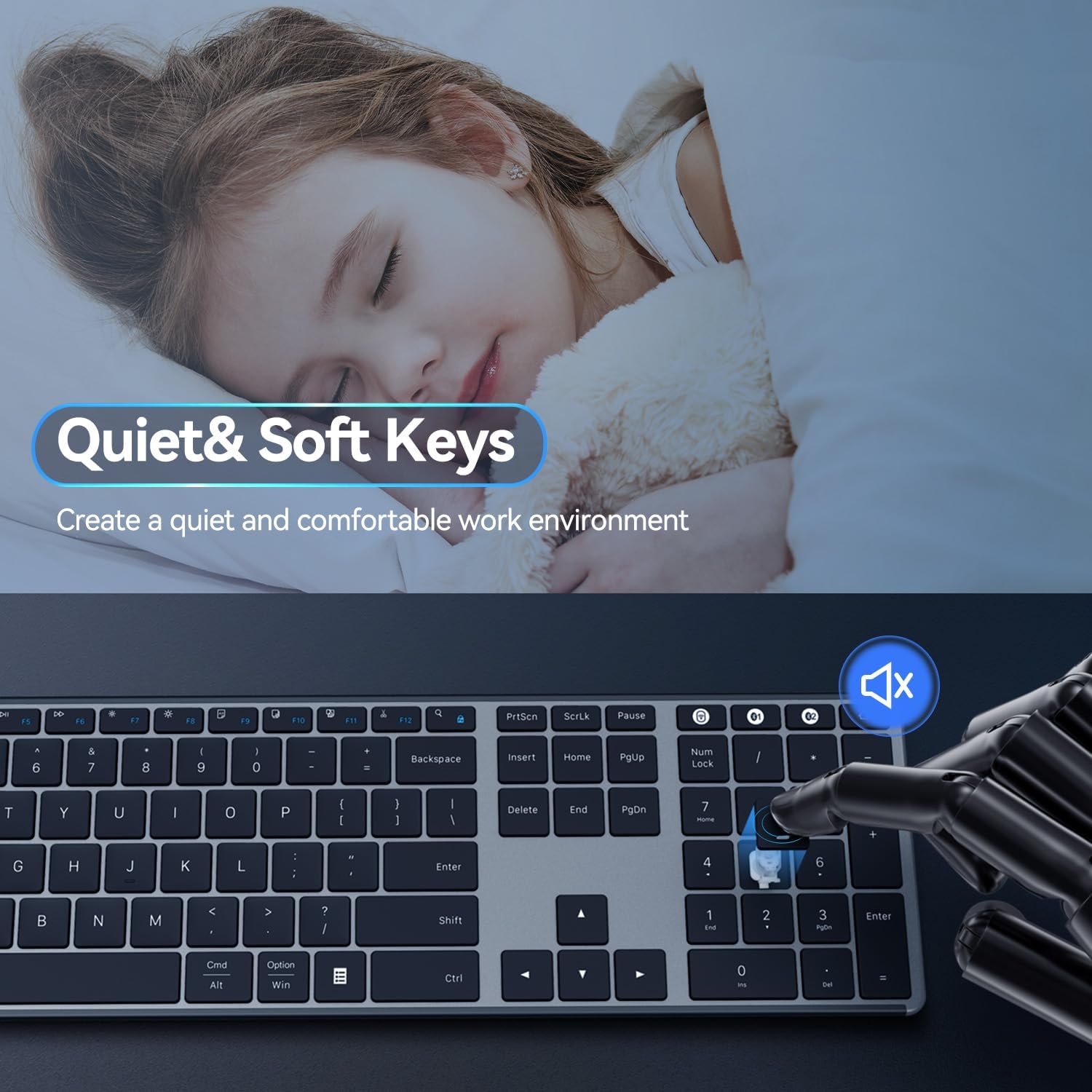
Image: An illustration emphasizing the quiet and soft keys of the AUSDOM keyboard, with a sleeping child in the background, symbolizing a peaceful work environment.

ചിത്രം: ഒരു വശം view of the AUSDOM keyboard, showcasing its ultra-slim design and integrated typing angle for ergonomic comfort.
പരിപാലനവും പരിചരണവും
- വൃത്തിയാക്കൽ: കീബോർഡ് പ്രതലം തുടയ്ക്കാൻ മൃദുവായതും ഉണങ്ങിയതുമായ തുണി ഉപയോഗിക്കുക. കഠിനമായ അഴുക്കിന്, ചെറുതായി dampവെള്ളം അല്ലെങ്കിൽ നേരിയ ക്ലീനിംഗ് ലായനി ഉപയോഗിച്ച് തുണി തുടയ്ക്കുക. അമിതമായ ഈർപ്പം ഒഴിവാക്കുക.
- സംഭരണം: When not in use for extended periods, turn off the keyboard to conserve battery. Store in a cool, dry place away from direct sunlight and extreme temperatures.
- ബാറ്ററി: To prolong battery life, avoid fully discharging the keyboard frequently. Recharge when the low battery indicator appears.
- ചോർച്ച ഒഴിവാക്കുക: ആന്തരിക ഘടകങ്ങൾക്ക് കേടുപാടുകൾ സംഭവിക്കാതിരിക്കാൻ കീബോർഡിൽ നിന്ന് ദ്രാവകങ്ങൾ അകറ്റി നിർത്തുക.
ട്രബിൾഷൂട്ടിംഗ്
| പ്രശ്നം | സാധ്യമായ കാരണം | പരിഹാരം |
|---|---|---|
| കീബോർഡ് പ്രതികരിക്കുന്നില്ല | Low battery, not connected, incorrect mode. | Charge the keyboard. Ensure the USB receiver is properly plugged in or Bluetooth is paired. Switch to the correct connection mode (2.4G or BT1/2/3). |
| കാലതാമസം അല്ലെങ്കിൽ ഇടവിട്ടുള്ള കണക്ഷൻ | Interference, distance, low battery. | Move the keyboard closer to the device. Remove obstacles. Ensure no other devices are causing interference. Recharge the keyboard. |
| ബ്ലൂടൂത്ത് വഴി ജോടിയാക്കാൻ കഴിയില്ല | Keyboard not in pairing mode, device Bluetooth off. | Ensure keyboard is in pairing mode (flashing indicator). Turn on Bluetooth on your device. Forget previous pairings and try again. |
| Keys not working correctly | Software issue, physical damage, dirt under keys. | Restart your device. Clean the keyboard. If problem persists, contact customer support. |
പതിവ് ചോദ്യങ്ങൾ (FAQ)
ചില പൊതുവായ ചോദ്യങ്ങൾക്കുള്ള ഉത്തരങ്ങൾ ഇതാ:
- Can the keyboard be used as a wired keyboard with a USB cable connected?
Yes, the keyboard can function as a wired keyboard when connected via the USB cable, which also charges the device. - Can the battery be replaced when the keyboard stops working?
The keyboard has a built-in rechargeable lithium battery. It is not designed for user replacement. Please contact customer support for battery-related issues. - Is the keyboard compatible with any system or device?
This wireless keyboard is compatible with Mac, Windows, iOS, Android, and other operating systems. It works well with desktops, Chromebooks, Macbooks, PCs, laptops, and more.
വാറൻ്റിയും പിന്തുണയും
AUSDOM provides a one-year warranty service for this product. If you encounter any problems during use, please contact us for assistance.
For customer support, please visit the official AUSDOM webസൈറ്റ് അല്ലെങ്കിൽ നിങ്ങളുടെ ഉൽപ്പന്ന പാക്കേജിംഗിൽ നൽകിയിരിക്കുന്ന കോൺടാക്റ്റ് വിവരങ്ങൾ റഫർ ചെയ്യുക.
നിങ്ങൾക്ക് സന്ദർശിക്കാനും കഴിയും AUSDOM Store on Amazon കൂടുതൽ വിവരങ്ങൾക്കും പിന്തുണാ ഉറവിടങ്ങൾക്കും.


