1. ആമുഖം
The Klipsch Groove XXL is a powerful portable Bluetooth speaker designed to deliver high-quality audio wherever you go. Its robust design and long-lasting battery make it ideal for various outdoor and indoor settings, from beach outings to backyard patios. Enjoy your favorite music via seamless Bluetooth wireless connection or a traditional 3.5mm auxiliary input.

ചിത്രം 1: മുൻഭാഗം view of the Klipsch Groove XXL Portable Bluetooth Speaker.
2 പ്രധാന സവിശേഷതകൾ
- ബഹുമുഖ കണക്റ്റിവിറ്റി: Supports Bluetooth wireless connection for streaming audio from compatible devices and features an optional 3.5mm auxiliary input for wired connections.
- ശക്തമായ ഓഡിയോ ഔട്ട്പുട്ട്: Equipped with dual 2-inch full-range drivers internally chambered to minimize distortion, complemented by a 5.25-inch subwoofer and a dual-flare port system for deep, impactful bass.
- വിപുലീകരിച്ച പ്ലേബാക്ക് സമയം: A rechargeable Lithium-ion battery provides up to 22 hours of continuous music playback, ensuring your party lasts all day or night.
- Device Charging Capability: Includes an optional USB output port to charge your smartphone, tablet, or other USB-connected music sources while on the go (charging cable not included).
- പോർട്ടബിൾ ഡിസൈൻ: Features a built-in handle for easy transport, making it convenient to carry to any location.

ചിത്രം 2: ആന്തരിക view highlighting dual 2" full-range drivers and 5.25" subwoofer.
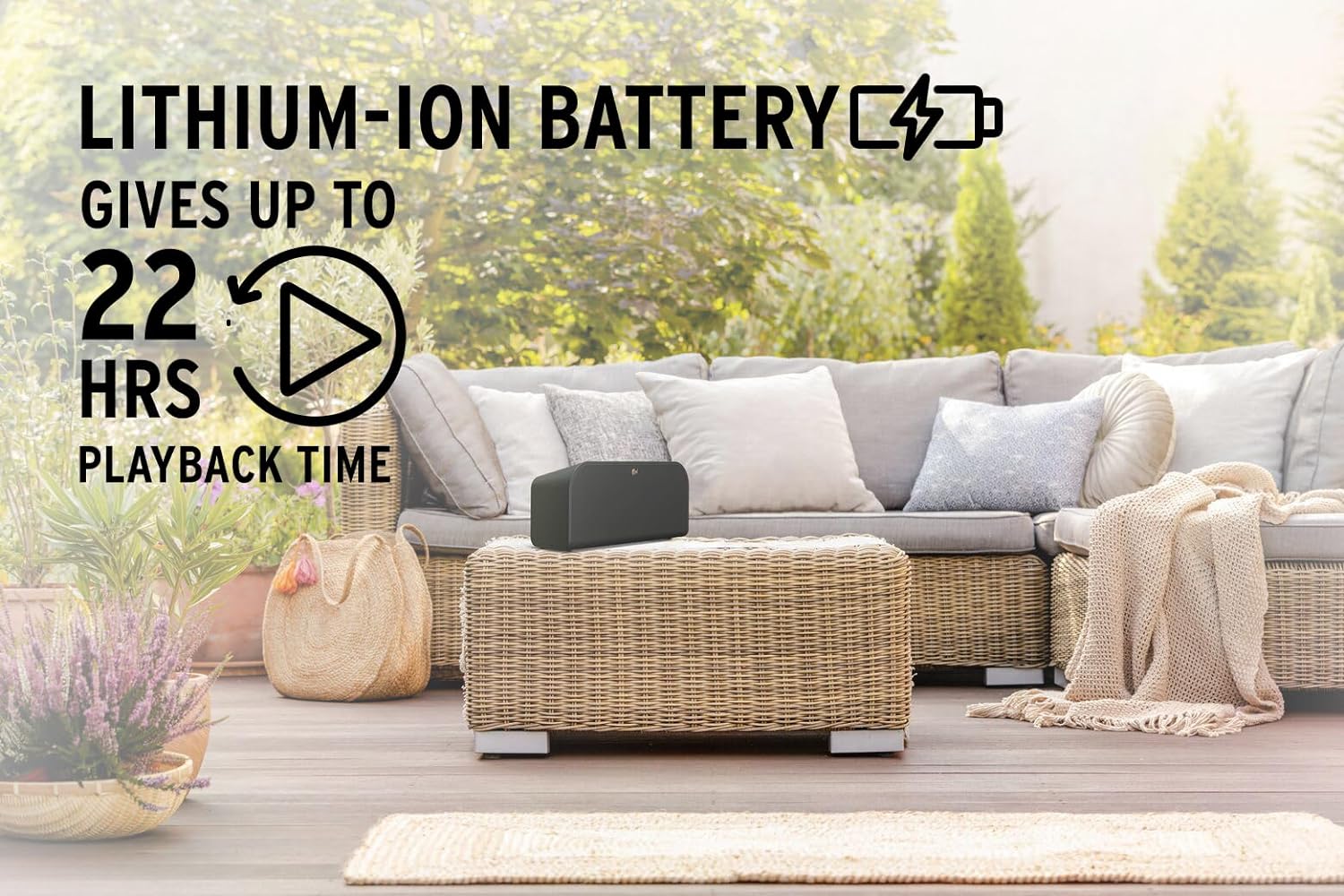
Figure 3: The speaker's long-lasting 22-hour battery life for extended use.

Figure 4: USB output for charging external devices.

Figure 5: The convenient built-in handle for portability.
3. സജ്ജീകരണം
3.1 അൺപാക്കിംഗ്
Carefully remove the Klipsch Groove XXL speaker from its packaging. Ensure all components are present:
- Klipsch Groove XXL Bluetooth Speaker
- പവർ അഡാപ്റ്റർ (വ്യക്തമായി പട്ടികപ്പെടുത്തിയിട്ടില്ല, പക്ഷേ ചാർജ് ചെയ്യുന്നതിനായി സൂചിപ്പിച്ചിരിക്കുന്നു)
- നിർദ്ദേശ മാനുവൽ (ഈ പ്രമാണം)
3.2 പ്രാരംഭ ചാർജിംഗ്
Before first use, fully charge the speaker. Connect the provided power adapter to the speaker's charging port and plug it into a wall outlet. The charging indicator light will show the charging status. A full charge can take several hours.
3.3 പ്ലേസ്മെൻ്റ്
Place the speaker on a stable, flat surface. For optimal sound performance, avoid placing it directly against a wall or in an enclosed space that might muffle the sound. The speaker is designed for tabletop mounting.

Figure 6: Product dimensions for appropriate placement.
4. പ്രവർത്തന നിർദ്ദേശങ്ങൾ
4.1 പവർ ഓൺ/ഓഫ്
- പവർ ഓൺ ചെയ്യാൻ, ഇൻഡിക്കേറ്റർ ലൈറ്റ് പ്രകാശിക്കുന്നത് വരെ മുകളിലെ പാനലിലുള്ള പവർ ബട്ടൺ അമർത്തിപ്പിടിക്കുക.
- പവർ ഓഫ് ചെയ്യാൻ, ഇൻഡിക്കേറ്റർ ലൈറ്റ് ഓഫ് ആകുന്നതുവരെ പവർ ബട്ടൺ വീണ്ടും അമർത്തിപ്പിടിക്കുക.
4.2 ബ്ലൂടൂത്ത് ജോടിയാക്കൽ
Follow these steps to pair your device with the Klipsch Groove XXL via Bluetooth:
- സ്പീക്കർ ഓണാണെന്ന് ഉറപ്പാക്കുക.
- Press the Bluetooth button on the speaker's top panel. The Bluetooth indicator light will begin to flash, indicating it's in pairing mode.
- നിങ്ങളുടെ സ്മാർട്ട്ഫോണിലോ ടാബ്ലെറ്റിലോ, ബ്ലൂടൂത്ത് ക്രമീകരണങ്ങളിലേക്ക് നാവിഗേറ്റ് ചെയ്യുക.
- Select "Klipsch Groove XXL" from the list of available devices.
- Once connected, the Bluetooth indicator light on the speaker will turn solid, and you will hear an audible confirmation.
- ഇപ്പോൾ നിങ്ങളുടെ ഉപകരണത്തിൽ നിന്ന് സ്പീക്കറിലൂടെ ഓഡിയോ പ്ലേ ചെയ്യാൻ കഴിയും.
4.3 Auxiliary Input (3.5mm)
വയർഡ് കണക്ഷൻ ഉപയോഗിക്കുന്നതിന്:
- Connect one end of a 3.5mm audio cable (not included) to the AUX input port on the back of the speaker.
- Connect the other end of the cable to the headphone jack or audio output of your source device (e.g., MP3 player, computer).
- The speaker will automatically switch to AUX input mode.
4.4 Charging External Devices (USB Output)
The Klipsch Groove XXL can charge your mobile devices:
- Connect your device's USB charging cable (not included) to the USB output port on the back of the speaker.
- കേബിളിന്റെ മറ്റേ അറ്റം നിങ്ങളുടെ സ്മാർട്ട്ഫോണിലേക്കോ, ടാബ്ലെറ്റിലേക്കോ, അല്ലെങ്കിൽ മറ്റ് അനുയോജ്യമായ യുഎസ്ബി-പവർ ഉപകരണത്തിലേക്കോ ബന്ധിപ്പിക്കുക.
- Charging will begin automatically. Note that using this feature will consume the speaker's battery life.
5. പരിചരണവും പരിപാലനവും
- വൃത്തിയാക്കൽ: സ്പീക്കറിന്റെ പുറംഭാഗം വൃത്തിയാക്കാൻ മൃദുവായതും ഉണങ്ങിയതുമായ തുണി ഉപയോഗിക്കുക. ലിക്വിഡ് ക്ലീനറുകളോ എയറോസോളുകളോ ഉപയോഗിക്കരുത്, കാരണം അവ ഫിനിഷിനോ ആന്തരിക ഘടകങ്ങളോ കേടുവരുത്തും.
- സംഭരണം: ദീർഘനേരം ഉപയോഗിക്കാത്തപ്പോൾ, നേരിട്ടുള്ള സൂര്യപ്രകാശത്തിൽ നിന്നും കടുത്ത താപനിലയിൽ നിന്നും മാറി തണുത്തതും വരണ്ടതുമായ സ്ഥലത്ത് സ്പീക്കർ സൂക്ഷിക്കുക.
- ബാറ്ററി കെയർ: To prolong battery life, avoid fully discharging the battery frequently. Recharge the speaker regularly, even if not in constant use.
- ജല പ്രതിരോധം: ഈ ഉൽപ്പന്നം വാട്ടർപ്രൂഫ് അല്ല. കേടുപാടുകൾ ഒഴിവാക്കാൻ സ്പീക്കറിൽ വെള്ളം, മഴ, അമിതമായ ഈർപ്പം എന്നിവ ഏൽപ്പിക്കുന്നത് ഒഴിവാക്കുക.
- കൈകാര്യം ചെയ്യൽ: Handle the speaker with care. Avoid dropping it or subjecting it to strong impacts, which can damage internal components.
6. പ്രശ്നപരിഹാരം
If you encounter issues with your Klipsch Groove XXL, refer to the table below for common problems and solutions:
| പ്രശ്നം | സാധ്യമായ കാരണം | പരിഹാരം |
|---|---|---|
| ശക്തിയില്ല | ബാറ്ററി തീർന്നു. | Connect the speaker to a power outlet using the power adapter and allow it to charge. |
| ബ്ലൂടൂത്ത് വഴി ജോടിയാക്കാൻ കഴിയില്ല | സ്പീക്കർ ജോടിയാക്കൽ മോഡിലല്ല; ഉപകരണം വളരെ ദൂരെയാണ്; മുമ്പ് ജോടിയാക്കിയ ഉപകരണം കണക്റ്റുചെയ്തിരിക്കുന്നു. | Ensure the speaker's Bluetooth indicator is flashing. Move your device closer to the speaker. Disconnect from any previously paired devices. |
| ശബ്ദമില്ല | Volume is too low; incorrect input source selected; audio cable not fully inserted. | Increase the volume on both the speaker and your source device. Ensure the correct input (Bluetooth or AUX) is active. Check that the 3.5mm cable is securely connected. |
| മോശം ശബ്ദ നിലവാരം | Source audio quality is low; interference; speaker placement. | Try a different audio source. Move the speaker away from other electronic devices that may cause interference. Adjust speaker placement. |
| External device not charging | സ്പീക്കർ ബാറ്ററി കുറവാണ്; കേബിൾ തെറ്റാണ്; ഉപകരണം അനുയോജ്യമല്ല. | Ensure the speaker has sufficient charge. Use a known good USB charging cable. Verify your device supports USB charging from external sources. |
7 സാങ്കേതിക സവിശേഷതകൾ
| ഫീച്ചർ | വിശദാംശങ്ങൾ |
|---|---|
| മോഡലിൻ്റെ പേര് | ഗ്രോവ് XXL |
| ബ്രാൻഡ് | ക്ലിപ്ഷ് |
| മെറ്റീരിയൽ | പ്ലാസ്റ്റിക് |
| സ്പീക്കർ തരം | Component, Portable |
| കണക്റ്റിവിറ്റി ടെക്നോളജി | ബ്ലൂടൂത്ത്, യുഎസ്ബി, 3.5 എംഎം ഓക്സ് |
| വയർലെസ് കമ്മ്യൂണിക്കേഷൻ | ബ്ലൂടൂത്ത് |
| ബ്ലൂടൂത്ത് ശ്രേണി | 10 മീറ്റർ |
| ഓഡിയോ put ട്ട്പുട്ട് മോഡ് | സ്റ്റീരിയോ |
| സ്പീക്കർ പരമാവധി ഔട്ട്പുട്ട് പവർ | 180 വാട്ട്സ് |
| ഓഡിയോ ഡ്രൈവറുകൾ | Dual 2-inch full-range drivers, 5.25-inch subwoofer |
| പവർ ഉറവിടം | ബാറ്ററി പവർ |
| ബാറ്ററി ലൈഫ് | Up to 22 Hours (Lithium-ion) |
| നിയന്ത്രണ രീതി | സ്പർശിക്കുക |
| ഉൽപ്പന്ന അളവുകൾ (D x W x H) | 9.84" x 20.01" x 10.24" |
| ഇനത്തിൻ്റെ ഭാരം | 5 പൗണ്ട് |
| വാട്ടർപ്രൂഫ് ആണ് | തെറ്റ് |
| മൗണ്ടിംഗ് തരം | ടേബിൾടോപ്പ് മൗണ്ട് |
8. വാറൻ്റി വിവരങ്ങൾ
The Klipsch Groove XXL Portable Bluetooth Speaker comes with a പരിമിത വാറൻ്റി. Please refer to the warranty card included in your product packaging or visit the official Klipsch webകവറേജ്, ദൈർഘ്യം, ക്ലെയിം നടപടിക്രമങ്ങൾ എന്നിവയെക്കുറിച്ചുള്ള വിശദമായ നിബന്ധനകൾക്കും വ്യവസ്ഥകൾക്കും സൈറ്റ്.
9. ഉപഭോക്തൃ പിന്തുണ
കൂടുതൽ സഹായം, സാങ്കേതിക പിന്തുണ അല്ലെങ്കിൽ സേവന അന്വേഷണങ്ങൾ എന്നിവയ്ക്ക്, ദയവായി അവരുടെ ഔദ്യോഗിക വിലാസത്തിൽ Klipsch ഉപഭോക്തൃ പിന്തുണയുമായി ബന്ധപ്പെടുക. website or the contact information provided in your product documentation. Always have your product model number (Groove XXL) and serial number ready when contacting support.
നിങ്ങൾക്ക് സന്ദർശിക്കാനും കഴിയും ആമസോണിലെ ക്ലിപ്ഷ് സ്റ്റോർ കൂടുതൽ ഉൽപ്പന്ന വിവരങ്ങൾക്കും ഉറവിടങ്ങൾക്കും.


