1. ആമുഖം
The WIWU Speedy Series 10,000mAh Power Bank is designed to provide reliable and efficient portable charging for your electronic devices. Its compact form factor and high-capacity battery make it an ideal companion for daily use and travel. This manual provides essential information on how to set up, operate, maintain, and troubleshoot your power bank.
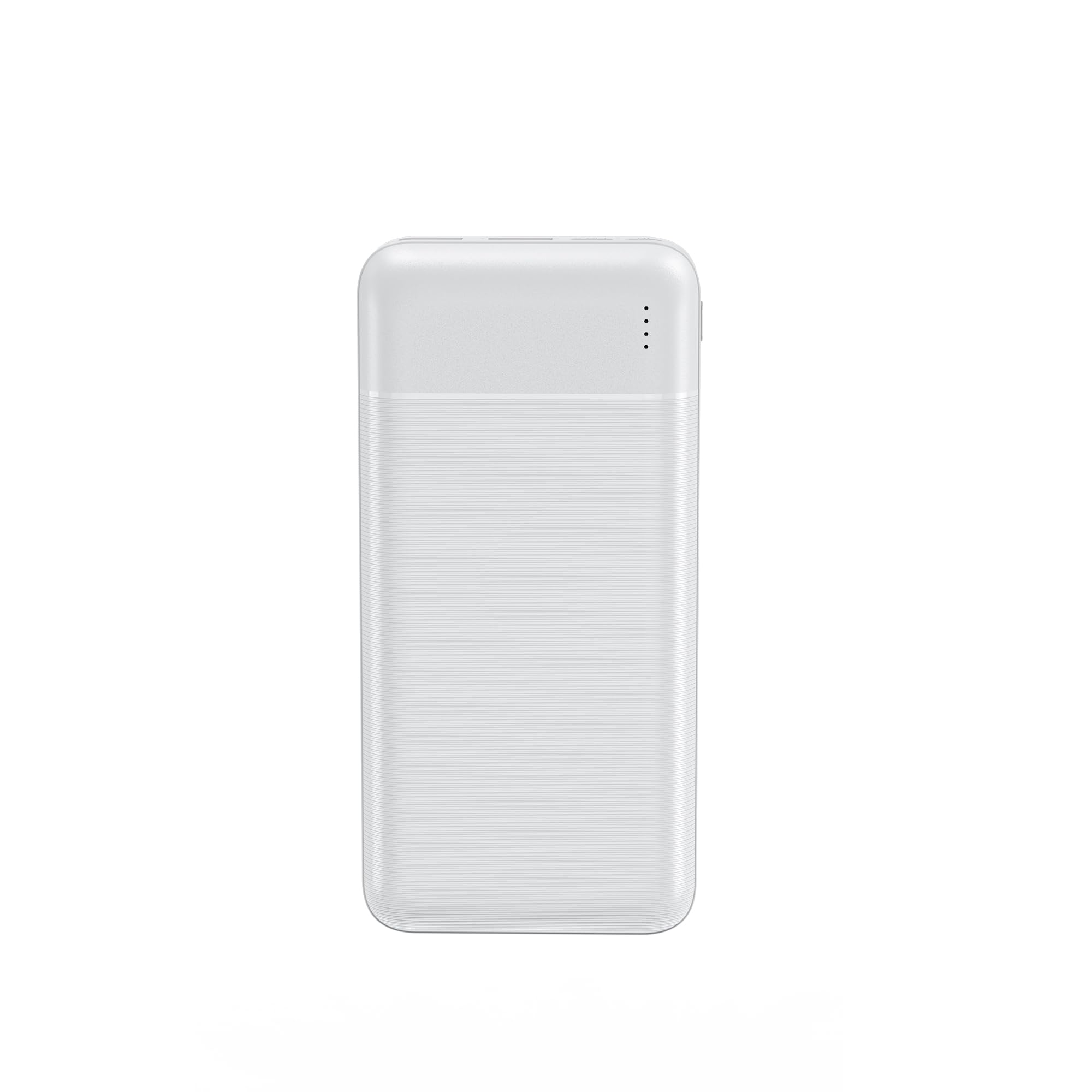
ചിത്രം 1: മുൻഭാഗം view of the WIWU Speedy Series 10,000mAh Power Bank in white.
പ്രധാന സവിശേഷതകൾ:
- High-capacity 10,000mAh battery ensures multiple device charges while on the go.
- Sleek and slim design for easy portability, fitting in your pocket or bag.
- Dual USB ports allow simultaneous charging of two devices.
- Features fast charging technology (20W PD & QC) to save time.
- LED indicators directly display battery status.
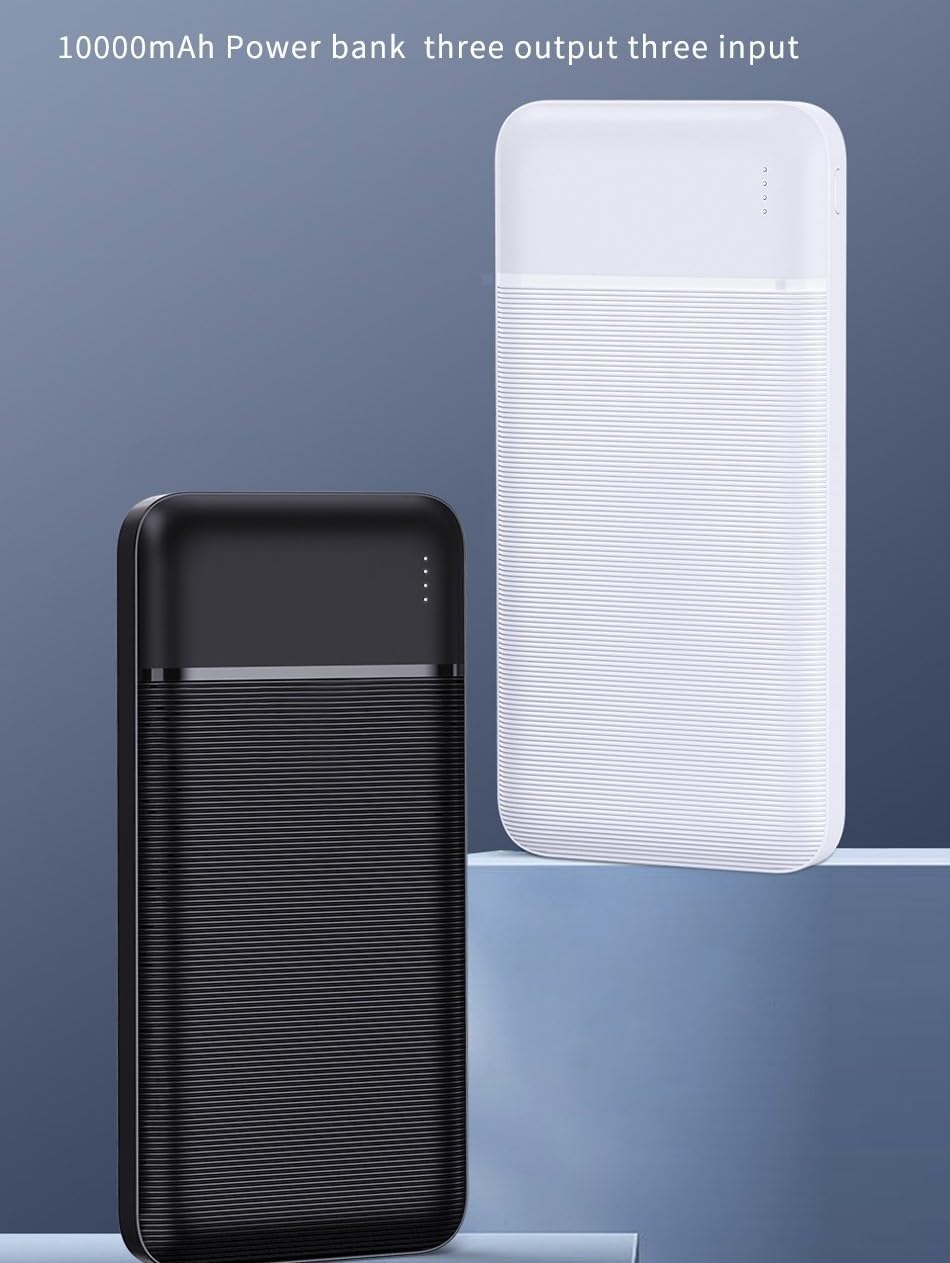
Image 2: The power bank shown in an airplane window, emphasizing its portability for travel.
2. സജ്ജീകരണം
2.1 പാക്കേജ് ഉള്ളടക്കം
പാക്കേജിൽ ഇനിപ്പറയുന്ന ഇനങ്ങൾ ഉണ്ടോ എന്ന് പരിശോധിക്കുക:
- WIWU Speedy Series 10,000mAh Power Bank
- യുഎസ്ബി ചാർജിംഗ് കേബിൾ
- ഉപയോക്തൃ മാനുവൽ
2.2 പവർ ബാങ്കിന്റെ പ്രാരംഭ ചാർജിംഗ്
Before first use, fully charge the power bank. Connect the provided USB cable to the power bank's input port and a compatible USB wall adapter (not included). The LED indicators will illuminate to show charging progress. All LEDs will be solid when fully charged.
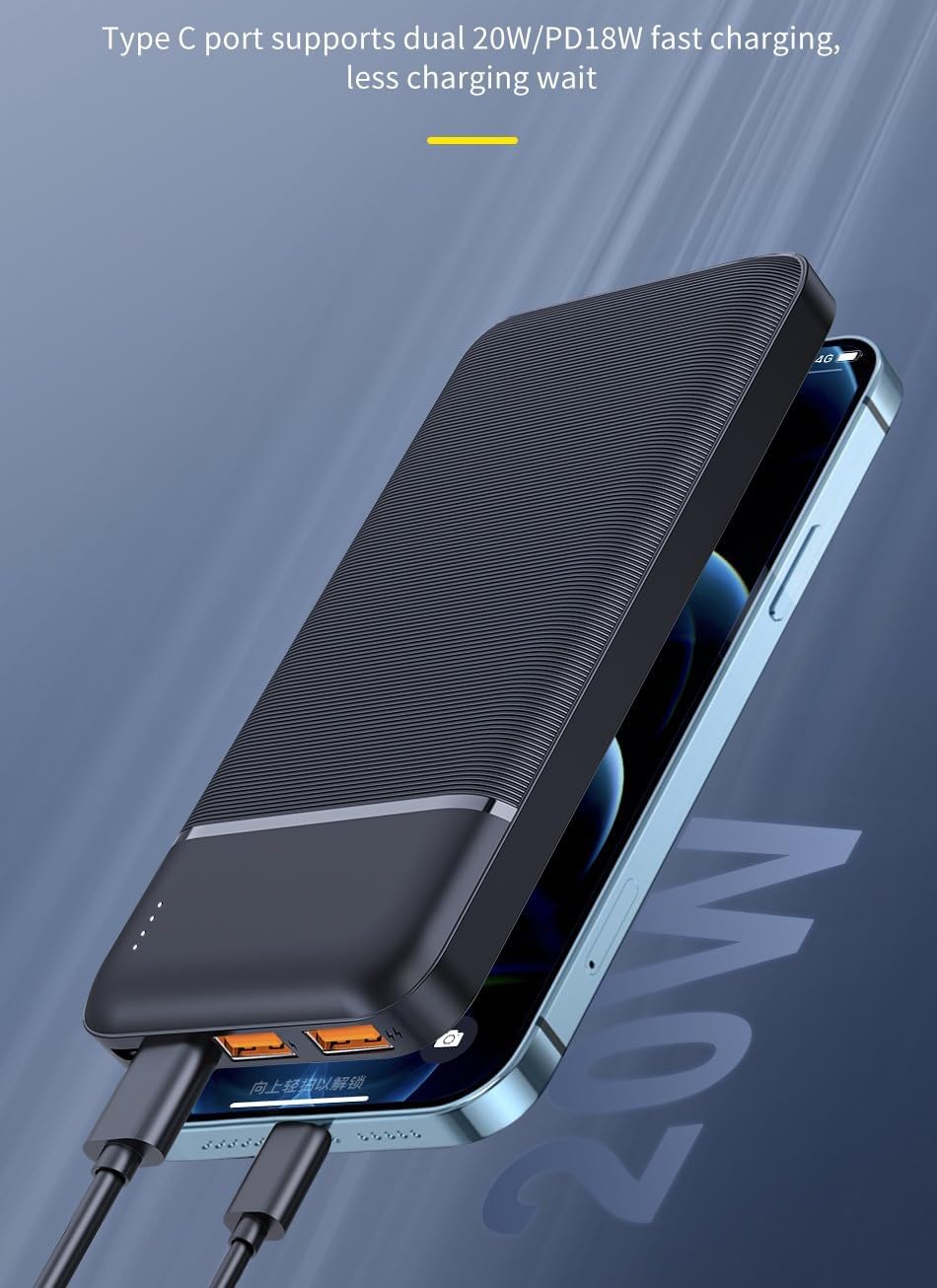
Image 3: The power bank connected to a wall adapter for charging.
2.3 LED സൂചകങ്ങൾ മനസ്സിലാക്കൽ
The power bank features LED lights to indicate the remaining battery capacity and charging status.
- Each LED typically represents a percentage of the battery charge (e.g., 4 LEDs = 100%, 3 LEDs = 75%, 2 LEDs = 50%, 1 LED = 25%).
- During charging, the LEDs will blink to show active charging and become solid when that charge segment is complete.
3. ഓപ്പറേഷൻ
3.1 നിങ്ങളുടെ ഉപകരണങ്ങൾ ചാർജ് ചെയ്യുന്നു
നിങ്ങളുടെ ഇലക്ട്രോണിക് ഉപകരണങ്ങൾ ചാർജ് ചെയ്യാൻ:
- Connect your device's charging cable to one of the power bank's output ports (USB-A or USB-C).
- കേബിളിന്റെ മറ്റേ അറ്റം നിങ്ങളുടെ ഉപകരണവുമായി ബന്ധിപ്പിക്കുക.
- പവർ ബാങ്ക് നിങ്ങളുടെ ഉപകരണം യാന്ത്രികമായി ചാർജ് ചെയ്യാൻ തുടങ്ങും.
You can charge up to two devices simultaneously using the available ports.

Image 4: The power bank simultaneously charging a smartphone and a tablet.
3.2 ഫാസ്റ്റ് ചാർജിംഗ്
This power bank supports 20W Power Delivery (PD) and Quick Charge (QC) technologies for rapid charging.
- For fast charging, ensure your device and charging cable are compatible with PD or QC standards.
- When a compatible device is connected, the power bank will automatically deliver fast charging speeds.

Image 5: A smartphone display indicating a fast charging status with a high percentage.
3.3 ബാറ്ററി നില പരിശോധിക്കുന്നു
Briefly press the power button (if available, or it might automatically show when a device is connected) to view LED ലൈറ്റുകൾ സൂചിപ്പിക്കുന്ന നിലവിലെ ബാറ്ററി ലെവൽ.
4. പരിപാലനം
Proper maintenance ensures the longevity and optimal performance of your power bank.
- വൃത്തിയാക്കൽ: മൃദുവായതും ഉണങ്ങിയതുമായ തുണി ഉപയോഗിച്ച് പവർ ബാങ്ക് തുടയ്ക്കുക. കഠിനമായ രാസവസ്തുക്കളോ ഉരച്ചിലുകളോ ഉള്ള വസ്തുക്കൾ ഉപയോഗിക്കുന്നത് ഒഴിവാക്കുക.
- സംഭരണം: Store the power bank in a cool, dry place away from direct sunlight and extreme temperatures. For long-term storage, it is recommended to keep the power bank charged to about 50-75% to preserve battery health.
- ബാറ്ററി കെയർ: Avoid fully discharging the power bank frequently. Do not expose the power bank to water or excessive moisture. Do not attempt to disassemble or modify the power bank.
5. പ്രശ്നപരിഹാരം
If you encounter any issues with your power bank, please refer to the following common problems and solutions:
| പ്രശ്നം | സാധ്യമായ കാരണം | പരിഹാരം |
|---|---|---|
| പവർ ബാങ്ക് ചാർജ് ചെയ്യുന്നില്ല. | Loose cable connection, faulty adapter/cable, power outlet issue. | Ensure secure connections. Try a different cable or wall adapter. Check the power outlet. |
| പവർ ബാങ്കിൽ നിന്ന് ഉപകരണം ചാർജ് ചെയ്യുന്നില്ല. | Power bank is discharged, faulty cable, incompatible device, dirty device port. | Check power bank charge level. Try a different cable or power bank port. Clean device's charging port. |
| സ്ലോ ചാർജിംഗ്. | Non-fast charging cable/device, multiple devices charging, high device usage. | Use PD/QC compatible cables and devices. Charge one device at a time for optimal speed. Avoid heavy device usage during charging. |
| LED സൂചകങ്ങൾ പ്രവർത്തിക്കുന്നില്ല. | Completely discharged, internal fault. | Charge the power bank for a few minutes. If issue persists, contact customer support. |
6 സ്പെസിഫിക്കേഷനുകൾ
Detailed technical specifications for the WIWU Speedy Series Power Bank:
| ഫീച്ചർ | വിശദാംശങ്ങൾ |
|---|---|
| മോഡലിൻ്റെ പേര് | WIWU Speedy Series |
| പവർ ഉറവിടം | ബാറ്ററി പവർ |
| ശുപാർശ ചെയ്യുന്ന ഉപയോഗങ്ങൾ | സംരക്ഷണം |
| ബാറ്ററി സെൽ കോമ്പോസിഷൻ | ലിഥിയം അയോൺ |
| വാല്യംtage | 5 വോൾട്ട് |
| പ്രത്യേക സവിശേഷതകൾ | Fast Charging, Slim Design |
| നിറം | വെള്ള |
| ബാറ്ററി ശേഷി | 10,000 mAh (Unrated) |
| ബ്രാൻഡ് നാമം | WIWU |
| കണക്റ്റർ തരം | USB |
| ആദ്യ തീയതി ലഭ്യമാണ് | നവംബർ 9, 2023 |
| ഇനം മോഡൽ നമ്പർ | 6936686407021 |
| ബാറ്ററികൾ | 1 ലിഥിയം പോളിമർ ബാറ്ററി ആവശ്യമാണ് (ഉൾപ്പെടുത്തിയിരിക്കുന്നു) |
| ഉൽപ്പന്ന അളവുകൾ | 20 x 10 x 18 സെ.മീ |
| ഇനത്തിൻ്റെ ഭാരം | 200 ഗ്രാം |
7. വാറൻ്റിയും പിന്തുണയും
The WIWU Speedy Series 10,000mAh Power Bank comes with a standard manufacturer's warranty. Please refer to the warranty card included in your package for specific terms and conditions.
For technical support, warranty claims, or any product-related inquiries, please contact WIWU customer service through their official website or the retailer where you purchased the product. Keep your purchase receipt as proof of purchase for warranty services.
8. ഉൽപ്പന്നം കഴിഞ്ഞുview വീഡിയോ
Watch this video for a visual guide on the features and usage of the WIWU Speedy Series Power Bank.
വീഡിയോ 1: ഒരു ഔദ്യോഗിക ഉൽപ്പന്നം അവസാനിച്ചുview video demonstrating the WIWU Speedy Series Power Bank's design, charging capabilities, and portability. This video is provided by the seller and offers a comprehensive look at the product in action.


