1. ആമുഖം
Thank you for choosing the seenda Wireless Keyboard and Mouse Combo. This product provides a convenient and efficient wireless solution for your computer, laptop, or desktop PC. Featuring a 2.4GHz wireless connection, quiet keystrokes, and a full-size design, this combo is designed for comfortable and productive use. This manual will guide you through the setup, operation, and maintenance of your new wireless peripherals.
2. പാക്കേജ് ഉള്ളടക്കം
- 1 x seenda Wireless Keyboard
- 1 x seenda Wireless Mouse
- 1 x USB Receiver (stored inside the mouse battery compartment)
- 1 x ഉപയോക്തൃ മാനുവൽ
3. ഉൽപ്പന്നം കഴിഞ്ഞുview
The seenda Wireless Keyboard and Mouse Combo offers a seamless and ergonomic experience. The keyboard features a full-size layout with a numeric pad, dedicated function keys, and multimedia hotkeys for enhanced productivity. The mouse is designed for comfortable grip and includes adjustable DPI settings for precise control.

Image: The seenda wireless keyboard and mouse combo, showing the purple keyboard, matching mouse, and the small USB receiver.

Image: Detailed diagram illustrating the multimedia hotkeys on the keyboard and the various components of the mouse, including the left/right buttons, scroll wheel, DPI switch button, power switch, and USB receiver location.
4. സജ്ജീകരണം
Setting up your seenda Wireless Keyboard and Mouse Combo is quick and easy. No drivers are required; simply plug and play.
- യുഎസ്ബി റിസീവർ കണ്ടെത്തുക: The USB receiver is conveniently stored inside the battery compartment of the wireless mouse. Open the battery cover on the underside of the mouse and carefully remove the small USB receiver.
- ബാറ്ററികൾ ചേർക്കുക: Insert 1 AA battery into the mouse and 1 AA battery into the keyboard (batteries not included). Ensure correct polarity.
- USB റിസീവർ ബന്ധിപ്പിക്കുക: Plug the USB receiver into an available USB port on your computer, laptop, or desktop PC.
- പവർ ഓൺ: Turn on the power switch located on the underside of the mouse. The keyboard does not have a separate power switch; it activates when batteries are inserted and the receiver is connected.
- ഉപയോഗിക്കാൻ ആരംഭിക്കുക: Your keyboard and mouse should now be automatically connected and ready for use. The 2.4G wireless technology ensures a stable connection within a 10-meter range.
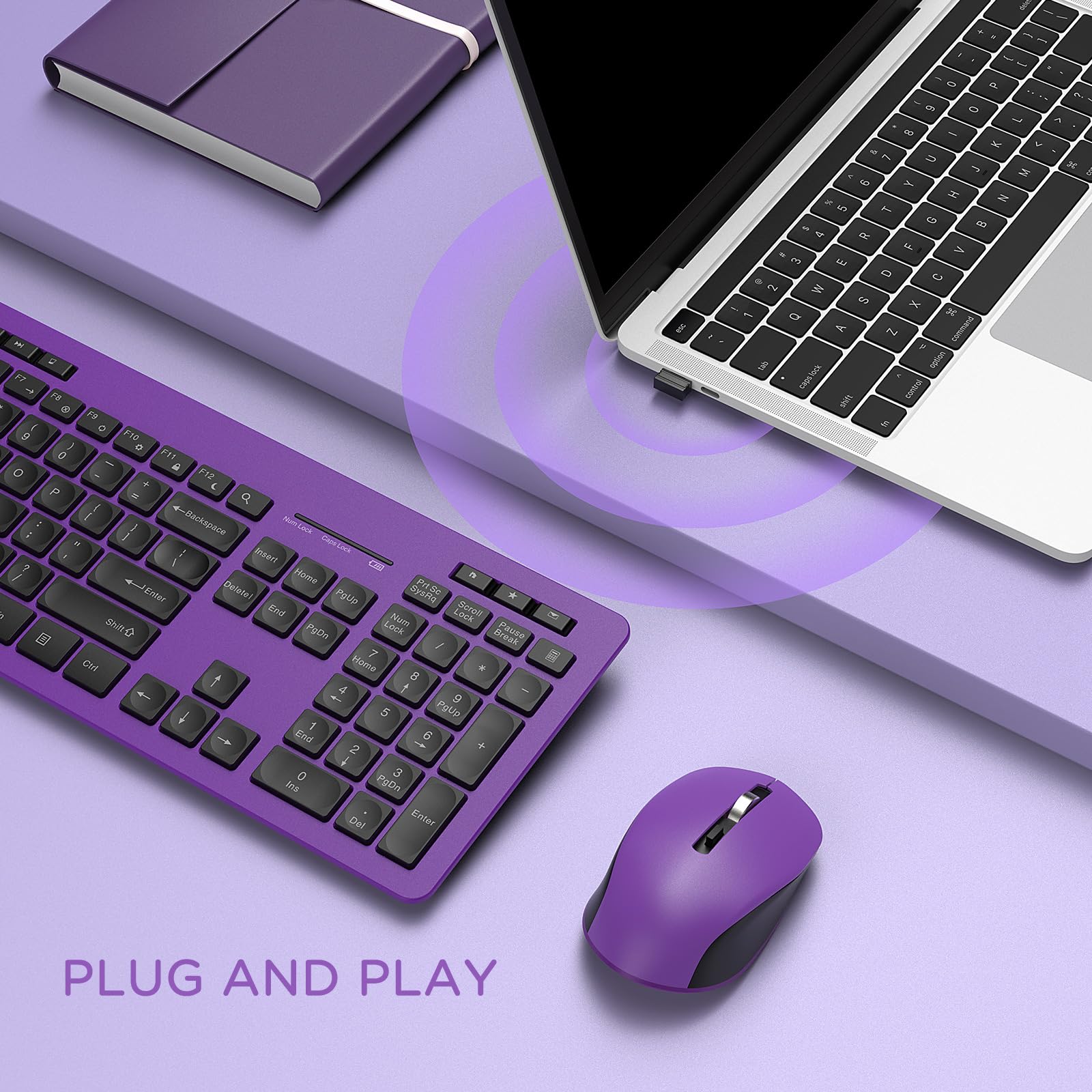
Image: A laptop and the seenda wireless keyboard and mouse, illustrating the simple plug-and-play setup with the USB receiver.
5. പ്രവർത്തന നിർദ്ദേശങ്ങൾ
5.1 കീബോർഡ് ഉപയോഗം
The keyboard is designed for comfortable and efficient typing.
- സുഖപ്രദമായ ടൈപ്പിംഗ്: The concave key design perfectly fits your fingertips, providing a comfortable typing experience.
- ക്രമീകരിക്കാവുന്ന ടിൽറ്റ്: Two foldable stands are located at the back of the keyboard. Flip them out to raise the keyboard to a comfortable angle, reducing wrist stress during long typing sessions.
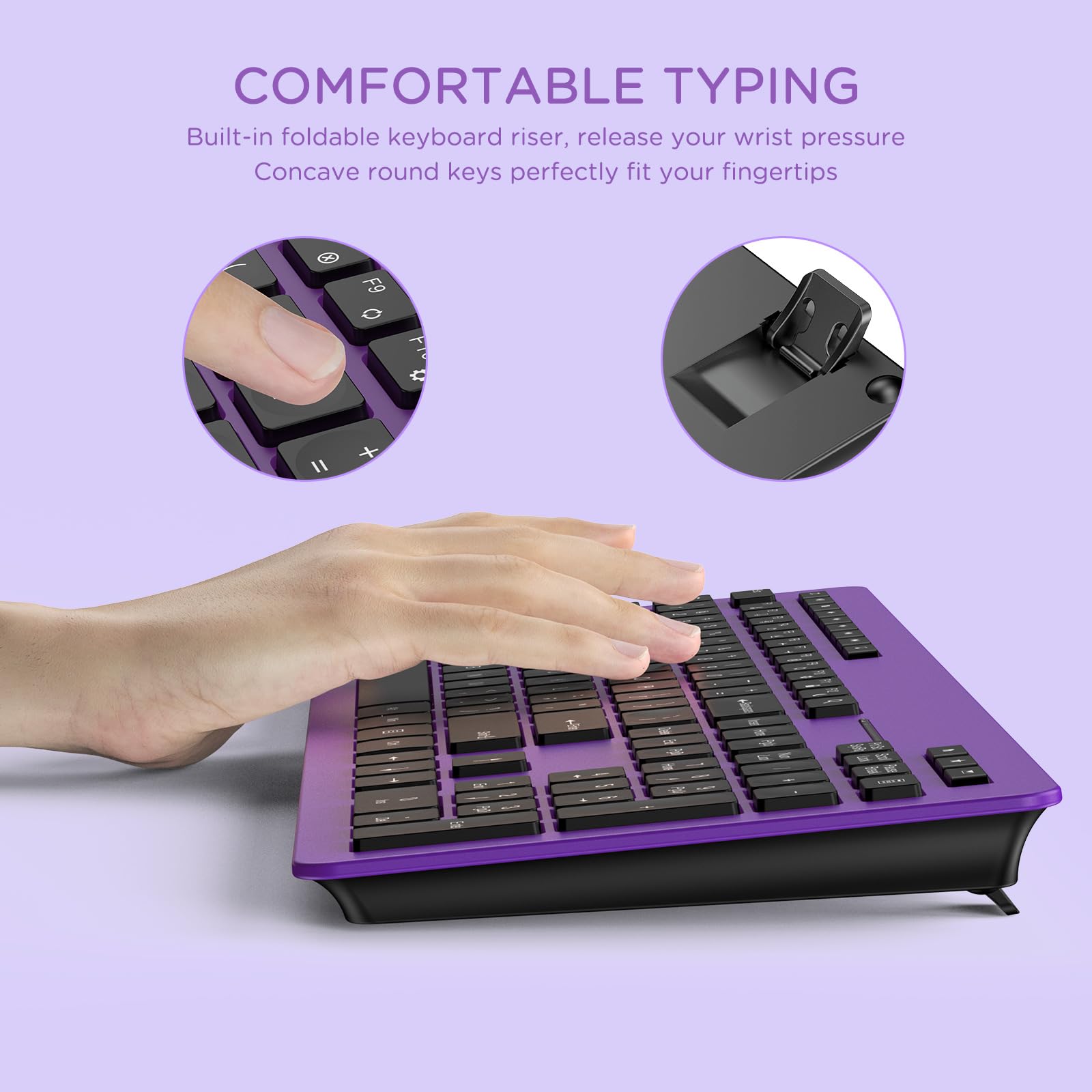
Image: Close-up showing a hand typing on the keyboard, highlighting the concave keys and the foldable riser for ergonomic comfort.
- മൾട്ടിമീഡിയ ഹോട്ട്കീകൾ: The keyboard features fourteen multimedia hotkeys (F1-F12, plus dedicated keys) for quick access to common functions. These include media playback controls (Play/Pause, Stop, Previous/Next Track), volume control (Volume Up, Volume Down, Mute), and shortcuts for Search, Home, E-mail, and Calculator.
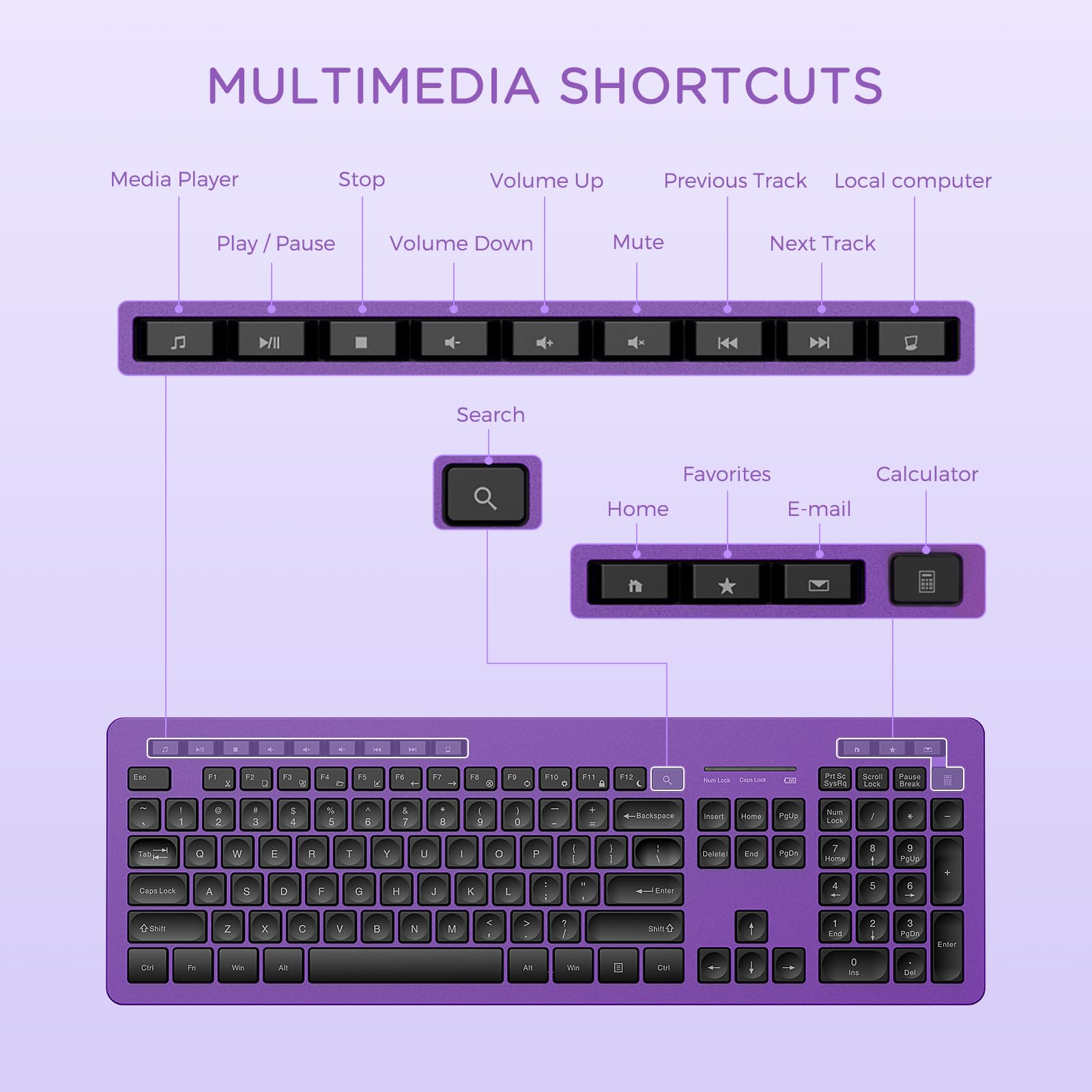
Image: A detailed diagram illustrating the layout and functions of the multimedia shortcut keys on the keyboard.
5.2 മൗസ് ഉപയോഗം
The mouse offers precise and quiet navigation.
- ക്രമീകരിക്കാവുന്ന DPI: The mouse features 3 adjustable DPI levels (800-1200-1600). Press the DPI switch button (located behind the scroll wheel) to cycle through the sensitivity settings to match your preference and task.
- Silent & Sensitive: The mouse is designed for quiet clicks, minimizing noise in quiet environments, while maintaining high sensitivity for accurate tracking.
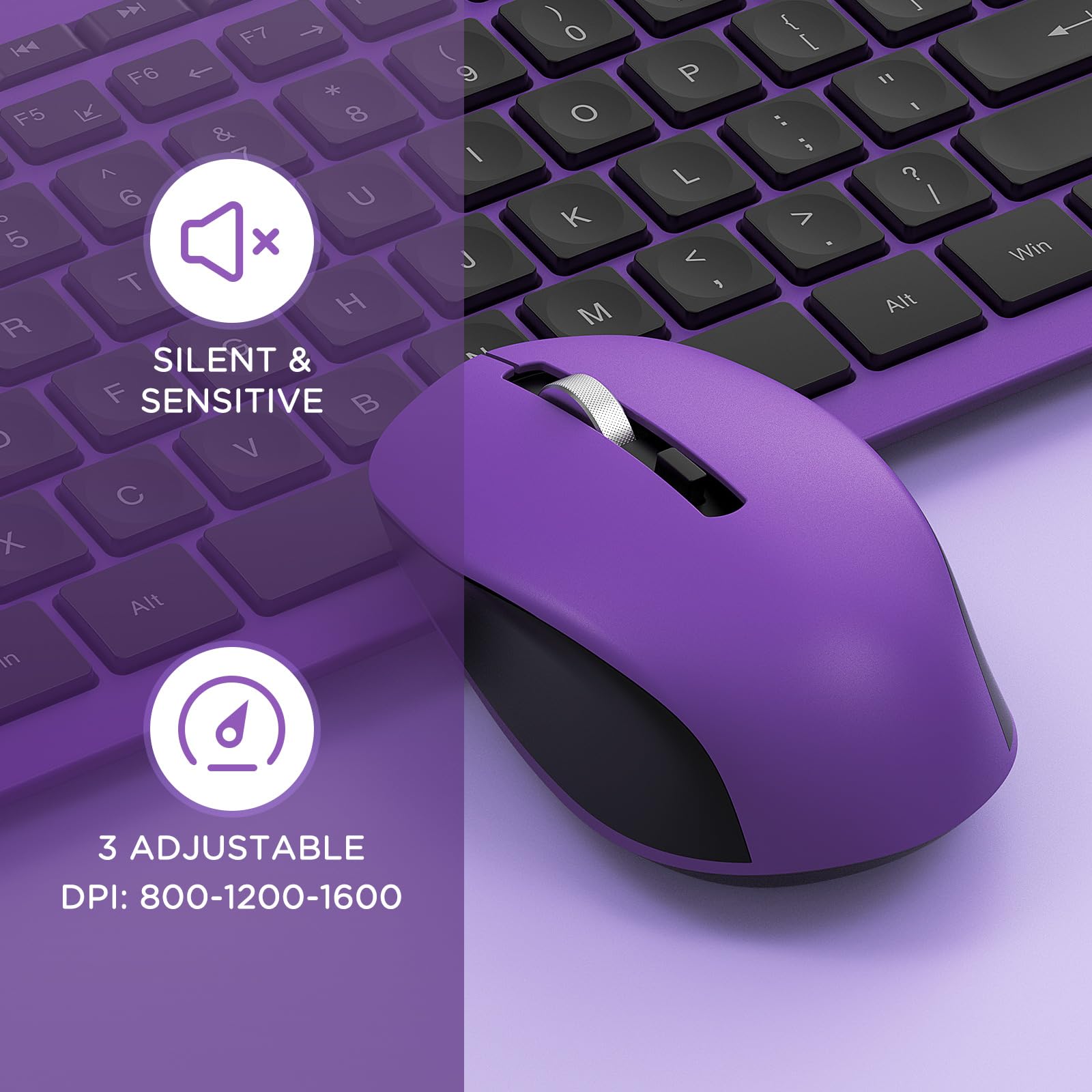
Image: A close-up of the mouse, highlighting its silent operation and the 3 adjustable DPI settings (800-1200-1600).
6. പരിപാലനം
To ensure the longevity and optimal performance of your seenda Wireless Keyboard and Mouse Combo, follow these maintenance guidelines:
- വൃത്തിയാക്കൽ: Use a soft, dry cloth to wipe down the surfaces of the keyboard and mouse. For stubborn dirt, slightly dampവെള്ളം അല്ലെങ്കിൽ നേരിയ ക്ലീനിംഗ് ലായനി ഉപയോഗിച്ച് തുണി തുടയ്ക്കുക. കഠിനമായ രാസവസ്തുക്കളോ ഉരച്ചിലുകളോ ഉള്ള വസ്തുക്കൾ ഉപയോഗിക്കുന്നത് ഒഴിവാക്കുക.
- ബാറ്ററി മാറ്റിസ്ഥാപിക്കൽ: When the keyboard or mouse performance degrades (e.g., delayed response, erratic movement), it's time to replace the batteries. Open the battery compartments and replace the old batteries with fresh AA batteries, ensuring correct polarity.
- സംഭരണം: When not in use for extended periods, it is recommended to turn off the mouse to conserve battery life. Store the combo in a cool, dry place away from direct sunlight and extreme temperatures.
- USB റിസീവർ: Keep the USB receiver in a safe place when not plugged into your computer. It can be stored inside the mouse battery compartment for safekeeping during travel or storage.
7. പ്രശ്നപരിഹാരം
If you encounter any issues with your seenda Wireless Keyboard and Mouse Combo, please refer to the following common solutions:
- No Connection / Not Responding:
- നിങ്ങളുടെ കമ്പ്യൂട്ടറിലെ പ്രവർത്തിക്കുന്ന ഒരു USB പോർട്ടിലേക്ക് USB റിസീവർ സുരക്ഷിതമായി പ്ലഗ് ചെയ്തിട്ടുണ്ടെന്ന് ഉറപ്പാക്കുക. മറ്റൊരു USB പോർട്ട് പരീക്ഷിക്കുക.
- കീബോർഡിലെയും മൗസിലെയും ബാറ്ററികൾ പരിശോധിക്കുക. അവ കുറവാണെങ്കിൽ അല്ലെങ്കിൽ തീർന്നുപോയാൽ അവ മാറ്റിസ്ഥാപിക്കുക.
- Make sure the mouse's power switch is in the 'ON' position.
- റേഞ്ച് പ്രശ്നങ്ങൾ ഒഴിവാക്കാൻ കീബോർഡും മൗസും USB റിസീവറിന് അടുത്തേക്ക് നീക്കുക.
- നിങ്ങളുടെ കമ്പ്യൂട്ടർ പുനരാരംഭിക്കുക.
- ലാഗിംഗ് അല്ലെങ്കിൽ ഇടവിട്ടുള്ള കണക്ഷൻ:
- Ensure there are no large metal objects or other wireless devices (like Wi-Fi routers, cordless phones) operating too close to the receiver, which might cause interference.
- Replace batteries, even if they seem to have some charge left.
- Mouse Cursor Erratic or Not Moving Smoothly:
- മൗസിന്റെ അടിവശത്തുള്ള ഒപ്റ്റിക്കൽ സെൻസർ വൃത്തിയാക്കുക.
- Ensure you are using the mouse on a suitable surface (non-reflective, non-transparent). A mouse pad is recommended.
- കഴ്സർ വളരെ സെൻസിറ്റീവ് ആണെങ്കിൽ DPI ക്രമീകരണം താഴ്ന്ന മൂല്യത്തിലേക്ക് ക്രമീകരിക്കുക.
- Keys Not Registering / Sticky Keys:
- Check for debris under the keys and clean the keyboard.
- കീബോർഡ് ബാറ്ററികൾ മാറ്റിസ്ഥാപിക്കുക.
If the problem persists after trying these steps, please contact seenda customer support for further assistance.
8 സ്പെസിഫിക്കേഷനുകൾ
| ഫീച്ചർ | വിശദാംശങ്ങൾ |
|---|---|
| ബ്രാൻഡ് | സീൻഡ |
| മോഡൽ നമ്പർ | B0BXWLFXPR |
| നിറം | കറുപ്പും പർപ്പിളും |
| കണക്റ്റിവിറ്റി ടെക്നോളജി | Radio Frequency, USB (2.4GHz Wireless) |
| പ്രത്യേക സവിശേഷതകൾ | Ergonomic, Full Size, Comfortable, Quiet Typing, Adjustable DPI |
| അനുയോജ്യമായ ഉപകരണങ്ങൾ | Laptop, Computer, PC, Desktop, Notebook |
| ഇനത്തിൻ്റെ ഭാരം | 1.94 പൗണ്ട് |
| പാക്കേജ് അളവുകൾ | 17.63 x 5.98 x 2.32 ഇഞ്ച് |
| ആദ്യ തീയതി ലഭ്യമാണ് | 10 മാർച്ച് 2023 |
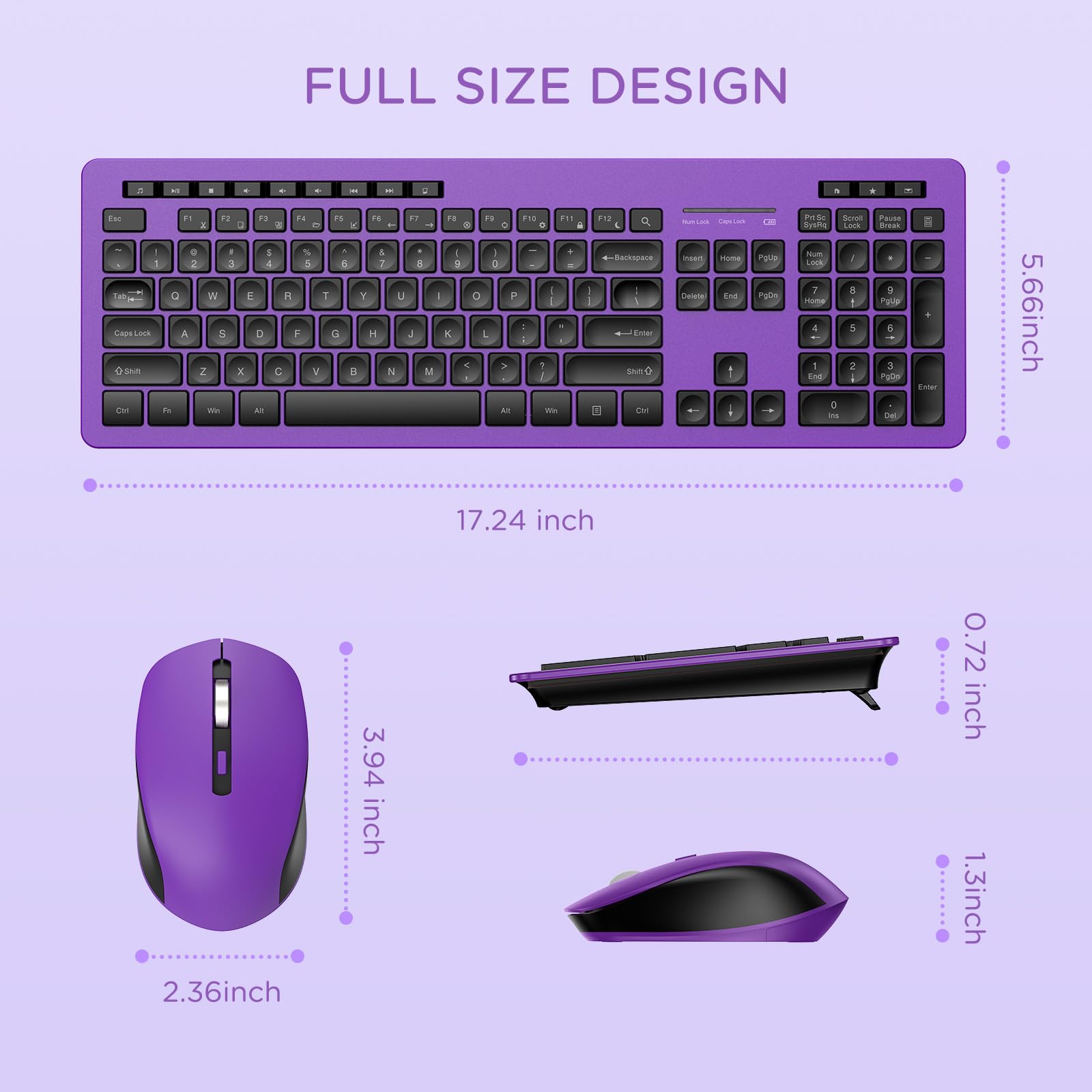
Image: A diagram showing the full size design of the keyboard and mouse with their respective dimensions in inches.
9. വാറൻ്റിയും പിന്തുണയും
seenda products are manufactured with high-quality standards. For information regarding warranty coverage, please refer to the product packaging or the official seenda website. If you require technical support or have any questions not covered in this manual, please contact seenda customer service through the retailer's platform or the brand's official support channels.
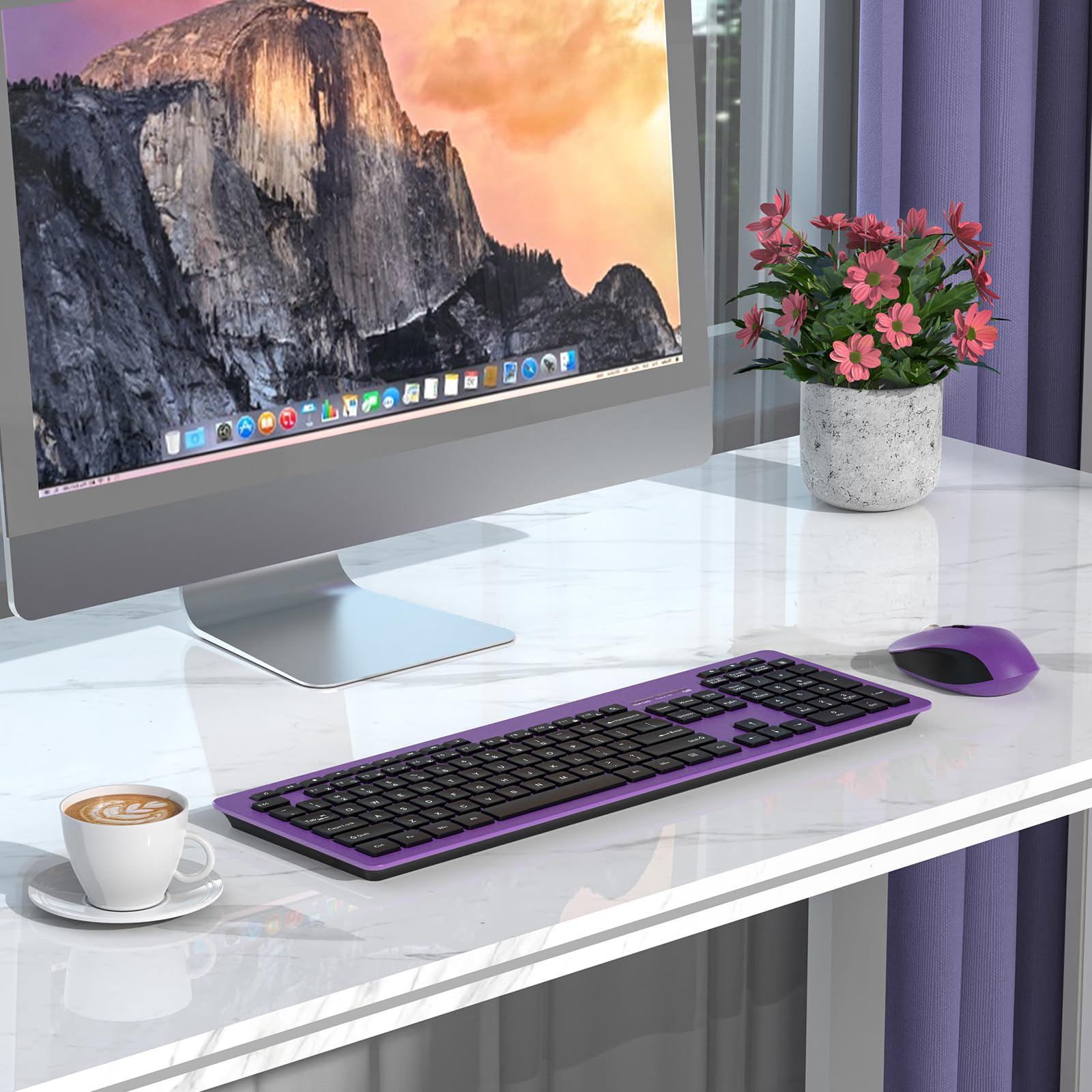
Image: The seenda wireless keyboard and mouse combo set up on a desk next to a computer monitor, demonstrating its use in a typical workspace.


