1. ആമുഖം
Thank you for choosing the Accutime Super Mario Light-Up Digital Watch. This officially licensed timepiece is designed for children and features a clear digital display and an exciting LED light-up function. This manual provides essential information to ensure proper use and care of your watch.
2 സുരക്ഷാ വിവരങ്ങൾ
ഉപയോഗിക്കുന്നതിന് മുമ്പ് എല്ലാ സുരക്ഷാ മുന്നറിയിപ്പുകളും വായിക്കുക.
- ശ്വാസംമുട്ടൽ അപകടം: ചെറിയ ഭാഗങ്ങൾ അടങ്ങിയിരിക്കുന്നു. 3 വയസ്സിന് താഴെയുള്ള കുട്ടികൾക്ക് അനുയോജ്യമല്ല.
- ഈ ഉൽപ്പന്നം കളിപ്പാട്ടമല്ല.
- The watch contains a mercury-free battery. Do not dispose of batteries in fire; batteries may explode or leak.
- Do not attempt to replace the battery yourself. Send the watch to a service center for battery replacement.
- വാച്ച് ആണ് NOT WATER-RESISTANT. Discontinue use if immersed in water.
- Do not wear the watch if the case back is missing or disassembled.
- 6 വയസും അതിൽ കൂടുതലുമുള്ളവർക്ക് ശുപാർശ ചെയ്തിരിക്കുന്നു.
3. പാക്കേജ് ഉള്ളടക്കം
- Accutime Super Mario Light-Up Digital Watch (Model GSM4198AZ)
- Decorative Super Mario Tin Case
4. ഉൽപ്പന്നം കഴിഞ്ഞുview
The Accutime Super Mario Digital Watch features a vibrant design with Super Mario characters and a clear LCD digital display. It includes three control buttons located on the right side of the watch case.

ചിത്രം 4.1: ഫ്രണ്ട് view of the Accutime Super Mario Digital Watch, showing Mario jumping and the digital time "6:27". The watch has a red bezel and a blue strap with yellow question mark blocks.
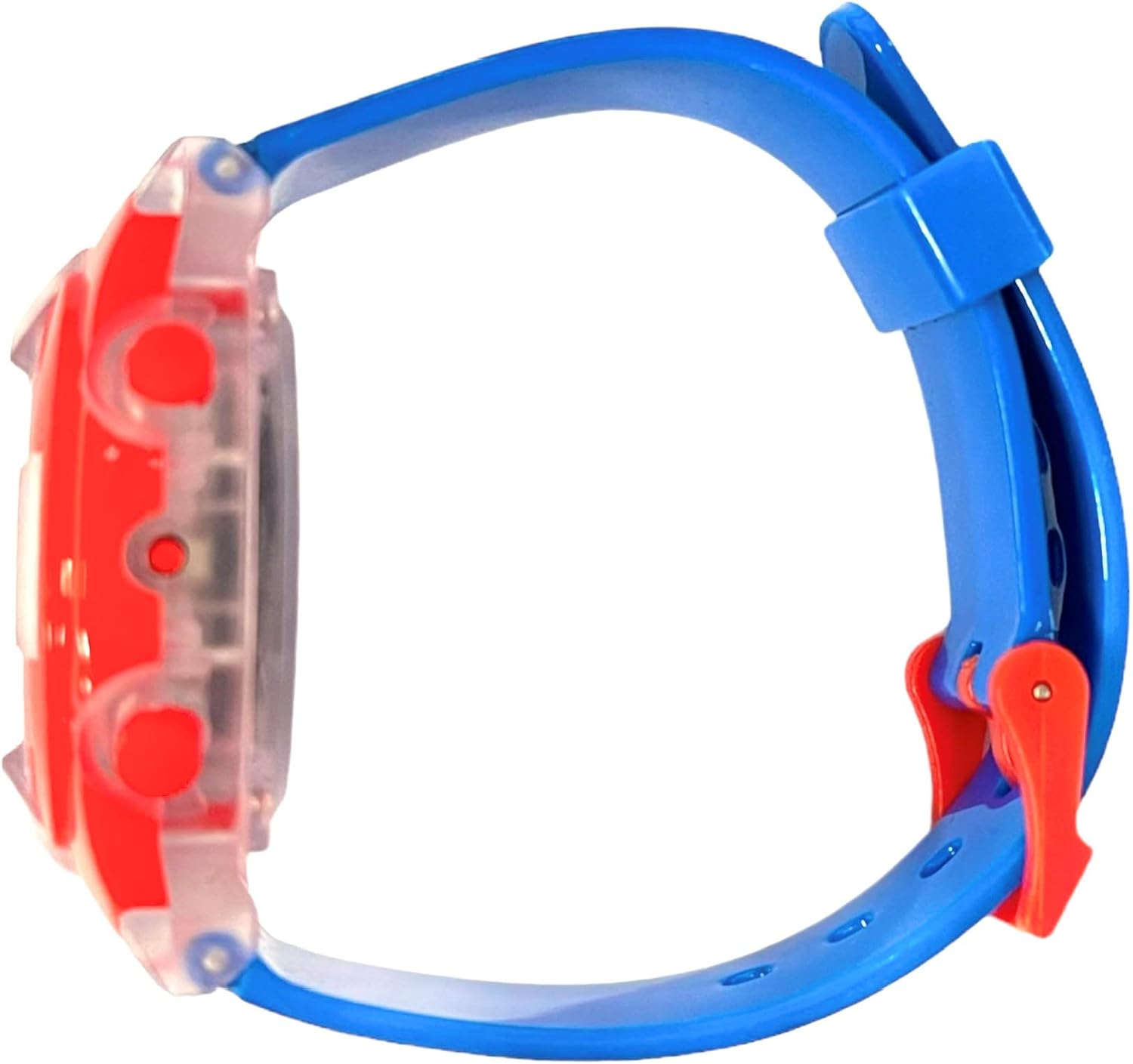
ചിത്രം 4.2: സൈഡ് പ്രോfile of the Accutime Super Mario Digital Watch, showing the thickness of the watch case and the blue strap. Three red buttons are visible on the right side of the watch case.
ബട്ടൺ പ്രവർത്തനങ്ങൾ:
- ടോപ്പ് ബട്ടൺ: Activates the LED light-up function.
- Middle Button (Mode): Cycles through display modes (Time, Date) and enters setting mode.
- Bottom Button (Set/Adjust): Adjusts values when in setting mode.
5. സജ്ജീകരണം: സമയവും തീയതിയും സജ്ജമാക്കുക
To set the time and date on your digital watch, follow these steps:
- സാധാരണ സമയ ഡിസ്പ്ലേയിൽ നിന്ന്, അമർത്തുക Middle Button (Mode) repeatedly until the hour digits begin to flash. This indicates you are in setting mode.
- While the hour digits are flashing, press the Bottom Button (Set/Adjust) to advance the hour. Pressing it once will increase the hour by one.
- അമർത്തുക Middle Button (Mode) again to move to the minute digits. The minute digits will begin to flash.
- അമർത്തുക Bottom Button (Set/Adjust) മിനിറ്റ് മുന്നോട്ട് കൊണ്ടുപോകാൻ.
- അമർത്തുന്നത് തുടരുക Middle Button (Mode) to cycle through other settings such as month, day, and year, adjusting each with the Bottom Button (Set/Adjust) ആവശ്യാനുസരണം.
- എല്ലാ ക്രമീകരണങ്ങളും ശരിയായ ശേഷം, Middle Button (Mode) one last time to exit setting mode and return to the normal time display.
6. വാച്ച് പ്രവർത്തിപ്പിക്കൽ
Viewസമയവും തീയതിയും:
In normal operating mode, the watch displays the current time. Press the Middle Button (Mode) ഒരിക്കൽ view the date (month and day). Press it again to return to the time display.
Using the Light-Up Function:
To activate the multi-color LED light-up function, press the ടോപ്പ് ബട്ടൺ. The lights will illuminate the watch face for a few seconds, then automatically turn off.
7. പരിപാലനം
വൃത്തിയാക്കൽ:
To clean your watch, gently wipe it with a soft, dry cloth. Avoid using harsh chemicals or abrasive materials, as these can damage the watch's finish or display.
ബാറ്ററി വിവരങ്ങൾ:
The watch is powered by a pre-installed, mercury-free battery. This battery is not user-replaceable. If the watch stops functioning, please refer to the Warranty and Support section for service options. Attempting to replace the battery yourself may damage the watch and void the warranty.
വാട്ടർ എക്സ്പോഷർ:
This watch is not water-resistant. Avoid exposing it to water, including rain, splashes, or immersion. Water damage is not covered under warranty.
8. പ്രശ്നപരിഹാരം
- Display is blank or flickering: The battery may be low or depleted. Contact customer support for service.
- സമയം തെറ്റാണ്: Refer to Section 5, "Setup: Setting Time and Date," to reset the time.
- Light-up function not working: Ensure the Top Button is pressed firmly. If it still does not work, the battery may be low, or there may be an internal issue. Contact customer support.
- ബട്ടണുകൾ പ്രതികരിക്കുന്നില്ല: Check for any debris or obstruction around the buttons. If the issue persists, contact customer support.
9 സ്പെസിഫിക്കേഷനുകൾ
- മോഡൽ നമ്പർ: GSM4198AZ
- നിർമ്മാതാവ്: അക്യുടൈം വാച്ച് കോർപ്പറേഷൻ.
- വകുപ്പ്: Girls (suitable for children aged 6 and up)
- പാക്കേജ് അളവുകൾ: 3.19 x 3.03 x 3.03 ഇഞ്ച്
- ഇനത്തിൻ്റെ ഭാരം: 1 ഔൺസ്
- ആദ്യം ലഭ്യമായ തീയതി: 28 മാർച്ച് 2023

ചിത്രം 9.1: Close-up of the warning label on the back of the watch's tin case, detailing safety information, choking hazards, battery warnings, and manufacturer details.
10. വാറൻ്റിയും പിന്തുണയും
വാറൻ്റി:
Your Accutime Super Mario Light-Up Digital Watch is covered by a ഒരു വർഷത്തെ വാറൻ്റി from the date of purchase. This warranty covers manufacturing defects. It does not cover damage resulting from misuse, accidents, unauthorized repairs, or water exposure.
ഉപഭോക്തൃ പിന്തുണ:
For warranty claims, technical assistance, or battery replacement services, please contact Accutime Watch Corp. at the following address:
അക്യുടൈം വാച്ച് കോർപ്പറേഷൻ.1001 Ave of the Americas
ന്യൂയോർക്ക്, NY 10018
വാറന്റി സാധൂകരണത്തിനായി നിങ്ങളുടെ വാങ്ങിയതിന്റെ തെളിവ് സൂക്ഷിക്കുക.


