ആമുഖം
This manual provides detailed instructions for the safe and effective use of your Dreamegg D11 Max Portable Sound Therapy Machine. Please read this guide thoroughly before operating the device and retain it for future reference.
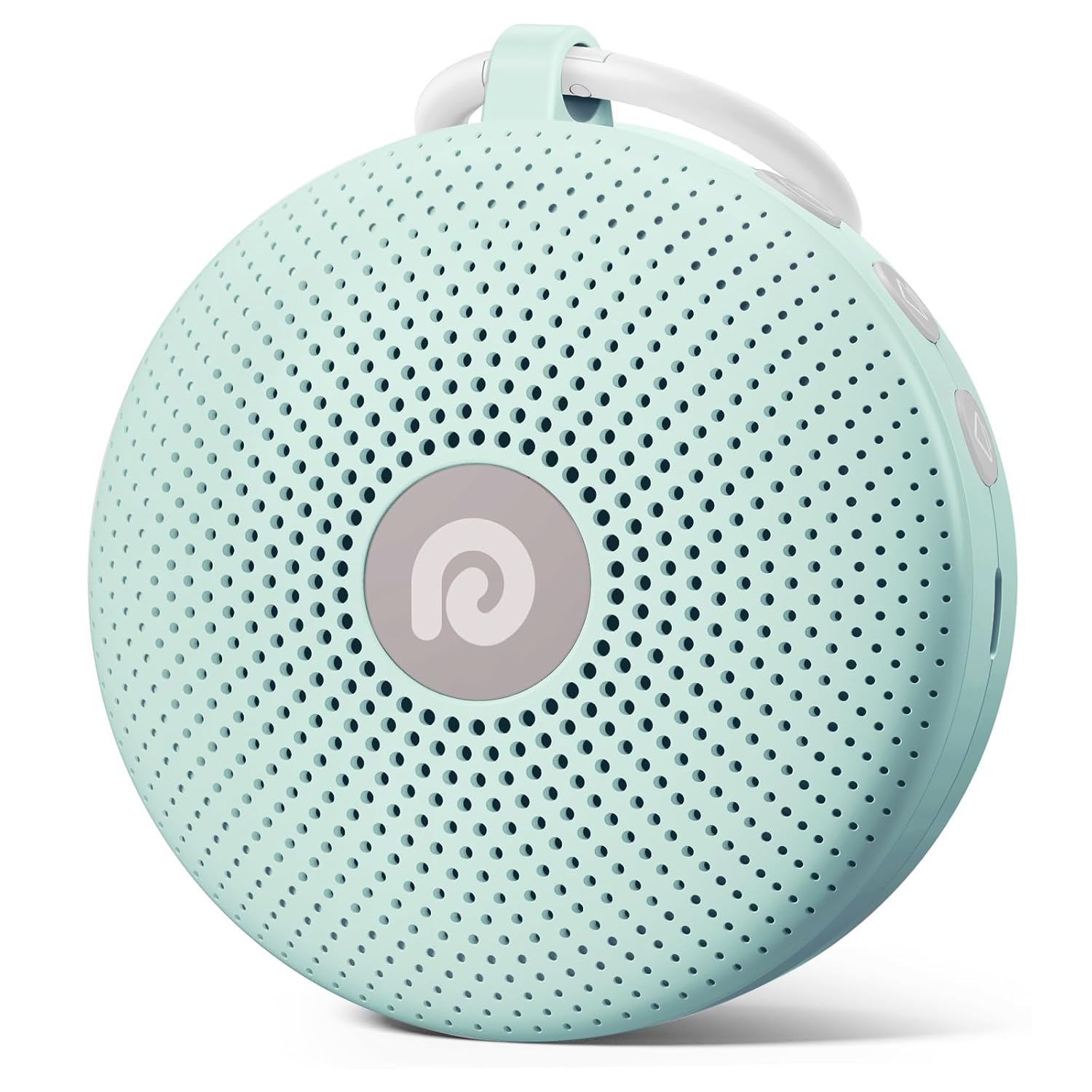
Image: The Dreamegg D11 Max Portable Sound Therapy Machine in its mint green color, featuring a circular design with a speaker grille and control buttons on the side.
സുരക്ഷാ വിവരങ്ങൾ
For safe operation, this battery-powered noise machine should be kept out of reach of children due to risk of electric shock and is not intended as a toy. Always follow voltage/power requirements and observe noise exposure limits.
പാക്കേജ് ഉള്ളടക്കം
താഴെ പറയുന്ന ഇനങ്ങൾക്കായി ബോക്സ് ചെക്ക് ചെയ്യുക:
- Dreamegg D11 Max Sound Therapy Machine
- ടൈപ്പ്-സി ചാർജിംഗ് കേബിൾ
- ഉപയോക്തൃ മാനുവൽ
ഉൽപ്പന്നം കഴിഞ്ഞുview
The Dreamegg D11 Max is a compact and powerful sound therapy machine designed to promote restful sleep and relaxation for both babies and adults. It features a robust 1800mAh rechargeable battery, a selection of 21 soothing sounds, customizable timers, and a child-lock function for safety.

Image: A visual representation of the 21 soothing sound categories available on the device, including white noise, baby sounds, and nature sounds.
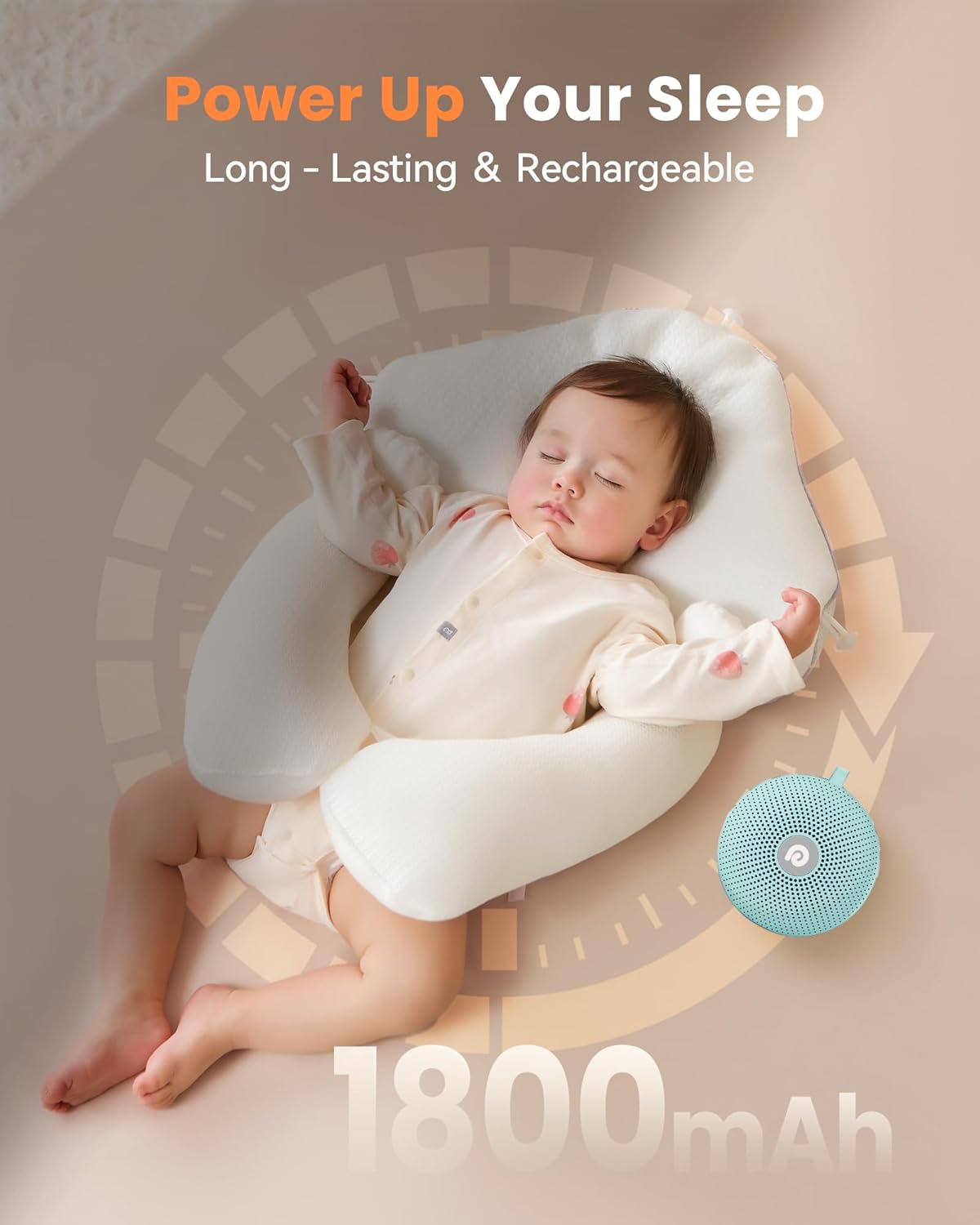
Image: A sleeping baby next to the sound machine, emphasizing the long-lasting 1800mAh battery for uninterrupted sleep.
സജ്ജമാക്കുക
- ഉപകരണം ചാർജ് ചെയ്യുന്നു: Before first use, fully charge the Dreamegg D11 Max using the provided Type-C charging cable. Connect the cable to the device's charging port and a compatible USB power adapter (not included). The charging indicator will show the charging status.
- പവർ ഓൺ: Press and hold the power button (usually marked with a power symbol) to turn on the machine.
ഓപ്പറേഷൻ
1. പവർ ഓൺ/ഓഫ്
- ഓണാക്കാൻ, പവർ ബട്ടൺ അമർത്തിപ്പിടിക്കുക.
- ഓഫാക്കാൻ, പവർ ബട്ടൺ വീണ്ടും അമർത്തിപ്പിടിക്കുക.
2. Sound Selection
The device offers 21 soothing sounds. Use the sound selection buttons (often labeled with icons for different sound categories) to cycle through the available options:
- വെളുത്ത ശബ്ദം: 6 variations.
- Baby Sounds: 7 variations, including lullabies and shushing sounds.
- പ്രകൃതി ശബ്ദങ്ങൾ: 8 variations, such as ocean, rain, thunderstorm, and campതീ.

Image: A comprehensive list of all 21 sound options, categorized for easy selection.
3. വോളിയം അഡ്ജസ്റ്റ്മെൻ്റ്
Use the volume up (+) and volume down (-) buttons to adjust the sound level. The device offers a wide range of volume levels (0 to 85 dB) to effectively mask disturbing noises.

ചിത്രം: ഒരു ക്ലോസ്-അപ്പ് view of the volume control buttons and an indicator showing the extensive volume range.
4. ടൈമർ ക്രമീകരണങ്ങൾ
The Dreamegg D11 Max includes customizable timer options. Press the timer button to set the device to play for 30, 60, or 90 minutes. You can also select continuous play mode.

Image: A user setting the timer on the sound machine, with visual cues for 30, 60, and 90-minute options.
5. ചൈൽഡ് ലോക്ക് ഫംഗ്ഷൻ
Activate the child lock feature to prevent accidental changes to settings, ensuring uninterrupted sleep or relaxation. Refer to the device's specific button combination for activating/deactivating the child lock.

Image: A baby interacting with the sound machine, illustrating the importance of the child lock feature.
6. മെമ്മറി പ്രവർത്തനം
The Dreamegg D11 Max automatically remembers your last sound and volume settings, providing a consistent and habitual sleep environment without needing to reconfigure it each time.

Image: A mother and baby sleeping soundly, representing the convenience of the memory function.
Portability and Travel
The compact and lightweight design of the Dreamegg D11 Max makes it an ideal companion for travel. Its integrated lanyard and loop allow for easy attachment to strollers, car seats, or luggage, ensuring soothing sounds are always available on the go.
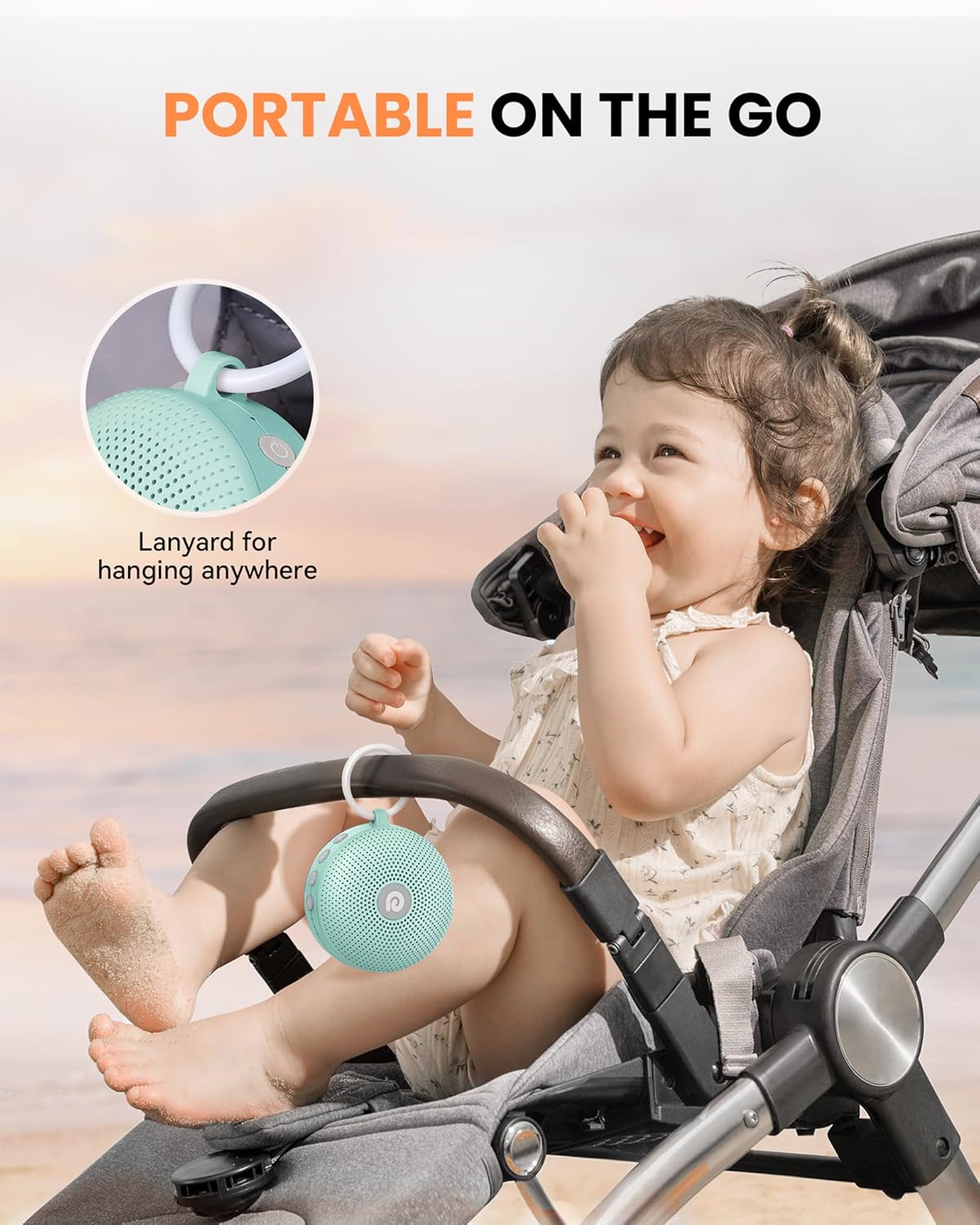
Image: The sound machine attached to a baby stroller, highlighting its portability for outdoor adventures.
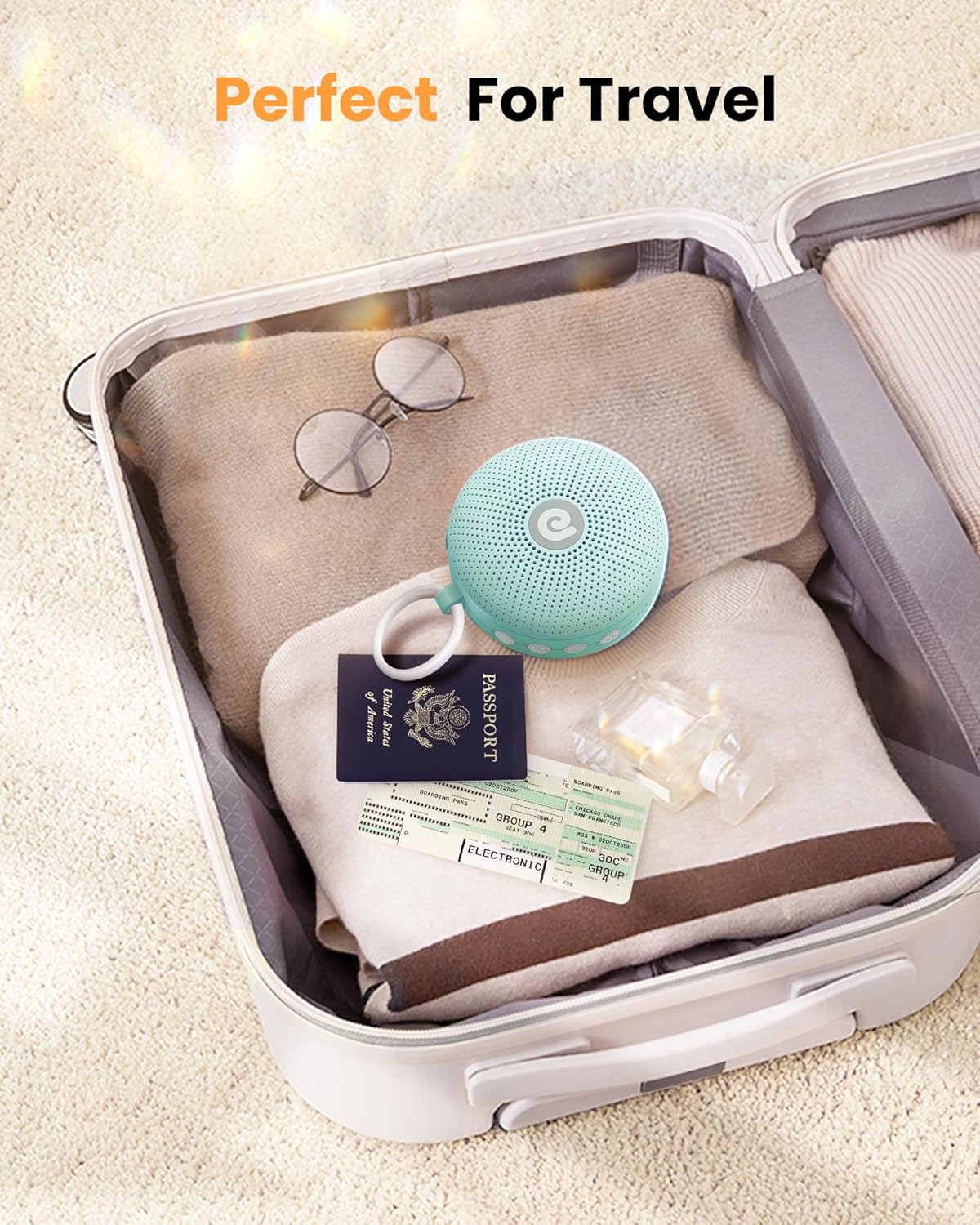
Image: The compact sound machine neatly packed inside a travel suitcase, ready for a trip.
മെയിൻ്റനൻസ്
To ensure the longevity and optimal performance of your Dreamegg D11 Max, follow these simple maintenance guidelines:
- വൃത്തിയാക്കൽ: മൃദുവായതും ഉണങ്ങിയതുമായ തുണി ഉപയോഗിച്ച് ഉപകരണം തുടയ്ക്കുക. ലിക്വിഡ് ക്ലീനറുകളോ ഉരച്ചിലുകളുള്ള വസ്തുക്കളോ ഉപയോഗിക്കരുത്.
- സംഭരണം: ദീർഘനേരം ഉപയോഗിക്കാത്തപ്പോൾ, നേരിട്ടുള്ള സൂര്യപ്രകാശത്തിൽ നിന്നും കടുത്ത താപനിലയിൽ നിന്നും മാറി തണുത്തതും വരണ്ടതുമായ സ്ഥലത്ത് ഉപകരണം സൂക്ഷിക്കുക.
- ബാറ്ററി കെയർ: To maintain battery health, avoid fully discharging the battery frequently. Charge it regularly, even if not in constant use.
ട്രബിൾഷൂട്ടിംഗ്
If you encounter any issues with your Dreamegg D11 Max, please refer to the following common solutions:
| പ്രശ്നം | സാധ്യമായ കാരണം | പരിഹാരം |
|---|---|---|
| ഉപകരണം ഓണാക്കുന്നില്ല | ബാറ്ററി കുറവാണ് അല്ലെങ്കിൽ ചാർജ് ഇല്ല | Charge the device using the Type-C cable. Ensure the charging cable and adapter are working correctly. |
| ശബ്ദ ഔട്ട്പുട്ട് ഇല്ല | ശബ്ദം വളരെ കുറവാണ് അല്ലെങ്കിൽ മ്യൂട്ട് ചെയ്തിരിക്കുന്നു | Increase the volume using the '+' button. Ensure a sound is selected. |
| അപ്രതീക്ഷിതമായി ശബ്ദം മുറിഞ്ഞു | ടൈമർ സജീവമാക്കി അല്ലെങ്കിൽ കുറഞ്ഞ ബാറ്ററി | Check timer settings; set to continuous play if desired. Recharge the device. |
| ബട്ടണുകൾ പ്രതികരിക്കുന്നില്ല | ചൈൽഡ് ലോക്ക് സജീവമാണ് | Deactivate the child lock feature. |
If the problem persists, please contact Dreamegg customer support.
സ്പെസിഫിക്കേഷനുകൾ
| ഫീച്ചർ | വിശദാംശങ്ങൾ |
|---|---|
| മോഡലിൻ്റെ പേര് | HFD-D11 Max |
| ഉൽപ്പന്ന അളവുകൾ | 4 x 3.7 x 1.8 ഇഞ്ച് |
| ഇനത്തിൻ്റെ ഭാരം | 10.8 ഔൺസ് |
| പവർ ഉറവിടം | ബാറ്ററി പവർ |
| ബാറ്ററി തരം | 1 ലിഥിയം അയോൺ ബാറ്ററി (ഉൾപ്പെടുത്തിയിരിക്കുന്നു) |
| ബാറ്ററി ശേഷി | 1800mAh |
| ശബ്ദ ഓപ്ഷനുകൾ | 21 (White Noise, Baby Sounds, Nature Sounds) |
| വോളിയം ശ്രേണി | 0 മുതൽ 85 ഡിബി വരെ |
| നിറം | മിൻ്റ് ഗ്രീൻ |
വാറൻ്റിയും പിന്തുണയും
For warranty information, product registration, or technical support, please visit the official Dreamegg website or contact their customer service department. Details can typically be found on the product packaging or the official brand webസൈറ്റ്.
ഓൺലൈൻ പിന്തുണ: Visit the Dreamegg Store on Amazon


