ആമുഖം
This manual provides essential information for setting up, operating, maintaining, and troubleshooting your Vodafone 4G Mobile Broadband Hotspot R228t. Please read this manual carefully before using the device to ensure optimal performance and safety.

ചിത്രം: മുൻഭാഗം view of the Vodafone 4G Mobile Broadband Hotspot R228t, showing the indicator lights for signal, Wi-Fi, messages, and battery.
സജ്ജീകരണ ഗൈഡ്
1. പാക്കേജ് ഉള്ളടക്കം
ആരംഭിക്കുന്നതിന് മുമ്പ്, പാക്കേജിൽ എല്ലാ ഇനങ്ങളും ഉണ്ടെന്ന് ഉറപ്പാക്കുക:
- Vodafone 4G Mobile Broadband Hotspot R228t Device
- റീചാർജ് ചെയ്യാവുന്ന ബാറ്ററി
- യുഎസ്ബി ചാർജിംഗ് കേബിൾ
2. സിം കാർഡും ബാറ്ററിയും ചേർക്കൽ
The device requires a standard SIM card (not included). Follow these steps:
- ഹോട്ട്സ്പോട്ടിന്റെ പിൻ കവർ ശ്രദ്ധാപൂർവ്വം നീക്കം ചെയ്യുക.
- Locate the SIM card slot. Insert your activated SIM card into the slot with the gold contacts facing down, ensuring it clicks into place.
- Insert the provided battery into its compartment, aligning the contacts.
- പിൻ കവർ സുരക്ഷിതമായി മാറ്റുക.
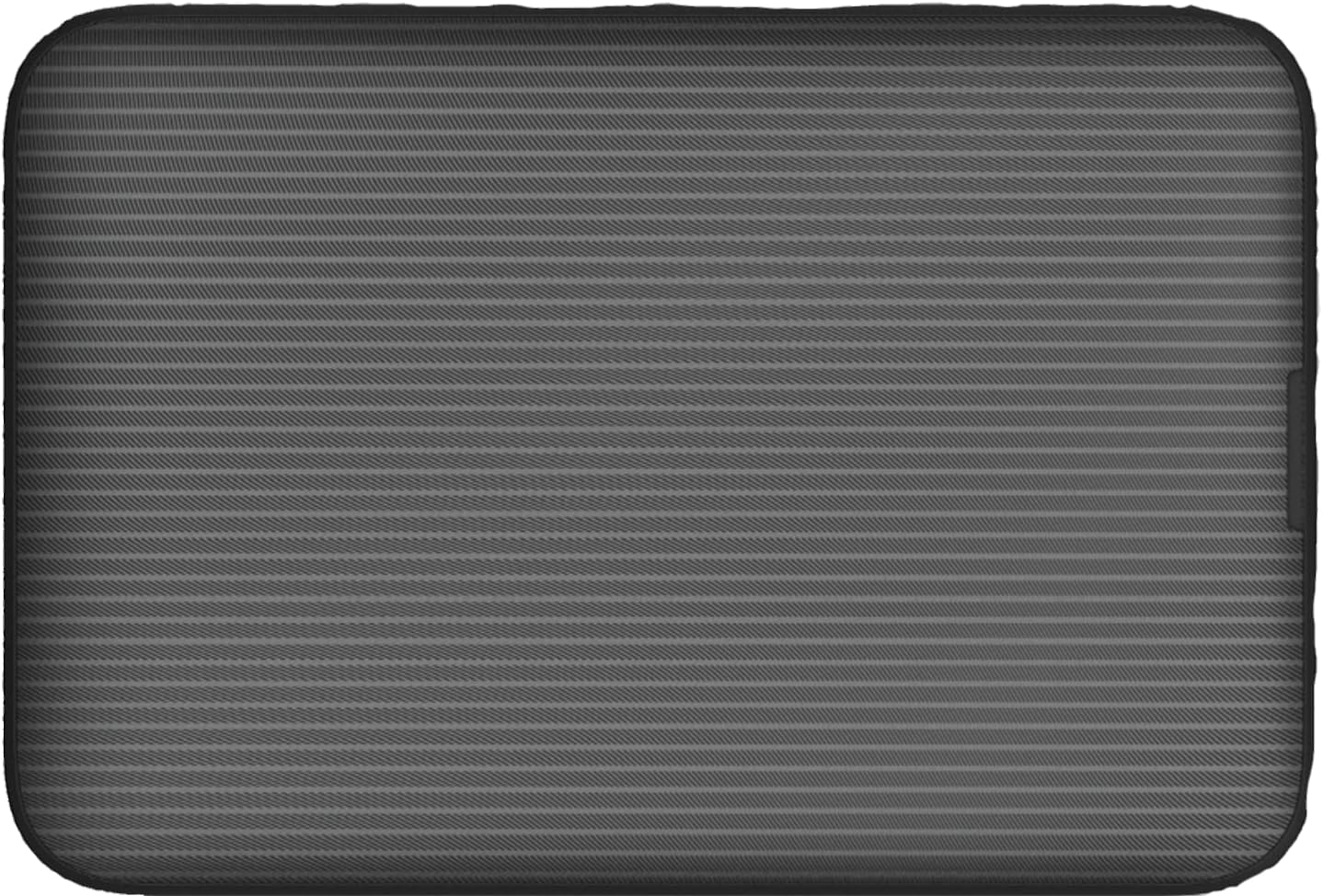
ചിത്രം: പിൻഭാഗം view of the Vodafone R228t hotspot with the back cover removed, illustrating the placement of the SIM card and battery.
3 ഉപകരണം ചാർജ് ചെയ്യുന്നു
ആദ്യ ഉപയോഗത്തിന് മുമ്പ്, ഉപകരണം പൂർണ്ണമായും ചാർജ് ചെയ്യുക.
- ഹോട്ട്സ്പോട്ടിന്റെ ചാർജിംഗ് പോർട്ടിലേക്ക് USB ചാർജിംഗ് കേബിൾ ബന്ധിപ്പിക്കുക.
- കേബിളിന്റെ മറ്റേ അറ്റം ഒരു USB പവർ അഡാപ്റ്ററുമായി (ഉൾപ്പെടുത്തിയിട്ടില്ല) അല്ലെങ്കിൽ ഒരു കമ്പ്യൂട്ടറിന്റെ USB പോർട്ടുമായി ബന്ധിപ്പിക്കുക.
- The battery indicator light will show charging status. A full charge typically takes a few hours.

ചിത്രം: ക്ലോസ്-അപ്പ് view of the Vodafone R228t hotspot's charging port, located on the side of the device.
പ്രവർത്തന നിർദ്ദേശങ്ങൾ
1. പവർ ഓൺ/ഓഫ്
- To power on: Press and hold the power button (located on the side) until the indicator lights illuminate.
- To power off: Press and hold the power button until the indicator lights turn off.
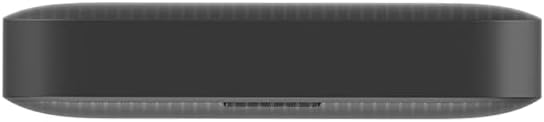
ചിത്രം: വശം view of the Vodafone R228t hotspot, highlighting the power button.
2. Connecting to the Wi-Fi Network
Once powered on, the hotspot will broadcast a Wi-Fi network. You can connect up to 32 devices simultaneously.
- On your device (laptop, smartphone, tablet), open your Wi-Fi settings.
- ഇതിനായി തിരയുക available networks. The network name (SSID) and password (Wi-Fi Key) are typically found on a sticker inside the battery compartment or on the device packaging.
- Select the hotspot's SSID and enter the Wi-Fi Key when prompted.
- Once connected, you should have internet access.
3. ഇൻഡിക്കേറ്റർ ലൈറ്റുകൾ
മുൻ പാനലിൽ നിരവധി ഇൻഡിക്കേറ്റർ ലൈറ്റുകൾ ഉണ്ട്:
- സിഗ്നൽ ശക്തി: Indicates the strength of the 4G mobile signal. More bars mean better signal.
- വൈഫൈ നില: Shows if Wi-Fi is active and if devices are connected.
- സന്ദേശങ്ങൾ: സിം കാർഡിൽ ലഭിച്ച പുതിയ SMS സന്ദേശങ്ങളെ സൂചിപ്പിക്കുന്നു.
- ബാറ്ററി നില: Displays the current battery level and charging status.
4. Web മാനേജ്മെന്റ് ഇന്റർഫേസ്
For advanced settings, such as changing Wi-Fi name/password, checking data usage, or managing SMS, access the web മാനേജ്മെന്റ് ഇന്റർഫേസ്:
- നിങ്ങളുടെ ഉപകരണം ഹോട്ട്സ്പോട്ടിന്റെ വൈഫൈ നെറ്റ്വർക്കിലേക്ക് ബന്ധിപ്പിക്കുക.
- എ തുറക്കുക web ബ്രൗസർ ചെയ്ത് സ്ഥിരസ്ഥിതി IP വിലാസം നൽകുക (ഉദാ. http://192.168.0.1 or http://vodafonemobile.wifi). Refer to your device's sticker for the exact address.
- Enter the default login password (usually "admin" or found on the device sticker).
മെയിൻ്റനൻസ്
- വൃത്തിയാക്കൽ: ഉപകരണം വൃത്തിയാക്കാൻ മൃദുവായതും ഉണങ്ങിയതുമായ തുണി ഉപയോഗിക്കുക. ദ്രാവക ക്ലീനറുകളോ ഉരച്ചിലുകളുള്ള വസ്തുക്കളോ ഒഴിവാക്കുക.
- സംഭരണം: നേരിട്ടുള്ള സൂര്യപ്രകാശത്തിൽ നിന്നും കടുത്ത താപനിലയിൽ നിന്നും മാറി തണുത്തതും വരണ്ടതുമായ സ്ഥലത്ത് ഉപകരണം സൂക്ഷിക്കുക.
- ബാറ്ററി കെയർ: To prolong battery life, avoid fully discharging the battery frequently. If storing for extended periods, charge the battery to about 50% and recharge every few months.
- സോഫ്റ്റ്വെയർ അപ്ഡേറ്റുകൾ: ഇടയ്ക്കിടെ പരിശോധിക്കുക web management interface for available firmware updates to ensure optimal performance and security.
ട്രബിൾഷൂട്ടിംഗ്
| പ്രശ്നം | സാധ്യമായ പരിഹാരം |
|---|---|
| ഇൻ്റർനെറ്റ് കണക്ഷനില്ല |
|
| Wi-Fi-യിലേക്ക് കണക്റ്റുചെയ്യാൻ കഴിയില്ല |
|
| ഇന്റർനെറ്റ് വേഗത കുറവാണ് |
|
| ഉപകരണം ഓണാക്കുന്നില്ല |
|
സ്പെസിഫിക്കേഷനുകൾ
| ഫീച്ചർ | വിശദാംശങ്ങൾ |
|---|---|
| മോഡലിൻ്റെ പേര് | R228t (Vodafone MW40) |
| കണക്റ്റിവിറ്റി ടെക്നോളജി | 4G LTE, Wi-Fi |
| പരമാവധി ഡൗൺലോഡ് വേഗത | 300 Mbps വരെ |
| വൈഫൈ സ്റ്റാൻഡേർഡ് | 802.11a (Single-Band) |
| സുരക്ഷ | WPA + WPA2 |
| പരമാവധി വൈ-ഫൈ ഉപയോക്താക്കൾ | 32 വരെ |
| ബാറ്ററി തരം | ലിഥിയം അയോൺ (1 ഉൾപ്പെടുത്തിയിരിക്കുന്നു) |
| സ്റ്റാൻഡ്ബൈ സമയം | 300 മണിക്കൂർ വരെ |
| അളവുകൾ (L x W x H) | 9.5 x 6.5 x 1.5 സെ.മീ |
| ഭാരം | 87 ഗ്രാം |
| ഉൾപ്പെടുത്തിയ ഘടകങ്ങൾ | Device, Battery, USB charging cable |
വാറൻ്റിയും പിന്തുണയും
For warranty information and technical support, please refer to the official Vodafone website or contact Vodafone customer service. Keep your purchase receipt as proof of purchase.
Official Vodafone Store: Vodafone Amazon Store

Image: The official Vodafone logo, a red circle with a white teardrop shape and the word "vodafone" in lowercase below it.


