ഉൽപ്പന്നം കഴിഞ്ഞുview
The Baseus Bowie EZ10 TWS Earbuds are designed for a seamless audio experience with advanced Bluetooth 5.3 technology. These wireless in-ear headphones offer ultra-low latency, premium sound quality, and extended battery life, making them suitable for various activities including gaming, music listening, and calls. Their compact and ergonomic design ensures a comfortable and secure fit.
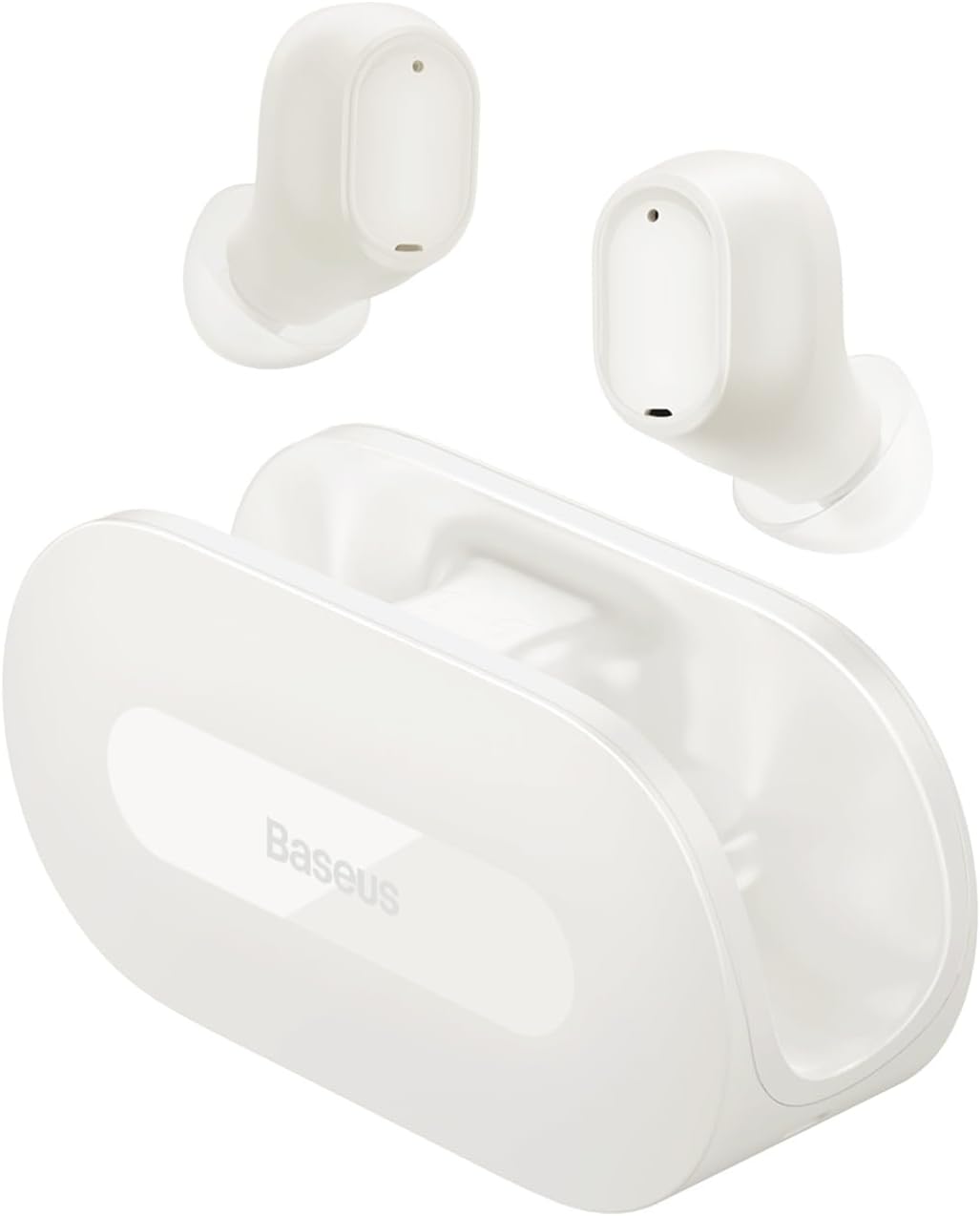
Image: Baseus Bowie EZ10 TWS Earbuds in white, with their open-style charging case. The earbuds are shown resting above the case, highlighting their compact design.
പാക്കേജ് ഉള്ളടക്കം
പാക്കേജിൽ ഇനിപ്പറയുന്ന ഇനങ്ങൾ ഉണ്ടോ എന്ന് പരിശോധിക്കുക:
- Baseus Bowie EZ10 TWS Earbuds (Left and Right)
- ചാർജിംഗ് കേസ്
- യുഎസ്ബി ചാർജിംഗ് കേബിൾ
- Multiple sizes of Ear Tips (S, M, L)
- ഉപയോക്തൃ മാനുവൽ (ഈ പ്രമാണം)
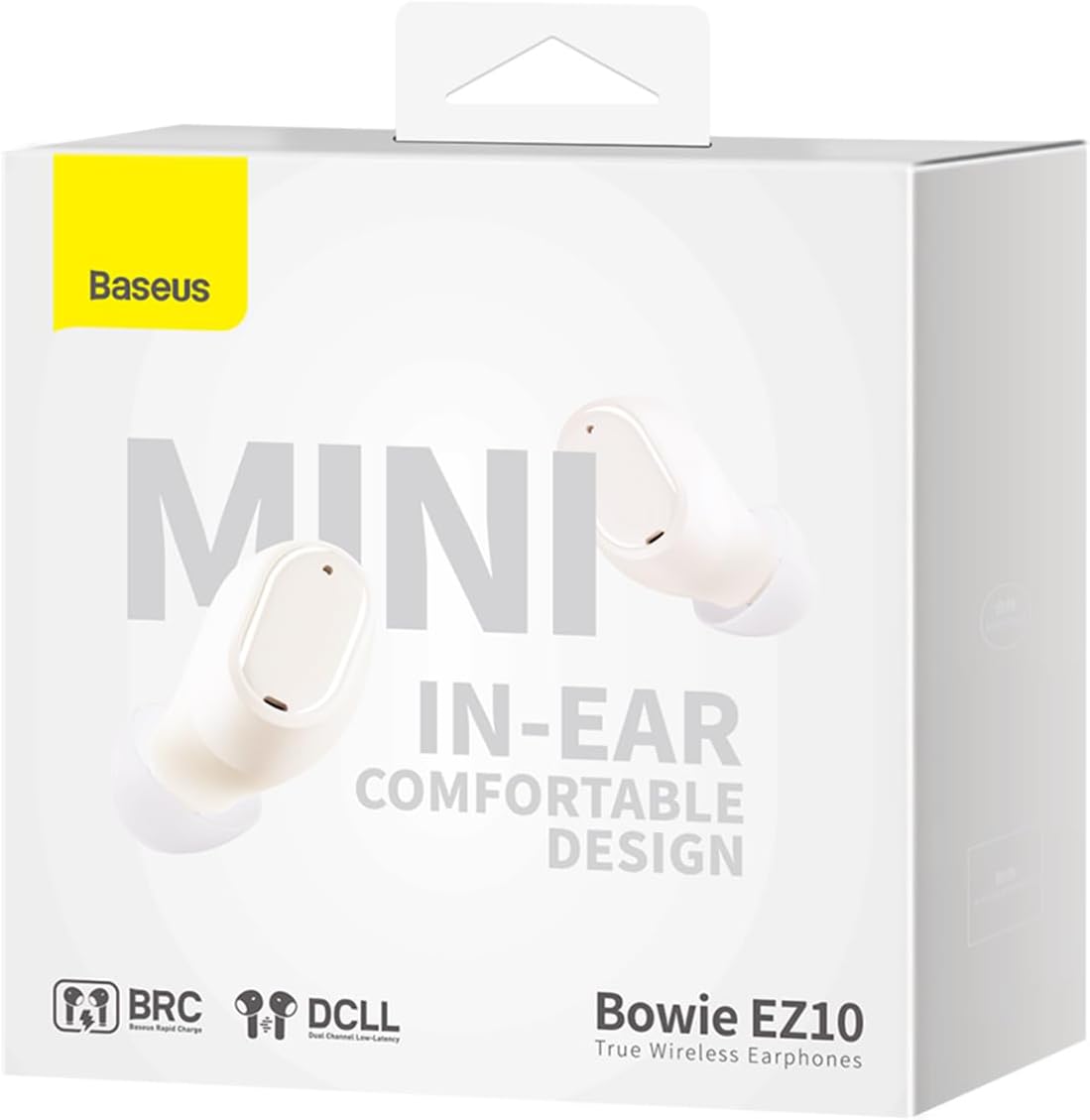
Image: All components included in the Baseus Bowie EZ10 package: the two earbuds, the charging case, a USB-C charging cable, and three pairs of silicone ear tips of different sizes.
സജ്ജമാക്കുക
1. പ്രാരംഭ ചാർജിംഗ്
Before first use, fully charge the earbuds and the charging case. Place the earbuds into the charging case. Connect the USB charging cable to the case and a power source. The indicator light on the case will show charging status.

Image: An illustration showing the Baseus Bowie EZ10 earbuds magnetically snapping into their charging case for power transfer, emphasizing the "Hood-less case with powerful magnets" feature.
2. ഒരു ഉപകരണവുമായി ജോടിയാക്കൽ
- ഇയർബഡുകൾ ചാർജ് ചെയ്തിട്ടുണ്ടെന്നും ചാർജിംഗ് കെയ്സിനുള്ളിലാണെന്നും ഉറപ്പാക്കുക.
- ചാർജിംഗ് കേസ് തുറക്കുക. ഇയർബഡുകൾ സ്വയമേവ ജോടിയാക്കൽ മോഡിലേക്ക് പ്രവേശിക്കും.
- നിങ്ങളുടെ ഉപകരണത്തിൽ (സ്മാർട്ട്ഫോൺ, ടാബ്ലെറ്റ് മുതലായവ), ബ്ലൂടൂത്ത് പ്രവർത്തനക്ഷമമാക്കുക.
- ഇതിനായി തിരയുക "Baseus Bowie EZ10" in the list of available Bluetooth devices.
- Select "Baseus Bowie EZ10" to connect. A voice prompt will confirm successful pairing.

Image: A graphic representation of the Bluetooth 5.3 technology, highlighting its role in providing a fast and stable wireless connection for the earbuds.
3. ഇയർബഡുകൾ ധരിക്കുന്നു
Gently insert the earbuds into your ears. Adjust them to ensure a snug and comfortable fit for optimal sound quality and stability. You may try different sizes of ear tips to find the best fit.
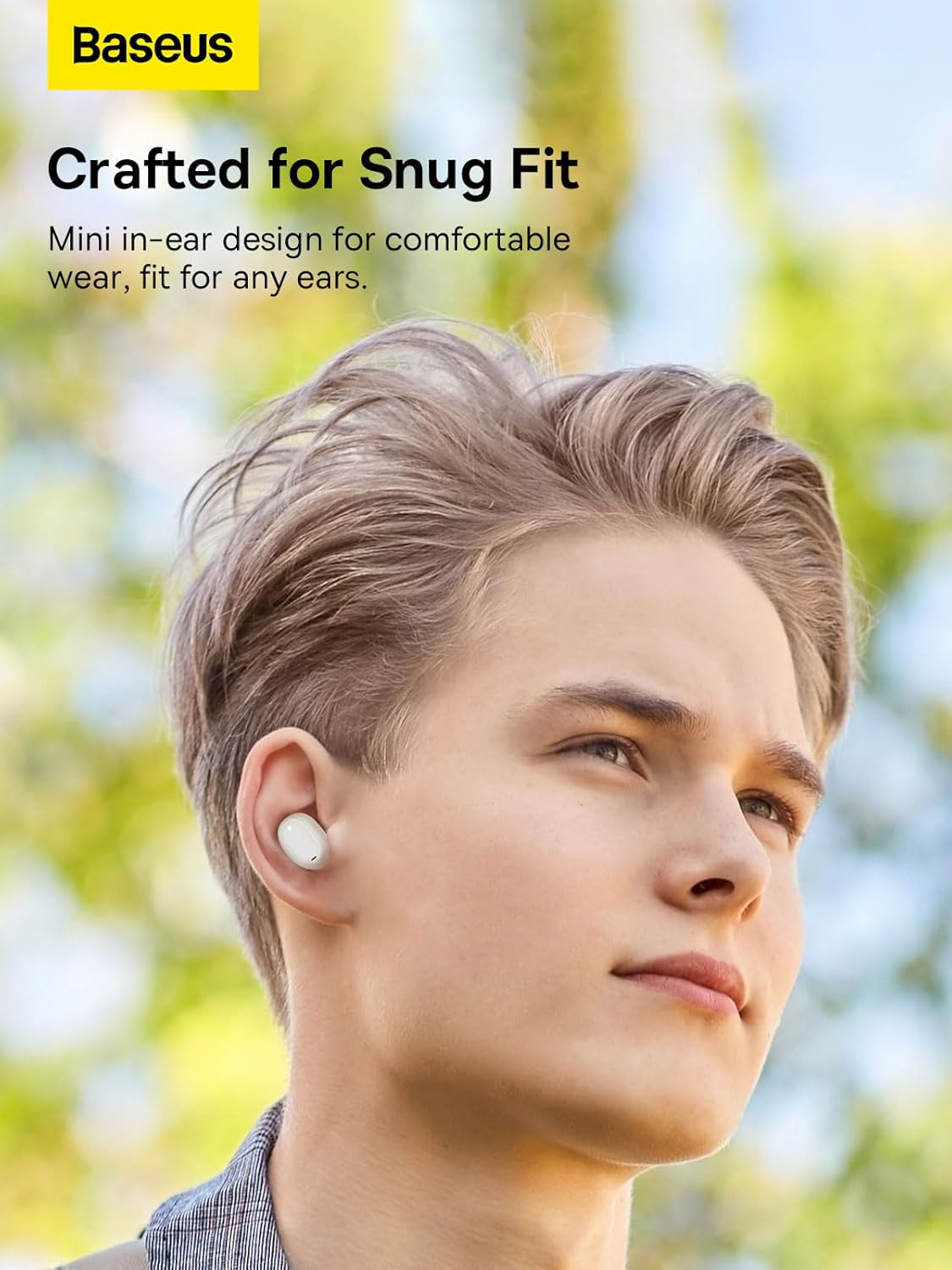
Image: A person wearing one Baseus Bowie EZ10 earbud, demonstrating its mini in-ear design and comfortable fit for daily use.
പ്രവർത്തന നിർദ്ദേശങ്ങൾ
The Baseus Bowie EZ10 earbuds feature intuitive touch controls for various functions.
ടച്ച് നിയന്ത്രണങ്ങൾ:
| ആക്ഷൻ | ഫംഗ്ഷൻ |
|---|---|
| ഒറ്റ ടാപ്പ് (ഇടത്/വലത് ഇയർബഡ്) | സംഗീതം പ്ലേ ചെയ്യുക/താൽക്കാലികമായി നിർത്തുക, കോൾ സ്വീകരിക്കുക/അവസാനിപ്പിക്കുക |
| ഡബിൾ ടാപ്പ് (വലത് ഇയർബഡ്) | അടുത്ത ട്രാക്ക് |
| ഡബിൾ ടാപ്പ് (ഇടത് ഇയർബഡ്) | മുമ്പത്തെ ട്രാക്ക് |
| ട്രിപ്പിൾ ടാപ്പ് (ഇടത്/വലത് ഇയർബഡ്) | വോയ്സ് അസിസ്റ്റൻ്റ് സജീവമാക്കുക |
| Long Press (Left/Right Earbud, 2s) | കോൾ നിരസിക്കുക |
| Long Press (Left/Right Earbud, 3s) | Toggle Gaming Mode (Ultra-Low Latency) |
Gaming Mode (Ultra-Low Latency):
The earbuds feature an ultra-low latency mode, ideal for gaming, reducing audio delay to as low as 0.06 seconds. Activate this mode by long-pressing the touch area for 3 seconds.

Image: A visual demonstrating the ultra-low latency feature of the Baseus Bowie EZ10 earbuds, showing a mobile phone displaying a first-person shooter game with the earbuds and case in the foreground, indicating excellent audio-video synchronization.
മെയിൻ്റനൻസ്
Proper maintenance ensures the longevity and optimal performance of your Baseus Bowie EZ10 earbuds.
- വൃത്തിയാക്കൽ: Regularly clean the earbuds and charging case with a soft, dry, lint-free cloth. Do not use harsh chemicals or abrasive materials. Gently remove any earwax or debris from the ear tips and speaker mesh.
- സംഭരണം: When not in use, store the earbuds in their charging case to protect them and keep them charged. Avoid exposing them to extreme temperatures, humidity, or dust.
- ബാറ്ററി കെയർ: To preserve battery life, avoid fully discharging the earbuds and case frequently. Charge them regularly, even if not used for extended periods. The earbuds offer up to 25 hours of total playback with the charging case, and 2 hours of playtime with just 10 minutes of charge.

Image: A graphic highlighting the 25-hour long battery life of the Baseus Bowie EZ10 earbuds, showing the earbuds and case alongside a large number "25" and "Hrs", indicating extended usage time.
ട്രബിൾഷൂട്ടിംഗ്
If you encounter any issues with your Baseus Bowie EZ10 earbuds, please refer to the following common solutions:
| പ്രശ്നം | സാധ്യമായ പരിഹാരം |
|---|---|
| ഇയർബഡുകൾ ജോടിയാക്കുന്നില്ല |
|
| ഒരു ഇയർബഡിൽ നിന്ന് ശബ്ദമില്ല |
|
| കുറഞ്ഞ ശബ്ദം അല്ലെങ്കിൽ മോശം ശബ്ദ നിലവാരം |
|
| ഇയർബഡുകൾ ചാർജ് ചെയ്യുന്നില്ല |
|
സ്പെസിഫിക്കേഷനുകൾ
Key technical specifications for the Baseus Bowie EZ10 TWS Earbuds:
| ഫീച്ചർ | വിശദാംശങ്ങൾ |
|---|---|
| മോഡൽ നമ്പർ | A00054300226-Z1 |
| കണക്റ്റിവിറ്റി ടെക്നോളജി | വയർലെസ്സ് (ബ്ലൂടൂത്ത് 5.3) |
| ചെവി പ്ലേസ്മെൻ്റ് | ഇൻ-ഇയർ |
| നിയന്ത്രണ തരം | ടച്ച് നിയന്ത്രണം |
| ജല പ്രതിരോധ നില | വാട്ടർപ്രൂഫ് |
| ഇനത്തിൻ്റെ ഭാരം | 150 ഗ്രാം |
| അനുയോജ്യമായ ഉപകരണങ്ങൾ | Smartphones, tablets, laptops, desktop computers, smart speakers |
| മെറ്റീരിയൽ | പ്ലാസ്റ്റിക് |
| പ്രത്യേക സവിശേഷതകൾ | വയർലെസ് |

Image: A detailed close-up of an earbud's internal speaker component, illustrating the "Premium Sound Quality" tuned by the Baseus Acoustics Lab for rich sound and powerful bass.
വാറൻ്റിയും പിന്തുണയും
Information regarding product warranty and customer support for the Baseus Bowie EZ10 TWS Earbuds is typically provided with your purchase documentation or on the official Baseus website. Please refer to those resources for detailed warranty terms, registration, and contact information for technical support.
കൂടുതൽ സഹായത്തിന്, നിങ്ങൾക്ക് സന്ദർശിക്കാവുന്നതാണ് ബേസിയസ് ഒഫീഷ്യൽ Webസൈറ്റ്.


