ആമുഖം
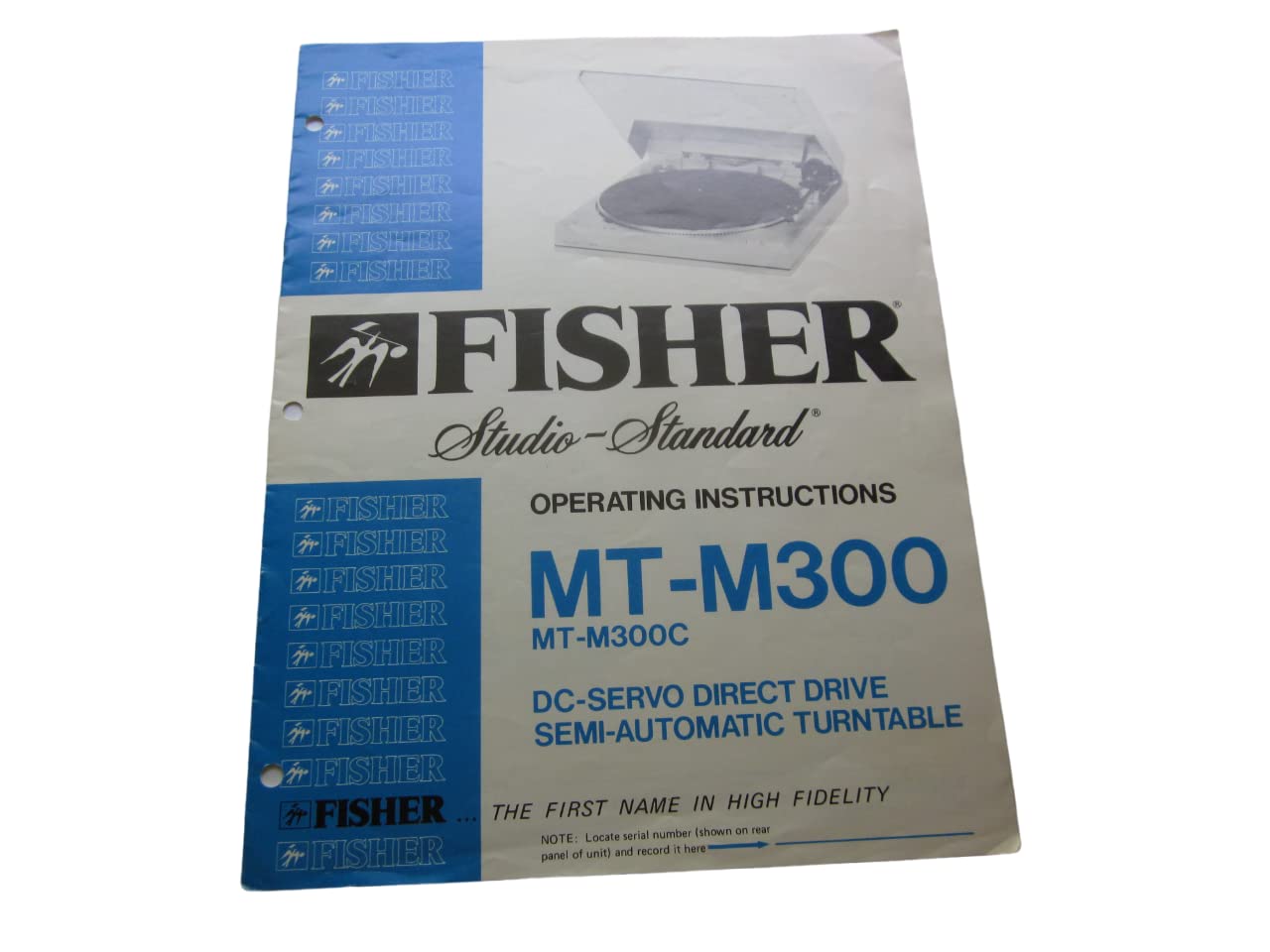
This document provides comprehensive operating instructions for the FISHER Studio-Standard MT-M300 and MT-M300C DC-Servo Direct Drive Semi-Automatic Turntable. Please read this manual thoroughly before operating your turntable to ensure proper setup, optimal performance, and longevity of the unit.
NOTE: Locate the serial number, typically found on the rear panel of the unit, and record it in a safe place for future reference, especially for warranty claims or service inquiries.
സുരക്ഷാ വിവരങ്ങൾ
Adhere to the following safety guidelines to prevent damage to the unit and ensure user safety:
- മഴയോ ഈർപ്പമോ യൂണിറ്റ് തുറന്നുകാട്ടരുത്.
- കാബിനറ്റ് തുറക്കരുത്. എല്ലാ സേവനങ്ങളും യോഗ്യതയുള്ള ഉദ്യോഗസ്ഥർക്ക് റഫർ ചെയ്യുക.
- ശരിയായ വായുസഞ്ചാരം ഉറപ്പാക്കുക; വായുസഞ്ചാര ദ്വാരങ്ങൾ അടയ്ക്കരുത്.
- Place the unit on a stable, level surface away from direct sunlight, heat sources, and excessive dust.
- നിർദ്ദിഷ്ട പവർ സപ്ലൈ വോള്യം മാത്രം ഉപയോഗിക്കുകtage.
- കുട്ടികൾക്ക് ലഭ്യമാകാതെ സൂക്ഷിക്കുക.
പാക്കേജ് ഉള്ളടക്കം
Upon unpacking, verify that all the following items are present:
- FISHER Studio-Standard MT-M300 or MT-M300C Turntable Unit
- പൊടി കവർ
- തളിക
- റബ്ബർ മാറ്റ്
- കൌണ്ടർവെയ്റ്റ്
- Headshell with Cartridge and Stylus
- 45 ആർപിഎം അഡാപ്റ്റർ
- പ്രവർത്തന നിർദ്ദേശ മാനുവൽ (ഈ പ്രമാണം)
സജ്ജമാക്കുക
നിങ്ങളുടെ ടേൺടേബിൾ സജ്ജീകരിക്കാൻ ഈ ഘട്ടങ്ങൾ പാലിക്കുക:
- അൺപാക്ക് ചെയ്യുന്നു: പാക്കേജിംഗിൽ നിന്ന് എല്ലാ ഘടകങ്ങളും ശ്രദ്ധാപൂർവ്വം നീക്കം ചെയ്യുക. ഭാവിയിലെ ഗതാഗതത്തിനായി പാക്കേജിംഗ് സൂക്ഷിക്കുക.
- പ്ലാറ്റർ ഇൻസ്റ്റാളേഷൻ: പ്ലാറ്റർ മധ്യ സ്പിൻഡിൽ വയ്ക്കുക. അത് സുരക്ഷിതമായി ഇരിക്കുന്നുണ്ടെന്ന് ഉറപ്പാക്കുക.
- Rubber Mat Placement: Lay the rubber mat evenly on top of the platter.
- പൊടി കവർ അറ്റാച്ച്മെന്റ്: Attach the dust cover to the hinges at the rear of the turntable base.
- ടോൺആം അസംബ്ലി:
- Attach the counterweight to the rear of the tonearm. Rotate it until the tonearm is balanced horizontally.
- Install the headshell with the cartridge and stylus into the front of the tonearm. Secure it with the locking ring.
- Adjust the tracking force using the counterweight and tracking force dial according to the cartridge manufacturer's specifications (typically 1.5 to 2.5 grams).
- Set the anti-skate control to match the tracking force.
- കണക്ഷനുകൾ:
- Connect the RCA audio cables from the turntable to the PHONO input of your ampലൈഫയർ അല്ലെങ്കിൽ റിസീവർ.
- നിങ്ങളുടെ ടർടേബിളിൽ നിന്ന് ഗ്രൗണ്ട് ടെർമിനലിലേക്ക് ഗ്രൗണ്ട് വയർ ബന്ധിപ്പിക്കുക. amplifier or receiver to minimize hum.
- അനുയോജ്യമായ പവർ cordട്ട്ലെറ്റിലേക്ക് എസി പവർ കോർഡ് പ്ലഗ് ചെയ്യുക.
പ്രവർത്തന നിർദ്ദേശങ്ങൾ
Follow these steps to play a record on your semi-automatic turntable:
- പവർ ഓൺ: Press the POWER button to turn on the turntable.
- സ്ഥല രേഖ: Carefully place a record on the platter, ensuring it is centered. For 45 RPM records with a large center hole, use the provided adapter.
- വേഗത തിരഞ്ഞെടുക്കുക: Select the appropriate speed (33 or 45 RPM) using the SPEED selector button.
- പ്ലേബാക്ക് ആരംഭിക്കുക:
- യാന്ത്രിക ആരംഭം: Press the START button. The tonearm will automatically move to the lead-in groove of the record and lower.
- മാനുവൽ ആരംഭം: Lift the tonearm using the cueing lever. Manually position the tonearm over the desired track. Lower the tonearm gently using the cueing lever.
- വോളിയം ക്രമീകരിക്കുക: നിങ്ങളുടെ വോളിയം ക്രമീകരിക്കുക amplifier or receiver to the desired listening level.
- പ്ലേബാക്ക് അവസാനിപ്പിക്കുക:
- യാന്ത്രിക സ്റ്റോപ്പ്: At the end of the record, the tonearm will automatically lift, return to its rest, and the platter will stop spinning.
- മാനുവൽ സ്റ്റോപ്പ്: Press the STOP button. The tonearm will lift, return to its rest, and the platter will stop. Alternatively, lift the tonearm with the cueing lever, return it to the rest, and then press STOP.
- പവർ ഓഫ്: Press the POWER button to turn off the turntable when not in use.
മെയിൻ്റനൻസ്
Regular maintenance ensures optimal performance and extends the life of your turntable:
- പൊടി കവർ: Keep the dust cover closed when not in use to protect the platter and tonearm from dust. Clean the dust cover with a soft, dry cloth.
- സ്റ്റൈലസ് ക്ലീനിംഗ്: Gently clean the stylus with a soft brush designed for stylus cleaning, brushing from back to front. Do not use excessive force.
- റെക്കോർഡ് ക്ലീനിംഗ്: Clean records before playing to prevent dust and debris from damaging the stylus and affecting sound quality.
- കാബിനറ്റ് ക്ലീനിംഗ്: Wipe the turntable cabinet with a soft, slightly damp തുണി. കഠിനമായ രാസവസ്തുക്കളോ ഉരച്ചിലുകളുള്ള ക്ലീനറുകളോ ഒഴിവാക്കുക.
- സ്റ്റൈലസ് മാറ്റിസ്ഥാപിക്കൽ: The stylus has a limited lifespan. Replace it when sound quality degrades or after approximately 500-1000 hours of play, depending on the cartridge.
ട്രബിൾഷൂട്ടിംഗ്
പൊതുവായ പ്രശ്നങ്ങളും അവയുടെ പരിഹാരങ്ങളും അറിയാൻ താഴെ കൊടുത്തിരിക്കുന്ന പട്ടിക കാണുക:
| പ്രശ്നം | സാധ്യമായ കാരണം | പരിഹാരം |
|---|---|---|
| ശക്തിയില്ല | പവർ കോർഡ് ബന്ധിപ്പിച്ചിട്ടില്ല; ഔട്ട്ലെറ്റ് സജീവമല്ല | പവർ കോർഡ് കണക്ഷൻ പരിശോധിക്കുക; മറ്റൊരു ഉപകരണം ഉപയോഗിച്ച് ഔട്ട്ലെറ്റ് പരിശോധിക്കുക. |
| ശബ്ദമോ കുറഞ്ഞ വോളിയമോ ഇല്ല | തെറ്റായ ഇൻപുട്ട് തിരഞ്ഞെടുത്തു amplifier; loose RCA cables; damaged stylus | Select PHONO input; ensure RCA cables are secure; inspect and replace stylus if necessary |
| ഹമ്മിംഗ് ശബ്ദം | ഗ്രൗണ്ട് വയർ ബന്ധിപ്പിച്ചിട്ടില്ല; ഇടപെടൽ | Connect ground wire to amplifier; move turntable away from other electronic devices |
| ശബ്ദം ഒഴിവാക്കൽ അല്ലെങ്കിൽ വികലമാക്കൽ | Incorrect tracking force; dirty stylus; warped record; unstable surface | Adjust tracking force; clean stylus; ensure record is flat; place turntable on a stable, level surface |
| പ്ലേറ്റർ കറങ്ങുന്നില്ല | Power off; motor issue | Ensure power is on; if problem persists, contact service |
സ്പെസിഫിക്കേഷനുകൾ
| ഫീച്ചർ | വിശദാംശങ്ങൾ |
|---|---|
| മോഡൽ | MT-M300, MT-M300C |
| ടൈപ്പ് ചെയ്യുക | DC-Servo Direct Drive Semi-Automatic Turntable |
| പ്രസാധകൻ | FISHER Corporation |
| Publication Date of Manual | 1 ജനുവരി 1981 |
| ഭാഷ | ഇംഗ്ലീഷ് |
| Print Length of Manual | 7 പേജുകൾ |
| Reading Age (Manual) | 18 വർഷവും അതിൽ കൂടുതലും |
വാറൻ്റിയും പിന്തുണയും
For warranty information, please refer to the warranty card included with your product or contact FISHER Corporation customer support. Keep your purchase receipt and serial number handy for any service inquiries.
For technical assistance or service, please contact an authorized FISHER service center. Do not attempt to repair the unit yourself, as this may void your warranty and cause further damage.


