1. ആമുഖം
This manual provides detailed instructions for the installation, operation, and maintenance of your Agunto AGU-OC1 & AGU-IC1 Security Camera Set. Please read this manual thoroughly before using the product to ensure proper functionality and safety.
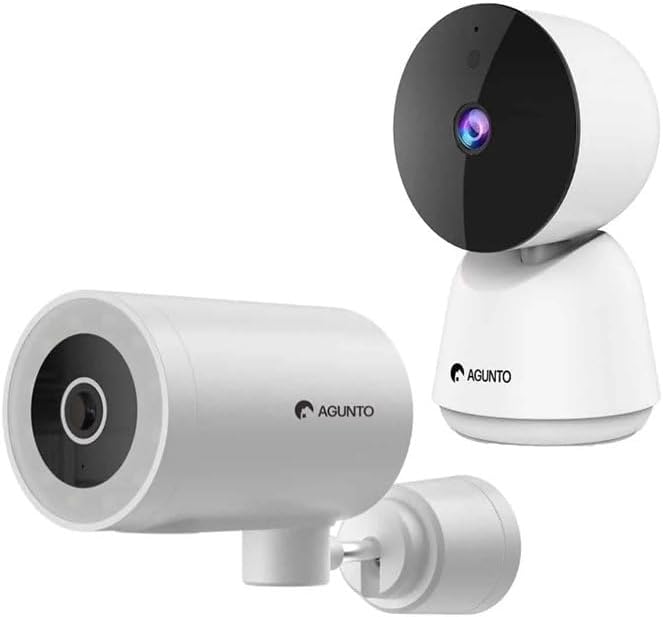
Image: The Agunto AGU-OC1 outdoor camera (left) and AGU-IC1 indoor camera (right), forming the complete security camera set.
2. ഉൽപ്പന്നം കഴിഞ്ഞുview
The Agunto Security Camera Set includes two primary components: the AGU-OC1 outdoor camera and the AGU-IC1 indoor camera. This system is designed to provide comprehensive surveillance for both indoor and outdoor environments.
2.1. AGU-OC1 Outdoor Camera
- റെസലൂഷൻ: 1080P
- ലെൻസ്: 180-degree rotatable lens
- കാലാവസ്ഥ പ്രതിരോധം: IP66 വാട്ടർപ്രൂഫ് ആൻഡ് ഡസ്റ്റ് പ്രൂഫ്
- രാത്രി കാഴ്ച: Infrared night vision and color night vision (due to built-in lamp)
- കണ്ടെത്തൽ: ചലനവും ശബ്ദവും കണ്ടെത്തൽ
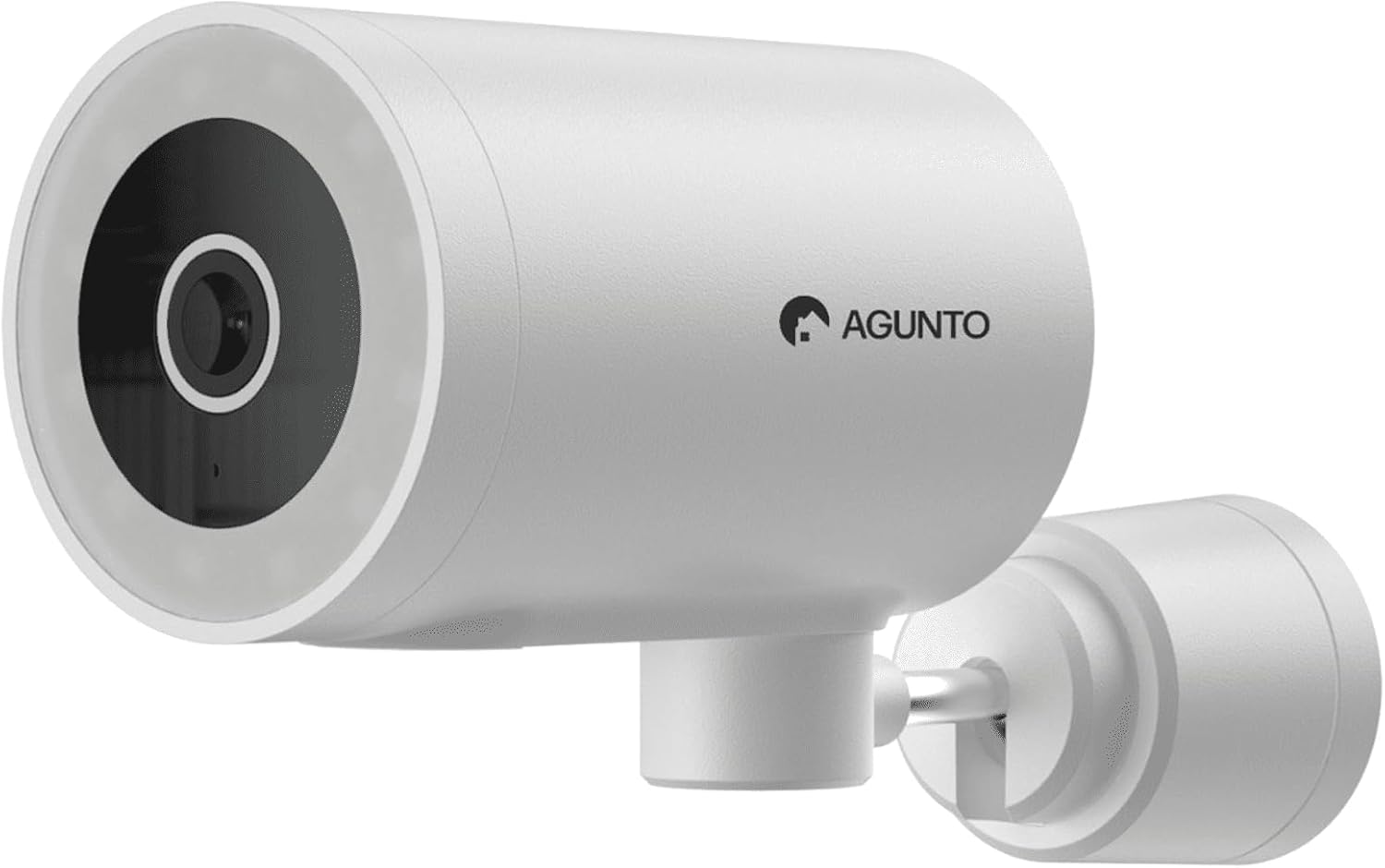
ചിത്രം: വിശദമായ ഒരു ചിത്രം view of the Agunto AGU-OC1 outdoor camera, highlighting its robust design and lens.
2.2. AGU-IC1 Indoor Camera
- റെസലൂഷൻ: 1080P
- ലെൻസ്: 359-degree rotatable lens
- രാത്രി കാഴ്ച: ഇൻഫ്രാറെഡ് രാത്രി കാഴ്ച
- കണ്ടെത്തൽ: ചലനവും ശബ്ദവും കണ്ടെത്തൽ

Image: The Agunto AGU-IC1 indoor camera, shown with its product packaging, indicating Wi-Fi connectivity and Google Assistant compatibility.
3. സജ്ജീകരണവും ഇൻസ്റ്റാളേഷനും
3.1. നിങ്ങൾ ആരംഭിക്കുന്നതിന് മുമ്പ്
- Ensure you have a stable Wi-Fi connection.
- Download the free Agunto app from the App Store (iOS) or Google Play Store (Android).
- Unpack all components and verify contents against the packing list.

Image: A screenshot of the Agunto mobile application interface, demonstrating remote control capabilities and links to download the app from the App Store and Google Play.
3.2. ആപ്പ് ഇൻസ്റ്റാളേഷനും അക്കൗണ്ട് സൃഷ്ടിയും
- ഇതിനായി തിരയുക "Agunto" in your device's app store and install the application.
- Open the Agunto app and follow the on-screen prompts to create a new account or log in if you already have one.
3.3. ക്യാമറ പ്ലെയ്സ്മെന്റും മൗണ്ടിംഗും
AGU-OC1 Outdoor Camera:
- വ്യക്തമായ ഒരു സ്ഥലം തിരഞ്ഞെടുക്കുക. view നിങ്ങൾ നിരീക്ഷിക്കാൻ ആഗ്രഹിക്കുന്ന പ്രദേശത്തിന്റെ.
- ക്യാമറ നിങ്ങളുടെ വൈഫൈ നെറ്റ്വർക്കിൻ്റെ പരിധിയിലാണെന്ന് ഉറപ്പാക്കുക.
- Mount the camera securely to a wall using the provided mounting hardware. The camera supports wall mounting.
AGU-IC1 Indoor Camera:
- Place the camera on a flat surface or mount it to a wall/ceiling in a central location for optimal coverage.
- Ensure it is within Wi-Fi range.
3.4. Connecting Cameras to the App
- Open the Agunto app.
- ഒരു പുതിയ ഉപകരണം ചേർക്കാൻ "+" ഐക്കണിൽ ടാപ്പ് ചെയ്യുക.
- Select the appropriate camera model (AGU-OC1 or AGU-IC1).
- Follow the in-app instructions to connect each camera to your Wi-Fi network. This typically involves scanning a QR code displayed on your phone with the camera's lens or entering Wi-Fi credentials.
- Once connected, you can name each camera for easy identification.
4. പ്രവർത്തന നിർദ്ദേശങ്ങൾ
4.1. തത്സമയം View ഒപ്പം വിദൂര നിയന്ത്രണവും
- Open the Agunto app.
- Select the desired camera from the device list to view അതിന്റെ തത്സമയ ഫീഡ്.
- For AGU-OC1, use the app to rotate the 180-degree lens.
- For AGU-IC1, use the app to control the 359-degree pan/tilt function.
4.2. റെക്കോർഡിംഗും സംഭരണവും
The camera set supports two storage options:
- മൈക്രോ എസ്ഡി കാർഡ്: Insert a Micro SD card (not included) into the designated slot on each camera for local storage of recordings.
- ക്ലൗഡ് സംഭരണം: Utilize the cloud storage options provided through the Agunto app (subscription may be required).
4.3. നൈറ്റ് വിഷൻ
- Both cameras feature infrared night vision for clear images in low-light conditions.
- The AGU-OC1 outdoor camera also has a built-in lamp for color night vision, providing enhanced visibility at night.
4.4. ചലനവും ശബ്ദ ഡിറ്റക്ഷനും
- Enable motion and sound detection in the Agunto app settings for each camera.
- Receive real-time alerts on your smartphone when motion or sound is detected.
- Adjust sensitivity settings to minimize false alarms.
5. പരിപാലനം
- വൃത്തിയാക്കൽ: Gently wipe the camera lenses and body with a soft, dry cloth. Do not use harsh chemicals or abrasive cleaners.
- ഫേംവെയർ അപ്ഡേറ്റുകൾ: Regularly check the Agunto app for available firmware updates to ensure optimal performance and security.
- നെറ്റ്വർക്ക് സ്ഥിരത: Ensure your Wi-Fi network remains stable for uninterrupted camera operation.
6. പ്രശ്നപരിഹാരം
6.1. ക്യാമറ വൈഫൈയിലേക്ക് കണക്റ്റ് ചെയ്യുന്നില്ല.
- നിങ്ങളുടെ വൈഫൈ പാസ്വേഡ് ശരിയായി നൽകിയിട്ടുണ്ടെന്ന് ഉറപ്പാക്കുക.
- ക്യാമറ നിങ്ങളുടെ വൈഫൈ റൂട്ടറിന് അടുത്തേക്ക് നീക്കുക.
- നിങ്ങളുടെ റൂട്ടറും ക്യാമറയും പുനരാരംഭിക്കുക.
- Verify that your Wi-Fi network is 2.4GHz, as these cameras may not support 5GHz networks.
6.2. No Live View / Offline Camera
- നിങ്ങളുടെ ഇൻ്റർനെറ്റ് കണക്ഷൻ പരിശോധിക്കുക.
- ക്യാമറ ഓണാണെന്ന് ഉറപ്പാക്കുക.
- Restart the camera from its power source.
- If the issue persists, try re-pairing the camera with the app.
6.3. Motion Detection Not Working
- Verify that motion detection is enabled in the app settings.
- സംവേദനക്ഷമത നില ക്രമീകരിക്കുക.
- ക്യാമറകൾക്ക് തടസ്സങ്ങളൊന്നുമില്ലെന്ന് ഉറപ്പാക്കുക. view.
6.4. മോശം ഇമേജ് നിലവാരം
- ക്യാമറ ലെൻസ് വൃത്തിയാക്കുക.
- നിരീക്ഷിക്കപ്പെടുന്ന സ്ഥലത്ത് ആവശ്യത്തിന് വെളിച്ചം ഉറപ്പാക്കുക.
- Check your internet speed, as low bandwidth can affect streaming quality.
7 സ്പെസിഫിക്കേഷനുകൾ
| ഫീച്ചർ | വിശദാംശങ്ങൾ |
|---|---|
| ബ്രാൻഡ് | അഗുണ്ടോ |
| മോഡലിൻ്റെ പേര് | AGU-OC1IC1 |
| കണക്റ്റിവിറ്റി പ്രോട്ടോക്കോൾ | വൈഫൈ |
| അനുയോജ്യമായ ഉപകരണങ്ങൾ | സ്മാർട്ട്ഫോൺ |
| മൗണ്ടിംഗ് തരം | മതിൽ മൗണ്ട് |
| മെറ്റീരിയൽ | പ്ലാസ്റ്റിക് |
| Product Dimensions (L x B x H) | 10 x 4.4 x 7.3 സെ.മീ |
| ഇനത്തിൻ്റെ ഭാരം | 78 ഗ്രാം |
| ബാറ്ററികൾ ആവശ്യമാണ് | ഇല്ല |
| Outdoor Camera (AGU-OC1) Features | 1080P, 180-degree rotatable lens, IP66 waterproof/dustproof, Infrared & Color Night Vision |
| Indoor Camera (AGU-IC1) Features | 1080P, 359-degree rotatable lens, Infrared Night Vision |
| സ്റ്റോറേജ് ഓപ്ഷനുകൾ | Micro SD card (local), Cloud storage |
8. വാറൻ്റിയും പിന്തുണയും
For warranty information and technical support, please refer to the official Agunto website or contact their customer service. The product is designed for long-term use with proper care and maintenance.
തിരികെ നൽകൽ നയം: The buybox winner indicates a 30-day return policy for refund/replacement.
നിർമ്മാതാവ്: അഗുണ്ടോ
വിൽപ്പനക്കാരൻ: Homevitaal (via Amazon.nl)
കൂടുതൽ സഹായത്തിന്, നിങ്ങൾക്ക് സന്ദർശിക്കാവുന്നതാണ് Agunto Store on Amazon.


