ആമുഖം
Thank you for choosing the Laser TWS Earbuds. These true wireless stereo earbuds are designed to provide a high-fidelity audio experience with convenient features such as an LED battery display, intuitive tap controls, and an ergonomic design for comfortable, extended use. The included rechargeable case ensures your earbuds are always ready for use. This manual will guide you through the setup, operation, and maintenance of your new earbuds.
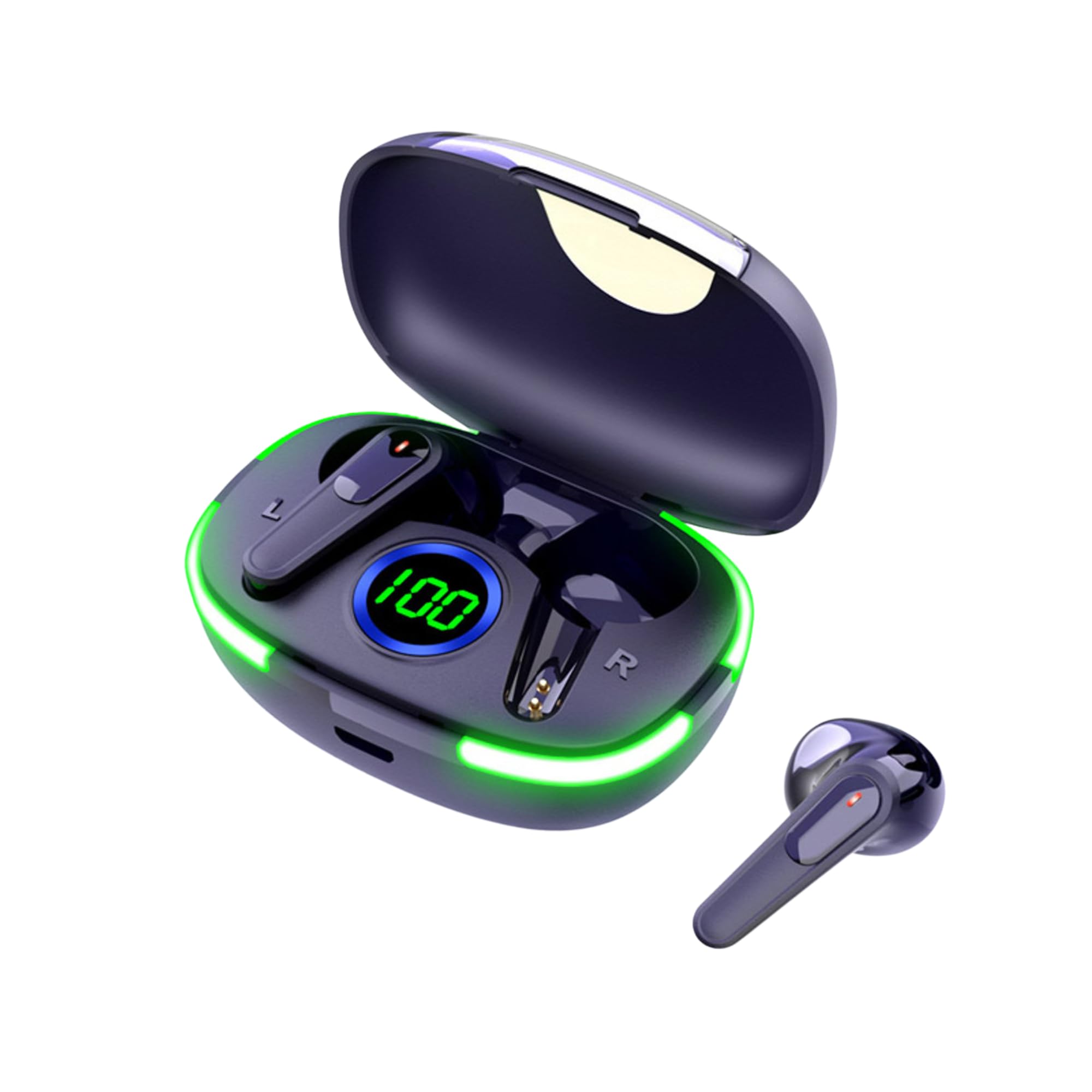
Image: The Laser TWS Earbuds, showcasing the charging case with its LED display and one earbud placed outside the case.
പാക്കേജ് ഉള്ളടക്കം
പാക്കേജിൽ എല്ലാ ഇനങ്ങളും ഉണ്ടെന്ന് ഉറപ്പാക്കുക:
- 1 x Pair of Laser TWS Earbuds
- 1 x Charging Case with Battery Display
- 1 x ടൈപ്പ്-സി ചാർജിംഗ് കേബിൾ
- 1 x ഉപയോക്തൃ മാനുവൽ
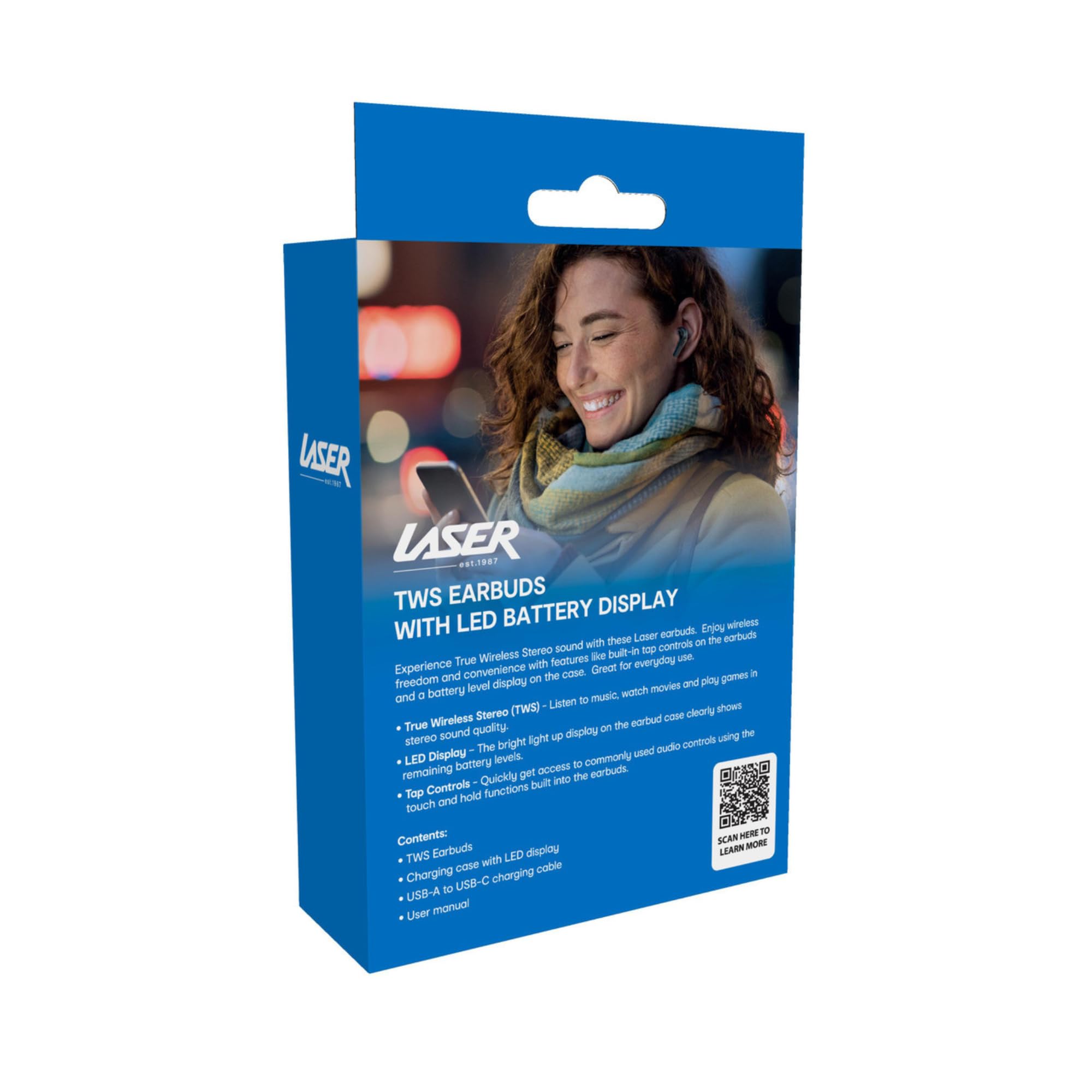
Image: The retail packaging for the Laser TWS Earbuds, indicating contents and features.
സജ്ജമാക്കുക
1. ഇയർബഡുകളും കേസും ചാർജ് ചെയ്യുന്നു
Before first use, fully charge the earbuds and the charging case. The LED display on the case indicates the battery level.
- നൽകിയിരിക്കുന്ന ടൈപ്പ്-സി ചാർജിംഗ് കേബിൾ കേസിലെ ചാർജിംഗ് പോർട്ടിലേക്കും ഒരു യുഎസ്ബി പവർ സ്രോതസ്സിലേക്കും ബന്ധിപ്പിക്കുക.
- The LED display will show the charging progress. A full charge takes approximately 1 hour.
- The earbuds charge automatically when placed inside the charging case. The case can recharge the earbuds up to 3 times on a single charge.

ചിത്രം: ഒരു ക്ലോസ്-അപ്പ് view of the charging case's LED display, showing the battery percentage, ചാർജ് ലെവൽ സൂചിപ്പിക്കുന്നു.
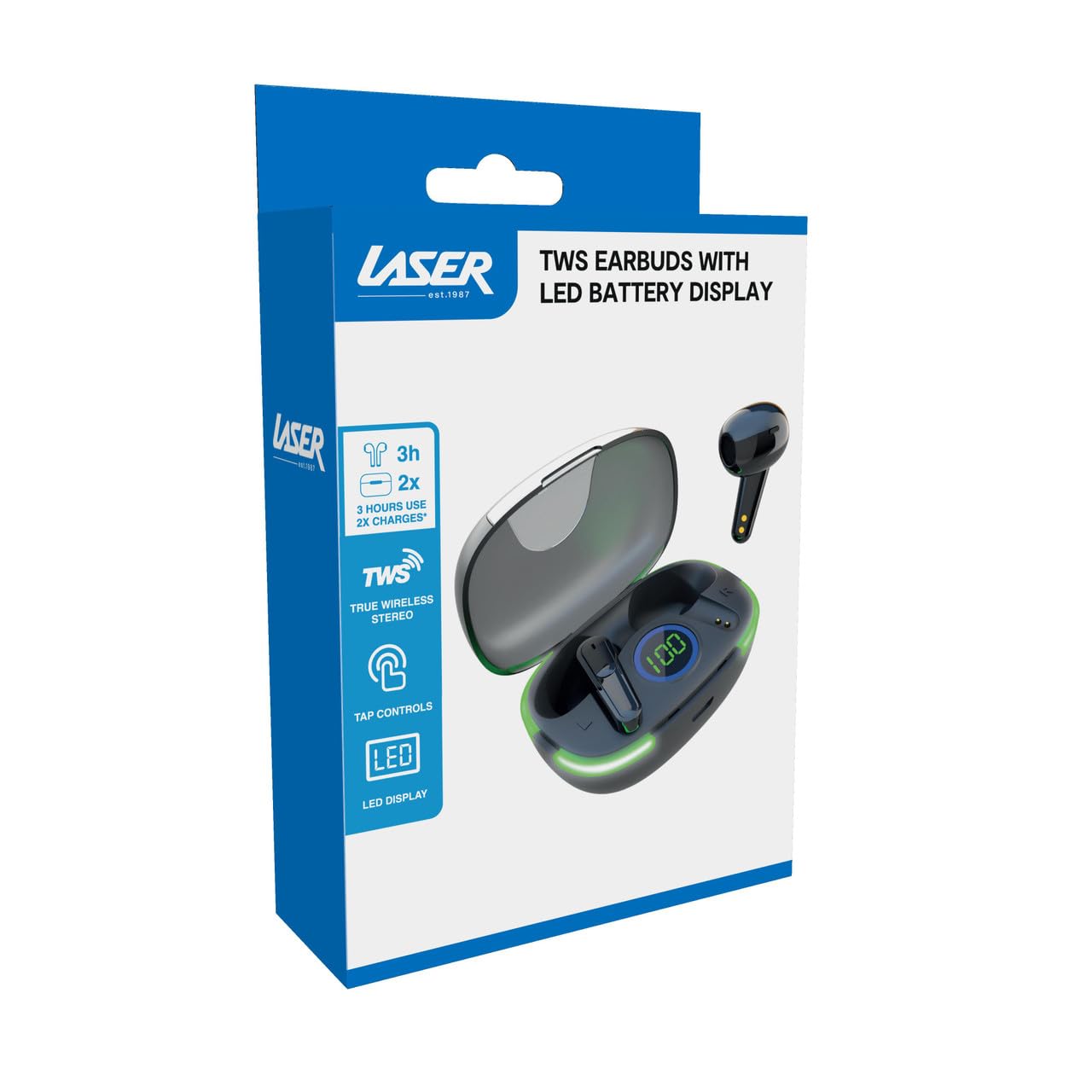
Image: Another close-up of the LED display on the charging case, highlighting the digital battery indicator.
2. ഒരു ഉപകരണവുമായി ജോടിയാക്കൽ
The earbuds use Bluetooth for wireless connectivity.
- ചാർജിംഗ് കേസ് തുറക്കുക. ഇയർബഡുകൾ സ്വയമേവ ജോടിയാക്കൽ മോഡിലേക്ക് പ്രവേശിക്കും.
- നിങ്ങളുടെ ഉപകരണത്തിൽ (സ്മാർട്ട്ഫോൺ, ടാബ്ലെറ്റ്, ലാപ്ടോപ്പ്), ബ്ലൂടൂത്ത് പ്രവർത്തനക്ഷമമാക്കി പുതിയ ഉപകരണങ്ങൾക്കായി തിരയുക.
- Select "Laser TWS Earbuds" or "EPS-LT10B-128" from the list of available devices.
- കണക്റ്റ് ചെയ്തുകഴിഞ്ഞാൽ, ഒരു സ്ഥിരീകരണ ടോൺ നിങ്ങൾ കേൾക്കും, ഇയർബഡുകൾ ഉപയോഗത്തിന് തയ്യാറാകും.
- The earbuds support multi-device compatibility, allowing pairing with various devices.
പ്രവർത്തന നിർദ്ദേശങ്ങൾ
ഇയർബഡുകൾ ധരിക്കുന്നു
The earbuds are designed for ergonomic comfort and a secure fit. Gently insert each earbud into your ear canal and twist slightly to ensure a snug and comfortable position. This helps optimize sound quality and stability.
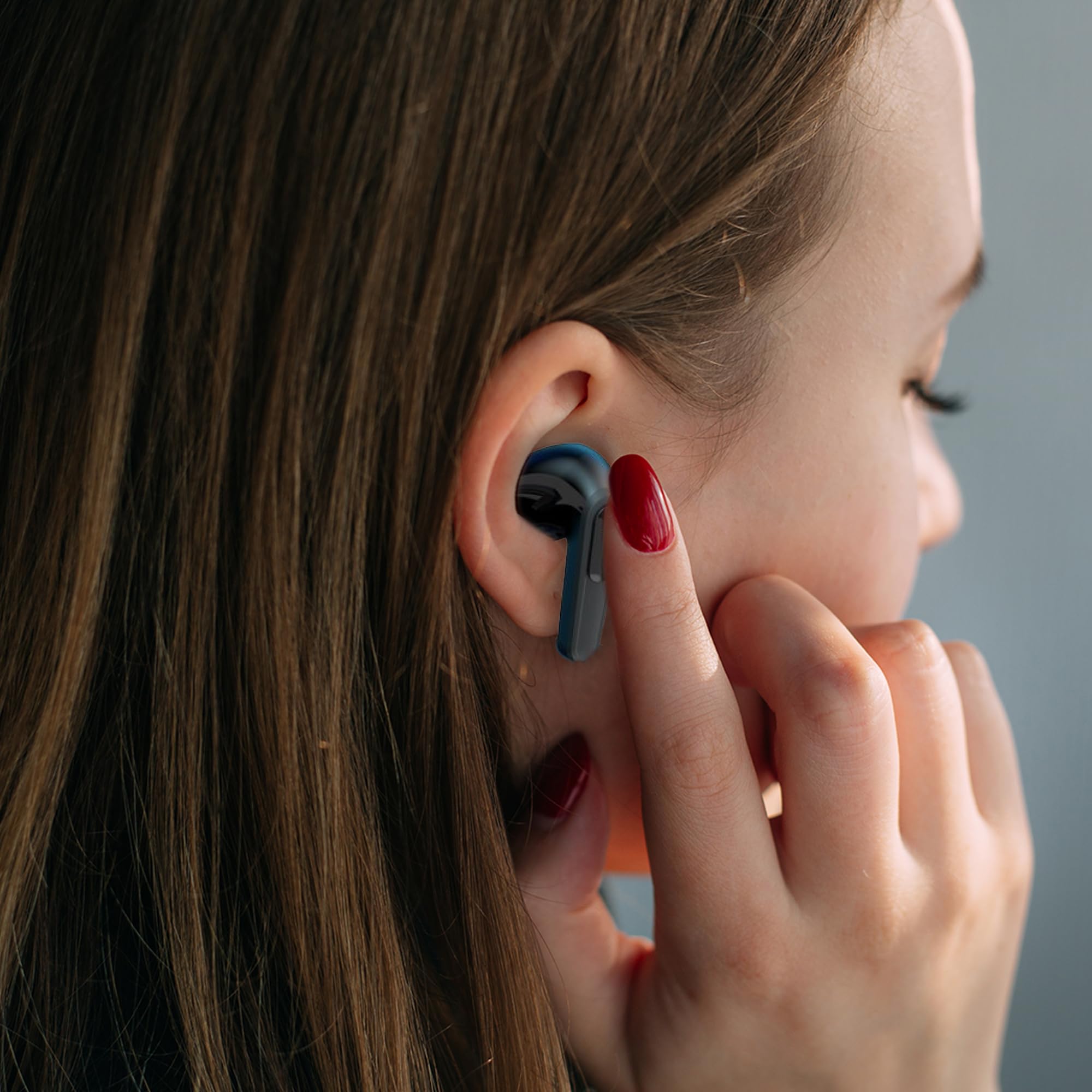
Image: A woman comfortably wearing one of the Laser TWS Earbuds while interacting with her smartphone.
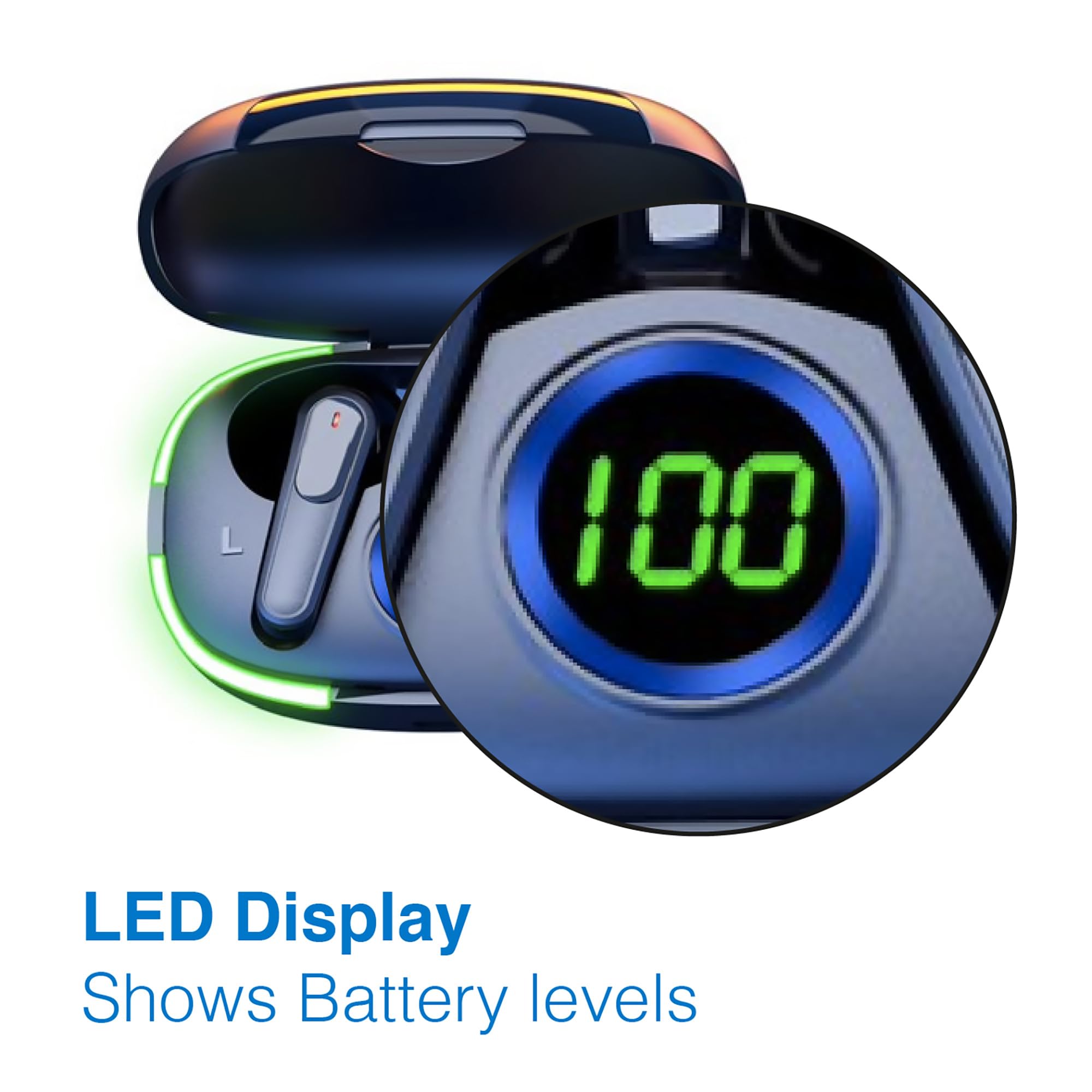
Image: A man walking outdoors, wearing a Laser TWS Earbud, demonstrating the ergonomic design for active use.
True Wireless Stereo Experience
These earbuds provide a true wireless stereo experience, delivering high-fidelity sound with clear channel separation for an immersive audio experience, whether for music, movies, or gaming.
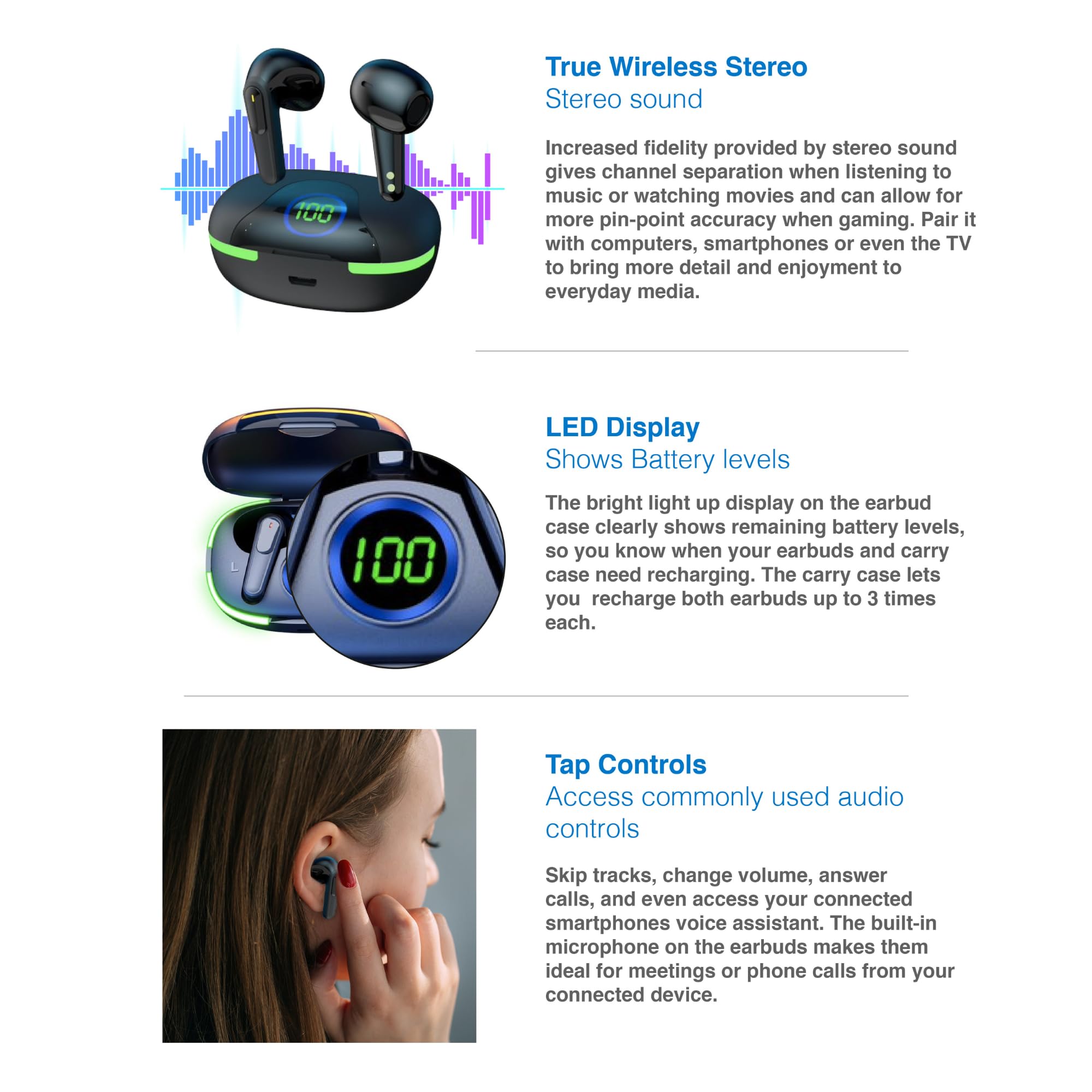
Image: A graphic representation of the True Wireless Stereo feature, showing the earbuds in their case with sound wave visualizations.
നിയന്ത്രണങ്ങൾ ടാപ്പ് ചെയ്യുക
The earbuds feature intuitive tap controls for easy management of audio playback and calls without needing to access your connected device.
| ആക്ഷൻ | നിയന്ത്രണം |
|---|---|
| സംഗീതം പ്ലേ ചെയ്യുക/താൽക്കാലികമായി നിർത്തുക | ഏതെങ്കിലും ഇയർബഡിൽ ഒറ്റ ടാപ്പ് ചെയ്യുക |
| അടുത്ത ട്രാക്ക് | വലതുവശത്തെ ഇയർബഡിൽ രണ്ടുതവണ ടാപ്പ് ചെയ്യുക |
| മുമ്പത്തെ ട്രാക്ക് | ഇടതുവശത്തെ ഇയർബഡിൽ രണ്ടുതവണ ടാപ്പ് ചെയ്യുക |
| ഉത്തരം / കോൾ അവസാനിപ്പിക്കുക | ഏതെങ്കിലും ഇയർബഡിൽ ഒറ്റ ടാപ്പ് ചെയ്യുക |
| കോൾ നിരസിക്കുക | ഏതെങ്കിലും ഇയർബഡിൽ ദീർഘനേരം അമർത്തുക |
| Activate Voice Assistant (Siri, Google Assistant, Alexa) | ഇയർബഡുകളിലൊന്നിൽ മൂന്ന് തവണ ടാപ്പ് ചെയ്യുക |

Image: A person's hand touching an earbud, illustrating the tap control functionality.
ബിൽറ്റ്-ഇൻ മൈക്രോഫോൺ
Each earbud includes a built-in microphone, enabling hands-free calls and meetings without needing to switch to your device.
മെയിൻ്റനൻസ്
- വൃത്തിയാക്കൽ: ഇയർബഡുകളും ചാർജിംഗ് കെയ്സും മൃദുവായതും ഉണങ്ങിയതും ലിന്റ് രഹിതവുമായ തുണി ഉപയോഗിച്ച് പതിവായി വൃത്തിയാക്കുക. ഉരച്ചിലുകളുള്ള വസ്തുക്കളോ കഠിനമായ രാസവസ്തുക്കളോ ഉപയോഗിക്കുന്നത് ഒഴിവാക്കുക.
- സംഭരണം: ഉപയോഗത്തിലില്ലാത്തപ്പോൾ, ഇയർബഡുകൾ സംരക്ഷിക്കുന്നതിനും ചാർജ്ജ് ചെയ്ത നിലയിൽ നിലനിർത്തുന്നതിനും അവ ചാർജിംഗ് കേസിൽ സൂക്ഷിക്കുക.
- ബാറ്ററി കെയർ: ബാറ്ററി ലൈഫ് വർദ്ധിപ്പിക്കാൻ, ഇയർബഡുകളും കെയ്സും ഇടയ്ക്കിടെ പൂർണ്ണമായും ഡിസ്ചാർജ് ചെയ്യുന്നത് ഒഴിവാക്കുക. തുടർച്ചയായ ഉപയോഗത്തിലല്ലെങ്കിൽ പോലും അവ പതിവായി ചാർജ് ചെയ്യുക.
- ജല പ്രതിരോധം: ഈ ഇയർബഡുകൾ ജല പ്രതിരോധശേഷിയുള്ളവയല്ല. വെള്ളം, വിയർപ്പ്, ഉയർന്ന ഈർപ്പം എന്നിവയിൽ സമ്പർക്കം പുലർത്തുന്നത് ഒഴിവാക്കുക.
ട്രബിൾഷൂട്ടിംഗ്
| പ്രശ്നം | പരിഹാരം |
|---|---|
| ഇയർബഡുകൾ ജോടിയാക്കുന്നില്ല | Ensure earbuds are charged. Turn off and on Bluetooth on your device. Forget the device in Bluetooth settings and re-pair. Place earbuds back in case and take them out again. |
| ഒരു ഇയർബഡിൽ നിന്ന് ശബ്ദമില്ല | Check battery level of both earbuds. Re-pair the earbuds. Try resetting the earbuds (refer to manufacturer's webആവശ്യമെങ്കിൽ നിർദ്ദിഷ്ട റീസെറ്റ് നിർദ്ദേശങ്ങൾക്കായി സൈറ്റ്). |
| ചാർജിംഗ് കേസ് ചാർജുചെയ്യുന്നില്ല | Ensure the charging cable is securely connected. Try a different USB power source or cable. |
| Tap controls not responding | Ensure earbuds are properly seated in your ears. Clean the touch sensitive area. Re-pair the earbuds. |
If you encounter persistent issues, please refer to the official Laser support webകൂടുതൽ സഹായത്തിനുള്ള സൈറ്റ്.
സ്പെസിഫിക്കേഷനുകൾ
| ഫീച്ചർ | വിശദാംശങ്ങൾ |
|---|---|
| മോഡൽ | EPS-LT10B-128 |
| കണക്റ്റിവിറ്റി ടെക്നോളജി | ബ്ലൂടൂത്ത് വയർലെസ് |
| ശബ്ദ നിയന്ത്രണം | സൗണ്ട് ഐസൊലേഷൻ |
| ബാറ്ററി ലൈഫ് (ഇയർബഡുകൾ) | ഏകദേശം 3 മണിക്കൂർ |
| ചാർജിംഗ് സമയം | ഏകദേശം 1 മണിക്കൂർ |
| ചാർജിംഗ് കേസ് റീചാർജുകൾ | 3 തവണ വരെ |
| പരമാവധി പ്രവർത്തന ദൂരം | 10 മീറ്റർ |
| നിയന്ത്രണ തരം | ടച്ച് കൺട്രോൾ, വോയ്സ് കൺട്രോൾ |
| മെറ്റീരിയൽ | പ്ലാസ്റ്റിക് |
| ഇനത്തിൻ്റെ ഭാരം | 30 ഗ്രാം |
| അളവുകൾ | 62.2 x 42.5 x 32.6 സെ.മീ (ഉൽപ്പന്നം) |
| ജല പ്രതിരോധ നില | വാട്ടർ റെസിസ്റ്റൻ്റ് അല്ല |
വാറൻ്റിയും പിന്തുണയും
The Laser TWS Earbuds come with a 1 വർഷത്തെ വാറൻ്റി വാങ്ങിയ തീയതി മുതൽ. വാറന്റി ക്ലെയിമുകൾക്കായി നിങ്ങളുടെ വാങ്ങിയതിന്റെ തെളിവ് സൂക്ഷിക്കുക.
For further support, troubleshooting, or warranty information, please visit the official Laser webസൈറ്റ്:
You may also contact Laser customer service directly for assistance.


