1. Introduction to the Videopac C7420 Module
This manual provides comprehensive information regarding the programming of the Home Computer system formed by the integration of the Videopac+ G7400 console കൂടാതെ C7420 BASIC module. Both components were originally produced by Philips, with their introduction dating back to 1983.
Historically, the Videopac+ G7400, launched in 1983, represented the third and final generation of Videopac and Odyssey consoles. It was the most powerful version developed by Philips and Magnavox, based on the unreleased Odyssey3 prototype from Magnavox (1983). Following the G7400's release, Philips developed the C7420 add-on module. This module transformed the original console into a full-fledged home computer, featuring an operating environment powered by the BASIC-80 interpreter, which utilized the 8KB version of Microsoft BASIC available at the time.
The primary objective of this manual is to preserve and disseminate historical information and knowledge pertaining to the C7420 machine. Despite its current lack of commercial value, this information is crucial for preventing its loss over time and making it accessible to all retrocomputing enthusiasts.
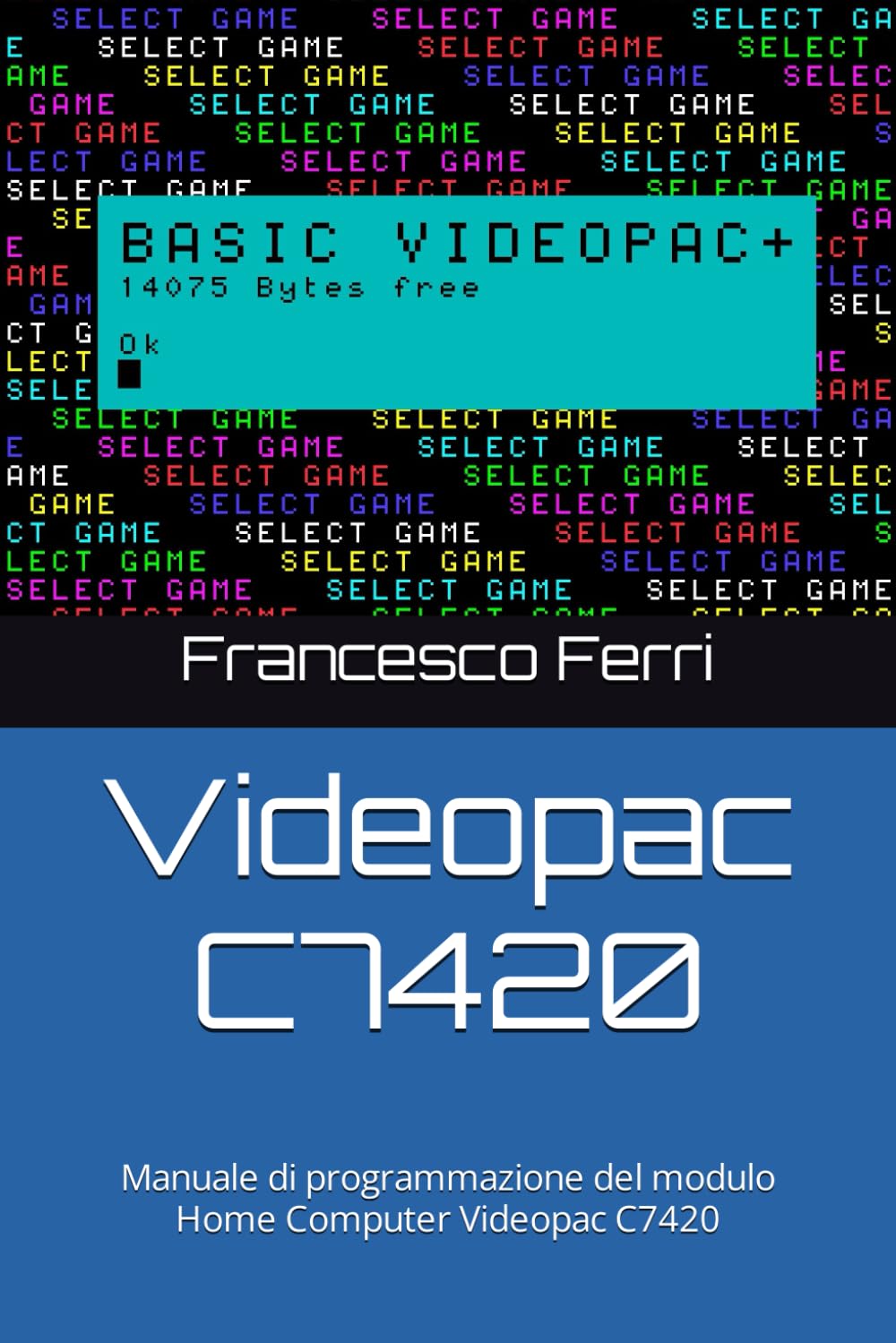
Figure 1: Front cover of the Philips Videopac C7420 Programming Manual.
2. Programming Environment Setup
To begin programming with the Videopac C7420 module, ensure the C7420 BASIC module is correctly connected to your Videopac+ G7400 console. The C7420 module provides the necessary hardware and software environment to run the BASIC-80 interpreter.
2.1 Connecting the C7420 Module
- Power off the Videopac+ G7400 console.
- Carefully insert the C7420 BASIC module into the designated expansion slot on the G7400 console. Ensure a firm and secure connection.
- Connect the console to a compatible display unit (e.g., television).
- Power on the G7400 console. The system should boot into the BASIC-80 interpreter environment.
2.2 Initializing BASIC-80
Upon successful boot, the BASIC-80 prompt will appear on the screen, indicating that the system is ready to accept commands. Familiarize yourself with the keyboard layout for entering commands and programs.
3. BASIC-80 Programming Guide
This section details the fundamental commands and programming structures available within the BASIC-80 interpreter on the Videopac C7420. The manual includes revised and corrected examples from the original documentation, supplemented with screenshots from system emulators for clarity.
3.1 അടിസ്ഥാന കമാൻഡുകൾ
- പുതിയത്: Clears the current program from memory.
- ലിസ്റ്റ്: Displays the current program lines.
- പ്രവർത്തിപ്പിക്കുക: Executes the program currently in memory.
- SAVE "filename": Saves the program to storage (if supported by the system configuration).
- LOAD "filename": Loads a program from storage.
3.2 Programming Structures
The BASIC-80 interpreter supports standard programming constructs:
- വേരിയബിളുകൾ: Use letters and numbers for variable names (e.g., A, X1, NAME$).
- ഇൻപുട്ട്/ഔട്ട്പുട്ട്:
INPUTfor user input,PRINTfor displaying output. - ഫ്ലോ നിയന്ത്രിക്കുക:
IF...THEN...ELSEfor conditional statements,FOR...NEXTഒപ്പംWHILE...WENDfor loops. - Subroutines:
GOSUBഒപ്പംRETURNfor modular programming.
Example: Simple "Hello World" Program
10 PRINT "HELLO WORLD!"
20 END
Type these lines into the interpreter and then type RUN to execute the program.
4. System Maintenance and Care
While the C7420 module and G7400 console are robust, proper care ensures their longevity, especially given their historical significance. This section outlines general maintenance guidelines.
4.1 ശാരീരിക പരിചരണം
- Keep the console and module in a clean, dust-free environment.
- Avoid exposing the devices to extreme temperatures or humidity.
- Handle cartridges and modules carefully to prevent damage to connectors.
4.2 Data Preservation
For programs created on the C7420, consider backing them up using modern methods if possible, especially if the original storage solutions (e.g., cassette tapes) are unreliable or unavailable. Emulators can also serve as a means of preserving program code and execution.
5. പൊതുവായ പ്രശ്നങ്ങൾ പരിഹരിക്കുന്നു
This section addresses common problems encountered during the use and programming of the Videopac C7420 system.
5.1 സിസ്റ്റം ബൂട്ട് ചെയ്യുന്നില്ല
- പവർ കണക്ഷൻ പരിശോധിക്കുക: Ensure the G7400 console is properly connected to a power source.
- Module Seating: Verify that the C7420 module is securely seated in its expansion slot.
- ഡിസ്പ്ലേ കണക്ഷൻ: Confirm the console is correctly connected to the display unit.
5.2 BASIC-80 Errors
The BASIC-80 interpreter provides error messages to assist with debugging. Common errors include:
- വാക്യഘടന പിശക്: Incorrect command or statement structure. Review the command syntax.
- Out of Memory Error: Program exceeds available memory. Optimize code or reduce program size.
- Undefined Line Number Error: എ
GOTOorGOSUBstatement refers to a non-existent line number.
Refer to the detailed programming sections for correct syntax and exampലെസ്.
6 സാങ്കേതിക സവിശേഷതകൾ
This section outlines the key technical specifications of the Philips Videopac C7420 module and its associated console.
- ഉൽപ്പന്ന തരം: Home Computer BASIC Module
- അനുയോജ്യത: Philips Videopac+ G7400 Console
- പ്രോഗ്രാമിംഗ് ഭാഷ: Microsoft BASIC-80 (8KB version)
- പരിചയപ്പെടുത്തിയ വർഷം: 1983
- ISBN-13 (മാനുവൽ): 979-8865654346
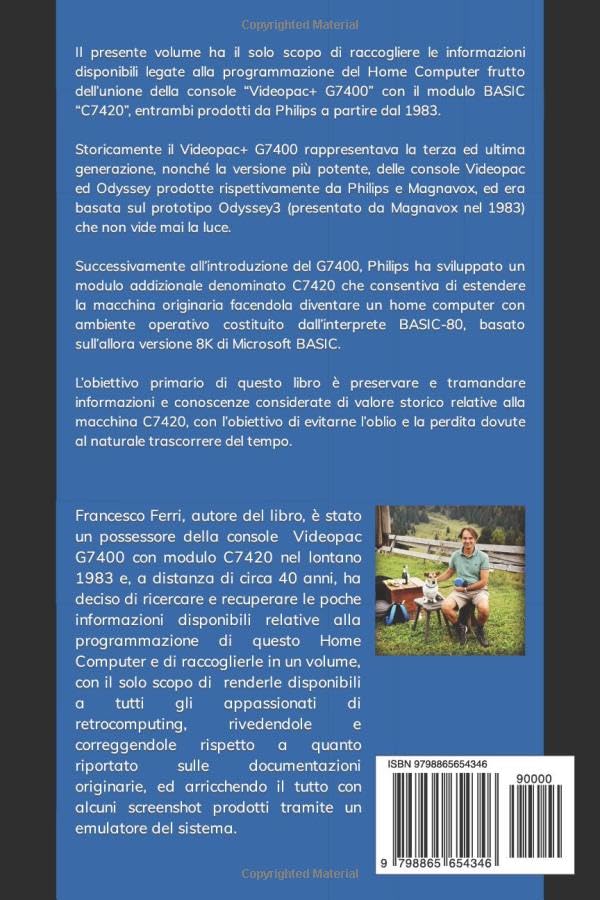
Figure 2: Back cover of the manual, displaying ISBN and author information.
8. വാറൻ്റിയും പിന്തുണയും
This manual is a historical and informational resource. As such, it does not come with a product warranty for the original hardware. For support regarding the content of this manual or retrocomputing discussions, enthusiasts are encouraged to consult online retrocomputing communities and forums dedicated to Philips Videopac systems.
The original Philips Videopac C7420 module and G7400 console are vintage items, and their operational status may vary. This manual serves as a guide for understanding and programming these historical systems.


