1. ആമുഖം
The Truper DEMA-12 is a multi-function detector designed to accurately locate various materials behind walls. It can detect ferrous and non-ferrous metals, wood studs, live AC wires, and measure humidity in wood and construction materials. This manual provides essential information for the safe and effective operation of your device.
2 സുരക്ഷാ വിവരങ്ങൾ
Please read and understand all safety instructions before using the device. Failure to follow these instructions may result in electric shock, fire, or serious injury.
- ജോലിസ്ഥലം എപ്പോഴും നല്ല വെളിച്ചമുള്ളതാണെന്നും തടസ്സങ്ങളില്ലെന്നും ഉറപ്പാക്കുക.
- വെറ്റ് അല്ലെങ്കിൽ ഡിയിൽ ഉപകരണം ഉപയോഗിക്കരുത്amp വ്യവസ്ഥകൾ.
- ഉപകരണം തുറക്കാനോ പരിഷ്ക്കരിക്കാനോ ശ്രമിക്കരുത്. ഉള്ളിൽ ഉപയോക്തൃ-സേവനയോഗ്യമായ ഭാഗങ്ങളില്ല.
- ശക്തമായ കാന്തിക മണ്ഡലങ്ങളിൽ നിന്ന് ഉപകരണം അകറ്റി നിർത്തുക.
- Always exercise caution when drilling or cutting into walls, even after using the detector.
3. ഉൽപ്പന്നം കഴിഞ്ഞുview
3.1 Device Appearance

ചിത്രം 1: മുൻഭാഗം view of the Truper DEMA-12 detector.
3.2 ഘടകങ്ങളും ഡിസ്പ്ലേയും
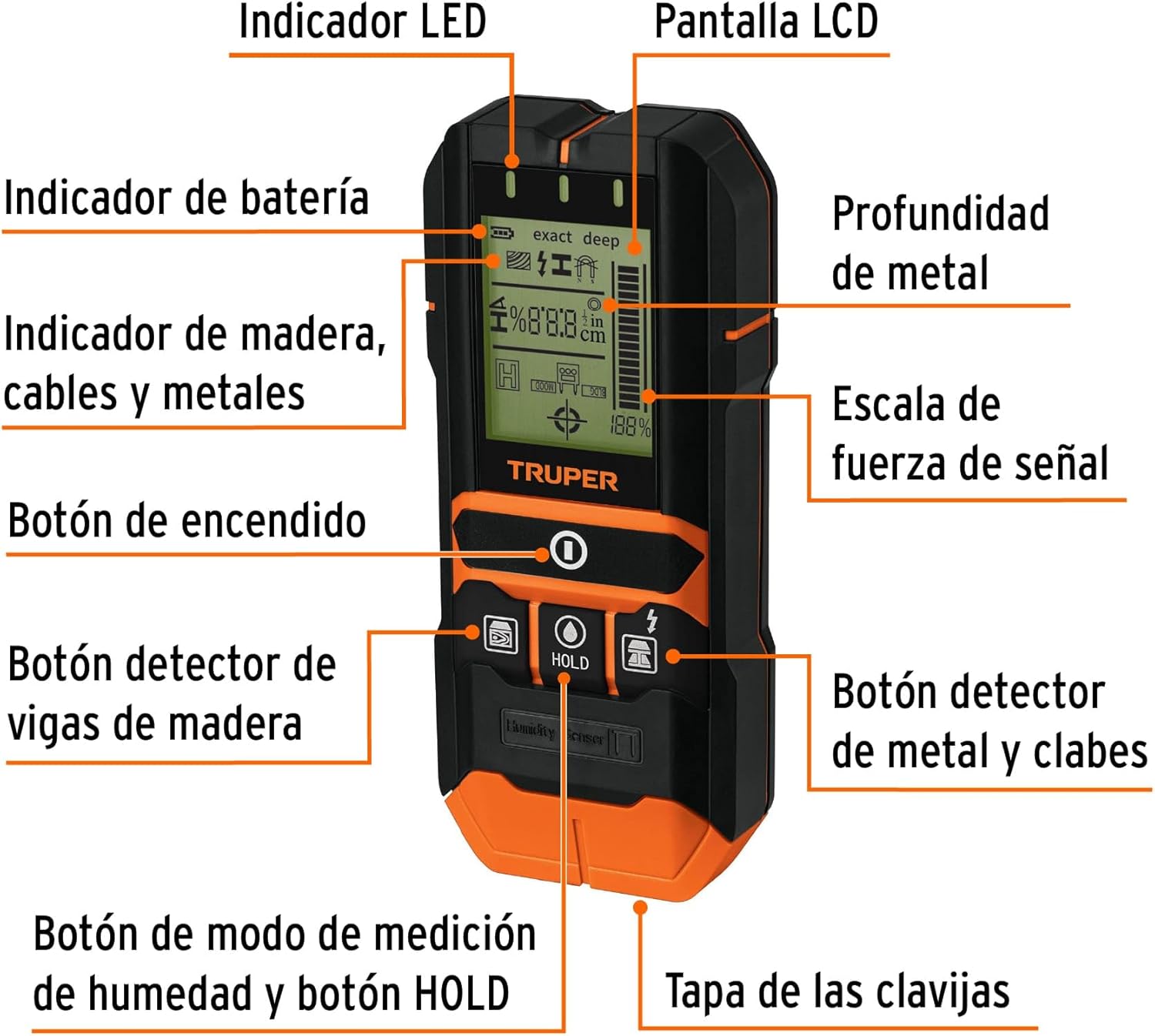
Figure 2: Labeled diagram of the Truper DEMA-12 detector, showing LED indicator, LCD screen, battery indicator, metal depth, wood/cable/metal indicator, signal strength scale, power button, wood stud detection button, metal and live wire detection button, humidity measurement mode button, HOLD button, and humidity sensor pin cover.
- LED സൂചകം: Provides visual feedback during detection.
- LCD സ്ക്രീൻ: Displays detection mode, battery status, signal strength, and material type.
- ബാറ്ററി സൂചകം: നിലവിലെ ബാറ്ററി നില കാണിക്കുന്നു.
- Metal Depth Indicator: Estimates the depth of detected metal objects.
- Material Indicators: Icons for wood, cables, and various metals.
- Signal Strength Scale: Visual representation of detection signal strength.
- പവർ ബട്ടൺ: ഉപകരണം ഓണും ഓഫും ചെയ്യുന്നു.
- Wood Stud Detection Button: Activates wood detection mode.
- Metal and Live Wire Detection Button: Activates metal and live wire detection mode.
- Humidity Measurement Mode / HOLD Button: Toggles humidity measurement mode and holds the current reading.
- Humidity Sensor Pin Cover: Protects the humidity sensor pins.
4. സജ്ജീകരണം
4.1 ബാറ്ററി ഇൻസ്റ്റാളേഷൻ
The Truper DEMA-12 requires one 9V battery (included). To install the battery:
- ഉപകരണത്തിന്റെ പിൻഭാഗത്ത് ബാറ്ററി കമ്പാർട്ട്മെന്റ് കവർ കണ്ടെത്തുക.
- കവർ തുറക്കാൻ അത് സ്ലൈഡ് ചെയ്യുകയോ അൺക്ലിപ്പ് ചെയ്യുകയോ ചെയ്യുക.
- Connect the 9V battery to the battery clip, ensuring correct polarity (+/-).
- ബാറ്ററി കമ്പാർട്ടുമെന്റിൽ വയ്ക്കുക, കവർ സുരക്ഷിതമായി അടയ്ക്കുക.
5. ഓപ്പറേഷൻ
5.1 പവർ ഓൺ/ഓഫ്
Press the power button (labeled with a circle and vertical line) to turn the device on. Press and hold the power button to turn it off.
5.2 ഡിറ്റക്ഷൻ മോഡുകൾ
The DEMA-12 offers multiple detection modes for various materials. Ensure the device is calibrated correctly before each use by holding it against the wall in the desired mode and waiting for the calibration process to complete (usually indicated by a stable reading or a specific icon).
5.2.1 Metal and Live Wire Detection
Press the button with the lightning bolt icon to activate metal and live wire detection. Slowly move the device across the wall surface. The LCD will display icons for ferrous metals, non-ferrous metals, or live AC wires, along with signal strength and estimated depth.
5.2.2 Wood Stud Detection
Press the button with the wood stud icon to activate wood detection mode. Scan the wall slowly. The device will indicate the presence and edges of wood studs.
5.2.3 Humidity Measurement
To measure humidity, slide open the cover at the bottom of the device to expose the humidity sensor pins. Press the button labeled 'HOLD' to enter humidity measurement mode. Carefully insert the pins into the wood or construction material. The LCD will display the humidity percentage. Press 'HOLD' again to freeze the reading.
5.3 ഡിസ്പ്ലേ വ്യാഖ്യാനിക്കൽ
The LCD provides visual cues for detected materials and signal strength. A higher signal strength indicates closer proximity to the detected object. The depth indicator provides an approximate measurement of how deep the object is within the wall.
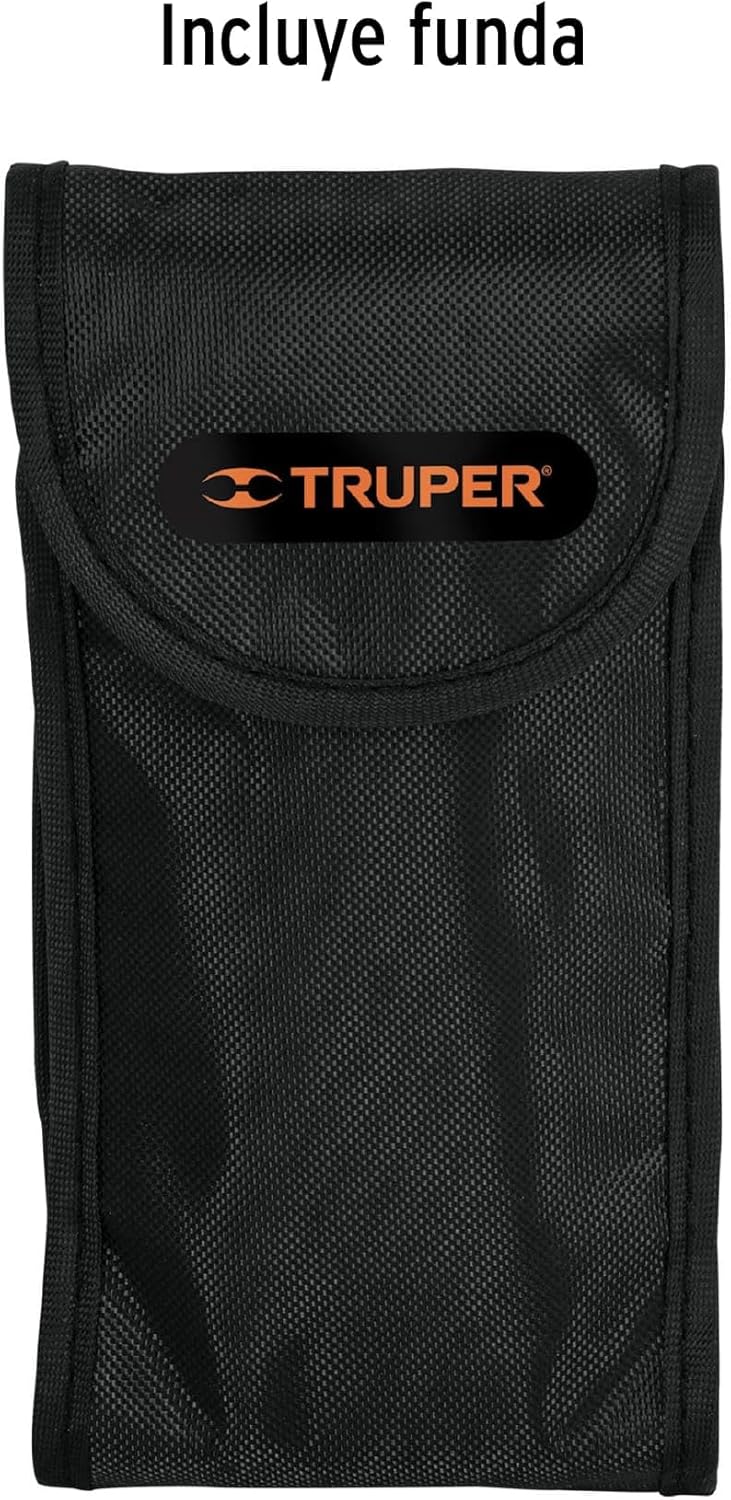
Figure 3: Maximum detection depths for various materials.
| മെറ്റീരിയൽ | പരമാവധി കണ്ടെത്തൽ ആഴം |
|---|---|
| Ferrous Metals | 120 mm (4 3/4") |
| നോൺ-ഫെറസ് ലോഹങ്ങൾ | 80 mm (3 1/4") |
| Live AC Wires | 50 മിമി (2") |
| Wood (Exact Mode) | 20 മില്ലീമീറ്റർ (3/4") |
| Wood (Deep Mode) | 38 mm (1 1/2") |
6. പരിപാലനം
6.1 വൃത്തിയാക്കലും സംഭരണവും
- മൃദുവായതും ഉണങ്ങിയതുമായ തുണി ഉപയോഗിച്ച് ഉപകരണം വൃത്തിയാക്കുക. അബ്രസീവ് ക്ലീനറുകളോ ലായകങ്ങളോ ഉപയോഗിക്കരുത്.
- ഉപകരണം ദീർഘനേരം ഉപയോഗിക്കുന്നില്ലെങ്കിൽ ബാറ്ററി നീക്കം ചെയ്യുക.
- Store the device in its protective case (Figure 4) in a cool, dry place, away from direct sunlight and extreme temperatures.
- Ensure the humidity sensor pins are clean and protected by their cover when not in use.
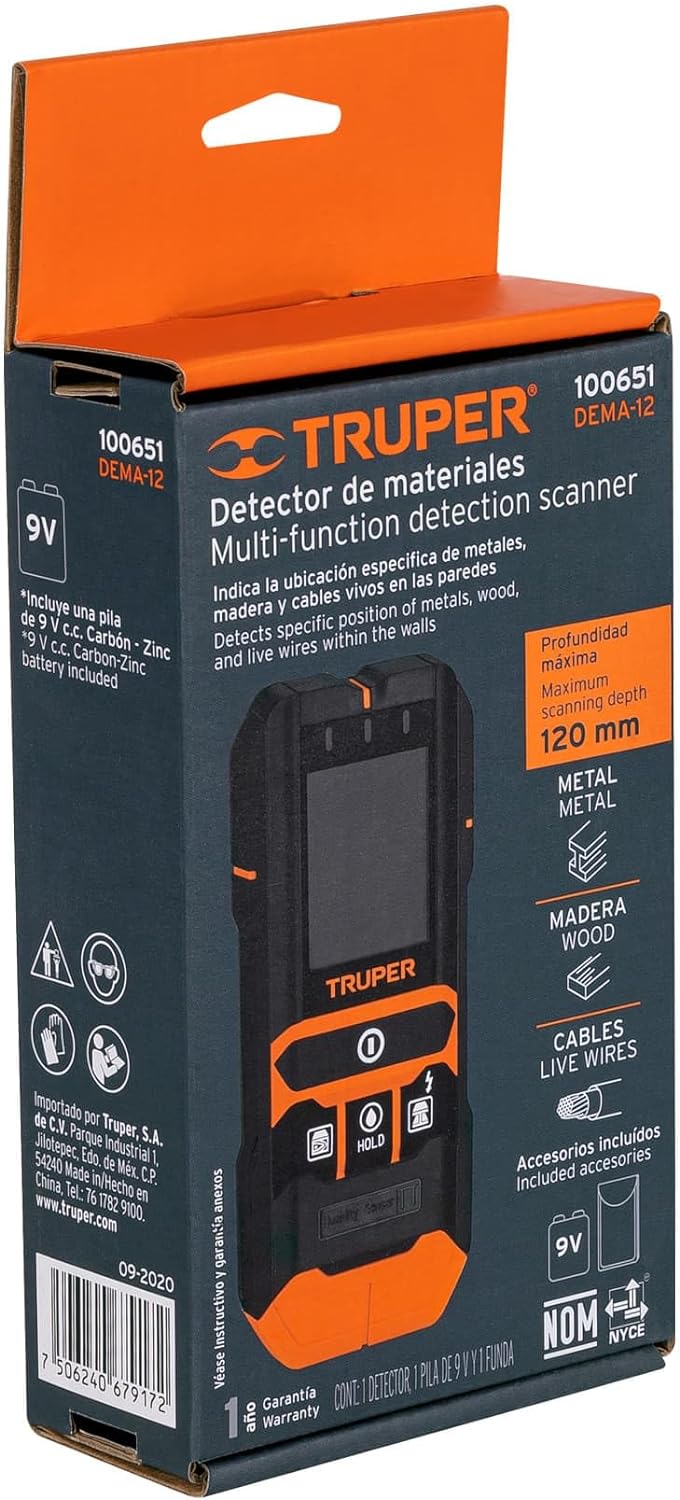
Figure 4: The Truper DEMA-12 includes a protective carrying case.
7. പ്രശ്നപരിഹാരം
7.1 പൊതുവായ പ്രശ്നങ്ങളും പരിഹാരങ്ങളും
| പ്രശ്നം | സാധ്യമായ കാരണം | പരിഹാരം |
|---|---|---|
| ഉപകരണം ഓണാക്കില്ല. | കുറഞ്ഞതോ ഡെഡ് ബാറ്ററിയോ; തെറ്റായ ബാറ്ററി ഇൻസ്റ്റാളേഷൻ. | Replace the 9V battery; ensure battery is installed with correct polarity. |
| കൃത്യമല്ലാത്തതോ പൊരുത്തമില്ലാത്തതോ ആയ വായനകൾ. | Improper calibration; presence of other electronic devices; wall material too dense or irregular. | Recalibrate the device on a clear section of the wall; move away from other electronics; try scanning from different angles. |
| Humidity sensor not providing readings. | Pins not fully inserted; material too dry; pins are dirty or damaged. | Ensure pins are fully inserted into the material; clean the pins; replace if damaged. |
| Device beeps continuously or gives false positives. | Interference; device too close to a detected object; high humidity in the environment. | Move to a different location; recalibrate; ensure the wall surface is dry. |
8 സ്പെസിഫിക്കേഷനുകൾ
8.1 സാങ്കേതിക ഡാറ്റ
| ഫീച്ചർ | വിശദാംശങ്ങൾ |
|---|---|
| നിർമ്മാതാവ് | ട്രൂപ്പർ |
| ഭാഗം നമ്പർ | 100651 |
| പവർ ഉറവിടം | AC/DC (9V battery) |
| ഉൾപ്പെടുത്തിയ ഘടകങ്ങൾ | Carrying Case, 1 x 9V Battery |
| പാക്കേജ് അളവുകൾ | 25 x 12 x 8 സെ.മീ |
| ഇനത്തിൻ്റെ ഭാരം | 320 ഗ്രാം |
| മോഡൽ നമ്പർ | 100651 |
| ASIN | B0CN3PNHZP |
9. വാറൻ്റിയും പിന്തുണയും
9.1 Truper Warranty Information
Grupo Truper's warranty covers over 25,000 accessories and spare parts, with minimal or no labor cost. Truper maintains 177 service centers in Mexico and 15 other Latin American countries. A purchase receipt is not required to validate the warranty.
For specific warranty claims or technical support, please refer to the official Truper webസൈറ്റിൽ അല്ലെങ്കിൽ അവരുടെ ഉപഭോക്തൃ സേവനവുമായി നേരിട്ട് ബന്ധപ്പെടുക. കോൺടാക്റ്റ് വിവരങ്ങൾ സാധാരണയായി ഉൽപ്പന്ന പാക്കേജിംഗിലോ നിർമ്മാതാവിന്റെ ഉദ്യോഗസ്ഥനിലോ കാണാം. webസൈറ്റ്.


