ആമുഖം
This manual provides detailed instructions for the setup, operation, maintenance, and troubleshooting of your ROYALAXE R87 Wireless Mechanical Keyboard. Designed for versatility, the R87 features hot-swappable switches, triple connection modes, and customizable RGB lighting, offering an enhanced typing and gaming experience across various devices and operating systems.
ബോക്സിൽ എന്താണുള്ളത്
- R87 മെക്കാനിക്കൽ കീബോർഡ്
- USB കേബിൾ
- 4 Spare Gateron G Pro 3.0 Yellow Switches
- കീക്യാപ് പുള്ളർ
- ഉപയോക്തൃ മാനുവലും ദ്രുത ഗൈഡും

Image: The ROYALAXE R87 keyboard with its included accessories, including spare switches, USB cable, and keycap puller.
സജ്ജമാക്കുക
കണക്റ്റിവിറ്റി മോഡുകൾ
The R87 keyboard supports three connection modes: Wired (USB-C), 2.4GHz Wireless (USB dongle), and Bluetooth (up to 3 channels). This allows for seamless multi-tasking across up to 5 devices.
- വയർഡ് കണക്ഷൻ: നൽകിയിരിക്കുന്ന USB-C കേബിൾ ഉപയോഗിച്ച് കീബോർഡ് നേരിട്ട് നിങ്ങളുടെ ഉപകരണവുമായി ബന്ധിപ്പിക്കുക.
- 2.4GHz വയർലെസ്: Insert the USB dongle into your device. The keyboard will automatically connect.
- ബ്ലൂടൂത്ത് കണക്ഷൻ: The keyboard supports three Bluetooth channels (BT1, BT2, BT3). To pair, press and hold Fn + BT1/BT2/BT3 for 3-5 seconds until the indicator light flashes, then select the keyboard on your device's Bluetooth settings.

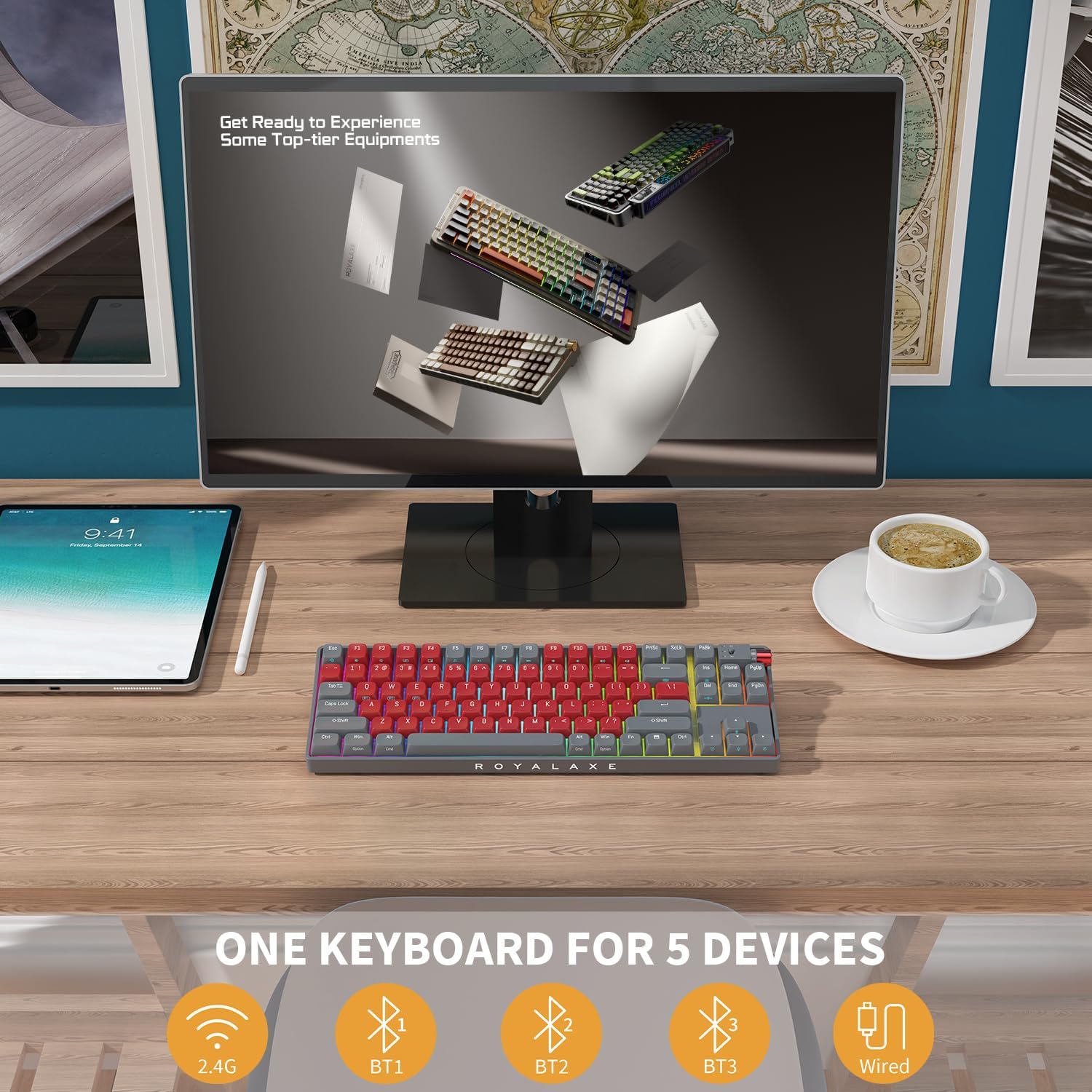
Images: The R87 keyboard demonstrating its tri-mode connection capability, including wired and multi-device wireless setup.
സിസ്റ്റം കോംപാറ്റിബിലിറ്റി സ്വിച്ച്
A dedicated switch on the top right corner of the keyboard allows you to seamlessly switch between Windows and Mac operating systems, ensuring optimal key mapping and functionality for your preferred environment.
കീബോർഡ് പ്രവർത്തിപ്പിക്കുന്നു
Key Switches and Keycaps
The R87 features upgraded Gateron G Pro 3.0 Yellow Switches, pre-lubed for a smooth typing experience. These switches offer improved consistency in RGB diffusion and harder pins for enhanced stability. The keyboard is equipped with double-shot PBT keycaps, designed for durability and resistance to long-term grime buildup, providing an excellent tactile feel.


ചിത്രങ്ങൾ: വിശദമായത് views of the Gateron G Pro 3.0 Yellow Switches and the durable double-shot PBT keycaps.
RGB ലൈറ്റിംഗ് ഇഫക്റ്റുകൾ
Customize your keyboard's aesthetics with 22 RGB light modes, offering adjustable brightness and monochromatic light options. Four additional preset colors are available for download. Note that the 'Music Follow' mode is not available in MAC systems.
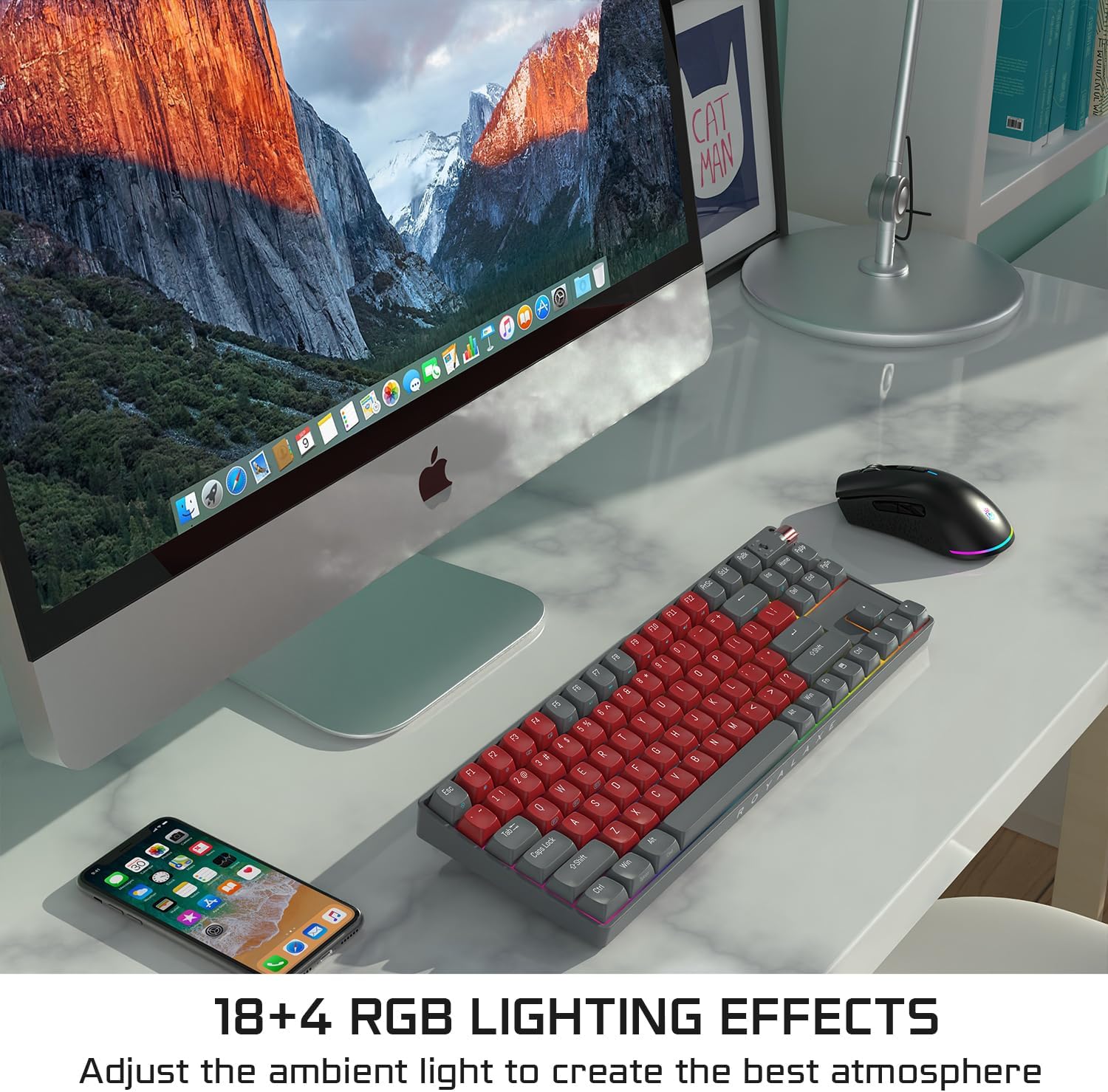
Image: The R87 keyboard illuminated with its vibrant RGB lighting effects.
ബാറ്ററി ലൈഫ്
The R87 is equipped with a 3000 mAh battery, providing up to 250 hours of standby time with RGB lighting off, or approximately 10 hours with RGB lighting on.
മെയിൻ്റനൻസ്
വൃത്തിയാക്കൽ
To maintain optimal performance and appearance, regularly clean your keyboard. Use a soft, dry cloth to wipe down the keycaps and chassis. For deeper cleaning, you may use a can of compressed air to remove dust and debris from between the keys. Avoid using harsh chemicals or abrasive materials.
ഹോട്ട്-സ്വാപ്പ് ചെയ്യാവുന്ന സ്വിച്ചുകൾ
The R87 features hot-swappable 5-pin sockets, allowing for convenient removal and installation of switches without soldering. Use the included keycap and switch removers for this process. The sockets support both 5-pin and 3-pin switches, but are not compatible with Cherry switches.
ട്രബിൾഷൂട്ടിംഗ്
- കീബോർഡ് പ്രതികരിക്കുന്നില്ല: Ensure the keyboard is charged and the correct connection mode (Wired, 2.4G, or Bluetooth) is selected. For wireless modes, verify the dongle is properly inserted or Bluetooth is paired.
- കണക്റ്റിവിറ്റി പ്രശ്നങ്ങൾ: If experiencing intermittent connection, try moving closer to the receiver (2.4G) or device (Bluetooth). Ensure no strong interference sources are nearby. Re-pair Bluetooth devices if necessary.
- RGB ലൈറ്റിംഗ് പ്രവർത്തിക്കുന്നില്ല: Check the keyboard's power switch and ensure it's not in 'Off' mode. Cycle through RGB modes using the designated function keys (refer to quick guide for specific key combinations).
- രജിസ്റ്റർ ചെയ്യാത്ത കീകൾ: If a specific key is not working, it might be due to a loose or faulty switch. Utilize the hot-swappable feature to replace the switch with one of the included spare switches.
- Mac അനുയോജ്യത: Ensure the system switch on the keyboard is set to 'Mac' for proper functionality on Apple devices.
സ്പെസിഫിക്കേഷനുകൾ
| ഫീച്ചർ | വിശദാംശങ്ങൾ |
|---|---|
| ഉൽപ്പന്ന അളവുകൾ | 13.9 x 4.7 x 1.7 ഇഞ്ച് |
| ഇനത്തിൻ്റെ ഭാരം | 2.1 പൗണ്ട് |
| നിർമ്മാതാവ് | റോയലക്സ് |
| ഇനം മോഡൽ നമ്പർ | R87 |
| ബാറ്ററികൾ | 2 ലിഥിയം അയോൺ ബാറ്ററികൾ ആവശ്യമാണ്. (ഉൾപ്പെടുന്നു) |
| അനുയോജ്യമായ ഉപകരണങ്ങൾ | ലാപ്ടോപ്പ്, പിസി, ടാബ്ലെറ്റ്, സ്മാർട്ട്ഫോൺ, മാക് |
| കണക്റ്റിവിറ്റി ടെക്നോളജി | Bluetooth, 2.4G Wireless, USB-C |
| കീബോർഡ് വിവരണം | മെക്കാനിക്കൽ |
| ശുപാർശ ചെയ്യുന്ന ഉപയോഗങ്ങൾ | Everyday Use, Gaming, Business |
| പ്രത്യേക ഫീച്ചർ | Programmable Keys, Rechargeable, Hot-Swappable |
| നിറം | Night Crimson |
| കീകളുടെ എണ്ണം | 88 |
| കീബോർഡ് ബാക്ക്ലൈറ്റിംഗ് | RGB |
| ശൈലി | Night Crimson 88 Keys |
വാറൻ്റിയും പിന്തുണയും
Your ROYALAXE R87 Wireless Mechanical Keyboard comes with a manufacturer's warranty. For specific warranty details, please refer to the warranty card included in your product packaging or visit the official ROYALAXE website. For technical support, troubleshooting assistance, or any product-related inquiries, please contact ROYALAXE customer service through their official channels.


