ആമുഖം
This manual provides essential information for the proper use and maintenance of your Yimaut remote control, designed for compatibility with various Onn and Westinghouse Roku TV models. Please read these instructions carefully to ensure optimal performance and longevity of your device.
അനുയോജ്യത
The Yimaut remote control is specifically designed for use with Onn and Westinghouse Roku TVs. It is not compatible with Roku Stick or Roku Streaming Stick devices.
Compatible Onn Roku TV Models:
- 24 ഇഞ്ച്: 100012590
- 32 inch: 100012589, 3226000855, 3226000858, 100018971, 100005842, 3226000738, 100021261
- 40 ഇഞ്ച്: 100005395
- 43 ഇഞ്ച്: 100012584
- 50 inch: 100005396, 100005843, 100007147, 100012585, 100021258
- 55 ഇഞ്ച്: 100012586
- 58 inch: 100005397, 100005844
- 60 ഇഞ്ച്: 100024699
- 65 ഇഞ്ച്: 100012587
- 70 ഇഞ്ച്: 100012588
- Also compatible with HO-RCRUS-22 and RC-AFIR remotes.
Compatible Westinghouse Roku TV Models:
- 24 inch: WR24HX2210, WR24HT2212
- 32 inch: WR32HC2210, WR32HX2210, WD32HX5201, WR32HT2212
- 40 inch: WR40FX2019
- 42 inch: WR42FX2210, WR42FX2002
- 43 inch: WR43UT4009, WR43EX2300, WR43EX4300, WR43FX2212, WR43UX4210, WR43UT4212, WR43QX400
- 50 inch: WR50UT4009, WR50EX4300, WR50UX4210, WR50UT4212, WR50QX400
- 55 inch: WR55UT4009, WR55EX4300, WR55UX4212, WR55UT4212, WR55QX400
- 65 inch: WR65UT4019, WR65EX4300, WR65UX4210, WR65UT4212, WR65QX400
- 70 inch: WR70UT4212
- 75 inch: WR75UX4200, WR75EX4300, WR75UX4210, WR75QX400

Image: Detailed compatibility list for various Onn and Westinghouse Roku TV models, indicating screen sizes and specific model numbers.
പ്രധാന സവിശേഷതകൾ
- 8 Popular Shortcut Keys: Direct access buttons for Netflix, HULU, Disney+, Amazon Prime, YouTube, ESPN+, and a Source button for quick channel switching.
- Anti-Lost Design: Includes a glow-in-the-dark silicone remote case and a wrist strap for easy location and secure handling.
- Sensitive Buttons: Designed for quick response, reacting within 0.2 seconds to button presses.
- സുരക്ഷിത മെറ്റീരിയൽ: Constructed from premium ABS plastic and silicone, ensuring safety for all users.
- Longer Transmit Distance: Effective transmitting distance up to 40 feet (12 meters).

Image: The Yimaut remote control highlighting its 8 dedicated shortcut keys for popular streaming services and a source button.

Image: A split image showing the remote with its wrist strap during the day and glowing blue in the dark, illustrating its anti-lost feature.

Image: A baby being held by an adult, playfully reaching for the remote, emphasizing the product's safe and harmless materials.
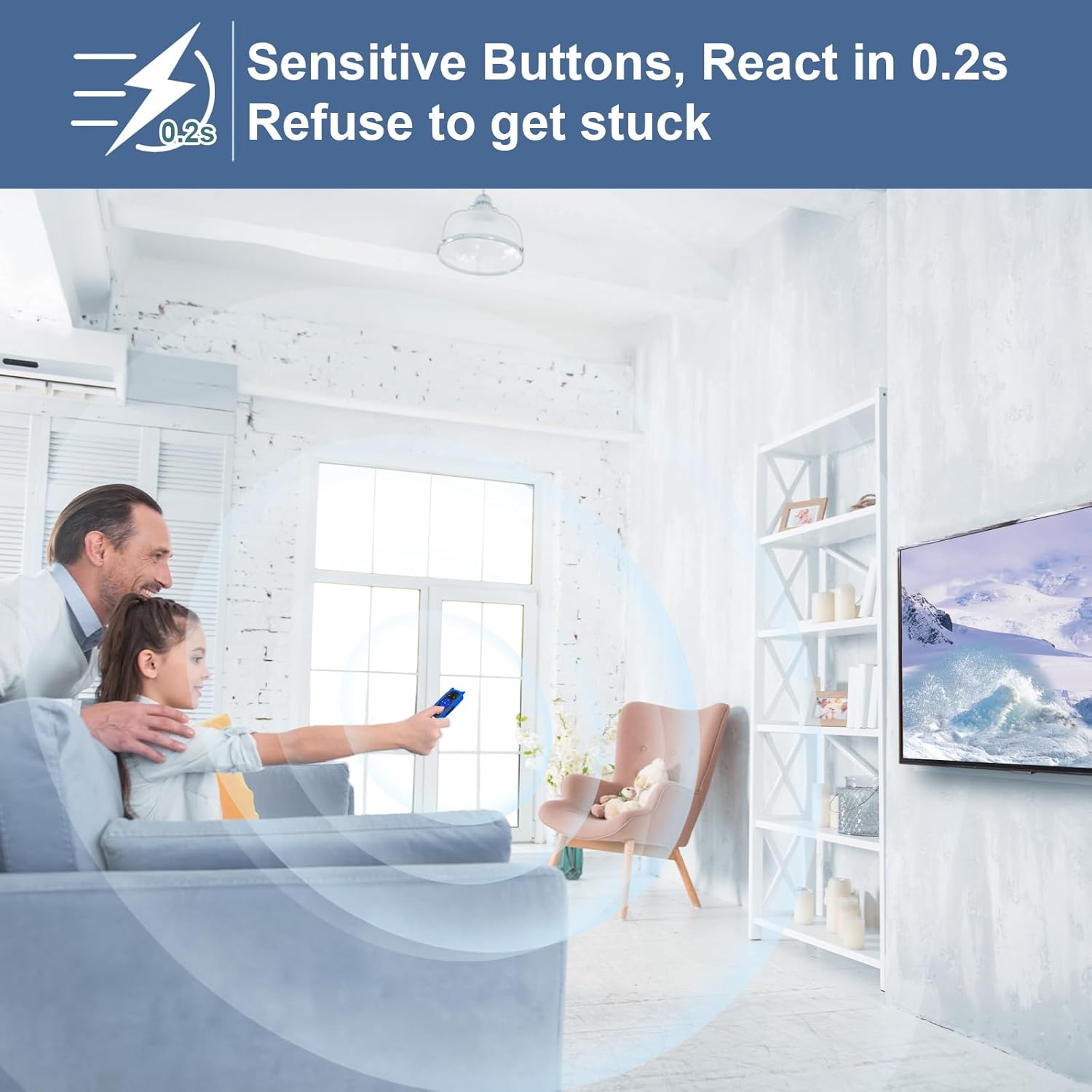
Image: A person using the remote control in a living room setting, with a graphic indicating a 0.2-second response time for sensitive buttons.
സജ്ജമാക്കുക
The Yimaut remote control is designed for immediate use without complex setup or programming. Simply insert batteries, and it will function with your compatible Roku TV.
ബാറ്ററി ഇൻസ്റ്റാളേഷൻ:
- റിമോട്ട് കൺട്രോളിന്റെ പിൻഭാഗത്ത് ബാറ്ററി കമ്പാർട്ട്മെന്റ് കണ്ടെത്തുക.
- ബാറ്ററി കമ്പാർട്ട്മെൻ്റ് കവർ തുറക്കുക.
- ശരിയായ പോളാരിറ്റി (+/-) ഉറപ്പാക്കിക്കൊണ്ട് രണ്ട് (2) AAA ബാറ്ററികൾ ഇടുക. (ബാറ്ററികൾ ഉൾപ്പെടുത്തിയിട്ടില്ല)
- ബാറ്ററി കമ്പാർട്ട്മെൻ്റ് കവർ സുരക്ഷിതമായി അടയ്ക്കുക.

Image: The Yimaut remote control next to a TV, with a graphic indicating "No Setup Required" and "Easy to Use, Work Out of Box."
ഓപ്പറേഷൻ
The remote control provides intuitive access to your Roku TV's functions.
അടിസ്ഥാന പ്രവർത്തനങ്ങൾ:
- പവർ ബട്ടൺ: ടിവി ഓണാക്കുകയോ ഓഫാക്കുകയോ ചെയ്യുന്നു.
- വോളിയം കൂട്ടുക/താഴ്ത്തുക: Adjusts the TV's audio level.
- നിശബ്ദ ബട്ടൺ: Silences or restores TV audio.
- ദിശാസൂചന പാഡ് (മുകളിലേക്ക്/താഴേക്ക്/ഇടത്/വലത്): മെനുകളും ഉള്ളടക്കവും നാവിഗേറ്റ് ചെയ്യുന്നു.
- ശരി ബട്ടൺ: തിരഞ്ഞെടുക്കലുകൾ സ്ഥിരീകരിക്കുന്നു.
- ഹോം ബട്ടണ്: റോക്കു ടിവി ഹോം സ്ക്രീനിലേക്ക് മടങ്ങുന്നു.
- ബാക്ക് ബട്ടൺ: മുമ്പത്തെ സ്ക്രീനിലേക്കോ മെനുവിലേക്കോ മടങ്ങുന്നു.
- പ്ലേ/താൽക്കാലികമായി നിർത്തുക, വേഗത്തിൽ മുന്നോട്ട് പോകുക, പിന്നോട്ട് പോകുക: മീഡിയ പ്ലേബാക്ക് നിയന്ത്രിക്കുന്നു.
കുറുക്കുവഴി കീകൾ:
Utilize the dedicated shortcut buttons for quick access to popular streaming applications:
- നെറ്റ്ഫ്ലിക്സ്
- ഹുലു
- ഡിസ്നി+
- ആമസോൺ പ്രൈം വീഡിയോ
- YouTube
- ESPN+
- Source (to switch input sources)
മെയിൻ്റനൻസ്
നിങ്ങളുടെ റിമോട്ട് കൺട്രോളിന്റെ ദീർഘായുസ്സും ശരിയായ പ്രവർത്തനവും ഉറപ്പാക്കാൻ, ഈ അറ്റകുറ്റപ്പണി മാർഗ്ഗനിർദ്ദേശങ്ങൾ പാലിക്കുക:
- വൃത്തിയാക്കൽ: Wipe the remote and its silicone cover with a soft, dry cloth. For stubborn dirt, a slightly damp cloth with mild soap can be used, ensuring no moisture enters the remote's internal components.
- ബാറ്ററി കെയർ: Replace batteries when the remote's response becomes sluggish or it stops functioning. Remove batteries if the remote will not be used for an extended period to prevent leakage.
- സംഭരണം: നേരിട്ടുള്ള സൂര്യപ്രകാശത്തിൽ നിന്നും കടുത്ത താപനിലയിൽ നിന്നും മാറി തണുത്തതും വരണ്ടതുമായ സ്ഥലത്ത് റിമോട്ട് സൂക്ഷിക്കുക.
ട്രബിൾഷൂട്ടിംഗ്
If you encounter issues with your Yimaut remote control, refer to the following common solutions:
റിമോട്ട് പ്രതികരിക്കുന്നില്ല:
- ബാറ്ററികൾ പരിശോധിക്കുക: Ensure batteries are inserted correctly with the correct polarity. Replace old or depleted batteries with new AAA batteries.
- വീക്ഷണരേഖ: Ensure there is a clear line of sight between the remote and the TV's infrared receiver. Obstructions can block the signal.
- ദൂരം: Confirm you are within the effective operating range (up to 40 feet / 12 meters).
- ഇടപെടൽ: Move away from strong light sources or other electronic devices that might cause infrared interference.
Shortcut Buttons Not Working:
- Ensure your TV is connected to the internet and the respective streaming applications are installed and updated.
- Verify that your TV model is fully compatible with the remote's features.
സ്പെസിഫിക്കേഷനുകൾ
| ബ്രാൻഡ് | യിമൗത്ത് |
| മോഡൽ (ASIN) | B0CQQ23S2J |
| കണക്റ്റിവിറ്റി ടെക്നോളജി | ഇൻഫ്രാറെഡ് |
| അനുയോജ്യമായ ഉപകരണങ്ങൾ | Onn Roku TVs, Westinghouse Roku TVs |
| പ്രത്യേക സവിശേഷതകൾ | Glow in Dark, Anti-Lost (with cover and strap) |
| ഫോം ഫാക്ടർ | മൂടുക |
| നിറം | Remote with Blue Cover |
| ഇനത്തിൻ്റെ ഭാരം | 2.82 ഔൺസ് |
| പാക്കേജ് അളവുകൾ | 6.65 x 2.72 x 1.22 ഇഞ്ച് |
| നിർമ്മാതാവ് | യിമൗത്ത് |
വാറൻ്റിയും പിന്തുണയും
For warranty information or technical support, please refer to the product packaging or contact the manufacturer directly through their official channels. Keep your purchase receipt as proof of purchase.