1. ആമുഖം
The Avantalk Infinity Auracast Wireless Earbuds offer a versatile audio experience with two distinct pairs of earbuds: one for Active Noise Canceling (ANC) and another for a semi-open fit. This manual provides detailed instructions for setup, operation, and maintenance to ensure optimal performance.
Key features include Auracast compatibility, Qualcomm aptX Adaptive audio, Active Noise Canceling, a semi-open design for environmental awareness, and app control for personalized settings.
2. ബോക്സിൽ എന്താണുള്ളത്?
- Avantalk Infinity Earbuds (Infinity NC & Infinity SO pairs)
- Type C Charging Cable (1.5ft / 0.5m)
3. ഉൽപ്പന്നം കഴിഞ്ഞുview
The Avantalk Infinity system includes a compact charging case and two pairs of earbuds designed for different listening needs.

Image: Avantalk Infinity earbuds and their charging case. The image displays the charging case at the top, with two pairs of earbuds below it. One pair has red and blue ear tips, indicating the noise-canceling variant, while the other pair is all white, representing the semi-open design.

Image: Options for every moment. This image illustrates the two types of earbuds included: ANC In-ear (with red and blue tips) and Semi-open (all white). The charging case is also shown, highlighting the 8 hours per charge for earbuds and 48 hours total playtime with the case.
4. സജ്ജീകരണം
4.1 ഇയർബഡുകളും കേസും ചാർജ് ചെയ്യുന്നു
Before first use, fully charge the Avantalk Infinity earbuds and charging case. Place the earbuds into their respective slots in the charging case. Connect the provided Type-C charging cable to the charging case and a USB power source.
4.2 ബ്ലൂടൂത്ത് ജോടിയാക്കൽ
- ചാർജിംഗ് കേസ് തുറക്കുക. ഇയർബഡുകൾ സ്വയമേവ ജോടിയാക്കൽ മോഡിലേക്ക് പ്രവേശിക്കും.
- നിങ്ങളുടെ ഉപകരണത്തിൽ (സ്മാർട്ട്ഫോൺ, ടാബ്ലെറ്റ് മുതലായവ), ബ്ലൂടൂത്ത് ക്രമീകരണങ്ങളിലേക്ക് നാവിഗേറ്റ് ചെയ്യുക.
- Select "Avantalk Infinity" from the list of available devices to connect.
- Once connected, a confirmation sound or indicator will be visible.
4.3 Avantalk App Installation
For enhanced control and customization, download the Avantalk App from your device's app store. The app allows for EQ adjustments, firmware updates, and Auracast stream management.

Image: Full control with app. This image displays a smartphone screen showing the Avantalk app interface, which allows users to update firmware, adjust ANC settings, and connect to Auracast broadcasts.
5. പ്രവർത്തന നിർദ്ദേശങ്ങൾ
5.1 Switching Between Earbud Types
The Avantalk Infinity comes with two pairs of earbuds: the Infinity NC (Noise-Canceling) and the Infinity SO (Semi-Open). Choose the pair that best suits your environment and listening preference.
- Infinity NC: Ideal for blocking out external noise in loud environments like planes or busy cafes.
- Infinity SO: Designed for comfortable awareness, allowing you to hear your surroundings, suitable for office or home use.
5.2 ഓറകാസ്റ്റ് പ്രവർത്തനം
The earbuds are Auracast compatible, enabling connection to public audio broadcasts. Use the Avantalk App to find and join available Auracast streams.

Image: Auracast compatible. This image shows the Avantalk Infinity earbuds connecting to public audio broadcasts via various Auracast transmitters like Audikast 4, Voyager HA, and C82 Aura, depicted in a concert hall setting.
Video: This video demonstrates the Avantalk Infinity earbuds' Auracast functionality, showing how to connect to public audio broadcasts and manage settings via the Avantalk app.
5.3 LE Audio Support
The Infinity earbuds support LE Audio, providing ultra-low latency and high-fidelity sound when used with compatible devices like the Pixel 7 and Galaxy S23. This ensures perfectly lip-synced audio for videos and gaming.
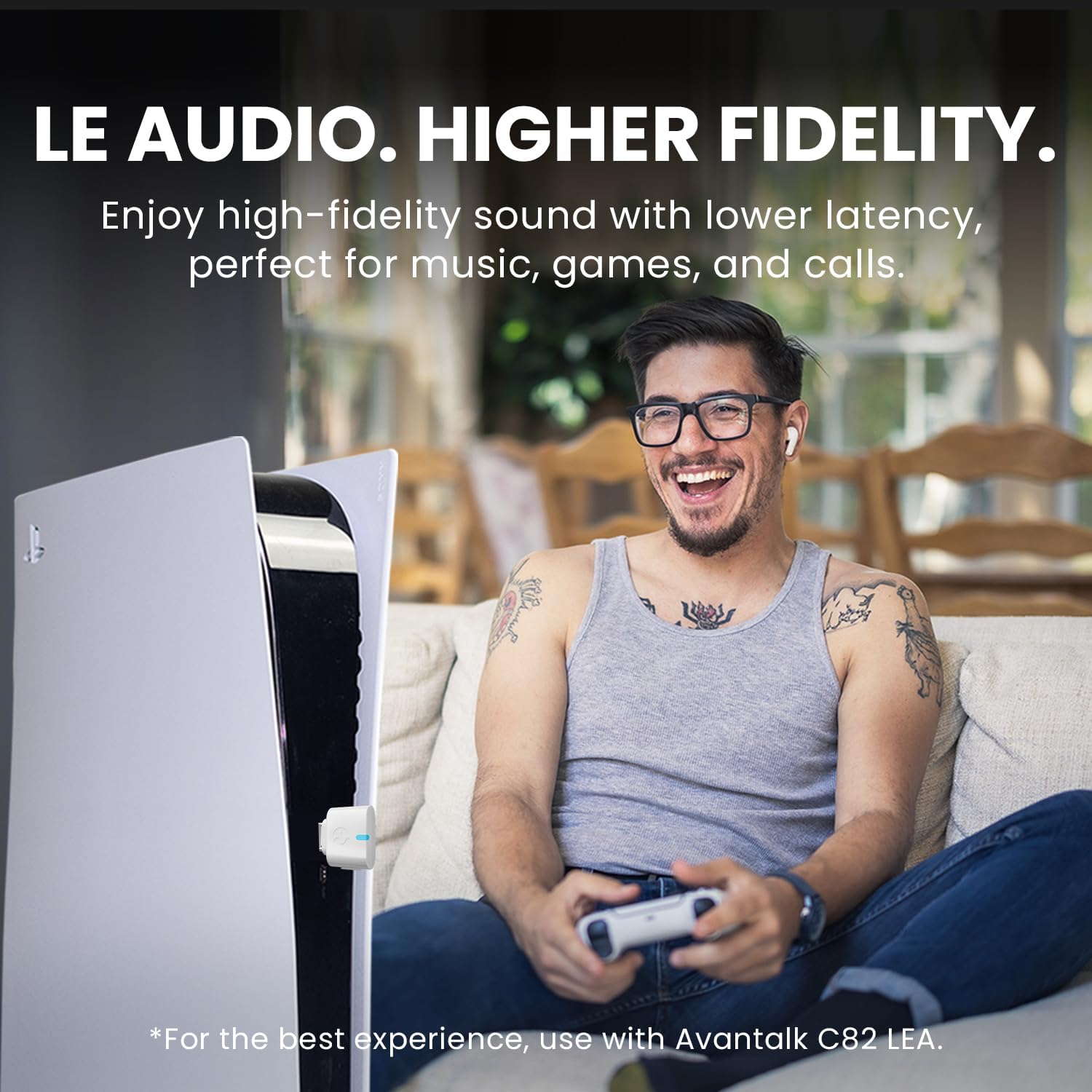
Image: LE Audio. Higher fidelity. This image shows a person enjoying gaming with the earbuds, emphasizing the low latency and high-fidelity sound provided by LE Audio, especially when used with the Avantalk C82 LEA.
Video: This video provides tips and tricks for using the Avantalk Infinity Auracast Earbuds, including details on LE Audio compatibility and how to maximize your listening experience.
5.4 Active Noise Canceling (ANC) and Transparency Mode
The Infinity NC earbuds feature Hybrid ANC to reduce background noise. You can switch to Transparency Mode to hear your surroundings without removing the earbuds.

Image: Hybrid ANC. This image visually represents the effectiveness of Hybrid ANC, stating it can reduce background noise by up to 98.6%, with a waveform graphic illustrating noise reduction.
5.5 ക്ലിയർ കോളുകൾ
Both pairs of earbuds are equipped with six built-in noise-filtering microphones utilizing cVc 8.0 technology. This ensures clear voice transmission during calls, even in noisy environments.
6. പരിപാലനം
- ഇയർബഡുകളും ചാർജിംഗ് കെയ്സും മൃദുവായതും ഉണങ്ങിയതുമായ തുണി ഉപയോഗിച്ച് പതിവായി വൃത്തിയാക്കുക.
- Avoid exposing the earbuds to extreme temperatures, moisture, or corrosive substances.
- Store the earbuds in their charging case when not in use to protect them and maintain charge.
7. പ്രശ്നപരിഹാരം
- ശബ്ദമില്ല: ഇയർബഡുകൾ ചാർജ് ചെയ്തിട്ടുണ്ടെന്നും ശരിയായി ജോടിയാക്കിയിട്ടുണ്ടെന്നും ഇയർബഡുകളിലും നിങ്ങളുടെ ഉപകരണത്തിലും വോളിയം ക്രമീകരിച്ചിട്ടുണ്ടെന്നും ഉറപ്പാക്കുക.
- ജോടിയാക്കൽ പ്രശ്നങ്ങൾ: Turn off Bluetooth on your device, place earbuds back in the case, then try re-pairing. Refer to your device's Bluetooth settings for specific troubleshooting steps.
- ആപ്പ് കണക്ഷൻ പ്രശ്നങ്ങൾ: Ensure the Avantalk App is updated and the earbuds are connected to your device via Bluetooth.
- മോശം കോൾ നിലവാരം: മൈക്രോഫോണുകൾ തടസ്സപ്പെട്ടിട്ടില്ലെന്ന് ഉറപ്പാക്കുക. ശാന്തമായ ഒരു അന്തരീക്ഷത്തിലേക്ക് മാറാൻ ശ്രമിക്കുക.
8 സ്പെസിഫിക്കേഷനുകൾ
| ഫീച്ചർ | വിശദാംശങ്ങൾ |
|---|---|
| മോഡലിൻ്റെ പേര് | അനന്തത |
| ഇനം മോഡൽ നമ്പർ | ATBH-TW156 |
| ബ്രാൻഡ് | അവന്റാൽക്ക് |
| ശബ്ദ നിയന്ത്രണം | സജീവ നോയ്സ് റദ്ദാക്കൽ |
| കണക്റ്റിവിറ്റി ടെക്നോളജി | വയർലെസ് |
| വയർലെസ് കമ്മ്യൂണിക്കേഷൻ ടെക്നോളജി | ബ്ലൂടൂത്ത് |
| ബ്ലൂടൂത്ത് പതിപ്പ് | 5.2 |
| പ്രത്യേക ഫീച്ചർ | Auracast & LE Audio, Hybrid ANC (up to 49dB) |
| ബാറ്ററി ലൈഫ് | 48 മണിക്കൂർ (ചാർജിംഗ് കേസിനൊപ്പം) |
| ചാർജിംഗ് സമയം | 2 മണിക്കൂർ |
| മെറ്റീരിയൽ | അക്രിലോണിട്രൈൽ ബ്യൂട്ടാഡീൻ സ്റ്റൈറൈൻ (എബിഎസ്) |
| ഇനത്തിൻ്റെ ഭാരം | 5.9 ഔൺസ് |
| ചെവി പ്ലേസ്മെൻ്റ് | ചെവിയിൽ |
| ഫോം ഫാക്ടർ | ചെവിയിൽ |
| പ്രതിരോധം | 32 ഓം |
9. വാറൻ്റിയും പിന്തുണയും
Avantalk products come with a manufacturer's warranty. For detailed warranty information, product support, or to contact customer service, please visit the official Avantalk webസൈറ്റ് അല്ലെങ്കിൽ നിങ്ങളുടെ ഉൽപ്പന്നത്തിൽ ഉൾപ്പെടുത്തിയിരിക്കുന്ന വാറന്റി കാർഡ് പരിശോധിക്കുക.


