ആമുഖം
The Verbatim Share My Screen 4K USB-C Wireless HDMI Transmitter and Receiver Display Adapter is designed to simplify your presentations, streaming, and gaming experiences by eliminating cable clutter. This device allows you to wirelessly mirror or extend your display in stunning 4K resolution from a USB-C enabled device to a monitor, TV, or projector with a reliable wireless range of up to 30 feet. It also features an integrated USB hub with dual USB-A ports and SD/microSD slots for enhanced connectivity.
പാക്കേജ് ഉള്ളടക്കം
- 1 x Verbatim Share My Screen 4K USB-C Wireless Transmitter
- 1 x Verbatim Share My Screen 4K HDMI Wireless Receiver
- 1 x USB-A to USB-C Power Cable (for Receiver)
- 1 x USB-C to USB-C Cable (for Transmitter, if needed for power)
- ഉപയോക്തൃ മാനുവൽ

Image: The retail packaging for the Verbatim Share My Screen 4K Wireless Display Adapter, showing the transmitter and receiver units.
ഉൽപ്പന്നം കഴിഞ്ഞുview
ട്രാൻസ്മിറ്റർ യൂണിറ്റ്
The transmitter unit connects to your source device (e.g., laptop, tablet, smartphone) via its integrated USB-C cable. It features a button for easy pairing and an LED indicator for status. This unit also includes additional ports for expanded functionality.

Image: The Verbatim Share My Screen 4K Wireless Transmitter, highlighting its USB-C connection and an additional USB-A port.
റിസീവർ യൂണിറ്റ്
The receiver unit connects to your display device (e.g., TV, monitor, projector) via its integrated HDMI connector. It requires power, typically supplied via a USB-A port on your display or an external USB power adapter. It also has an LED indicator for connection status.
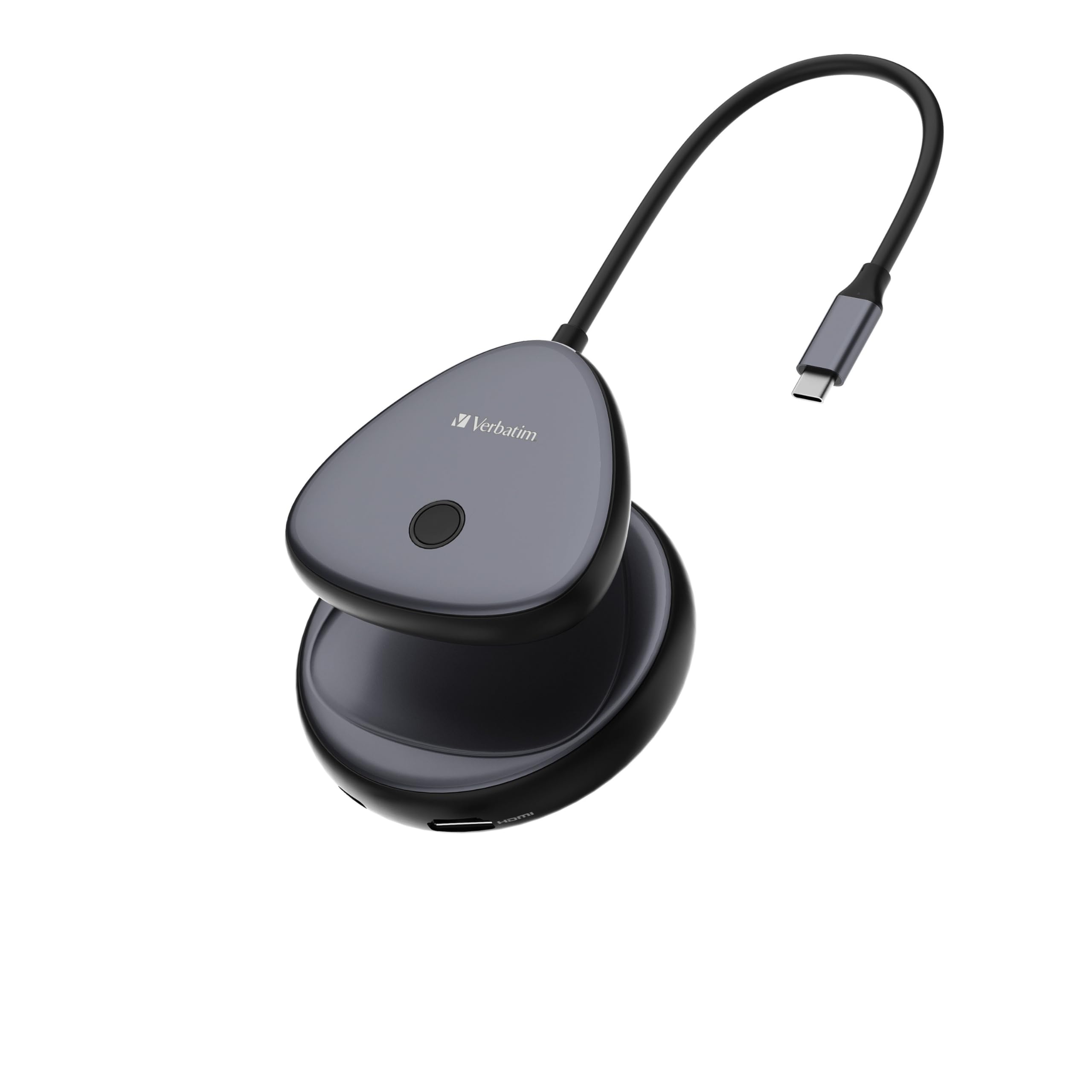
Image: The Verbatim Share My Screen 4K Wireless Receiver, showing its compact design and HDMI connector.
സജ്ജീകരണ നിർദ്ദേശങ്ങൾ
1. Connect the Receiver to your Display
- Plug the HDMI connector of the receiver unit into an available HDMI input port on your TV, monitor, or projector.
- Connect the USB-A power cable to the receiver's power input port and the other end to a USB-A port on your display (if available) or a 5V/2A USB power adapter.
- Switch your display's input source to the corresponding HDMI port.
2. Connect the Transmitter to your Source Device
- Plug the USB-C connector of the transmitter unit into a USB-C port on your laptop, tablet, or smartphone.
- Ensure your source device supports video output over USB-C (DisplayPort Alternate Mode).
3. Pairing and Display
- Once both units are powered on and connected, they should automatically attempt to pair. The LED indicators on both units will show their status.
- If pairing does not occur automatically, press the button on the transmitter unit to initiate pairing.
- Your device's screen should now be mirrored or extended to your display.
Video: An official Verbatim video demonstrating the setup and use of the Share My Screen 4K USB-C Wireless Display Adapter, showing how to connect and mirror content.
പ്രവർത്തന നിർദ്ദേശങ്ങൾ
Mirroring and Extending Display
By default, your device's screen will likely mirror to the connected display. To change to an extended display or adjust resolution, access your operating system's display settings (e.g., Windows Display Settings, macOS System Preferences > Displays).
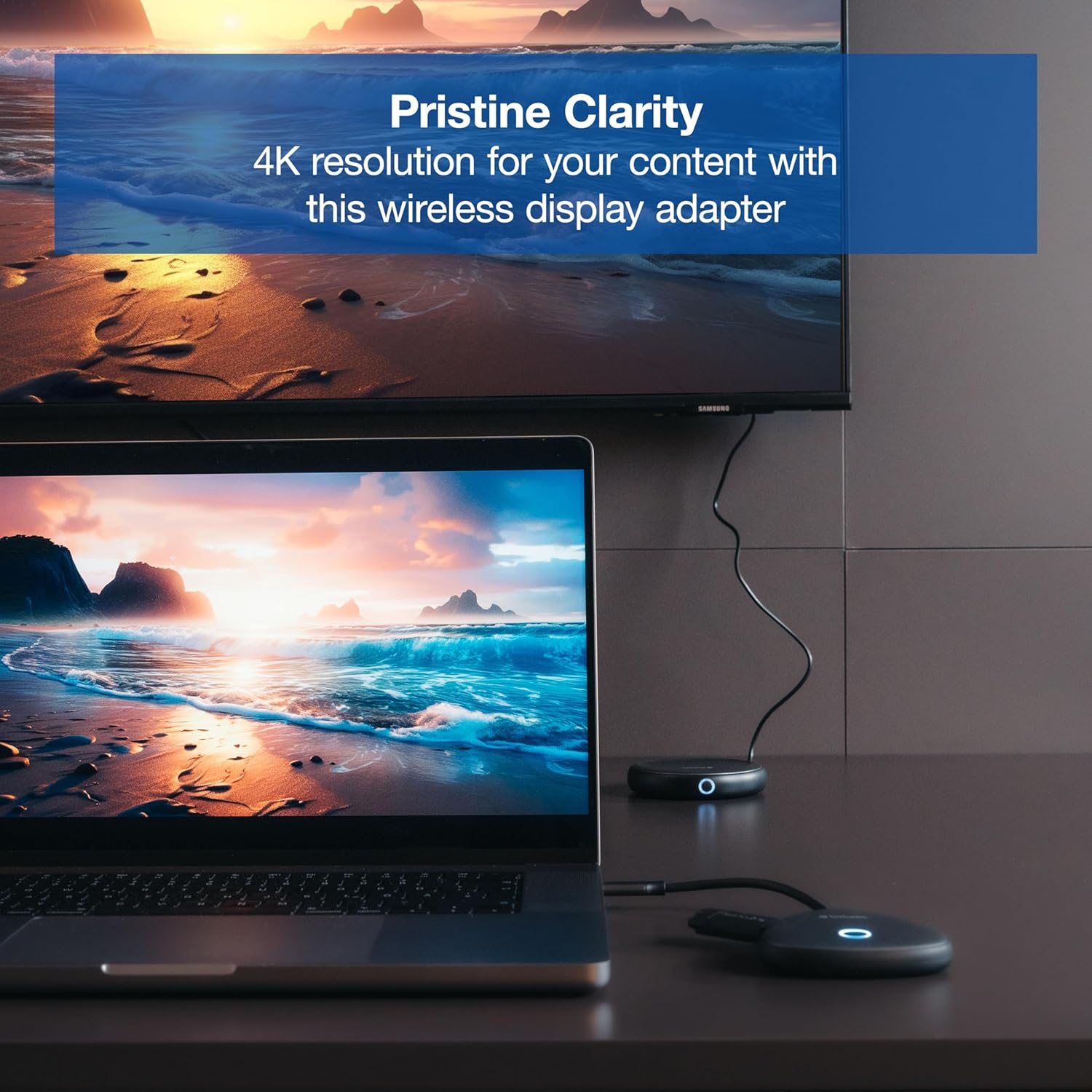
Image: A laptop connected to the wireless display adapter, showcasing a vibrant 4K image mirrored on a larger screen.
Using USB Hub and Card Reader
The transmitter unit includes dual USB-A ports and SD/microSD card slots. These function as a pass-through hub, allowing you to connect additional USB devices (like a mouse, keyboard, or flash drive) or access data from memory cards directly through the transmitter while it's connected to your source device.

Image: The transmitter unit with a USB-A device plugged into its integrated hub, demonstrating its expanded connectivity.
പ്രധാന സവിശേഷതകൾ
- 4K Resolution at 30Hz: Enjoy unparalleled clarity for presentations, streaming, and gaming.
- 30-Foot Wireless Range: Reliably mirror your display from a distance without cable clutter.
- ഒതുക്കമുള്ളതും പോർട്ടബിൾ ഡിസൈൻ: Easy to carry for on-the-go use.
- User-Friendly Pairing: Quick and secure connection process.
- ഇന്റഗ്രേറ്റഡ് യുഎസ്ബി ഹബ്: Dual USB-A ports and SD/microSD slots for connecting essential devices and memory cards.

Image: A laptop wirelessly connected to a large TV, both displaying the same vibrant 4K content, illustrating the device's mirroring capability.
ട്രബിൾഷൂട്ടിംഗ്
- ഡിസ്പ്ലേ ഇല്ല: Ensure both transmitter and receiver are powered on. Check all HDMI and USB-C connections. Verify the display is set to the correct HDMI input.
- ലാഗ് അല്ലെങ്കിൽ ഇടവിട്ടുള്ള കണക്ഷൻ: Ensure devices are within the 30-foot wireless range and there are no significant obstructions (e.g., thick walls) between them. Minimize interference from other wireless devices.
- ഉപകരണം അമിതമായി ചൂടാക്കൽ: It is normal for the device to generate some heat during operation. Ensure adequate ventilation around both units. If overheating persists or causes malfunction, discontinue use and contact support.
- ജോടിയാക്കാൻ കഴിയുന്നില്ല: Press the pairing button on the transmitter unit. If issues persist, try disconnecting and reconnecting both units.
സ്പെസിഫിക്കേഷനുകൾ
| ആട്രിബ്യൂട്ട് | മൂല്യം |
|---|---|
| ഉൽപ്പന്ന അളവുകൾ | 3.6 x 3.6 x 1.4 ഇഞ്ച് |
| ഇനത്തിൻ്റെ ഭാരം | 5.3 ഔൺസ് |
| ഇനം മോഡൽ നമ്പർ | 32147 |
| നിർമ്മാതാവ് | പദാനുപദം |
| അനുയോജ്യമായ ഉപകരണങ്ങൾ | USB-C ഉപകരണങ്ങൾ |
| ഉൽപ്പന്നത്തിൻ്റെ പ്രത്യേക ഉപയോഗങ്ങൾ | Monitor, PC |
| കണക്റ്റർ തരം | യുഎസ്ബി ടൈപ്പ് എ, യുഎസ്ബി ടൈപ്പ് സി |
| നിറം | 4K |
വാറൻ്റിയും പിന്തുണയും
The Verbatim Share My Screen 4K USB-C Wireless HDMI Transmitter and Receiver Display Adapter is backed by a 2 വർഷത്തെ പരിമിത വാറൻ്റി. For technical support, troubleshooting assistance, or warranty claims, please refer to the contact information provided in your product packaging or visit the official Verbatim webസൈറ്റ്.


