1. ആമുഖം
The REACHER CR8 is a versatile 4-in-1 bedside device designed to enhance your sleep and daily routine. It integrates a sound machine with 20 soothing sounds, a dual alarm clock, a Bluetooth speaker, and a wireless charging station. This manual provides detailed instructions for setup, operation, and maintenance to ensure optimal performance.

Image 1.1: The REACHER CR8 Sound Machine, showcasing its wireless charging capability and digital time display.
2 സുരക്ഷാ വിവരങ്ങൾ
Please read and follow these safety guidelines carefully before using the device:
- സുരക്ഷിതമായ പ്രവർത്തനത്തിനായി എല്ലായ്പ്പോഴും നിർമ്മാതാവിന്റെ നിർദ്ദേശങ്ങൾ പാലിക്കുക.
- ഉപകരണം വരണ്ടതാക്കുകയും താപ സ്രോതസ്സുകളിൽ നിന്ന് അകറ്റി നിർത്തുകയും ചെയ്യുക.
- Do not expose yourself to loud noises for extended periods.
- This device is not a toy and should not be used as such.
- Do not use the wireless charging station if the device is damaged or wet.
- പ്രവർത്തന സമയത്ത് ഉപകരണത്തിന് ചുറ്റും ശരിയായ വായുസഞ്ചാരം ഉറപ്പാക്കുക.
3. പാക്കേജ് ഉള്ളടക്കം
പാക്കേജിൽ എല്ലാ ഇനങ്ങളും ഉണ്ടെന്ന് ഉറപ്പാക്കുക:
- REACHER CR8 Sound Machine
- പവർ അഡാപ്റ്റർ
- ഉപയോക്തൃ മാനുവൽ
4. ഉൽപ്പന്നം കഴിഞ്ഞുview
Familiarize yourself with the device's components and controls.

ചിത്രം 4.1: മുകളിൽ view of the REACHER CR8, highlighting the control panel and wireless charging area.
നിയന്ത്രണ ബട്ടണുകളും പോർട്ടുകളും:
- പവർ ബട്ടൺ: ഉപകരണം ഓൺ/ഓഫ് ചെയ്യുന്നു.
- ശബ്ദ തിരഞ്ഞെടുപ്പ്: Cycles through 20 soothing sounds.
- വോളിയം നിയന്ത്രണ ഡയൽ: Adjusts sound and alarm volume.
- Alarm 1/2 Buttons: അലാറം 1 ഉം അലാറം 2 ഉം സജ്ജമാക്കി സജീവമാക്കുന്നു.
- സ്നൂസ് ബട്ടൺ: Activates snooze for alarms.
- ബ്ലൂടൂത്ത് ബട്ടൺ: ബ്ലൂടൂത്ത് ജോടിയാക്കൽ മോഡ് ആരംഭിക്കുന്നു.
- ഡിമ്മർ ഡയൽ: Adjusts display brightness (0-100%).
- ഡിസി പവർ ഇൻപുട്ട്: പവർ അഡാപ്റ്ററുമായി ബന്ധിപ്പിക്കുന്നു.
5. സജ്ജീകരണം
5.1 പ്രാരംഭ സജ്ജീകരണവും പവർ കണക്ഷനും
- Unpack the REACHER CR8 and place it on a stable, flat surface.
- Connect the provided power adapter to the DC Power Input port on the back of the device.
- Plug the power adapter into a standard electrical outlet. The display will light up.
5.2 സമയ ക്രമീകരണം
The device automatically syncs time via Bluetooth when connected to a smartphone. Manual adjustment may be available through specific buttons (refer to detailed instructions in the full manual if needed).
5.3 ബ്ലൂടൂത്ത് ജോടിയാക്കൽ
ബ്ലൂടൂത്ത് സ്പീക്കർ ഫംഗ്ഷൻ ഉപയോഗിക്കുന്നതിന്:
- അമർത്തുക ബ്ലൂടൂത്ത് ബട്ടൺ on the device. The Bluetooth indicator will flash.
- On your smartphone or other Bluetooth-enabled device, search for 'REACHER CR8' in the Bluetooth settings.
- Select 'REACHER CR8' to pair. A confirmation sound will indicate successful pairing.
5.4 Wireless Charging Setup
The integrated wireless charging pad supports Qi-enabled devices.
- Place your compatible smartphone or device on the center of the charging pad located on top of the sound machine.
- Ensure the device is properly aligned for optimal charging. A charging indicator on your phone will confirm charging has begun.
- Note: Cases thicker than 5mm may interfere with wireless charging.
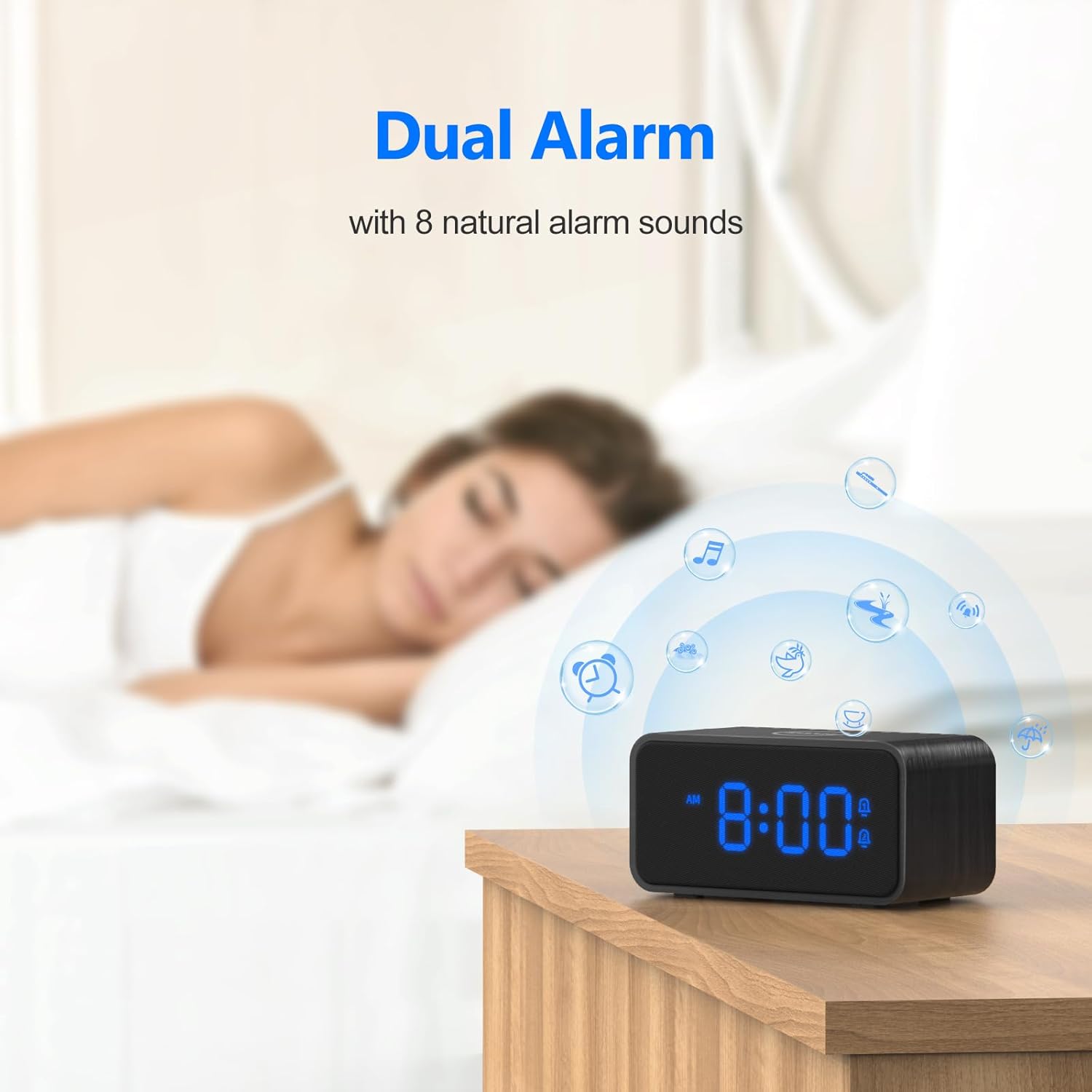
Image 5.1: Illustrates the wireless charging function and case thickness compatibility.
6. പ്രവർത്തന നിർദ്ദേശങ്ങൾ
6.1 Sound Machine Operation
The device offers 20 soothing sounds for relaxation and sleep.
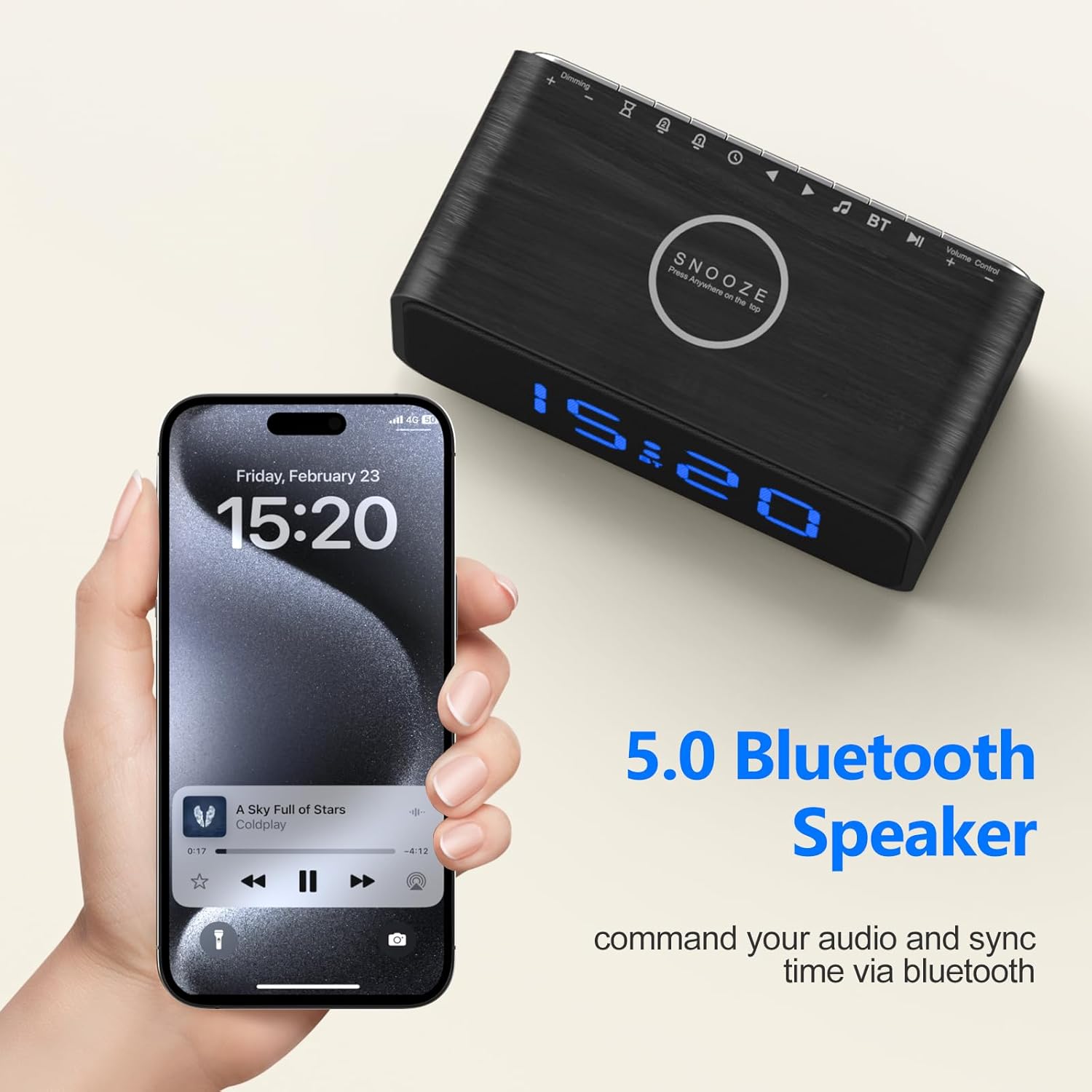
Image 6.1: Visual representation of the 20 soothing sounds available on the device.
- ശബ്ദങ്ങൾ തിരഞ്ഞെടുക്കുന്നു: അമർത്തുക ശബ്ദ തിരഞ്ഞെടുപ്പ് button to cycle through the 20 available sounds (e.g., rain, fan, ocean wave, white noise).
- വോളിയം ക്രമീകരിക്കുന്നു: തിരിക്കുക വോളിയം നിയന്ത്രണ ഡയൽ ശബ്ദ നില കൂട്ടുകയോ കുറയ്ക്കുകയോ ചെയ്യുക.
- സ്ലീപ്പ് ടൈമർ: Activate the sleep timer to automatically turn off the sound after a set duration (e.g., 30, 60, 90, 120 minutes). Refer to the device's specific button for timer settings.
6.2 അലാറം ക്ലോക്ക് പ്രവർത്തനങ്ങൾ
Set up to two independent alarms with natural wake-up sounds.
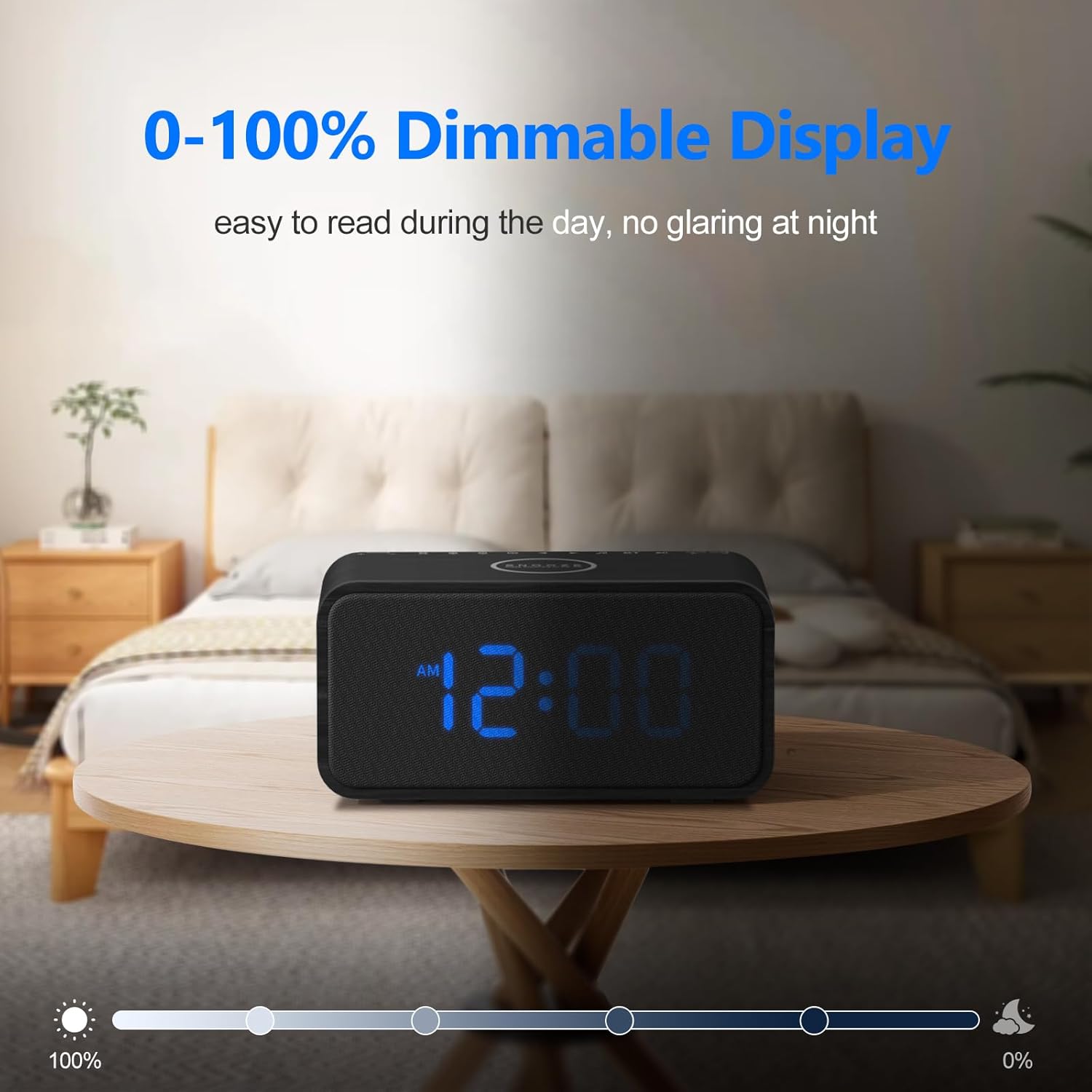
Image 6.2: The dual alarm feature with natural alarm sounds.
- അലാറങ്ങൾ സജ്ജീകരിക്കുക: അമർത്തിപ്പിടിക്കുക അലാറം 1 or അലാറം 2 button to enter alarm setting mode. Use the appropriate buttons (e.g., +/- or navigation buttons) to set the desired wake-up time and alarm sound (8 natural sounds available: Beep, Lullaby, Rain, Ocean Wave, Brook, Bell, Bird, Soft Music). Press the alarm button again to confirm.
- അലാറങ്ങൾ സജീവമാക്കൽ/നിർജ്ജീവമാക്കൽ: ചുരുക്കത്തിൽ അമർത്തുക അലാറം 1 or അലാറം 2 button to toggle the alarm on or off. An alarm icon will appear on the display when active.
- സ്നൂസ് പ്രവർത്തനം: അലാറം മുഴങ്ങുമ്പോൾ, അമർത്തുക ബട്ടൺ സ്നൂസ് ചെയ്യുക to temporarily silence it for 9 minutes.
6.3 ബ്ലൂടൂത്ത് സ്പീക്കർ
After successful pairing (Section 5.3), you can stream audio wirelessly.
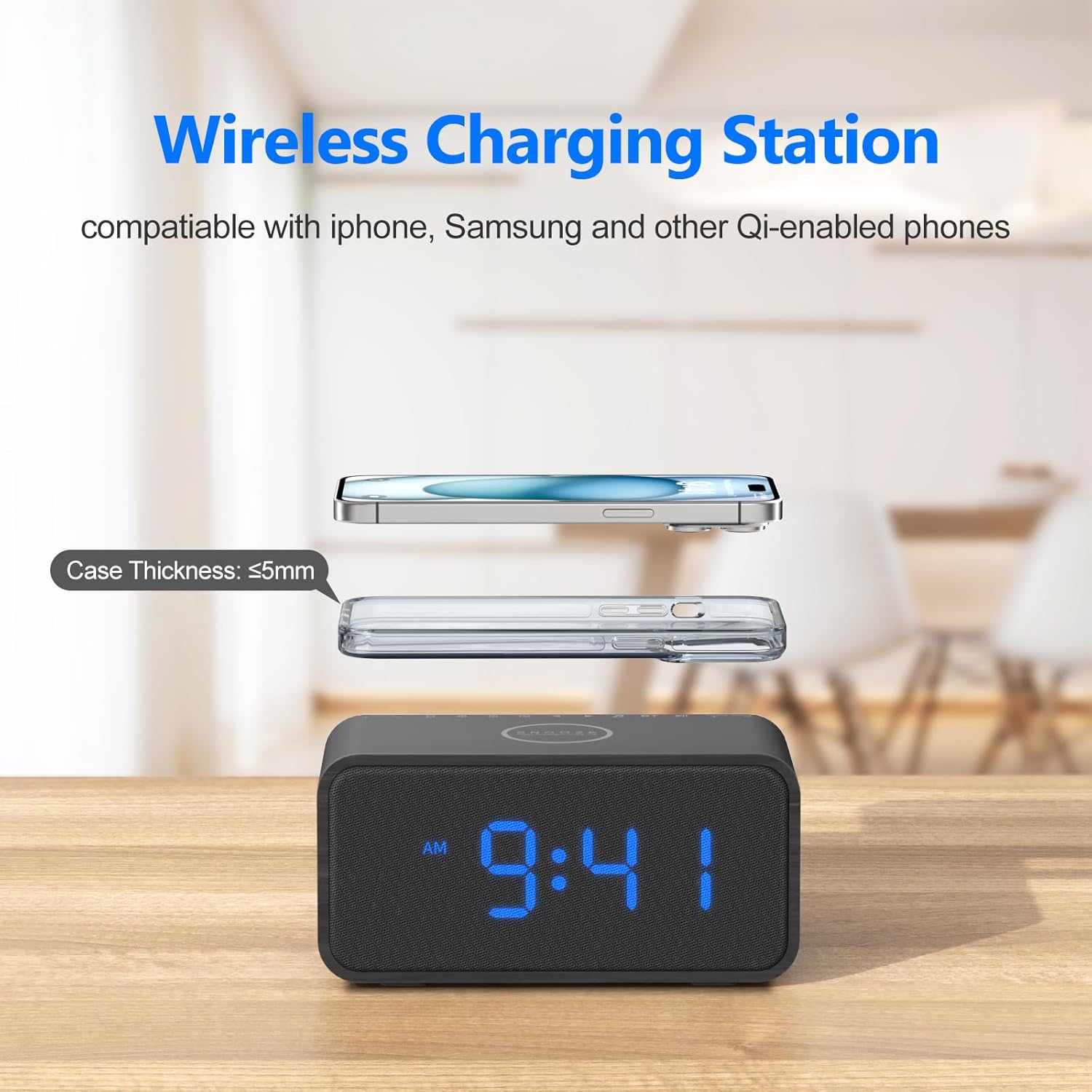
Image 6.3: Using the device as a Bluetooth speaker.
- Play audio from your connected device. The sound will output through the REACHER CR8 speaker.
- ഉപയോഗിക്കുക വോളിയം നിയന്ത്രണ ഡയൽ on the sound machine or your connected device to adjust playback volume.
6.4 ഡിസ്പ്ലേ തെളിച്ചം
Adjust the display brightness from 0% to 100% to suit your preference.
- തിരിക്കുക Dimmer Dial (usually located on the back or side) to increase or decrease the display brightness.
6.5 മെമ്മറി പ്രവർത്തനം
The built-in CR2023 button cell battery saves your last settings, including alarm times, sound preferences, and display brightness, in case of a power outage.
7. പരിപാലനം
To ensure the longevity and proper functioning of your REACHER CR8:
- വൃത്തിയാക്കൽ: ഉപകരണത്തിന്റെ പുറംഭാഗം വൃത്തിയാക്കാൻ മൃദുവായതും ഉണങ്ങിയതുമായ തുണി ഉപയോഗിക്കുക. ലിക്വിഡ് ക്ലീനറുകളോ ഉരച്ചിലുകളുള്ള വസ്തുക്കളോ ഉപയോഗിക്കരുത്.
- സംഭരണം: ദീർഘനേരം ഉപയോഗിക്കാത്തപ്പോൾ, ഉപകരണം തണുത്തതും വരണ്ടതുമായ സ്ഥലത്ത് സൂക്ഷിക്കുക, നേരിട്ടുള്ള സൂര്യപ്രകാശത്തിൽ നിന്നും കടുത്ത താപനിലയിൽ നിന്നും അകറ്റി നിർത്തുക.
- തടസ്സങ്ങൾ ഒഴിവാക്കുക: അമിതമായി ചൂടാക്കുന്നത് തടയാൻ വെൻ്റിലേഷൻ ഓപ്പണിംഗുകൾ തടഞ്ഞിട്ടില്ലെന്ന് ഉറപ്പാക്കുക.
8. പ്രശ്നപരിഹാരം
If you encounter issues with your REACHER CR8, refer to the following common problems and solutions:
| പ്രശ്നം | സാധ്യമായ കാരണം | പരിഹാരം |
|---|---|---|
| ഉപകരണം പവർ ഓണാക്കുന്നില്ല. | പവർ അഡാപ്റ്റർ ബന്ധിപ്പിച്ചിട്ടില്ല അല്ലെങ്കിൽ ഔട്ട്ലെറ്റ് തകരാറിലാണ്. | Ensure the power adapter is securely plugged into the device and a working electrical outlet. Try a different outlet. |
| വയർലെസ് ചാർജിംഗ് പ്രവർത്തിക്കുന്നില്ല. | Phone misalignment, thick case, or incompatible device. | Reposition your phone on the charging pad. Remove thick phone cases. Verify your device supports Qi wireless charging. |
| Bluetooth cannot connect. | Device not in pairing mode, or already connected to another device. | Ensure the sound machine is in Bluetooth pairing mode (flashing indicator). Disconnect from other devices. Restart both devices and try pairing again. |
| അലാറം മുഴങ്ങുന്നില്ല. | അലാറം സജീവമാക്കിയിട്ടില്ല അല്ലെങ്കിൽ ശബ്ദം വളരെ കുറവാണ്. | Check if the alarm is set and activated (alarm icon on display). Increase the alarm volume using the Volume Control Dial. |
| ഡിസ്പ്ലേ വളരെ മങ്ങിയതോ വളരെ തെളിച്ചമുള്ളതോ ആണ്. | ഡിമ്മർ ക്രമീകരണത്തിന് ക്രമീകരണം ആവശ്യമാണ്. | Rotate the Dimmer Dial to adjust the display brightness to your preference. |
9 സ്പെസിഫിക്കേഷനുകൾ
| ഫീച്ചർ | വിശദാംശങ്ങൾ |
|---|---|
| ഉൽപ്പന്ന അളവുകൾ | 6.7 x 3.4 x 3.1 ഇഞ്ച് |
| ഭാരം | 1.83 പൗണ്ട് |
| മോഡൽ നമ്പർ | CR8 |
| ബ്രാൻഡ് | റീച്ചർ |
| മെറ്റീരിയൽ | Wood, Fabric Display |
| പവർ ഉറവിടം | കോർഡഡ് ഇലക്ട്രിക് |
| വയർലെസ് ചാർജിംഗ് putട്ട്പുട്ട് | Up to 10W (7.5W for iPhone, 5W for standard Qi) |
| ബ്ലൂടൂത്ത് പതിപ്പ് | 5.0 |
| ശാന്തമായ ശബ്ദങ്ങൾ | 20 (Nature tones, white noise, fan sounds) |
| അലാറം ശബ്ദങ്ങൾ | 8 സ്വാഭാവിക ശബ്ദങ്ങൾ |
| ഡിമ്മർ പ്രദർശിപ്പിക്കുക | 0-100% ക്രമീകരിക്കാവുന്നതാണ് |
10. വാറൻ്റിയും പിന്തുണയും
REACHER products are designed for reliability and performance. For specific warranty details and customer support, please refer to the warranty card included with your purchase or visit the official REACHER brand store.
REACHER Brand Store: https://www.amazon.com/stores/Reacher/page/FF352095-024E-4C85-B412-EA14D63407D8


