ആമുഖം
This manual provides detailed instructions for the operation, maintenance, and troubleshooting of your NEWYES Scientific Calculator, Model 0402. Designed for students and professionals, this calculator offers 401 computing functions and a user-friendly 2-line display.
ഉൽപ്പന്ന സവിശേഷതകൾ
- 401 Computing Functions: Includes fractions, variable statistics, complex number calculations, linear regression, base arithmetic, computer science, standard deviation, and polar-rectangular conversions.
- 2-ലൈൻ ഡിസ്പ്ലേ: Simultaneously shows entry and calculated results, ideal for academic use.
- Dust-proof & Portable Design: Comes with a protective dust cover that can be attached to the back during use and covers the calculator for protection during storage.
- ഡ്യുവൽ പവർ സ്രോതസ്സ്: Features a solar panel for energy efficiency and a replaceable button battery for reliable long-term use.
- Sensitive Keys: Premium plastic keys offer a more sensitive and precise tactile experience compared to silicone keys.

ചിത്രം: മുൻഭാഗം view of the NEWYES Scientific Calculator, showcasing its blue color and key layout.
സജ്ജീകരണവും ആദ്യ ഉപയോഗവും
- അൺപാക്ക് ചെയ്യുന്നു: Carefully remove the calculator from its packaging. Ensure all components, including the calculator and dust cover, are present.
- ബാറ്ററി ഇൻസ്റ്റാളേഷൻ/പരിശോധന: The calculator comes with a pre-installed lithium metal button battery. The solar panel assists in power. If the display is dim, consider replacing the battery. Refer to the Maintenance section for battery replacement instructions.
- Attaching the Dust Cover: The dust cover can be slid onto the back of the calculator during use for convenience, or placed over the front for protection during storage.

Image: A user holding the NEWYES Scientific Calculator, demonstrating its 2-line display and the protective dust cover in use.
പ്രവർത്തന നിർദ്ദേശങ്ങൾ
അടിസ്ഥാന പ്രവർത്തനങ്ങൾ
- പവർ ഓൺ/ഓഫ്: അമർത്തുക ON button to turn on the calculator. Press SHIFT പിന്നെ AC (OFF) to turn off.
- എൻട്രി മായ്ക്കുക: അമർത്തുക AC to clear all entries and reset the calculator. Press DEL to delete the last entered digit.
- അടിസ്ഥാന ഗണിതം: Use the number keys and operators (+, -, ×, ÷) for standard calculations. Press = ഫലത്തിനായി.
Advanced Functions (401 Functions)
The calculator supports a wide range of scientific and statistical functions. Many functions are accessed by pressing the SHIFT or ആൽഫ key followed by the desired function key.
- ത്രികോണമിതി പ്രവർത്തനങ്ങൾ: ഉപയോഗിക്കുക പാപം, കോസ്, ടാൻ സൈൻ, കോസൈൻ, ടാൻജെന്റ് എന്നിവയ്ക്ക്. ഉപയോഗിക്കുക SHIFT + പാപം, കോസ്, ടാൻ for inverse trigonometric functions (പാപം⁻¹, കാരണം⁻¹, ടാൻ⁻¹).
- ലോഗരിഥമിക് പ്രവർത്തനങ്ങൾ: ഉപയോഗിക്കുക ലോഗ് പൊതു ലോഗരിതം (ബേസ് 10) നും ln സ്വാഭാവിക ലോഗരിതം (ബേസ് ഇ) ന്.
- ഭിന്നസംഖ്യകൾ: Input fractions using the a b/c താക്കോൽ.
- സ്ഥിതിവിവരക്കണക്കുകൾ: Enter STAT mode to perform statistical calculations like standard deviation and linear regression. Refer to the calculator's internal function guide (often printed on the dust cover or accessible via MODE) for specific steps.
- മെമ്മറി പ്രവർത്തനങ്ങൾ: ഉപയോഗിക്കുക STO to store values and ആർസിഎൽ to recall values from memory. M+ adds the displayed value to memory, M- കുറയ്ക്കുന്നു.
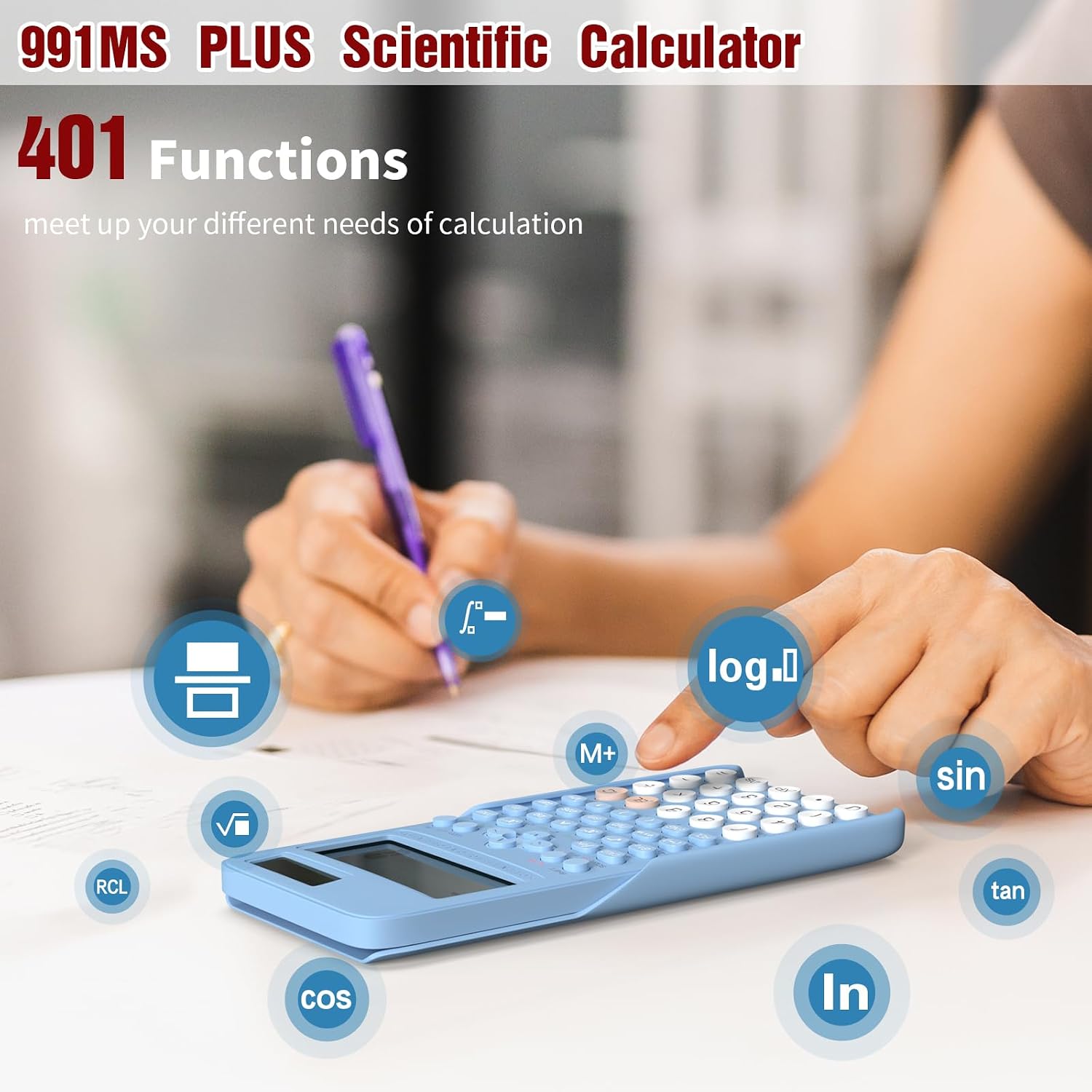
Image: A user operating the calculator, illustrating the various functions available, such as sine, cosine, tangent, logarithm, and memory recall.
Video: Demonstration of the NEWYES Scientific Calculator's portability and ease of use, showing it being carried and used in various settings.
മെയിൻ്റനൻസ്
- വൃത്തിയാക്കൽ: കാൽക്കുലേറ്ററിന്റെ പുറംഭാഗം വൃത്തിയാക്കാൻ മൃദുവായതും ഉണങ്ങിയതുമായ തുണി ഉപയോഗിക്കുക. കഠിനമായ അഴുക്കിന്, ചെറുതായി dampതുണിയിൽ വെള്ളം ഒഴിക്കുക. കഠിനമായ രാസവസ്തുക്കളോ അബ്രസീവ് ക്ലീനറുകളോ ഉപയോഗിക്കുന്നത് ഒഴിവാക്കുക.
- സംഭരണം: When not in use, store the calculator with its dust cover in a cool, dry place away from direct sunlight and extreme temperatures.
- ബാറ്ററി മാറ്റിസ്ഥാപിക്കൽ: The calculator uses 1 Lithium Metal button battery. To replace, carefully open the battery compartment on the back of the calculator. Replace with a new battery of the same type, ensuring correct polarity. Dispose of old batteries responsibly.

Image: The calculator being easily stored in a bag, highlighting its compact and portable design.
ട്രബിൾഷൂട്ടിംഗ്
| പ്രശ്നം | സാധ്യമായ കാരണം | പരിഹാരം |
|---|---|---|
| ഡിസ്പ്ലേ മങ്ങിയതോ ശൂന്യമോ ആണ്. | Low battery or insufficient light for solar panel. | Ensure adequate lighting for the solar panel. Replace the button battery if the issue persists. |
| കീ അമർത്തുമ്പോൾ കാൽക്കുലേറ്റർ പ്രതികരിക്കുന്നില്ല. | Calculator is off or in an error state. | അമർത്തുക ON ഓൺ ചെയ്യാൻ. അമർത്തുക AC to clear any error. If unresponsive, remove and reinsert the battery. |
| തെറ്റായ കണക്കുകൂട്ടൽ ഫലങ്ങൾ. | Incorrect mode setting or input error. | Check the current mode (e.g., DEG, RAD, GRAD). Press മോഡ് to cycle through modes. Verify input values and operation sequence. |
സ്പെസിഫിക്കേഷനുകൾ
- മോഡൽ നമ്പർ: 0402
- ഉൽപ്പന്ന അളവുകൾ: 2.55 x 1.37 x 0.1 ഇഞ്ച്
- ഇനത്തിൻ്റെ ഭാരം: 6.4 ഔൺസ്
- കാൽക്കുലേറ്റർ തരം: എഞ്ചിനീയറിംഗ്/സയന്റിഫിക്
- ഊർജ്ജ സ്രോതസ്സ്: Solar and 1 Lithium Metal button battery (included)
- പ്രവർത്തനങ്ങളുടെ എണ്ണം: 401
- ഡിസ്പ്ലേ തരം: 2-ലൈൻ ഡിസ്പ്ലേ
- നിറം: നീല
- നിർമ്മാതാവ്: NEWYES
- മാതൃരാജ്യം: ചൈന

Image: Visual representation of the calculator's dimensions, showing its compact size relative to a smartphone.
വാറൻ്റിയും പിന്തുണയും
For warranty information and customer support, please refer to the documentation included with your purchase or visit the official NEWYES webവാറന്റി ക്ലെയിമുകൾക്കുള്ള വാങ്ങലിന്റെ തെളിവായി നിങ്ങളുടെ വാങ്ങൽ രസീത് സൂക്ഷിക്കുക.
നിർമ്മാതാവ്: NEWYES
For further assistance, you may contact NEWYES customer service through their official channels. Links to the brand store are often available on the product's retail page.

Image: A collage showing various users, including students and professionals, utilizing the NEWYES Scientific Calculator in different academic and work environments.


